AppRecs review analysis
AppRecs rating 4.0. Trustworthiness 79 out of 100. Review manipulation risk 21 out of 100. Based on a review sample analyzed.
★★★★☆
4.0
AppRecs Rating
Ratings breakdown
5 star
60%
4 star
15%
3 star
5%
2 star
5%
1 star
15%
What to know
✓
Low review manipulation risk
21% review manipulation risk
✓
Credible reviews
79% trustworthiness score from analyzed reviews
✓
High user satisfaction
75% of sampled ratings are 4+ stars (4.0★ average)
About Mycons - Aesthetic App Icons
So what is this?
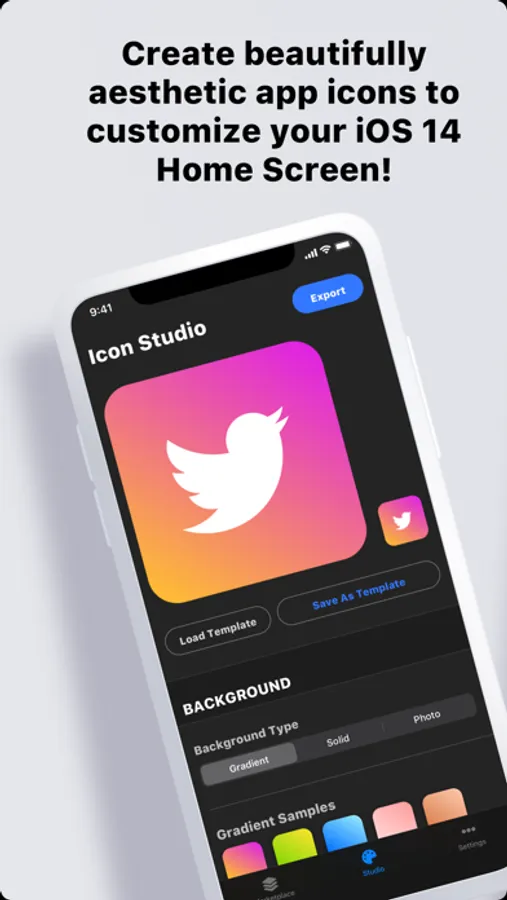
To put it simply, it's an app icon maker design tool, to help you make your iOS 14 Home screen look aesthetic and beautiful with custom icons. Also, "Mycons" = "my icons"... get it??? Right... moving on...
How does it work?
Design your custom icons in the "Icon Studio" section. Think of a Mycons icon as being made up of 2 components. A background, and an overlayed symbol/logo. Design your custom background with colors, gradients, photos, etc. Then, select a logo or symbol to place somewhere over it. Export your beautifully aesthetic app icons from Mycons, then use the Shortcuts app to create your beautifully aesthetic Home Screen!
Marketplace?
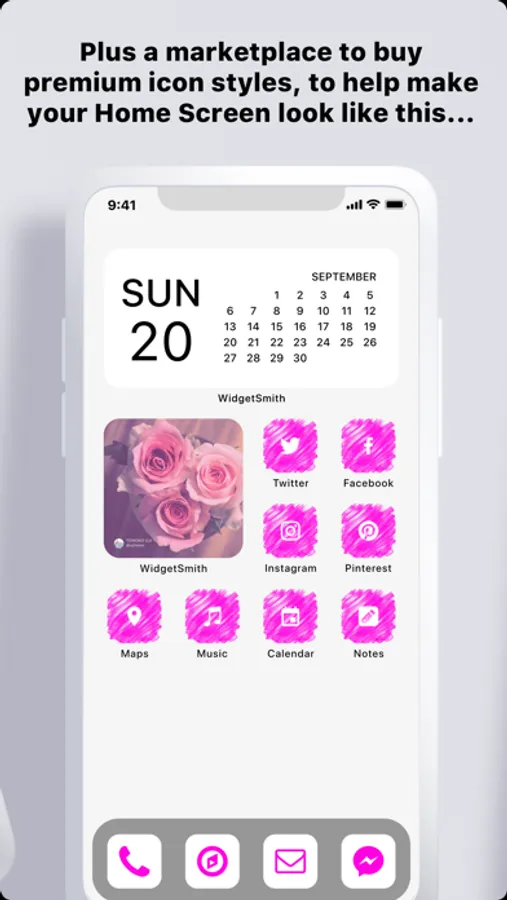
You can also buy premium theme packs in the marketplace, if you want. They all come with free iPhone wallpapers too!
Why is this better than buying icon packs?
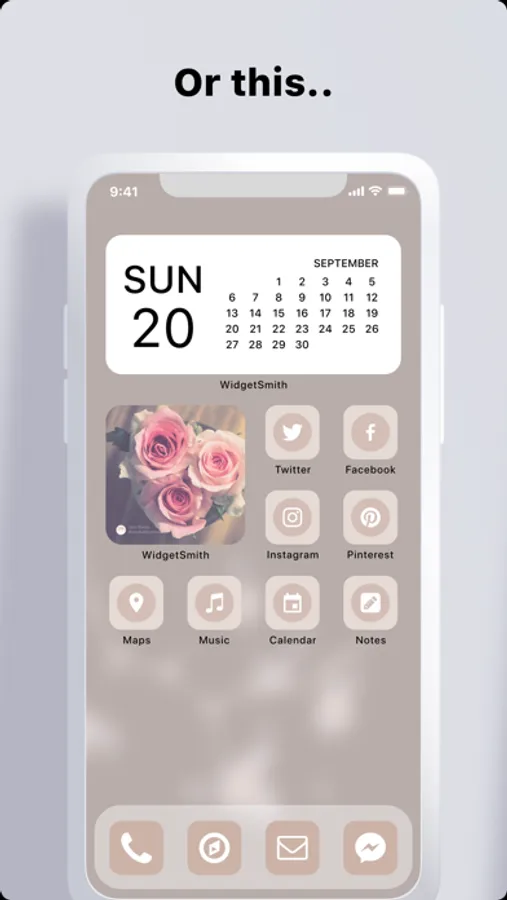
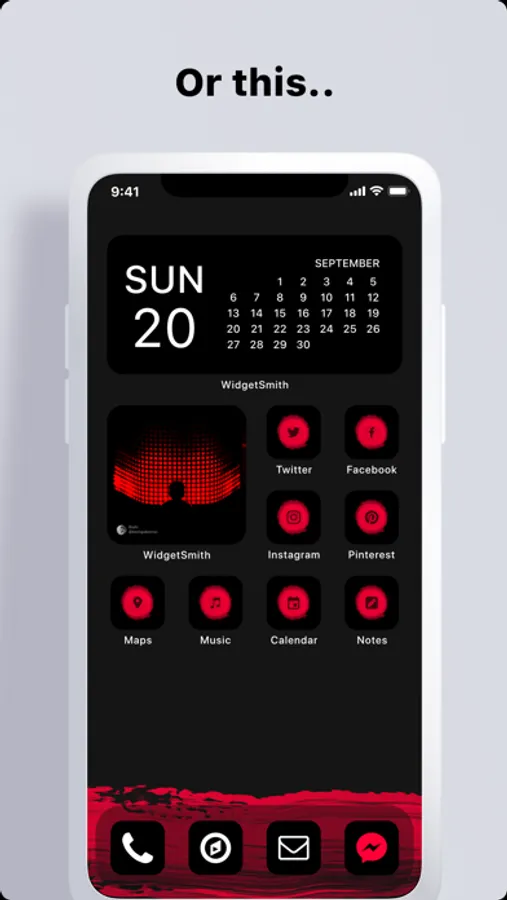
Exponential flexibility! When you spend $7-$20 on other premium icon packs, you only get a limited set of icons. If the pack doesn’t have one with the Pinterest logo... how do you know your new pretty icon is for the Pinterest app? Mycons works differently. You still get beautiful custom icons, but you can stamp them with your pick from thousands of brand logos and symbols.
To put it simply, it's an app icon maker design tool, to help you make your iOS 14 Home screen look aesthetic and beautiful with custom icons. Also, "Mycons" = "my icons"... get it??? Right... moving on...
How does it work?
Design your custom icons in the "Icon Studio" section. Think of a Mycons icon as being made up of 2 components. A background, and an overlayed symbol/logo. Design your custom background with colors, gradients, photos, etc. Then, select a logo or symbol to place somewhere over it. Export your beautifully aesthetic app icons from Mycons, then use the Shortcuts app to create your beautifully aesthetic Home Screen!
Marketplace?
You can also buy premium theme packs in the marketplace, if you want. They all come with free iPhone wallpapers too!
Why is this better than buying icon packs?
Exponential flexibility! When you spend $7-$20 on other premium icon packs, you only get a limited set of icons. If the pack doesn’t have one with the Pinterest logo... how do you know your new pretty icon is for the Pinterest app? Mycons works differently. You still get beautiful custom icons, but you can stamp them with your pick from thousands of brand logos and symbols.