AppRecs review analysis
AppRecs rating 3.9. Trustworthiness 76 out of 100. Review manipulation risk 27 out of 100. Based on a review sample analyzed.
★★★☆☆
3.9
AppRecs Rating
Ratings breakdown
5 star
75%
4 star
0%
3 star
4%
2 star
0%
1 star
21%
What to know
✓
Low review manipulation risk
27% review manipulation risk
✓
Credible reviews
76% trustworthiness score from analyzed reviews
✓
High user satisfaction
75% of sampled ratings are 4+ stars (4.1★ average)
About FS Map Tool
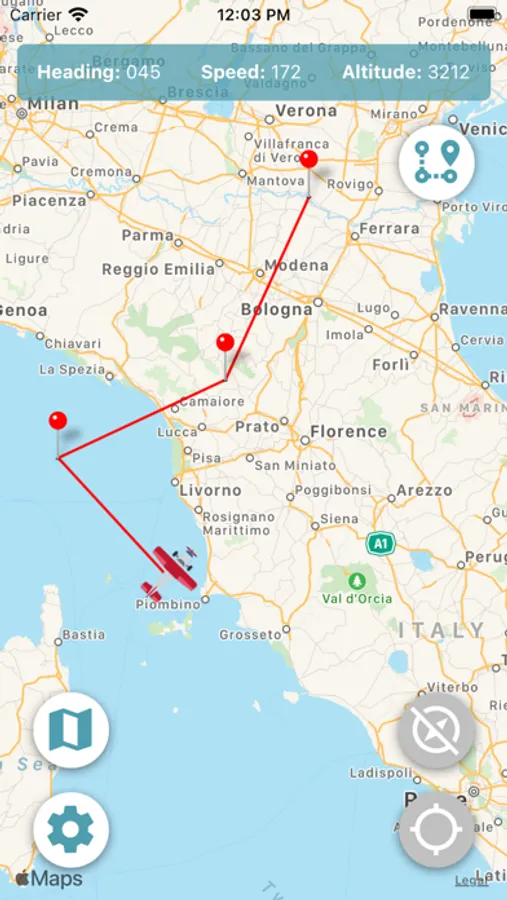
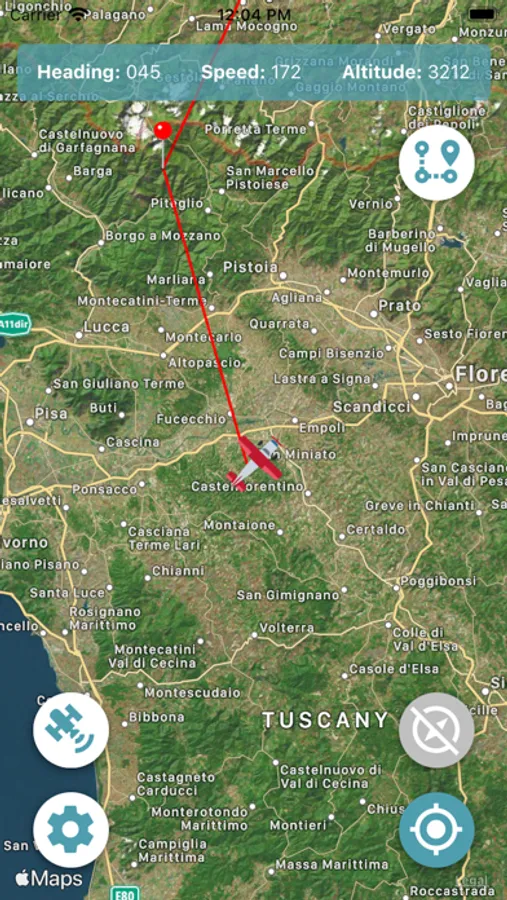
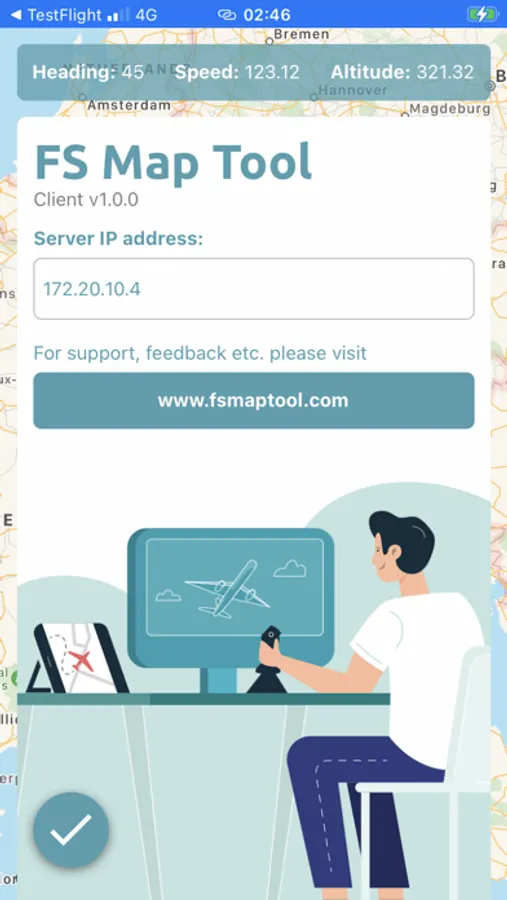
Find your way around in Microsoft Flight Simulator 2020/2024 using FS Map Tool, the intuitive and easy to use companion app that makes your flight experience a real flight simmer's delight.
- Switchable map types (satellite or plain)
- Teleportation
- Switchable plane icons
- Add/delete/move waypoints
- Auto-follow mode toggle
- Lock view to plane orientation or north
- Display additional parameters like altitude, speed and heading
- Works on tablets and phones
- Updated regularly
New waypoins can be added by long-pressing on a map location. Tap an existing waypoint to open a context menu where you can delete it. Long-press and drag an waypoints to move them around.
Happy flying!
- Switchable map types (satellite or plain)
- Teleportation
- Switchable plane icons
- Add/delete/move waypoints
- Auto-follow mode toggle
- Lock view to plane orientation or north
- Display additional parameters like altitude, speed and heading
- Works on tablets and phones
- Updated regularly
New waypoins can be added by long-pressing on a map location. Tap an existing waypoint to open a context menu where you can delete it. Long-press and drag an waypoints to move them around.
Happy flying!