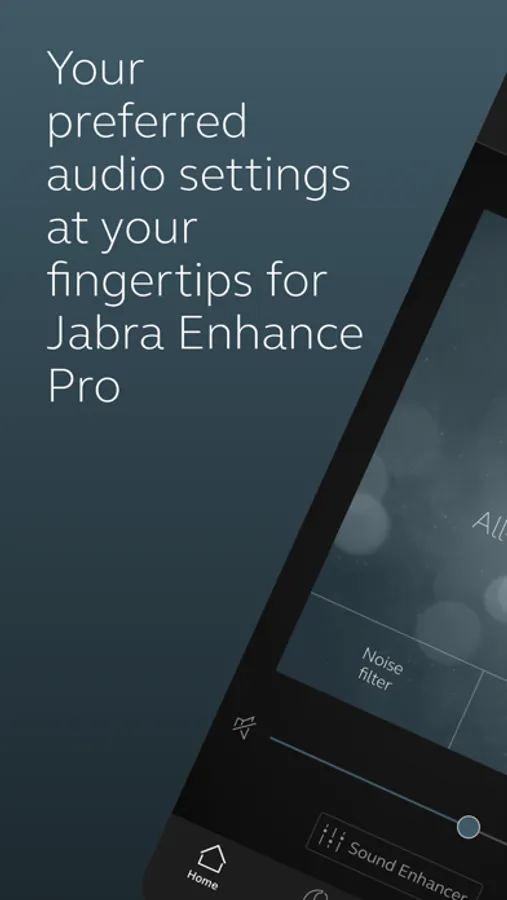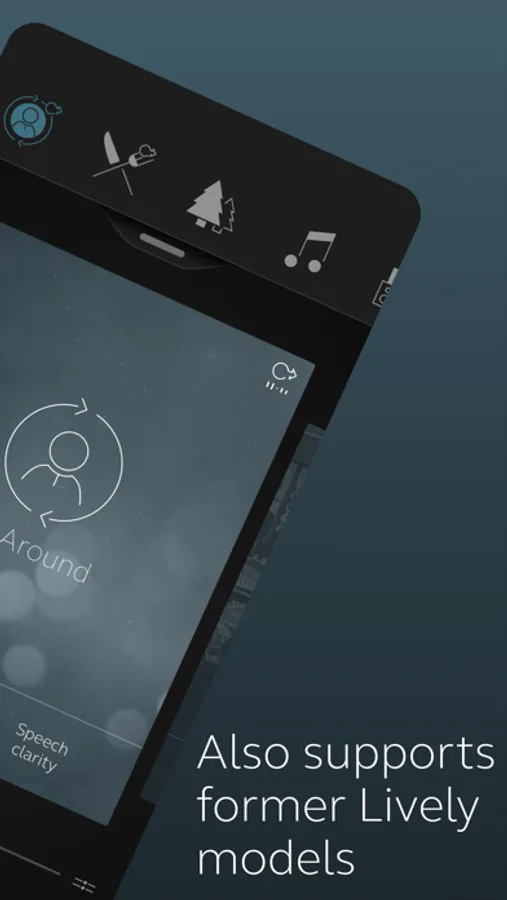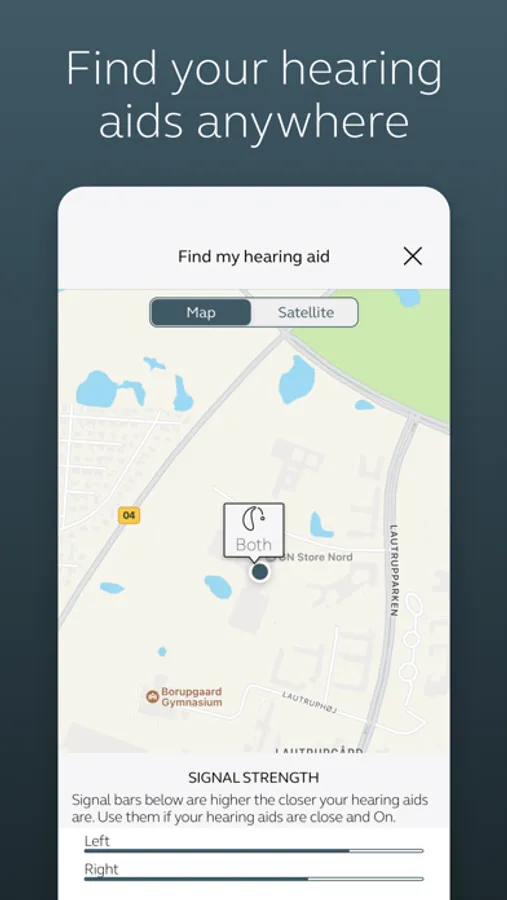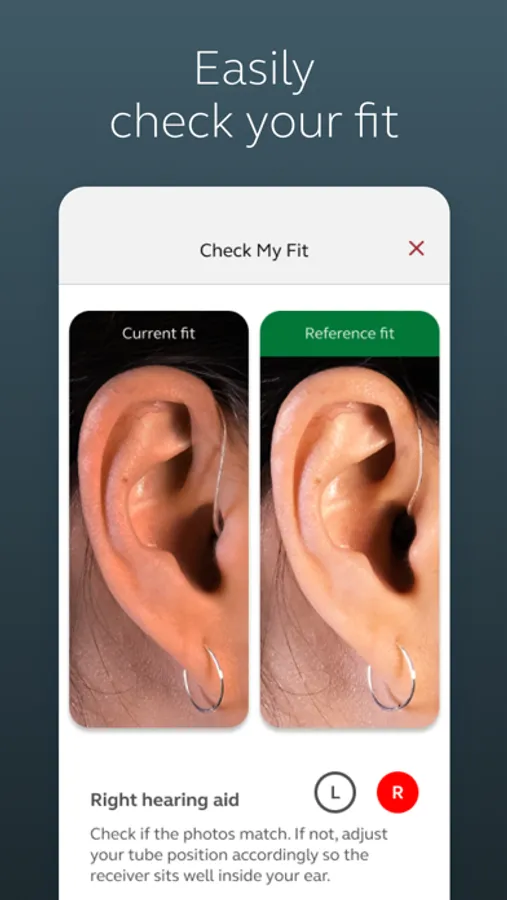
In this hearing aid control app, you can customize sound settings, change programs, and save favorites. Includes remote adjustment by professionals, battery monitoring, and lost device location features.
AppRecs review analysis
AppRecs rating 4.1. Trustworthiness 81 out of 100. Review manipulation risk 22 out of 100. Based on a review sample analyzed.
★★★★☆
4.1
AppRecs Rating
Ratings breakdown
5 star
69%
4 star
25%
3 star
5%
2 star
0%
1 star
0%
What to know
✓
Low review manipulation risk
22% review manipulation risk
✓
Credible reviews
81% trustworthiness score from analyzed reviews
⚠
Ad complaints
Many low ratings mention excessive ads
About Jabra Enhance Pro
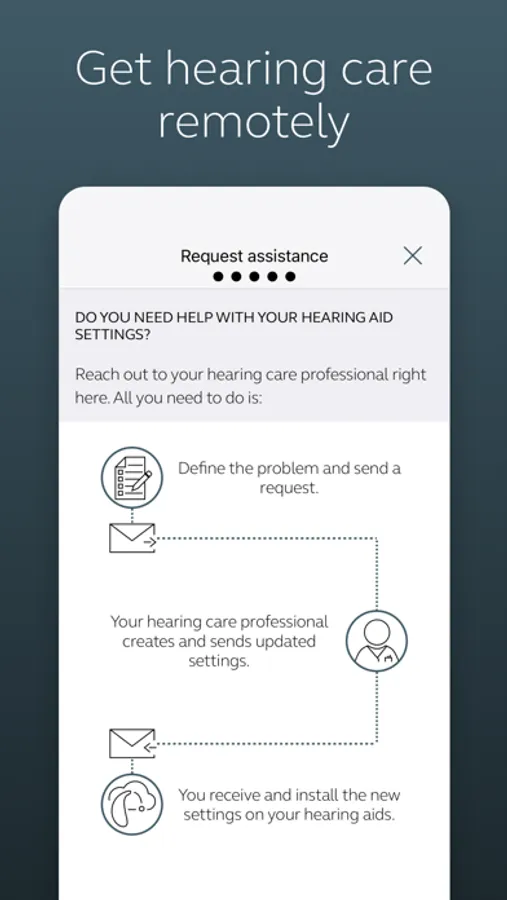
The Enhance Pro app lets you control your hearing aids directly from your mobile device. You can change programs, and make simple or more advanced sound adjustments and save them as favorites. The app helps you learn what you can do and how to do it. It can even help you find your hearing aids if you lose them. Last, but not least, you can have your hearing care professional update your hearing aid programs and send you new hearing aid software without taking a trip to the clinic.
Enhance Pro device compatibility:
Please consult the Enhance Pro app website for up-to-date compatibility information: www.jabra.com/supportpages/jabra-enhance-pro-compatibility
Use the Enhance Pro app to:
• Enjoy optimization anywhere with online services: Request help with your hearing aid settings from your hearing care professional and receive new settings and software updates.
• Adjust volume settings on your hearing aids
• Mute your hearing aids
• Adjust volume of your streaming accessories
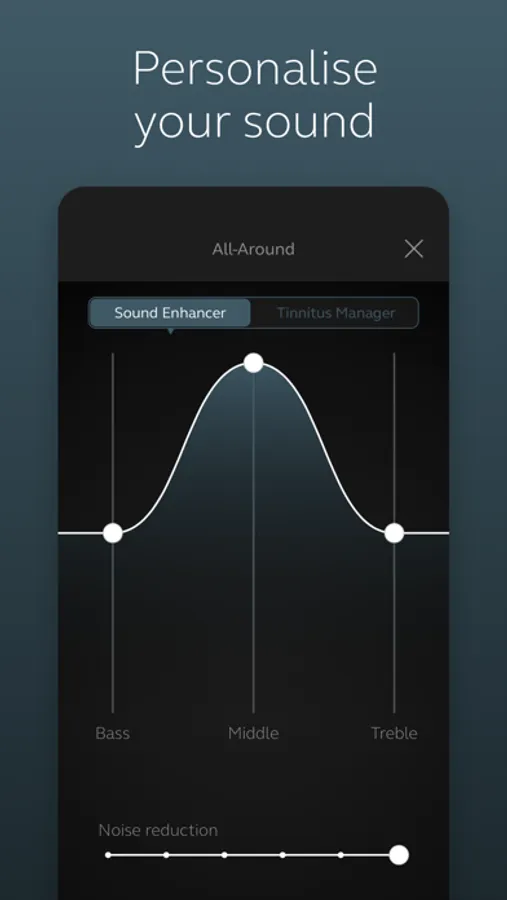
• Adjust speech focus as well as noise and wind-noise levels with Sound Enhancer (feature availability depends on your hearing aid model and the fitting by your hearing care professional)
• Change manual and streamer programs
• Edit and personalize program names
• Adjust treble, middle and bass tones to your preferences
• Save your preferred settings as a Favorite – you can even tag to a location
• Monitor the battery status of your rechargeable hearing aids
• Help locate lost or misplaced hearing aids
• Tinnitus manager: Adjust sound variation and frequency of the Tinnitus Sound Generator. Select Nature Sounds (feature availability depends on your hearing aid model and the fitting by your hearing care professional)
For more information please visit the support website via the link in the app store.
Enhance Pro device compatibility:
Please consult the Enhance Pro app website for up-to-date compatibility information: www.jabra.com/supportpages/jabra-enhance-pro-compatibility
Use the Enhance Pro app to:
• Enjoy optimization anywhere with online services: Request help with your hearing aid settings from your hearing care professional and receive new settings and software updates.
• Adjust volume settings on your hearing aids
• Mute your hearing aids
• Adjust volume of your streaming accessories
• Adjust speech focus as well as noise and wind-noise levels with Sound Enhancer (feature availability depends on your hearing aid model and the fitting by your hearing care professional)
• Change manual and streamer programs
• Edit and personalize program names
• Adjust treble, middle and bass tones to your preferences
• Save your preferred settings as a Favorite – you can even tag to a location
• Monitor the battery status of your rechargeable hearing aids
• Help locate lost or misplaced hearing aids
• Tinnitus manager: Adjust sound variation and frequency of the Tinnitus Sound Generator. Select Nature Sounds (feature availability depends on your hearing aid model and the fitting by your hearing care professional)
For more information please visit the support website via the link in the app store.