With this parking payment app, you can pay for parking spaces using your credit card and manage multiple vehicles easily. Includes location directions, parking duration options, and receipts via text messages.
AppRecs review analysis
AppRecs rating 3.3. Trustworthiness 74 out of 100. Review manipulation risk 24 out of 100. Based on a review sample analyzed.
★★★☆☆
3.3
AppRecs Rating
Ratings breakdown
5 star
61%
4 star
5%
3 star
2%
2 star
2%
1 star
29%
What to know
✓
Low review manipulation risk
24% review manipulation risk
⚠
Pricing complaints
Many low ratings mention paywalls or pricing
⚠
High negative review ratio
31% of sampled ratings are 1–2 stars
About ParkSmart-MobilePay
Say goodbye to fumbling for coins, remembering parking space numbers, or that long trip back to the car to put something on the dashboard. With ParkSmart–MobilePay, all that hassle is a thing of the past.
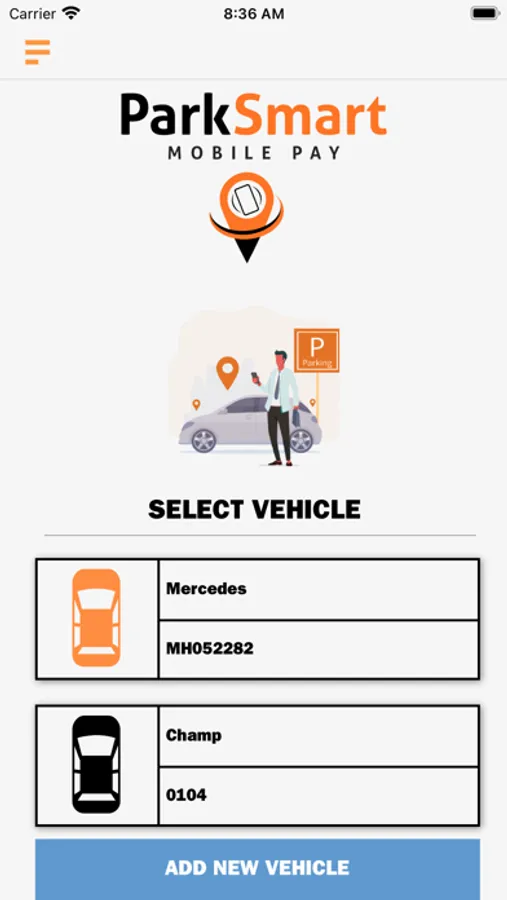
To make it as easy as possible, download the secure app in advance and enter your license plate number and credit card information. (You can even enter multiple vehicles.) Then, the whole process is as simple as 1-2-3.
1) Once you arrive at the lot, enter the parking lot location number on the sign.
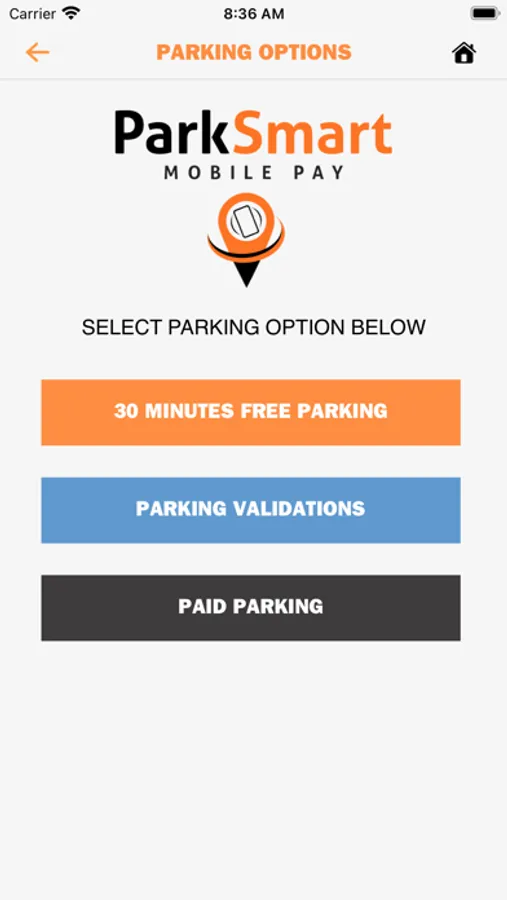
2) Select how long you’ll be staying.
3) Pay with a single click.
ParkSmart–MobilePay will then send you confirmation and a receipt via text, and you’re all done.
Of course, you can also enter your license plate number and credit card information when you arrive, but with ParkSmart lots all over Northern California, why not make things as simple as possible and download the app today?
In fact, you can even get directions to the parking lot of your choice. Just select the icon of the lot that works best for you, and ParkSmart–MobilePay will send directions to your phone.
If you’re looking for monthly parking, many ParkSmart–MobilePay locations have monthly parking options as well. After booking your monthly space in advance, you can park in the lot each day without having to worry about re-entering your car or license plate information.
We know parking is never high on your list of fun things to do, but with ParkSmart–MobilePay, parking is as painless as parking can be.
To make it as easy as possible, download the secure app in advance and enter your license plate number and credit card information. (You can even enter multiple vehicles.) Then, the whole process is as simple as 1-2-3.
1) Once you arrive at the lot, enter the parking lot location number on the sign.
2) Select how long you’ll be staying.
3) Pay with a single click.
ParkSmart–MobilePay will then send you confirmation and a receipt via text, and you’re all done.
Of course, you can also enter your license plate number and credit card information when you arrive, but with ParkSmart lots all over Northern California, why not make things as simple as possible and download the app today?
In fact, you can even get directions to the parking lot of your choice. Just select the icon of the lot that works best for you, and ParkSmart–MobilePay will send directions to your phone.
If you’re looking for monthly parking, many ParkSmart–MobilePay locations have monthly parking options as well. After booking your monthly space in advance, you can park in the lot each day without having to worry about re-entering your car or license plate information.
We know parking is never high on your list of fun things to do, but with ParkSmart–MobilePay, parking is as painless as parking can be.