About ClipOCR Pro
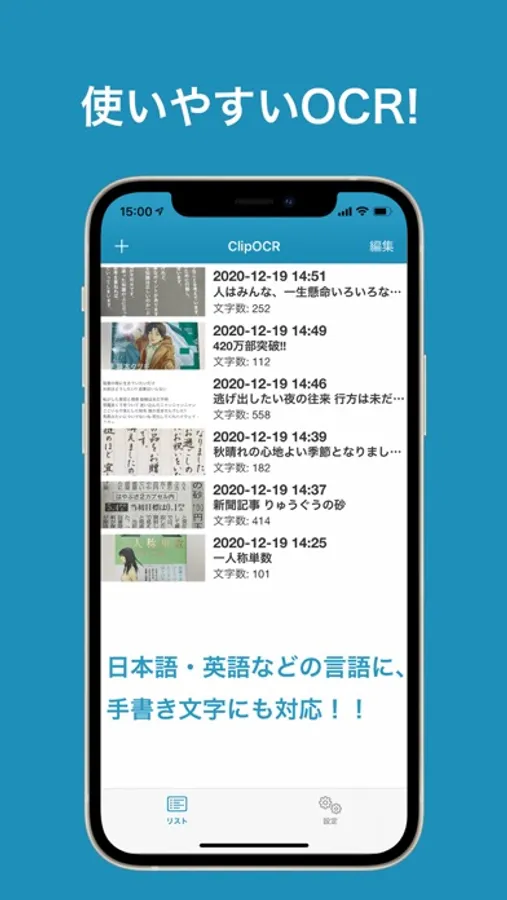
An AI scanner strong in Japanese OCR. Handwriting and vertical text become editable in an instant.
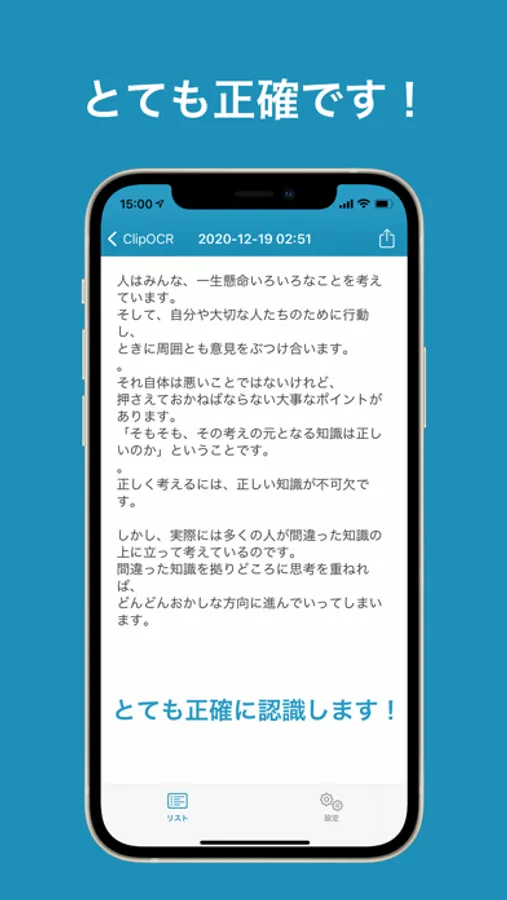
ClipOCR Pro reads printed and handwritten text from the camera or photos with high accuracy, then converts it into editable digital text you can save and share. It supports Japanese vertical/horizontal writing and multiple languages including English.
Premium removes ads for an even smoother experience.
Key Features
• AI OCR: Supports Japanese (vertical/horizontal), English, and many other languages
• Handwriting recognition: Turn notes and memos into text
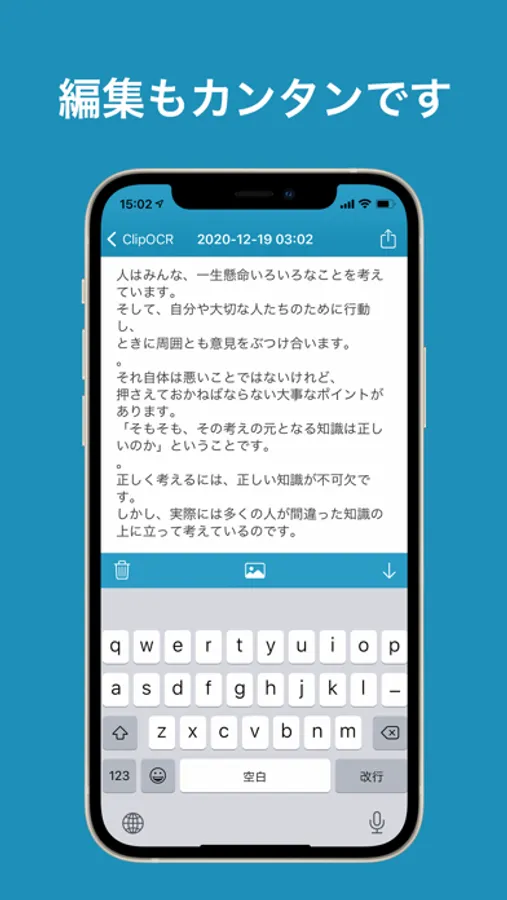
• Image → Text: Copy, search, translate, and share with ease
• Quick sharing: Send to Mail, SNS, Evernote/LINE/Dropbox/Google Drive, and more
• Autosave: Work safely without losing progress
• Dark Mode support
• File saving: Images as .png, text as .txt
How to Use (3 Steps)
Tap the camera (top-left) to shoot or choose a photo from the album
Crop the area you want to recognize
The AI auto-detects the language and converts to text for editing/sharing
Who It’s For
• Quickly capture quotes from newspapers, magazines, and books
• Organize study notes and reports as text
• Manage text from business cards and documents as data
• Copy only the text from images and use it anywhere
About Premium
• No ads are shown
• A more streamlined UI for stress-free use
Notes
• Internet connection is required for AI recognition
Support
https://adolfoi.info/
Privacy Policy
https://adolfoi.info/page_id197/
Terms of Use
https://adolfoi.info/page_id501/
Contact
https://adolfoi.info/support/
ClipOCR Pro reads printed and handwritten text from the camera or photos with high accuracy, then converts it into editable digital text you can save and share. It supports Japanese vertical/horizontal writing and multiple languages including English.
Premium removes ads for an even smoother experience.
Key Features
• AI OCR: Supports Japanese (vertical/horizontal), English, and many other languages
• Handwriting recognition: Turn notes and memos into text
• Image → Text: Copy, search, translate, and share with ease
• Quick sharing: Send to Mail, SNS, Evernote/LINE/Dropbox/Google Drive, and more
• Autosave: Work safely without losing progress
• Dark Mode support
• File saving: Images as .png, text as .txt
How to Use (3 Steps)
Tap the camera (top-left) to shoot or choose a photo from the album
Crop the area you want to recognize
The AI auto-detects the language and converts to text for editing/sharing
Who It’s For
• Quickly capture quotes from newspapers, magazines, and books
• Organize study notes and reports as text
• Manage text from business cards and documents as data
• Copy only the text from images and use it anywhere
About Premium
• No ads are shown
• A more streamlined UI for stress-free use
Notes
• Internet connection is required for AI recognition
Support
https://adolfoi.info/
Privacy Policy
https://adolfoi.info/page_id197/
Terms of Use
https://adolfoi.info/page_id501/
Contact
https://adolfoi.info/support/