AppRecs review analysis
AppRecs rating 1.0. Trustworthiness 61 out of 100. Review manipulation risk 29 out of 100. Based on a review sample analyzed.
★☆☆☆☆
1.0
AppRecs Rating
Ratings breakdown
5 star
4%
4 star
0%
3 star
4%
2 star
0%
1 star
92%
What to know
✓
Low review manipulation risk
29% review manipulation risk
⚠
Mixed user feedback
Average 1.2★ rating suggests room for improvement
About Vivitar 922EIS
Want to control your camera using your cell phone?
So this is the application you must have on your device to control the visional action camera.
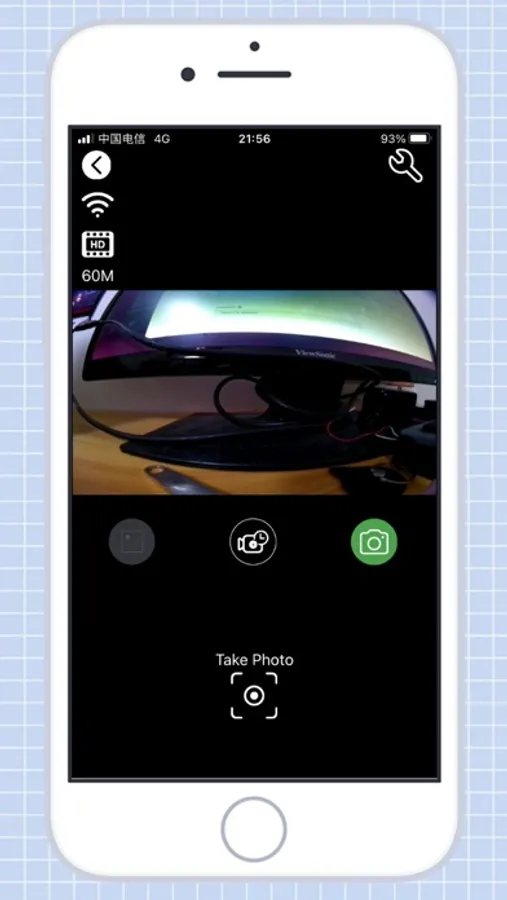
After establishing the connection of the camera with your smartphone, it offers real-time viewing of the video streaming from the camera, start recordings, take photos, see the photo you took and download the video or image.
How to connect:
1. Activate the camera's wifi
2. Connect your smartphone to the camera's wifi. The connection password is in the manual.
3. Open the vivitar 922eis application
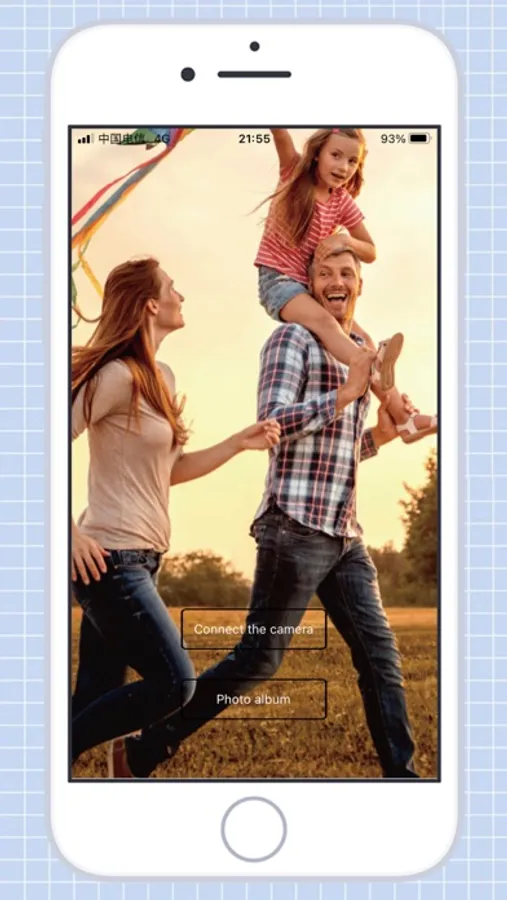
4. Click the 'connect' button
Camera functions with the app:
1. Live view of the camera
2. In live view mode, you can trigger the camera to take videos or photos
3. Continuous shooting mode
4. Timer trigger mode
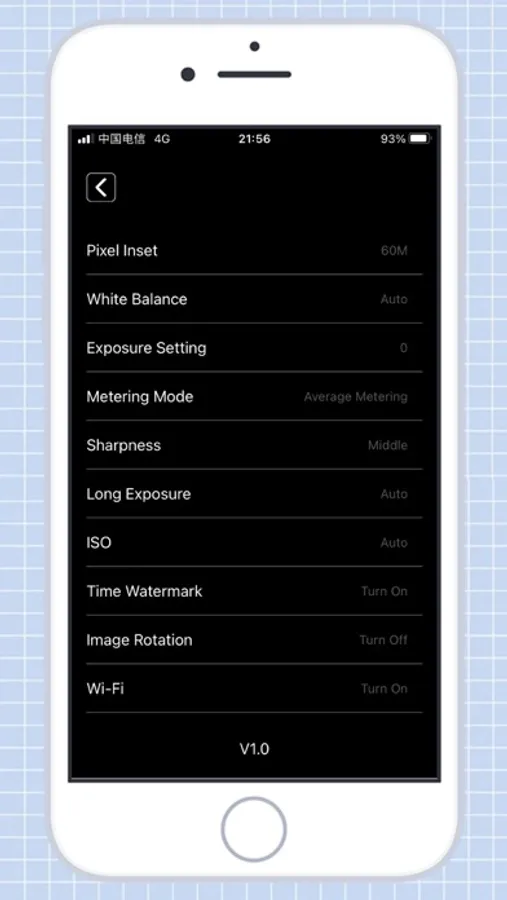
5. Change the video quality
6. Change the image quality
7. You can format the camera's SD card
8. List the photo and video files
9. Download or delete the files
10. Photo reproduction
11. Video playback with audio
So this is the application you must have on your device to control the visional action camera.
After establishing the connection of the camera with your smartphone, it offers real-time viewing of the video streaming from the camera, start recordings, take photos, see the photo you took and download the video or image.
How to connect:
1. Activate the camera's wifi
2. Connect your smartphone to the camera's wifi. The connection password is in the manual.
3. Open the vivitar 922eis application
4. Click the 'connect' button
Camera functions with the app:
1. Live view of the camera
2. In live view mode, you can trigger the camera to take videos or photos
3. Continuous shooting mode
4. Timer trigger mode
5. Change the video quality
6. Change the image quality
7. You can format the camera's SD card
8. List the photo and video files
9. Download or delete the files
10. Photo reproduction
11. Video playback with audio