Proxyman - Capture HTTPS
Proxyman LLC
4.8 ★
store rating
Free
AppRecs review analysis
AppRecs rating 4.3. Trustworthiness 69 out of 100. Review manipulation risk 28 out of 100. Based on a review sample analyzed.
★★★★☆
4.3
AppRecs Rating
Ratings breakdown
5 star
91%
4 star
4%
3 star
2%
2 star
0%
1 star
3%
What to know
✓
Low review manipulation risk
28% review manipulation risk
✓
High user satisfaction
91% of sampled ratings are 5 stars
About Proxyman - Capture HTTPS
Meet a superb Web Debugging Proxy that can act like a middle-man, aka Proxyman.
### Features
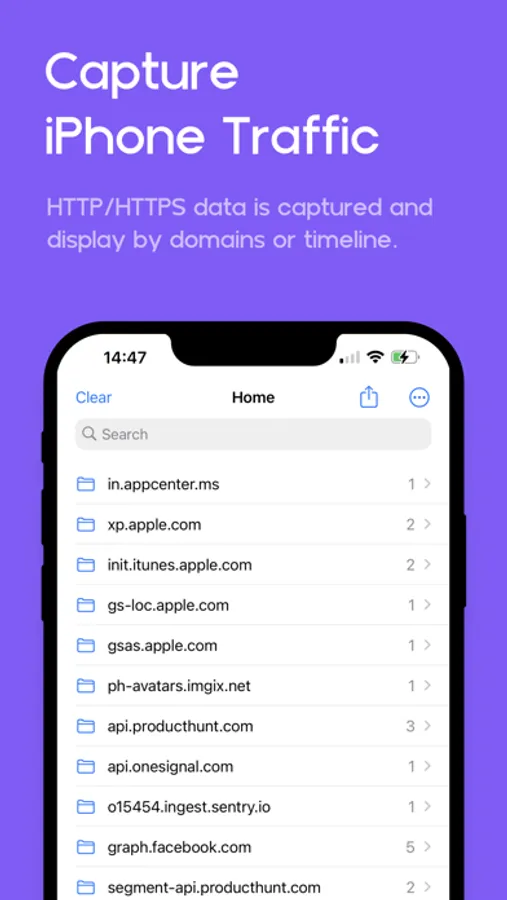
- Directly Capture & Inspect HTTP/HTTPS from your iOS/iPad Devices without using MacBooks.
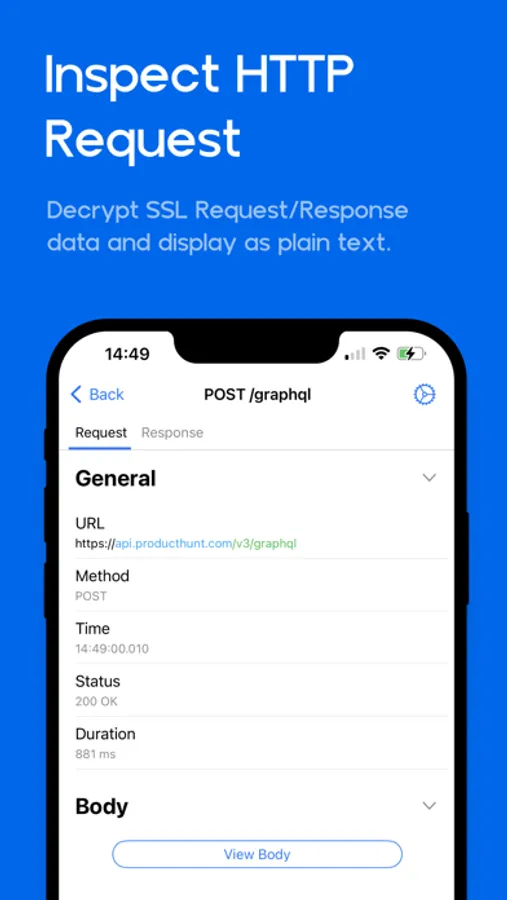
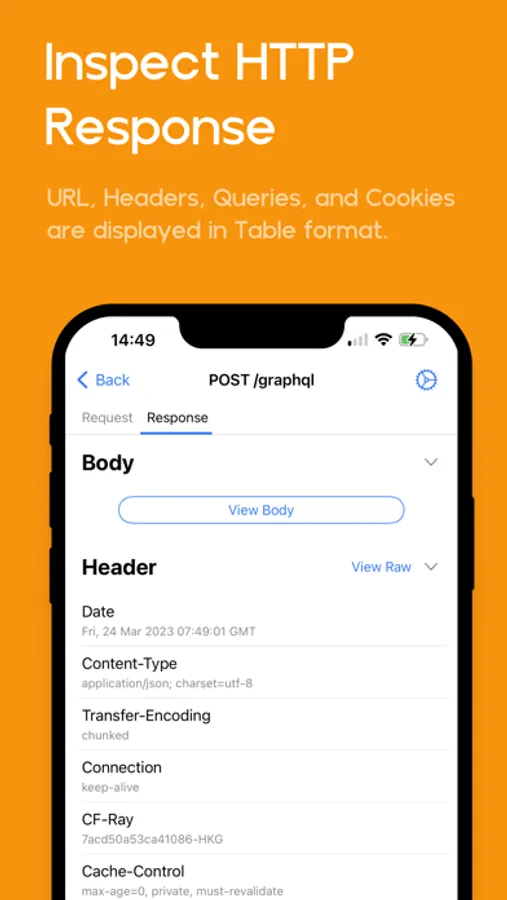
- Decrypt and View HTTP/HTTPS Request/Response in plain text
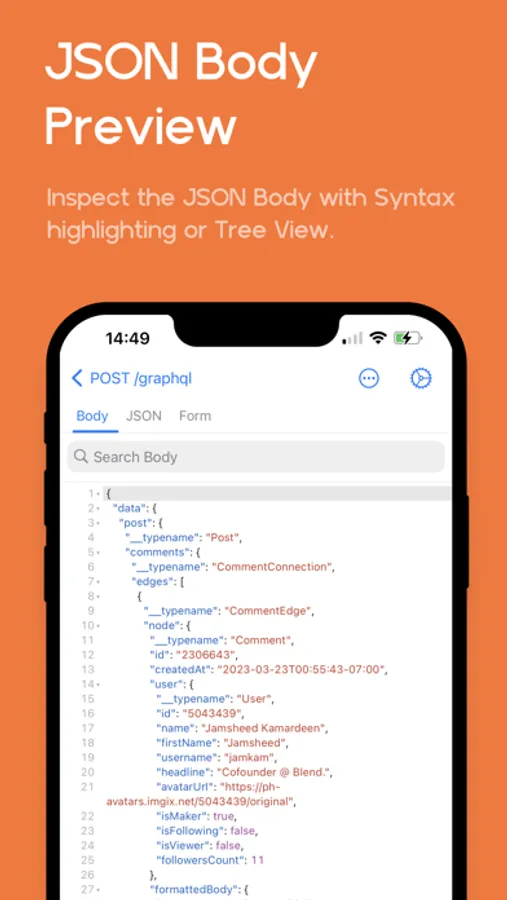
- JSON Syntax Highlighting
- Exclusively designed for iPhone and iPad (Landscape and Two Columns)
- Share traffic to Proxyman macOS - a native macOS app for better inspection
- Pin working domains
- Quick filter with URL, Header Body, and Type of Request/Response (e.g., JSON, Form, HTML, CSS, Document, etc)
- Better Request/Response Previewer: Multiple columns, JSON Preview, JSON TreeView, etc
- Safe Lock: Protect your sensitive data with FaceID / TouchID / Passcode
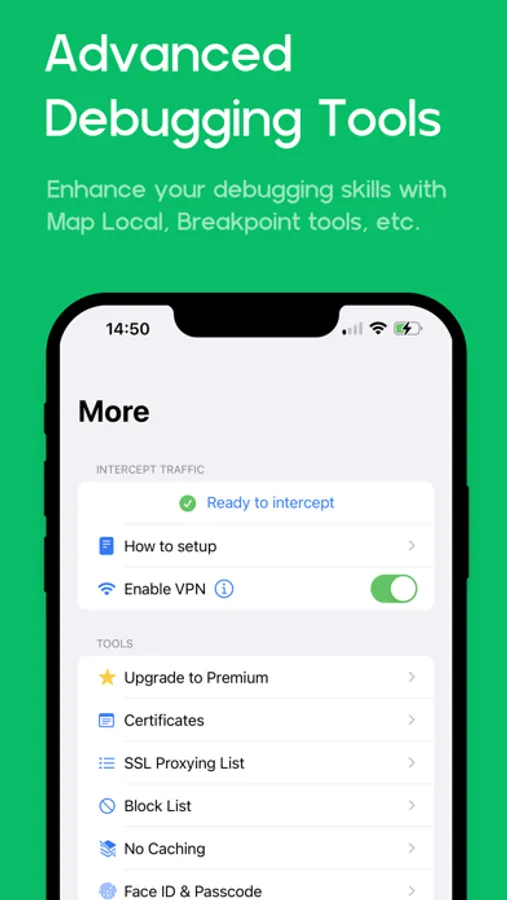
- Advanced Debugging Tools: SSL Proxying, Block List, Map Local, Breakpoint, etc
### Proxyman macOS
Proxyman for iOS works perfectly with Proxyman for macOS (native macOS app, supports macOS 26 and M4 Chip)
### How it works
Proxyman iOS creates a local VPN on your device and then forwards all traffic to a Local Man-in-The-Middle Server. As long as the VPN is active, Proxyman iOS can capture all traffic over Wi-Fi and cellular Data.
### How about my sensitive data?
- Proxyman Root Certificate is a self-signed certificate that is generated on your local machine. Thus, all requests and responses are captured and stored on your devices and Proxyman does not have access to your data.
- There are no remote servers involved. What’s in your devices, it’s in your devices.
*************
- Support: https://proxyman.com/support
- Privacy Policy: https://proxyman.com/privacy
- Terms of Services: https://proxyman.com/terms-of-use
### Features
- Directly Capture & Inspect HTTP/HTTPS from your iOS/iPad Devices without using MacBooks.
- Decrypt and View HTTP/HTTPS Request/Response in plain text
- JSON Syntax Highlighting
- Exclusively designed for iPhone and iPad (Landscape and Two Columns)
- Share traffic to Proxyman macOS - a native macOS app for better inspection
- Pin working domains
- Quick filter with URL, Header Body, and Type of Request/Response (e.g., JSON, Form, HTML, CSS, Document, etc)
- Better Request/Response Previewer: Multiple columns, JSON Preview, JSON TreeView, etc
- Safe Lock: Protect your sensitive data with FaceID / TouchID / Passcode
- Advanced Debugging Tools: SSL Proxying, Block List, Map Local, Breakpoint, etc
### Proxyman macOS
Proxyman for iOS works perfectly with Proxyman for macOS (native macOS app, supports macOS 26 and M4 Chip)
### How it works
Proxyman iOS creates a local VPN on your device and then forwards all traffic to a Local Man-in-The-Middle Server. As long as the VPN is active, Proxyman iOS can capture all traffic over Wi-Fi and cellular Data.
### How about my sensitive data?
- Proxyman Root Certificate is a self-signed certificate that is generated on your local machine. Thus, all requests and responses are captured and stored on your devices and Proxyman does not have access to your data.
- There are no remote servers involved. What’s in your devices, it’s in your devices.
*************
- Support: https://proxyman.com/support
- Privacy Policy: https://proxyman.com/privacy
- Terms of Services: https://proxyman.com/terms-of-use