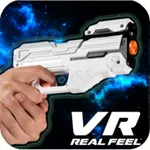
In this virtual reality shooter game, you aim and attack aliens using a Bluetooth blaster to progress through levels. Includes a VR headset, Bluetooth blaster, and level-up weapons.
AppRecs review analysis
AppRecs rating 3.2. Trustworthiness 0 out of 100. Review manipulation risk 0 out of 100. Based on a review sample analyzed.
★★★☆☆
3.2
AppRecs Rating
Ratings breakdown
5 star
46%
4 star
4%
3 star
4%
2 star
13%
1 star
33%
About VR Alien Blasters App
PLEASE NOTE: This app requires a VR Real Feel Blaster and Bluetooth must be turned on. To find out more, please visit our website: https://vr-entertain.com.
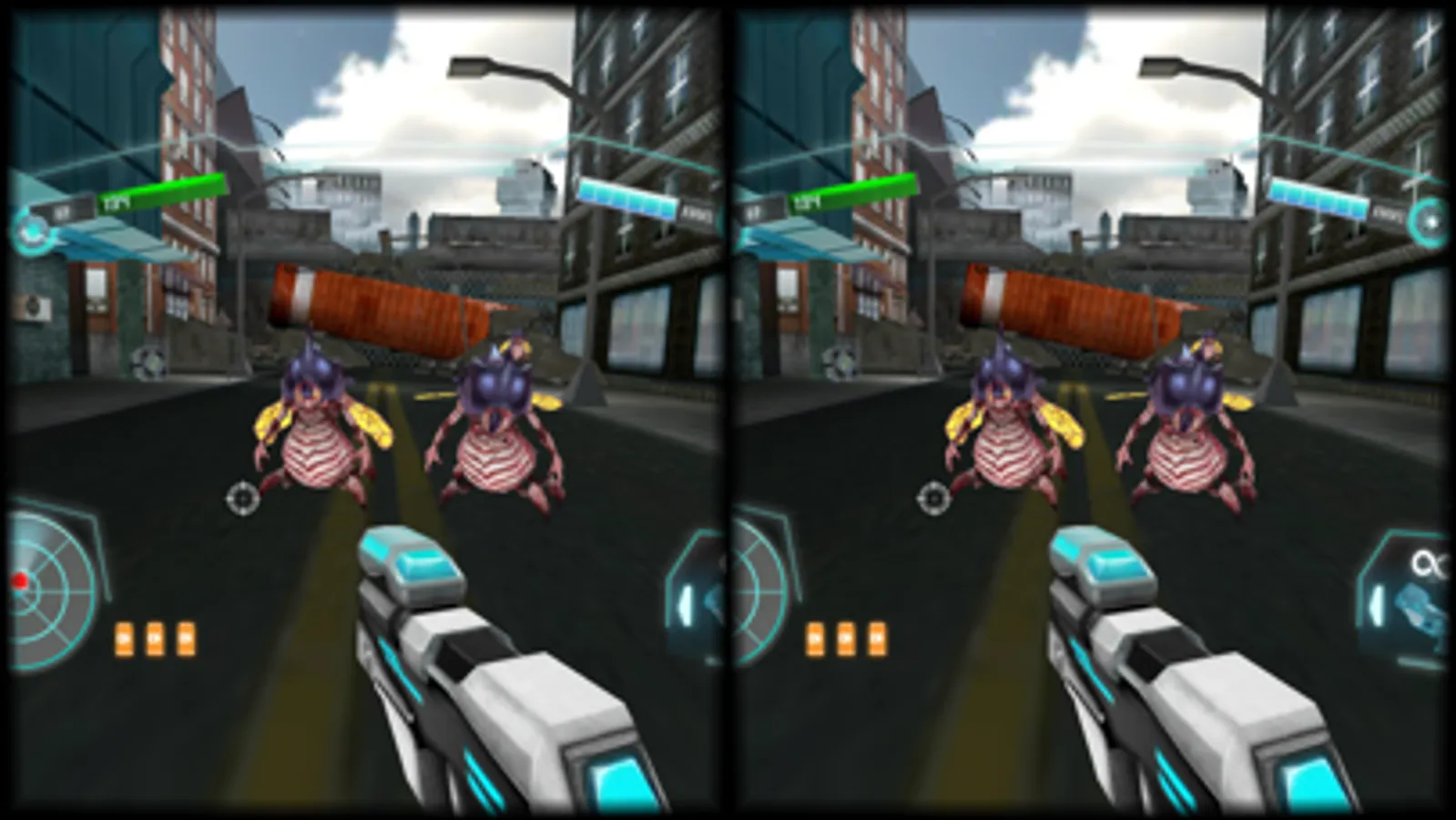
With VR Real Feel Alien Blasters, it's up to you to save Earth from the impending invasion! You'll battle the evil aliens in VR with your Bluetooth Blaster with different levels, different alien classes, and different weapons! Works with your iPhone 5 up to 7 plus or iPod Touch 6 for 3D HD graphics. VR headset also works with hundreds of other free VR games available for download!
• VR Real Feel Alien Blasters comes with everything you need to save the world - VR headset, free iOS app, and a Bluetooth blaster for great control!
• Use your Bluetooth blaster to aim and attack the aliens. Level up and unlock different weapons, battle tougher aliens through the 5+ levels to the ultimate showdown battle!
• The Max Force Feedback in the blaster lets you feel the recoil and when enemies attack for even more realism.
• Our VR headset has a comfortable foam face, adjustable straps, and an adjustable phone cradle that will hold up to an iPhone 7 Plus. Additionally, you can use our headset with your iPhone with hundreds of other free VR apps available in the App Store.
• Easy setup - download the free app from the App Store. Put 3 AAA batteries (not included) into the blaster. Turn on Bluetooth on your phone, and place your iPhone in the headset & save the world!
HOW TO PLAY
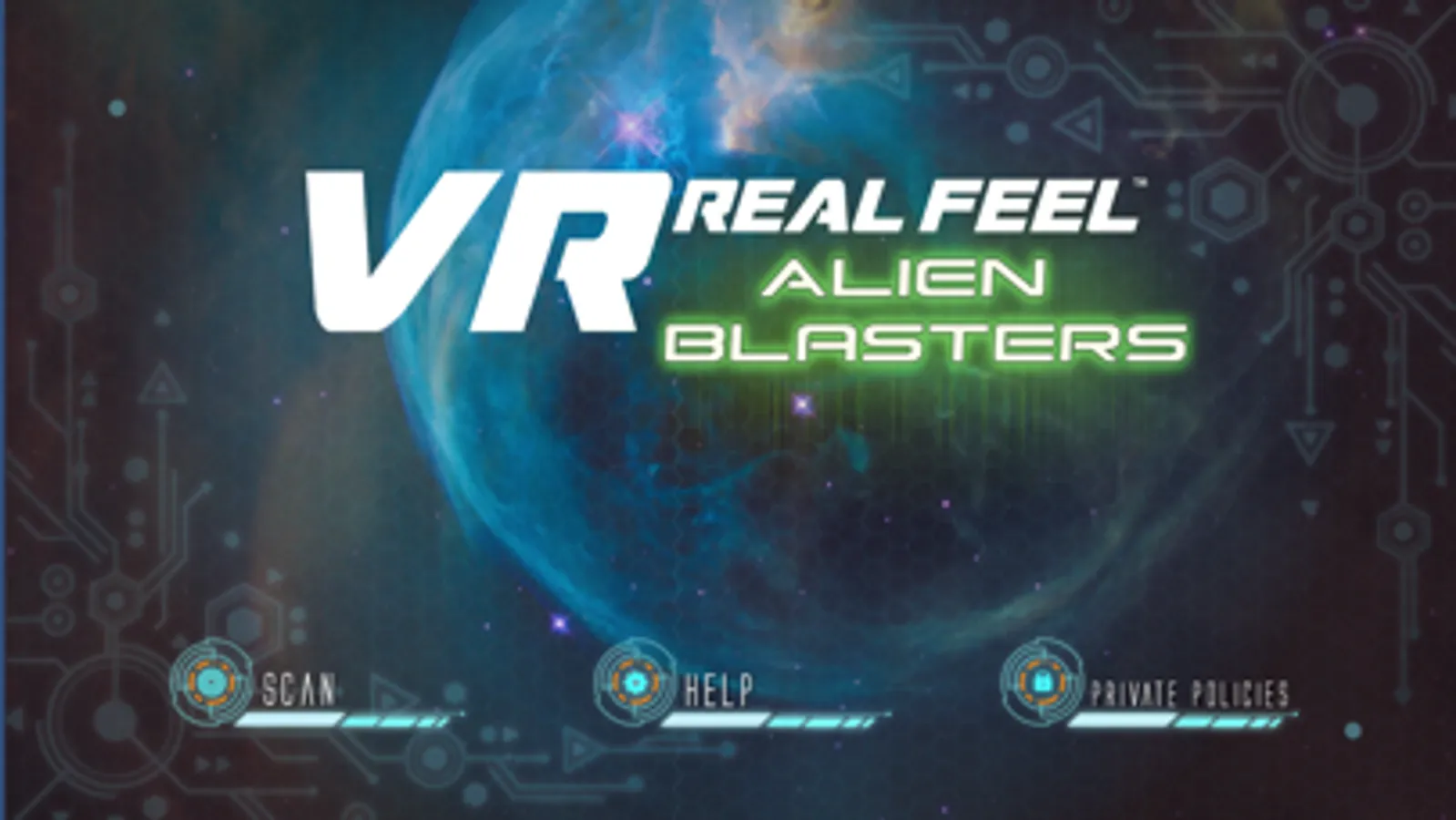
- Turn on your blaster, launch the VR Real Feel Alien Blasters App; press the Scan button to connect.
For Best Performance:
• Turn off other active apps on your iPhone.
• Ensure Bluetooth is turned on.
• Adjust the harness of the headset to fit your head
• Keep your blaster upright and play through the tutorial level to learn how to play.
• After playing for 20 minutes, take a 5-minute break to avoid any feelings of dizziness.
If you have any questions or suggestions, we would love to hear from you! Contact us at any time at https://vr-entertain.com/
With VR Real Feel Alien Blasters, it's up to you to save Earth from the impending invasion! You'll battle the evil aliens in VR with your Bluetooth Blaster with different levels, different alien classes, and different weapons! Works with your iPhone 5 up to 7 plus or iPod Touch 6 for 3D HD graphics. VR headset also works with hundreds of other free VR games available for download!
• VR Real Feel Alien Blasters comes with everything you need to save the world - VR headset, free iOS app, and a Bluetooth blaster for great control!
• Use your Bluetooth blaster to aim and attack the aliens. Level up and unlock different weapons, battle tougher aliens through the 5+ levels to the ultimate showdown battle!
• The Max Force Feedback in the blaster lets you feel the recoil and when enemies attack for even more realism.
• Our VR headset has a comfortable foam face, adjustable straps, and an adjustable phone cradle that will hold up to an iPhone 7 Plus. Additionally, you can use our headset with your iPhone with hundreds of other free VR apps available in the App Store.
• Easy setup - download the free app from the App Store. Put 3 AAA batteries (not included) into the blaster. Turn on Bluetooth on your phone, and place your iPhone in the headset & save the world!
HOW TO PLAY
- Turn on your blaster, launch the VR Real Feel Alien Blasters App; press the Scan button to connect.
For Best Performance:
• Turn off other active apps on your iPhone.
• Ensure Bluetooth is turned on.
• Adjust the harness of the headset to fit your head
• Keep your blaster upright and play through the tutorial level to learn how to play.
• After playing for 20 minutes, take a 5-minute break to avoid any feelings of dizziness.
If you have any questions or suggestions, we would love to hear from you! Contact us at any time at https://vr-entertain.com/