ByDesign: ToDo List & Calendar
IdealistApp
4.9 ★
store rating
Free
AppRecs review analysis
AppRecs rating 4.4. Trustworthiness 67 out of 100. Review manipulation risk 27 out of 100. Based on a review sample analyzed.
★★★★☆
4.4
AppRecs Rating
Ratings breakdown
5 star
94%
4 star
2%
3 star
2%
2 star
0%
1 star
1%
What to know
✓
Low review manipulation risk
27% review manipulation risk
✓
High user satisfaction
94% of sampled ratings are 5 stars
✓
Authentic reviews
No red flags detected
About ByDesign: ToDo List & Calendar
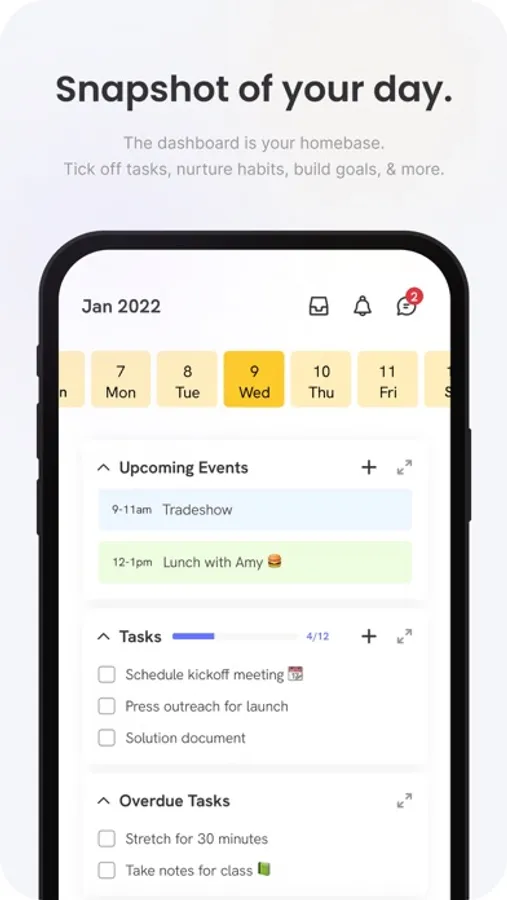
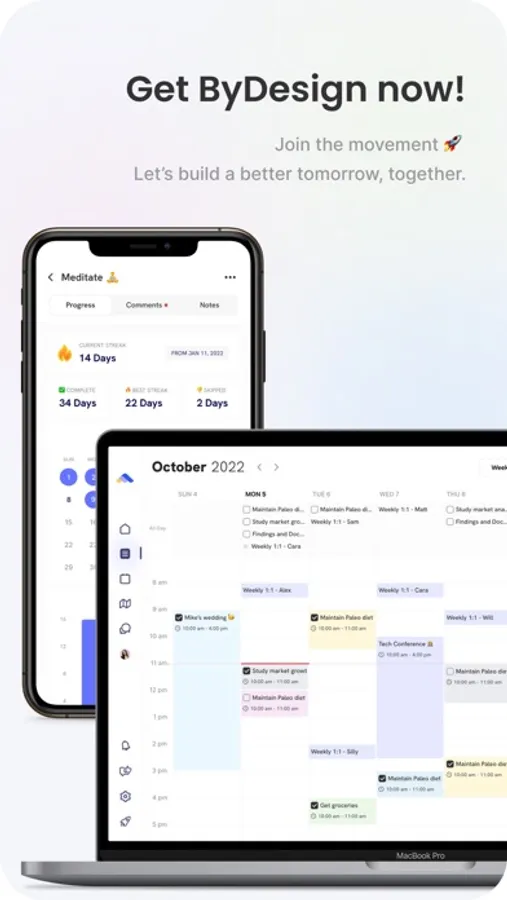
ByDesign is the best place to plan and organize your work and life, manage calendars, create docs, or build habits. It syncs across all your devices.
Features:
Calendar
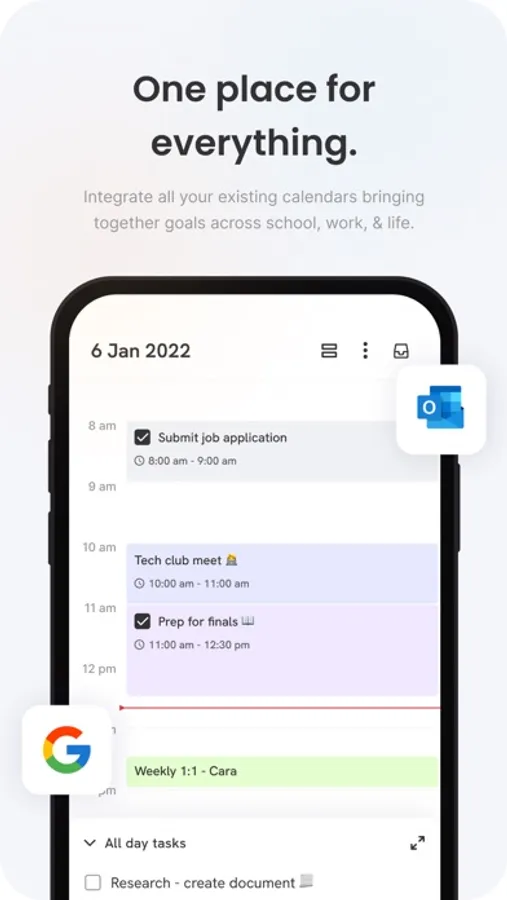
- Connect as many calendars you want - personal, work or school.
- Manage and time box the tasks from ByDesign in the same calendar.
- Use colors to organize your calendar.
- Create all-day events and tasks and drag them to a specific time to plan efficiently.
Powerful note-taking
- Add attachments - PDFs, photos, audio, web links, and more.
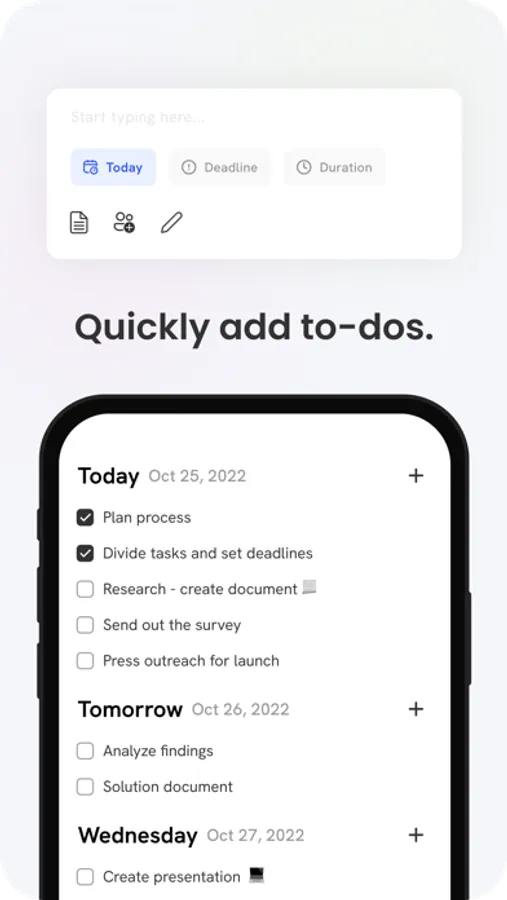
- Create checklists. Make a grocery list, a wish list, or a to-do list, then tap to check off items as you go.
- Apply different text styles, such as heading or body, bulleted lists, and more.
- Add tables to quickly organize information.
Organize and search
- Search for text in notes, your tasks, and tables.
- Link from one page to another to connect ideas, content, or any information. Try typing “/” for a shortcut to add links and pages while writing in your pages.
- Keep your notes in pages and folders, and sort them in the order you prefer.
- Use drag and drop as a fast and flexible way to categorize and organize your pages.
Collaborate
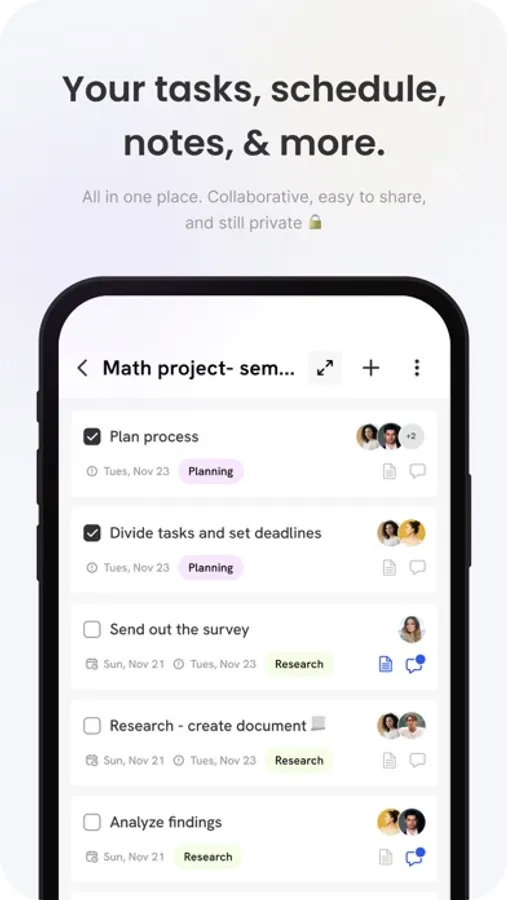
- Collaborate on entire pages or sub pages.
- Mention friends to notify them of important updates.
- Select and add comments on a particular text and have a full conversation in the thread.
- Use page comments to discuss anything related to that page.
- See what others updated in a shared page while you were away with alerts.
Features:
Calendar
- Connect as many calendars you want - personal, work or school.
- Manage and time box the tasks from ByDesign in the same calendar.
- Use colors to organize your calendar.
- Create all-day events and tasks and drag them to a specific time to plan efficiently.
Powerful note-taking
- Add attachments - PDFs, photos, audio, web links, and more.
- Create checklists. Make a grocery list, a wish list, or a to-do list, then tap to check off items as you go.
- Apply different text styles, such as heading or body, bulleted lists, and more.
- Add tables to quickly organize information.
Organize and search
- Search for text in notes, your tasks, and tables.
- Link from one page to another to connect ideas, content, or any information. Try typing “/” for a shortcut to add links and pages while writing in your pages.
- Keep your notes in pages and folders, and sort them in the order you prefer.
- Use drag and drop as a fast and flexible way to categorize and organize your pages.
Collaborate
- Collaborate on entire pages or sub pages.
- Mention friends to notify them of important updates.
- Select and add comments on a particular text and have a full conversation in the thread.
- Use page comments to discuss anything related to that page.
- See what others updated in a shared page while you were away with alerts.