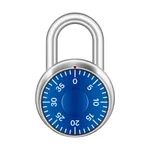
With this practice lock app, you can simulate unlocking real combination locks by spinning the dial and entering combinations. Includes customizable lock colors, hints for common mistakes, and a walkthrough mode for guidance.
AppRecs review analysis
AppRecs rating 4.3. Trustworthiness 63 out of 100. Review manipulation risk 33 out of 100. Based on a review sample analyzed.
★★★★☆
4.3
AppRecs Rating
Ratings breakdown
5 star
90%
4 star
6%
3 star
2%
2 star
0%
1 star
2%
What to know
✓
High user satisfaction
90% of sampled ratings are 5 stars
About Practice Lock
Combination locks can be tricky—especially when they're attached to lockers at your school. Practice beforehand so you know exactly how to open yours.
REALISTIC UNLOCKING
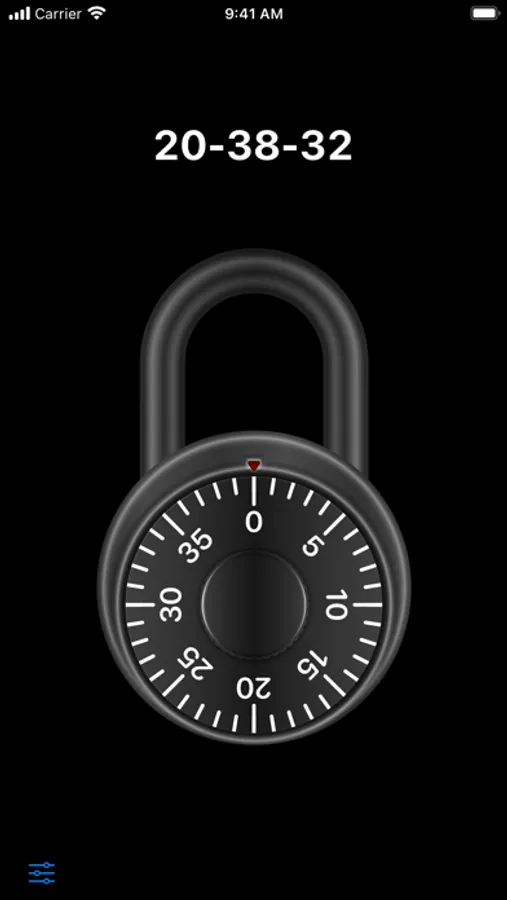
The lock behaves exactly like a real one. Spin the dial to enter your combination, then tap or swipe up on the shackle to open. If you want to start over, just keep spinning and enter the combination again.
HELPFUL HINTS
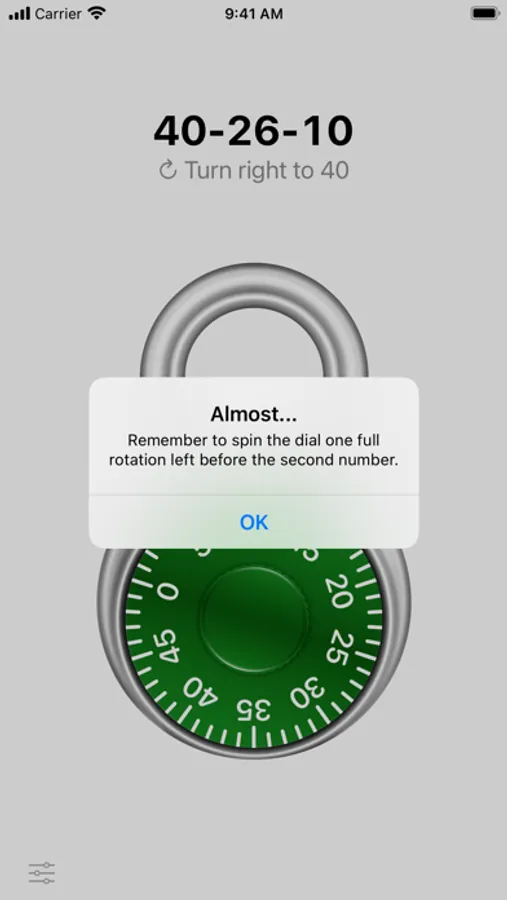
If you make a common mistake when opening the lock—like forgetting to spin one rotation to the left before your second number—you’ll be notified with a friendly hint.
WALKTHROUGH MODE
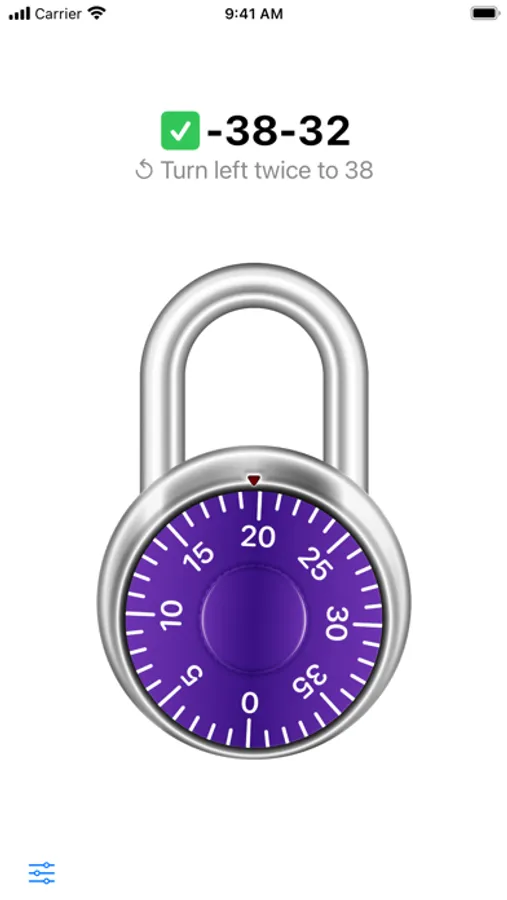
If you get stuck, don't worry. Enable Walkthrough Mode to get step-by-step instructions as you open the lock.
CUSTOMIZE YOUR LOCK
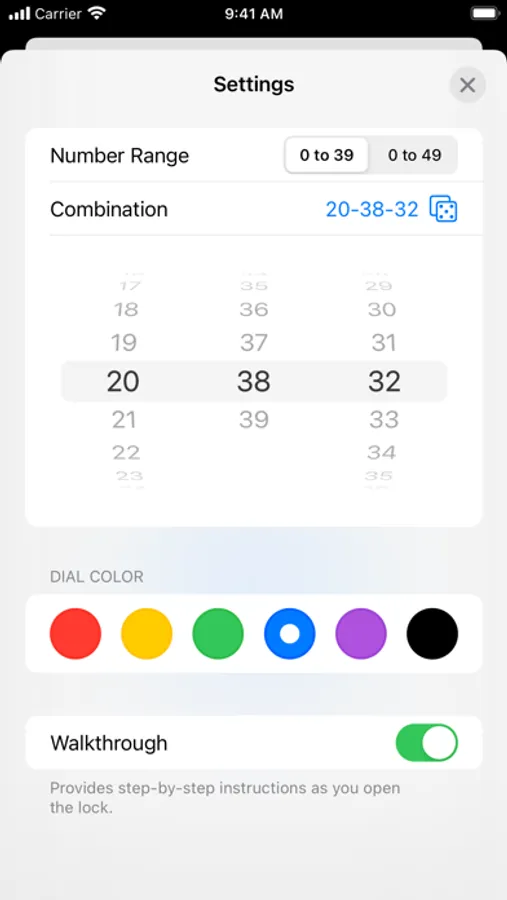
Choose from six different dial colors: red, yellow, green, blue, purple, or black.
GENERATE A RANDOM COMBINATION, OR CHOOSE YOUR OWN
If you want to test yourself, generate a combination randomly. Or, choose your own in one of two number ranges: 0-39 or 0-49.
REALISTIC UNLOCKING
The lock behaves exactly like a real one. Spin the dial to enter your combination, then tap or swipe up on the shackle to open. If you want to start over, just keep spinning and enter the combination again.
HELPFUL HINTS
If you make a common mistake when opening the lock—like forgetting to spin one rotation to the left before your second number—you’ll be notified with a friendly hint.
WALKTHROUGH MODE
If you get stuck, don't worry. Enable Walkthrough Mode to get step-by-step instructions as you open the lock.
CUSTOMIZE YOUR LOCK
Choose from six different dial colors: red, yellow, green, blue, purple, or black.
GENERATE A RANDOM COMBINATION, OR CHOOSE YOUR OWN
If you want to test yourself, generate a combination randomly. Or, choose your own in one of two number ranges: 0-39 or 0-49.