AppRecs review analysis
AppRecs rating 2.3. Trustworthiness 65 out of 100. Review manipulation risk 22 out of 100. Based on a review sample analyzed.
★★☆☆☆
2.3
AppRecs Rating
Ratings breakdown
5 star
33%
4 star
0%
3 star
17%
2 star
17%
1 star
33%
What to know
✓
Low review manipulation risk
22% review manipulation risk
⚠
Mixed user feedback
Average 2.8★ rating suggests room for improvement
About Train Driver
The app is driving digital model trains supporting several digital centrals with their different protocols. The app is developed by a model train enthusiast for other model train enthusiasts.
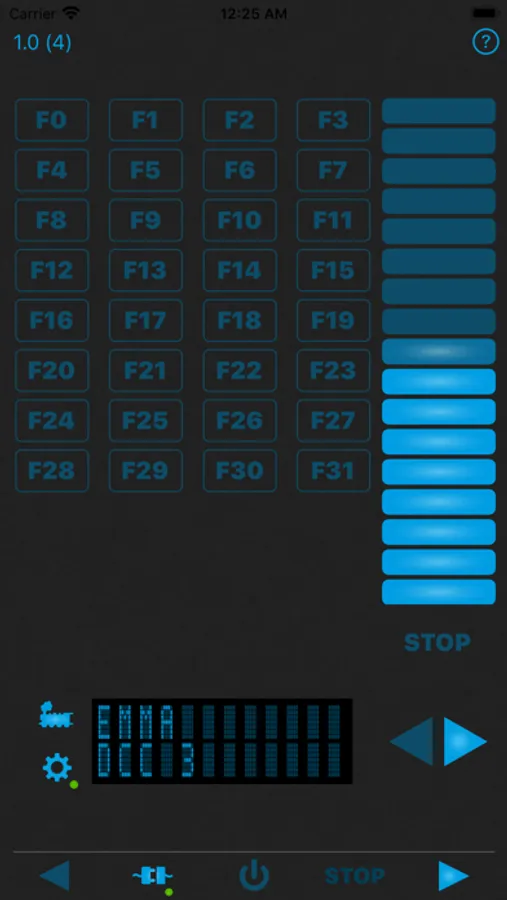
The focus is on a mobile locomotive controller and is therefore currently limited to only control locomotives. For this purpose, up to 3 locomotives are supported at the same time. At the iPad in landscape format all 3 locomotives are displayed in one screen and can be controlled easily together. At the iPhone controllers can be switched easily, but only one controller is displayed.
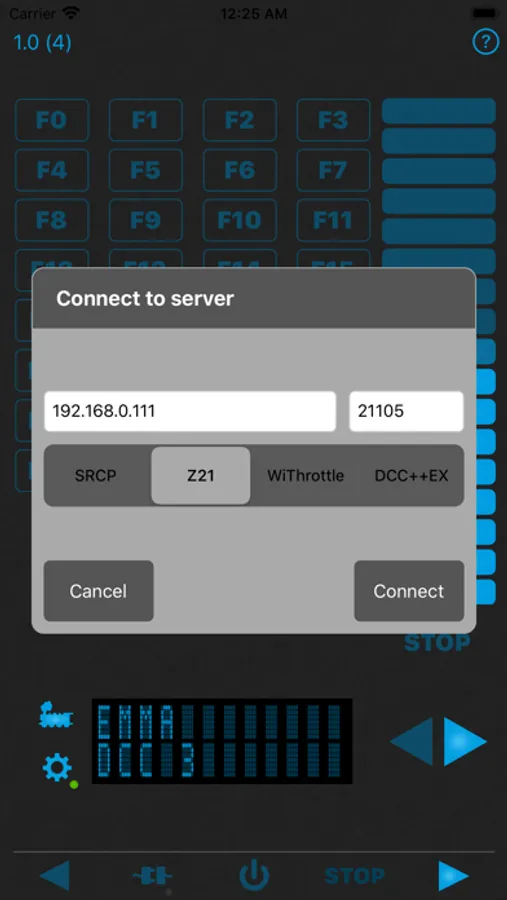
Following protocols are supported:
- SRCP including MFX extension
- Z21 from Fleischmann / Roco
- WiThrottle as used e.g. in JMRI or DCC++EX
- DCC++EX
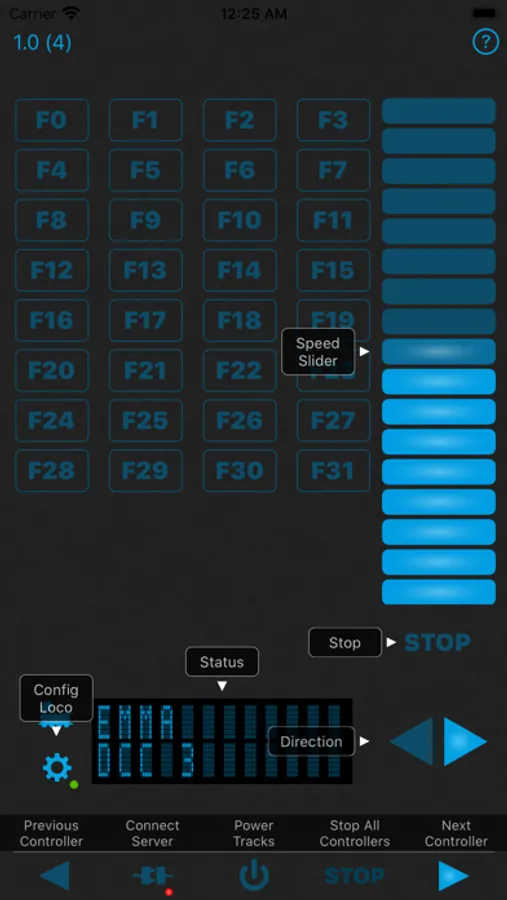
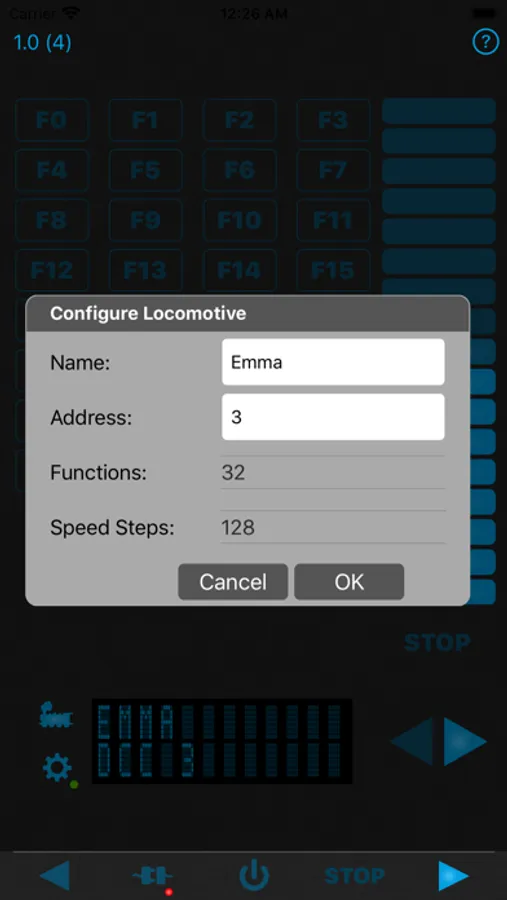
In order to control a locomotive, the app must be connected to a control center. A small red point flashes at the bottom right of the symbol. Now the locomotive can be set. Again a small red point flashes at the bottom right of the symbol.
Now you can start and operate the locomotive using the function buttons or the speed slider.
The focus is on a mobile locomotive controller and is therefore currently limited to only control locomotives. For this purpose, up to 3 locomotives are supported at the same time. At the iPad in landscape format all 3 locomotives are displayed in one screen and can be controlled easily together. At the iPhone controllers can be switched easily, but only one controller is displayed.
Following protocols are supported:
- SRCP including MFX extension
- Z21 from Fleischmann / Roco
- WiThrottle as used e.g. in JMRI or DCC++EX
- DCC++EX
In order to control a locomotive, the app must be connected to a control center. A small red point flashes at the bottom right of the symbol. Now the locomotive can be set. Again a small red point flashes at the bottom right of the symbol.
Now you can start and operate the locomotive using the function buttons or the speed slider.