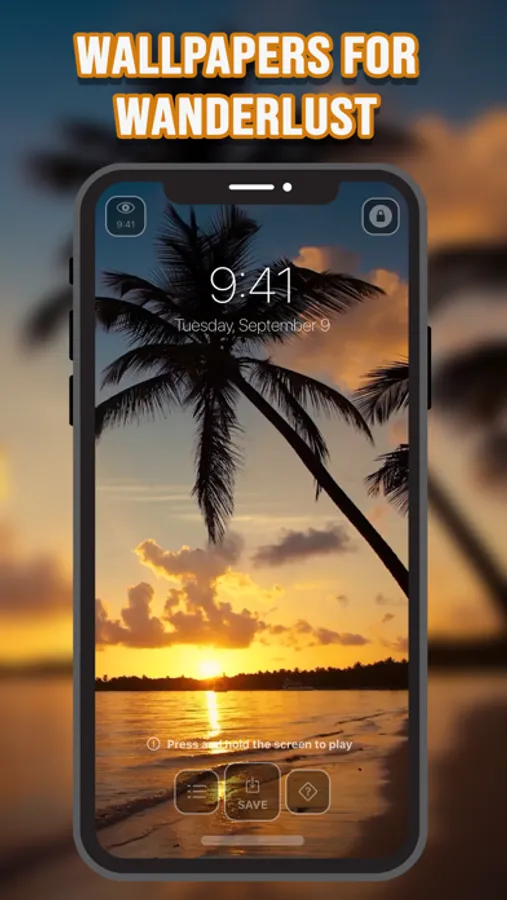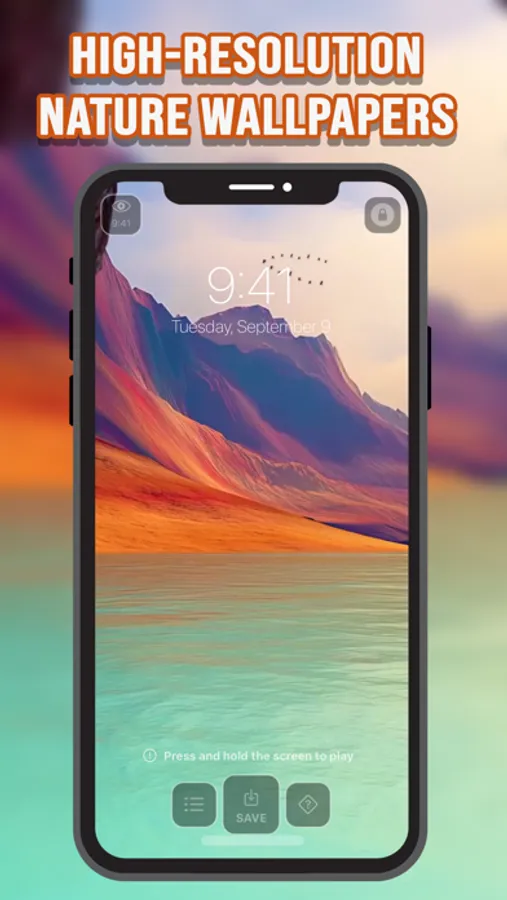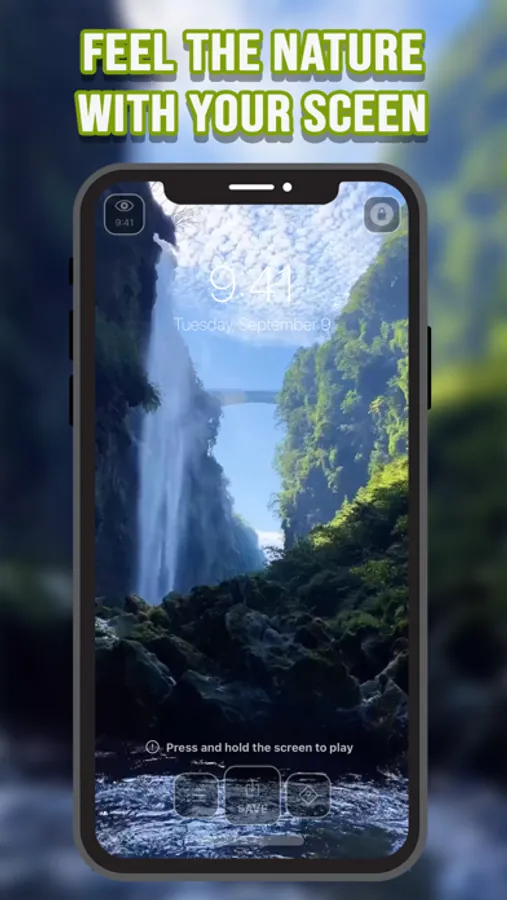
In this wallpaper app, you can browse and set animated scenes from nature, space, and cosmos as your background. Includes high-definition live wallpapers, easy sharing options, and customization features.
AppRecs review analysis
AppRecs rating 3.7. Trustworthiness 65 out of 100. Review manipulation risk 21 out of 100. Based on a review sample analyzed.
★★★☆☆
3.7
AppRecs Rating
Ratings breakdown
5 star
69%
4 star
10%
3 star
5%
2 star
7%
1 star
9%
What to know
✓
Low review manipulation risk
21% review manipulation risk
✓
High user satisfaction
79% of sampled ratings are 4+ stars (4.2★ average)
✓
Authentic reviews
Natural distribution, no red flags
About Cosmos Live Wallpapers
Animate your screen with these spectacular time-lapse sceneries, wonders of nature, hypnotic scenes from Space, and more Live Wallpapers!
In the Cosmos Live Wallpapers app, there are multiple stunning Live Wallpapers from Nature, Space and Cosmos. Choose the one you like and set as your wallpaper. And now you have an appealing Live Photo on your background. Fascinate your friends with your amazing wallpapers.
It's the best way to personalize your phone. You will feast your eyes every time you look at your Wallpaper with this app. There are many wallpapers to choose from so you’ll never get tired of looking at the same one. And they are all Live Photos so they aren't boring like normal wallpapers. This app will make your phone unique and cool with universal, natural and cosmic experience.
You can add Live Wallpapers to your screen by following these steps:
1-Launch Photos on your iPhone.
2-Find a live photo that you want to use as your wallpaper and select it.
3-Tap on the Share button in the bottom left corner. Select Use as Wallpaper.
4-Move and Scale your image, so it fits your screen the way you like it. Or choose to Leave Perspective Zoom on.
5-Tap on Set. Then choose if you want it for your Lock Screen, Home Screen, or Both.
Download Cosmos Live Wallpapers now to have a visually satisfying and hypnotic experience!
Best Live Wallpaper app in the app store!
Just looking for a cool way to pimp up your phone with Live Wallpapers & Backgrounds? The Cosmos Live Wallpapers app will provide you with the best themed Live Wallpapers & Backgrounds from all around Cosmos.
The best app to turn your home screen into an unreal look.
- High definition Live Wallpapers
- Easy use and simple interface
- Live Wallpapers made to fit on both home screen & lock screen
- Quick & responsive navigation
- Tap "Save" button to Download Live Photos to your Camera Roll
In the Cosmos Live Wallpapers app, there are multiple stunning Live Wallpapers from Nature, Space and Cosmos. Choose the one you like and set as your wallpaper. And now you have an appealing Live Photo on your background. Fascinate your friends with your amazing wallpapers.
It's the best way to personalize your phone. You will feast your eyes every time you look at your Wallpaper with this app. There are many wallpapers to choose from so you’ll never get tired of looking at the same one. And they are all Live Photos so they aren't boring like normal wallpapers. This app will make your phone unique and cool with universal, natural and cosmic experience.
You can add Live Wallpapers to your screen by following these steps:
1-Launch Photos on your iPhone.
2-Find a live photo that you want to use as your wallpaper and select it.
3-Tap on the Share button in the bottom left corner. Select Use as Wallpaper.
4-Move and Scale your image, so it fits your screen the way you like it. Or choose to Leave Perspective Zoom on.
5-Tap on Set. Then choose if you want it for your Lock Screen, Home Screen, or Both.
Download Cosmos Live Wallpapers now to have a visually satisfying and hypnotic experience!
Best Live Wallpaper app in the app store!
Just looking for a cool way to pimp up your phone with Live Wallpapers & Backgrounds? The Cosmos Live Wallpapers app will provide you with the best themed Live Wallpapers & Backgrounds from all around Cosmos.
The best app to turn your home screen into an unreal look.
- High definition Live Wallpapers
- Easy use and simple interface
- Live Wallpapers made to fit on both home screen & lock screen
- Quick & responsive navigation
- Tap "Save" button to Download Live Photos to your Camera Roll