Rokmate: Roku Remote Control
Phoenix Mobile Technology LLC
4.3 ★
store rating
Free
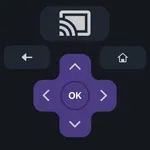
In this app, you can control Roku devices, cast media, and mirror screens. Includes remote functions, casting media files, and high-quality screen sharing.
AppRecs review analysis
AppRecs rating 4.3. Trustworthiness 73 out of 100. Review manipulation risk 29 out of 100. Based on a review sample analyzed.
★★★★☆
4.3
AppRecs Rating
Ratings breakdown
5 star
72%
4 star
10%
3 star
5%
2 star
4%
1 star
9%
What to know
✓
Low review manipulation risk
29% review manipulation risk
✓
Credible reviews
73% trustworthiness score from analyzed reviews
✓
High user satisfaction
82% of sampled ratings are 4+ stars (4.3★ average)
About Rokmate: Roku Remote Control
Roku Remote Control, TV Cast and Screen Mirroring for Roku TV & devices.
Those above describe briefly of what we offer. This is an all-in-one solution to control your Roku, including:
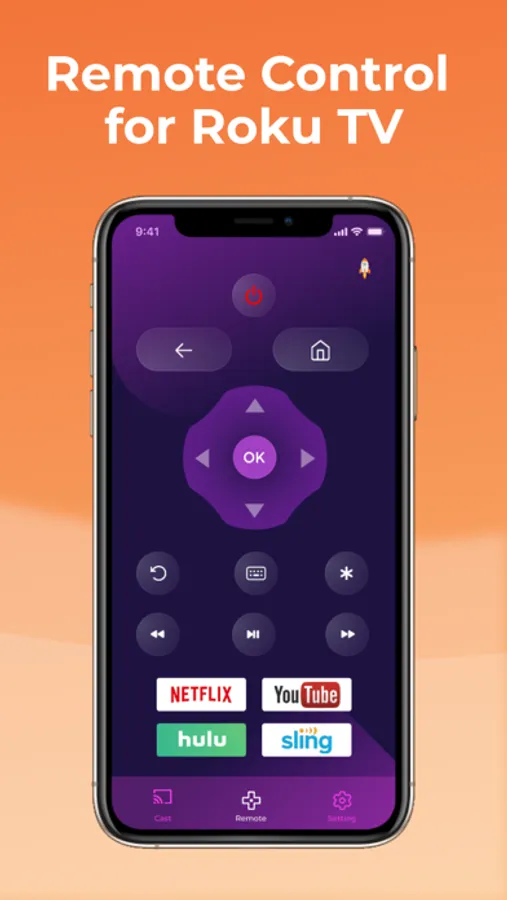
— Remote Control for Roku TVs (Hisense, TCL, Insignia) and Roku devices (Roku Streaming Stick, Roku Express, Roku Premiere ...).
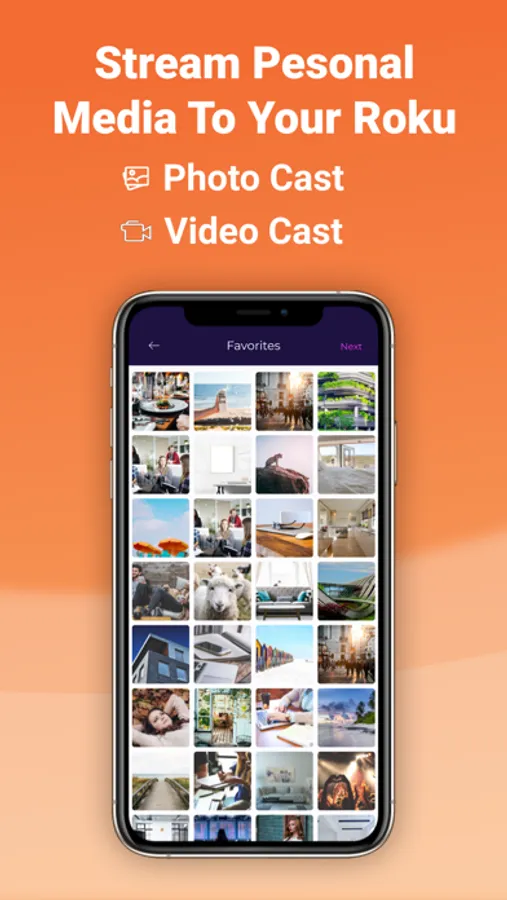
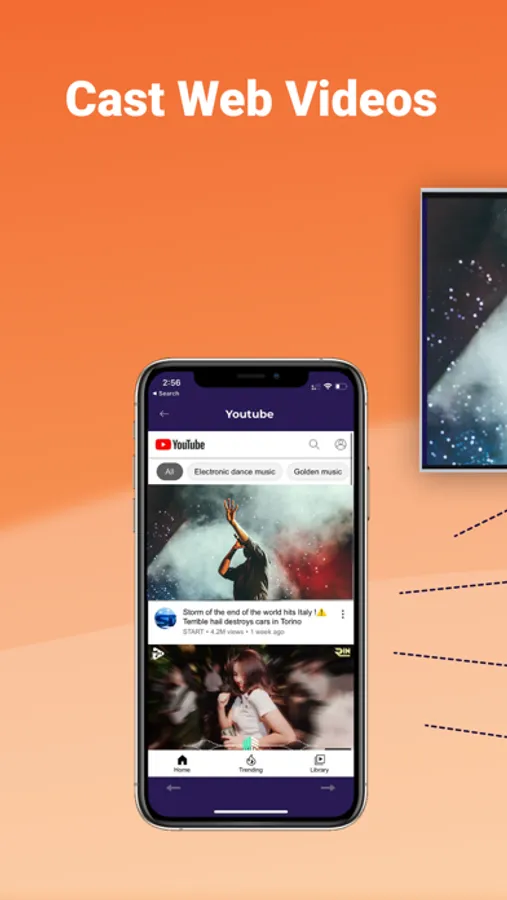
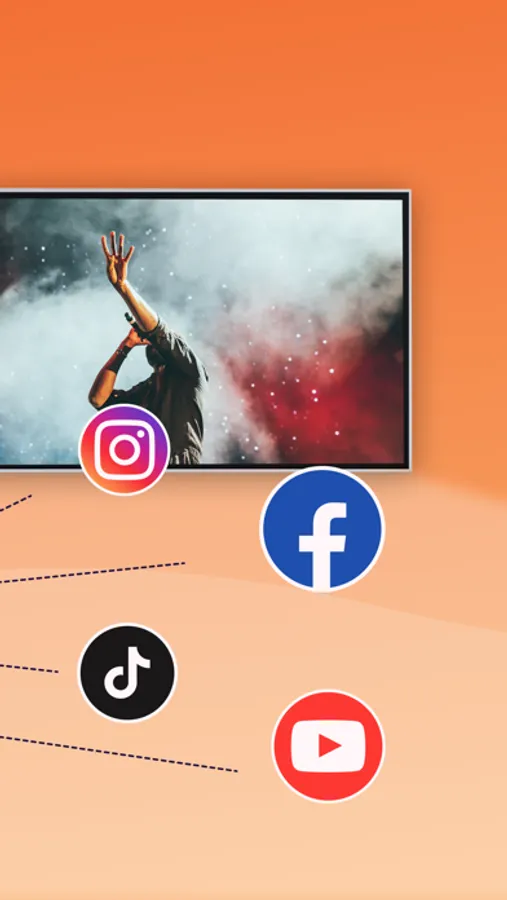
— TV Cast App. You can cast slideshow, photo, video or even web videos to your Roku devices.
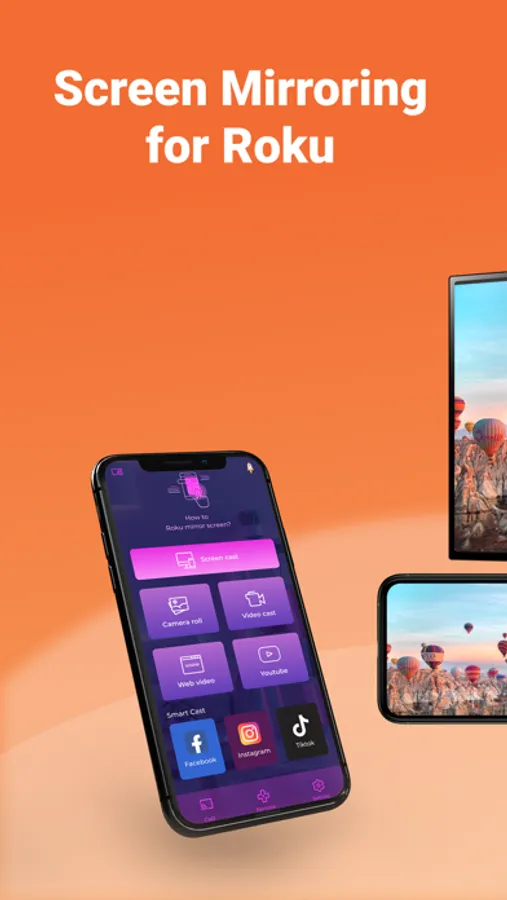
— Screen mirroring. You can even screen mirror your iPhone screen to your Roku devices with high quality and low latency.
What makes us special:
- All in one solution
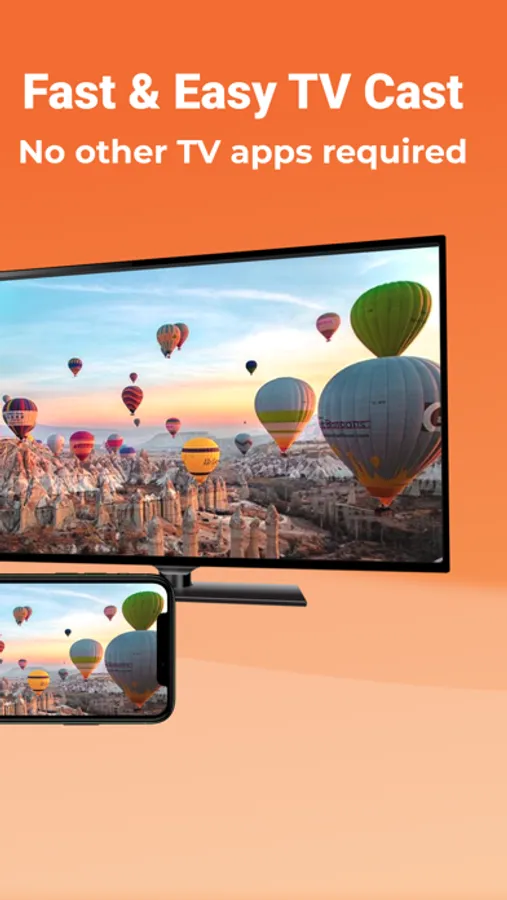
- Simple and easy to use. No other TV app needed.
- High quality streaming
- No lagging, no disruptions while streaming
Features:
- Cast screen
- Cast photos / videos
- Display business presentation document
- Stream your favorite movies (Hulu, Youtube, Netflix, ...) from your iPhone to your large TV screen.
- The app works best for iPhone 7 & above, iPad 3 & above, iOS 12 +.
* The Roku Remote feature is free to use. However, for better experience, you can upgrade to our Premium version to enjoy our cast and screen mirroring features. You can choose from following options:
- A Yearly Subscription with 3-day Free Trial
- A Monthly Subscription
- A Lifetime plan for which you pay once and forever enjoy our features.
* [Disclaimer]
This app is not affiliated with any trademark mentioned here
By using our app, you agree to our Privacy Policy and Terms of Use at:
https://phoenixmobile.io/privacy-policy.html
https://phoenixmobile.io/tos.html
Download now and Enjoy controlling your Roku.
Those above describe briefly of what we offer. This is an all-in-one solution to control your Roku, including:
— Remote Control for Roku TVs (Hisense, TCL, Insignia) and Roku devices (Roku Streaming Stick, Roku Express, Roku Premiere ...).
— TV Cast App. You can cast slideshow, photo, video or even web videos to your Roku devices.
— Screen mirroring. You can even screen mirror your iPhone screen to your Roku devices with high quality and low latency.
What makes us special:
- All in one solution
- Simple and easy to use. No other TV app needed.
- High quality streaming
- No lagging, no disruptions while streaming
Features:
- Cast screen
- Cast photos / videos
- Display business presentation document
- Stream your favorite movies (Hulu, Youtube, Netflix, ...) from your iPhone to your large TV screen.
- The app works best for iPhone 7 & above, iPad 3 & above, iOS 12 +.
* The Roku Remote feature is free to use. However, for better experience, you can upgrade to our Premium version to enjoy our cast and screen mirroring features. You can choose from following options:
- A Yearly Subscription with 3-day Free Trial
- A Monthly Subscription
- A Lifetime plan for which you pay once and forever enjoy our features.
* [Disclaimer]
This app is not affiliated with any trademark mentioned here
By using our app, you agree to our Privacy Policy and Terms of Use at:
https://phoenixmobile.io/privacy-policy.html
https://phoenixmobile.io/tos.html
Download now and Enjoy controlling your Roku.