Collections Database
Matteo D'Ignazio
4.6 ★
store rating
Free
AppRecs review analysis
AppRecs rating 4.7. Trustworthiness 79 out of 100. Review manipulation risk 21 out of 100. Based on a review sample analyzed.
★★★★☆
4.7
AppRecs Rating
Ratings breakdown
5 star
78%
4 star
14%
3 star
4%
2 star
2%
1 star
2%
What to know
✓
Low review manipulation risk
21% review manipulation risk
✓
Credible reviews
79% trustworthiness score from analyzed reviews
✓
High user satisfaction
78% of sampled ratings are 5 stars
About Collections Database
Collections is a personal database app to organize anything.
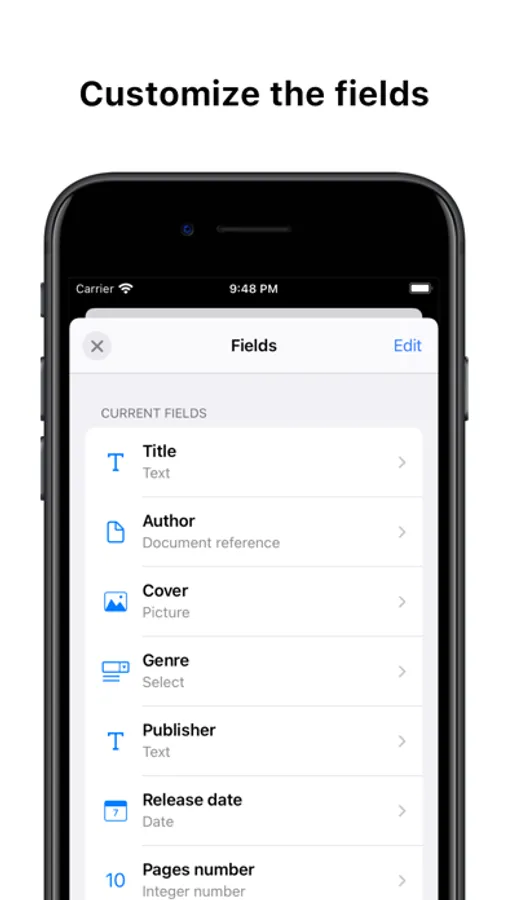
1. A field for every use
Collections supports over 20+ field types:
• Text, Number
• Boolean
• Picture
• Select
• Email, URL, Phone
• Password
• Date, Time
• Color
• Barcode
And with the Pro version you can use even more advanced fields.
• Document reference - Link documents together
• Group - Add multiple values for a field
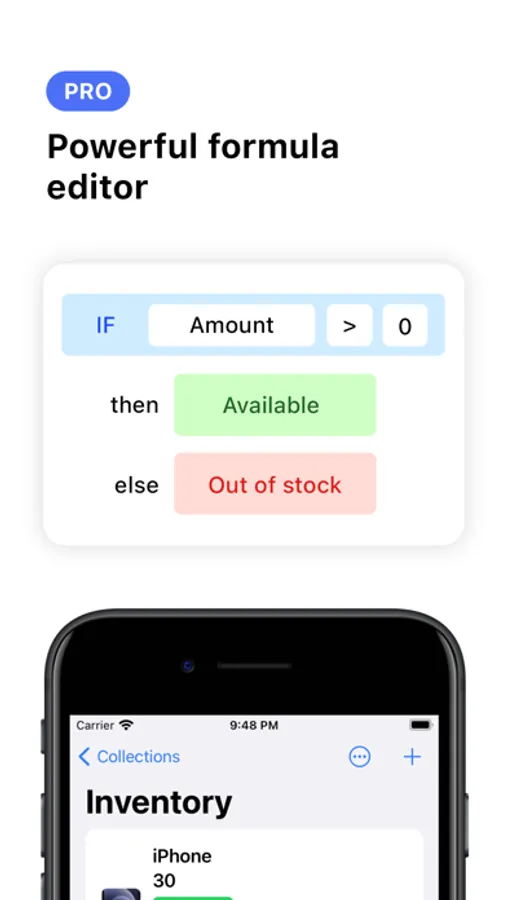
• Formula - Create a formula for calculated values. Powerful formula editor with full support to math functions like SUM, AVG
2. Customizable
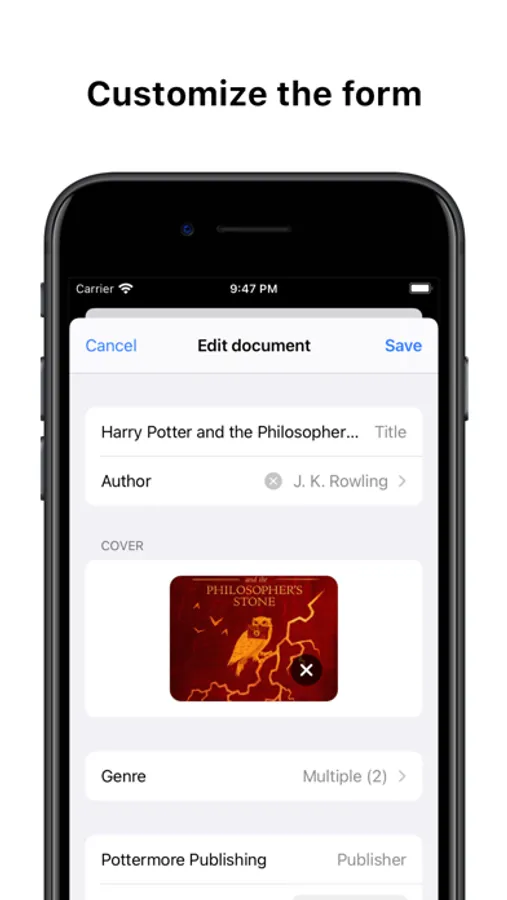
• Add and reorder fields
• Add a separator between fields to better visualize them
• Fields have different display styles like primary, secondary, thumbnail
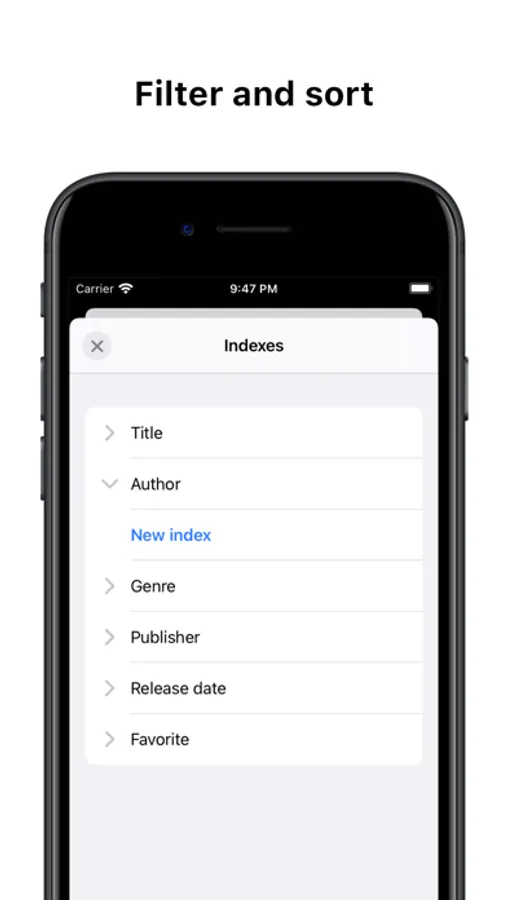
• Filter and sort data
3. Templates
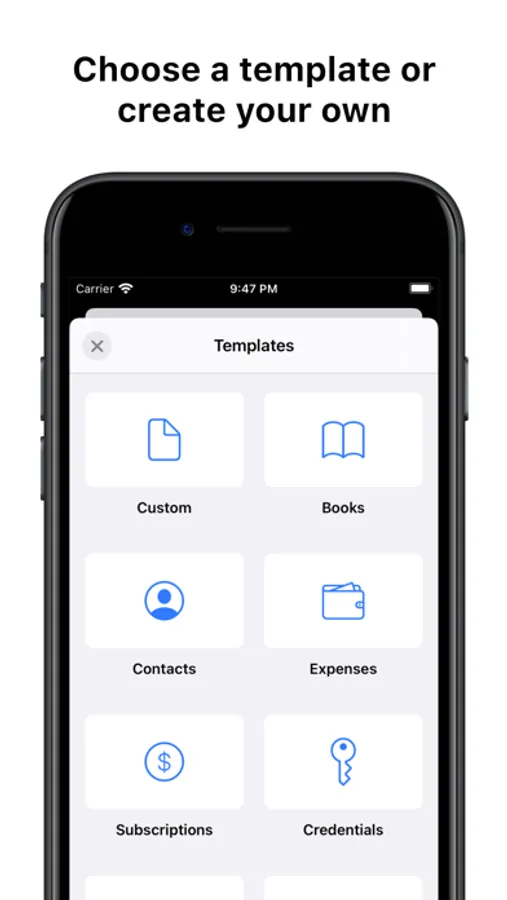
Collections includes basic templates to get started:
• Books
• Contacts
• Expenses
• Subscriptions
• Credentials
• Inventory
• School
5. Advanced management
Collections has different tools to help you creating the data model.
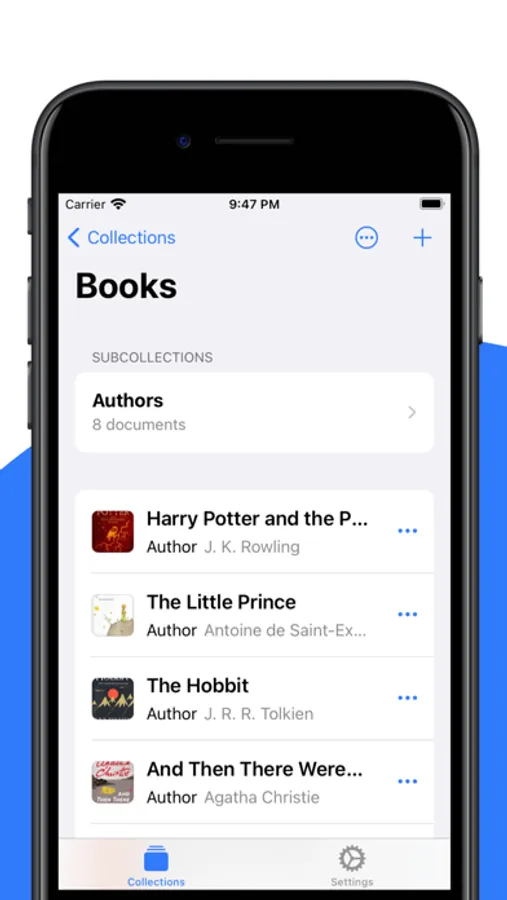
SUBCOLLECTIONS
Organize data into collections and subcollections. Simply said, they are like folders.
LISTS
A list contains items used in documents and it's very flexible. It could represent a Genre for a book or a Status like 'Available', 'Out of stock' for an object in the inventory.
6. Security
• Protect collections using a password, Face ID or Touch ID
• Sensitive data such as passwords are encrypted by default
7. iCloud Sync
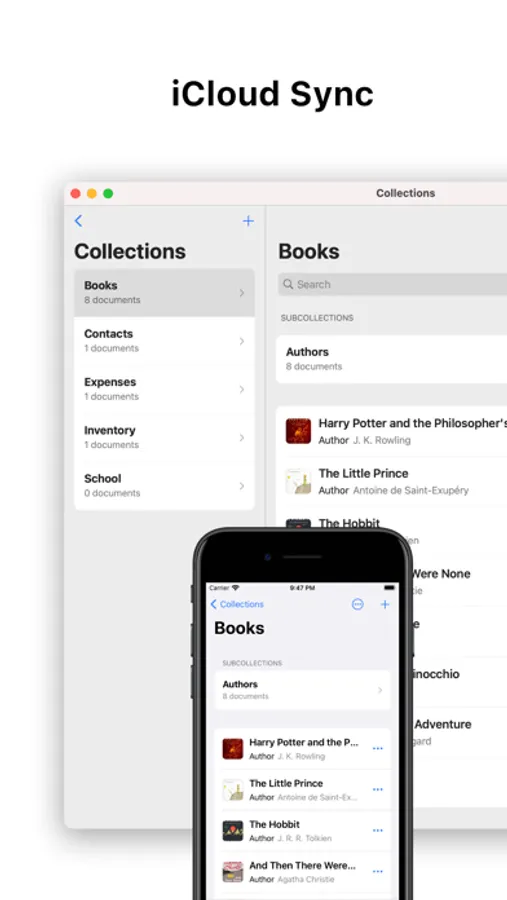
Data is synced automatically between devices through iCloud.
8. Apple's Shortcuts support
Expand the app capabilities with Apple's Shortcuts support.
9. Pro version features
• Add unlimited documents (free version is limited to 100 documents)
• Add files to documents
• Add advanced fields
• Views
• Grid
• Use Summary to perform calculations across documents
1. A field for every use
Collections supports over 20+ field types:
• Text, Number
• Boolean
• Picture
• Select
• Email, URL, Phone
• Password
• Date, Time
• Color
• Barcode
And with the Pro version you can use even more advanced fields.
• Document reference - Link documents together
• Group - Add multiple values for a field
• Formula - Create a formula for calculated values. Powerful formula editor with full support to math functions like SUM, AVG
2. Customizable
• Add and reorder fields
• Add a separator between fields to better visualize them
• Fields have different display styles like primary, secondary, thumbnail
• Filter and sort data
3. Templates
Collections includes basic templates to get started:
• Books
• Contacts
• Expenses
• Subscriptions
• Credentials
• Inventory
• School
5. Advanced management
Collections has different tools to help you creating the data model.
SUBCOLLECTIONS
Organize data into collections and subcollections. Simply said, they are like folders.
LISTS
A list contains items used in documents and it's very flexible. It could represent a Genre for a book or a Status like 'Available', 'Out of stock' for an object in the inventory.
6. Security
• Protect collections using a password, Face ID or Touch ID
• Sensitive data such as passwords are encrypted by default
7. iCloud Sync
Data is synced automatically between devices through iCloud.
8. Apple's Shortcuts support
Expand the app capabilities with Apple's Shortcuts support.
9. Pro version features
• Add unlimited documents (free version is limited to 100 documents)
• Add files to documents
• Add advanced fields
• Views
• Grid
• Use Summary to perform calculations across documents