Neukol: Online classroom
Anxin Zhitong (Nanjing) Technology Co.,LTD
5.0 ★
store rating
Free
AppRecs review analysis
AppRecs rating 4.5. Trustworthiness 65 out of 100. Review manipulation risk 29 out of 100. Based on a review sample analyzed.
★★★★☆
4.5
AppRecs Rating
Ratings breakdown
5 star
100%
4 star
0%
3 star
0%
2 star
0%
1 star
0%
What to know
✓
Low review manipulation risk
29% review manipulation risk
✓
High user satisfaction
100% of sampled ratings are 5 stars
About Neukol: Online classroom
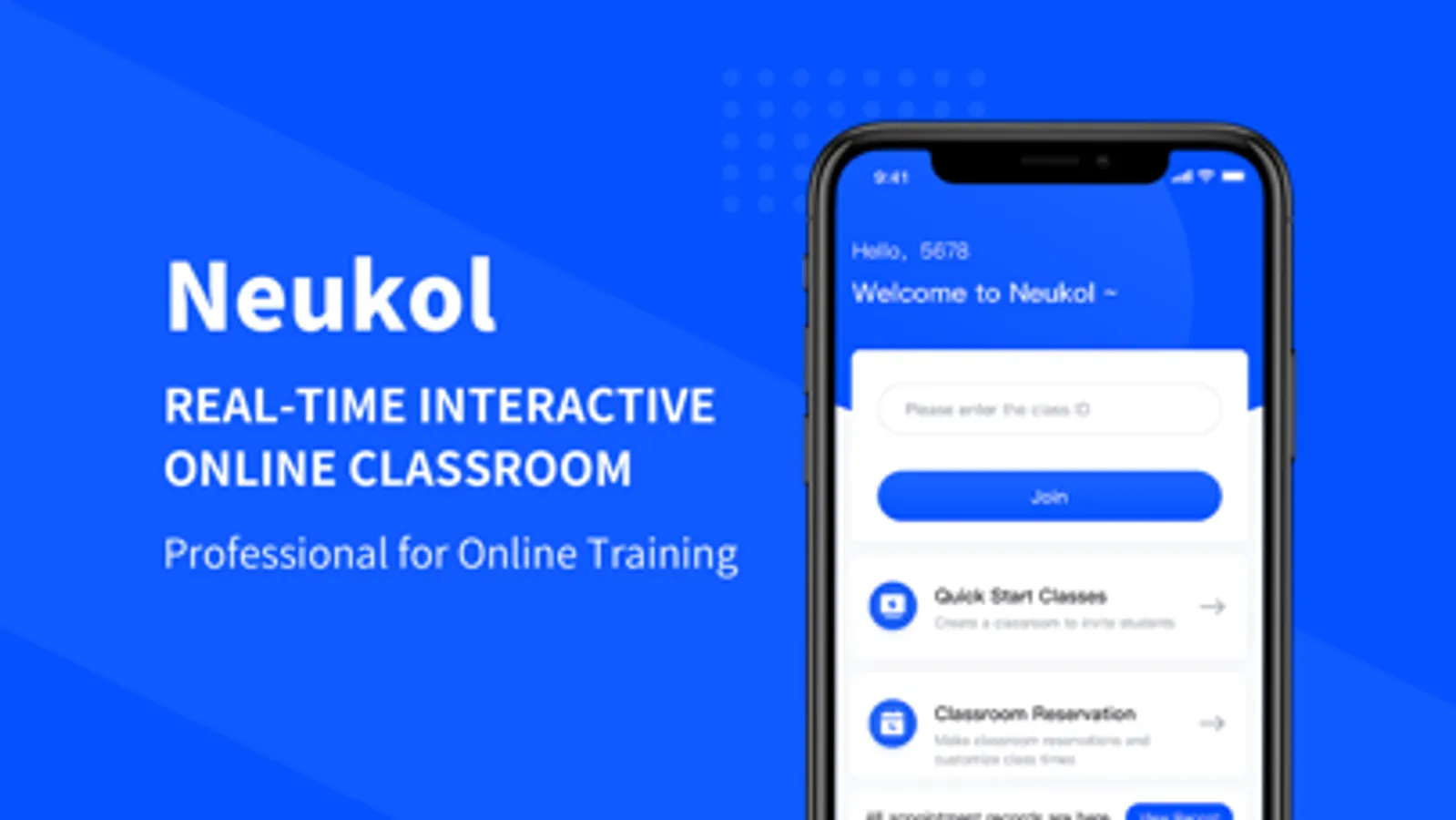
Neukol is a professional online classroom, enabling distance online teaching and learning interactive, effective, and under control.
Neukol is the best choice for real-time online classroom for Education, Vocational Training, and Corporate Training. Support people to join the online classroom on iPad, iPhone, other mobile devices, Windows, and Mac.
HIGH-QUALITY REAL-TIME VIDEO AND AUDIO
-480P, 720P and 1080P video resolution
-Piano 88-key range transmission for Music Online Class
-Stable cross-border communication for Global Online Classroom
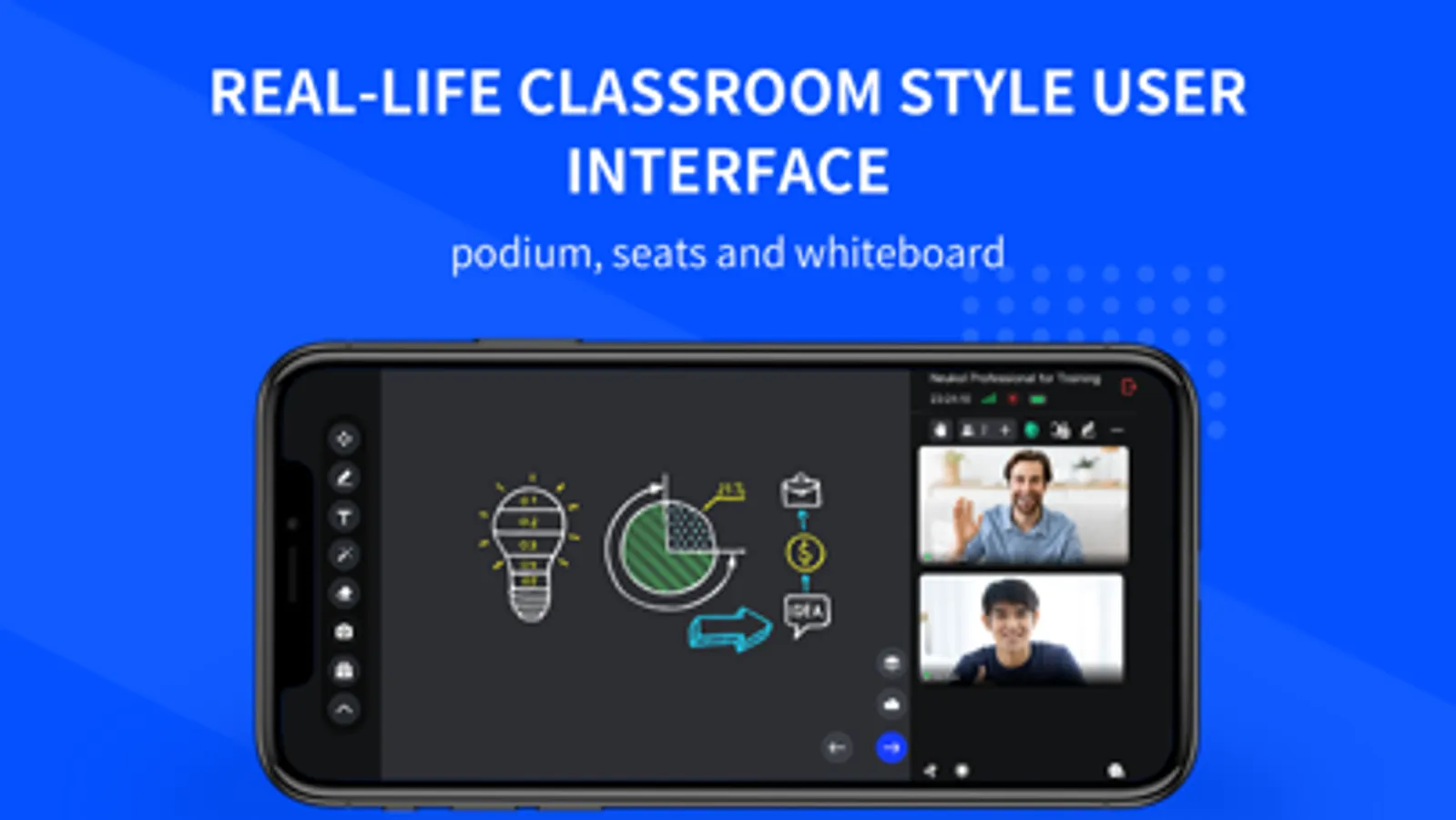
REAL-LIFE ONLINE CLASSROOM STYLE USER INTERFACE LAYOUT
-Podium: Instructor presents in dedicated podium space, which is conspicuous in the online classroom.
-Whiteboard: Support scrolling up and down hundred-page to get enough space to write, draw, type, and paste images
ONLINE CLASSROOM INTERACTIVE FEATURES
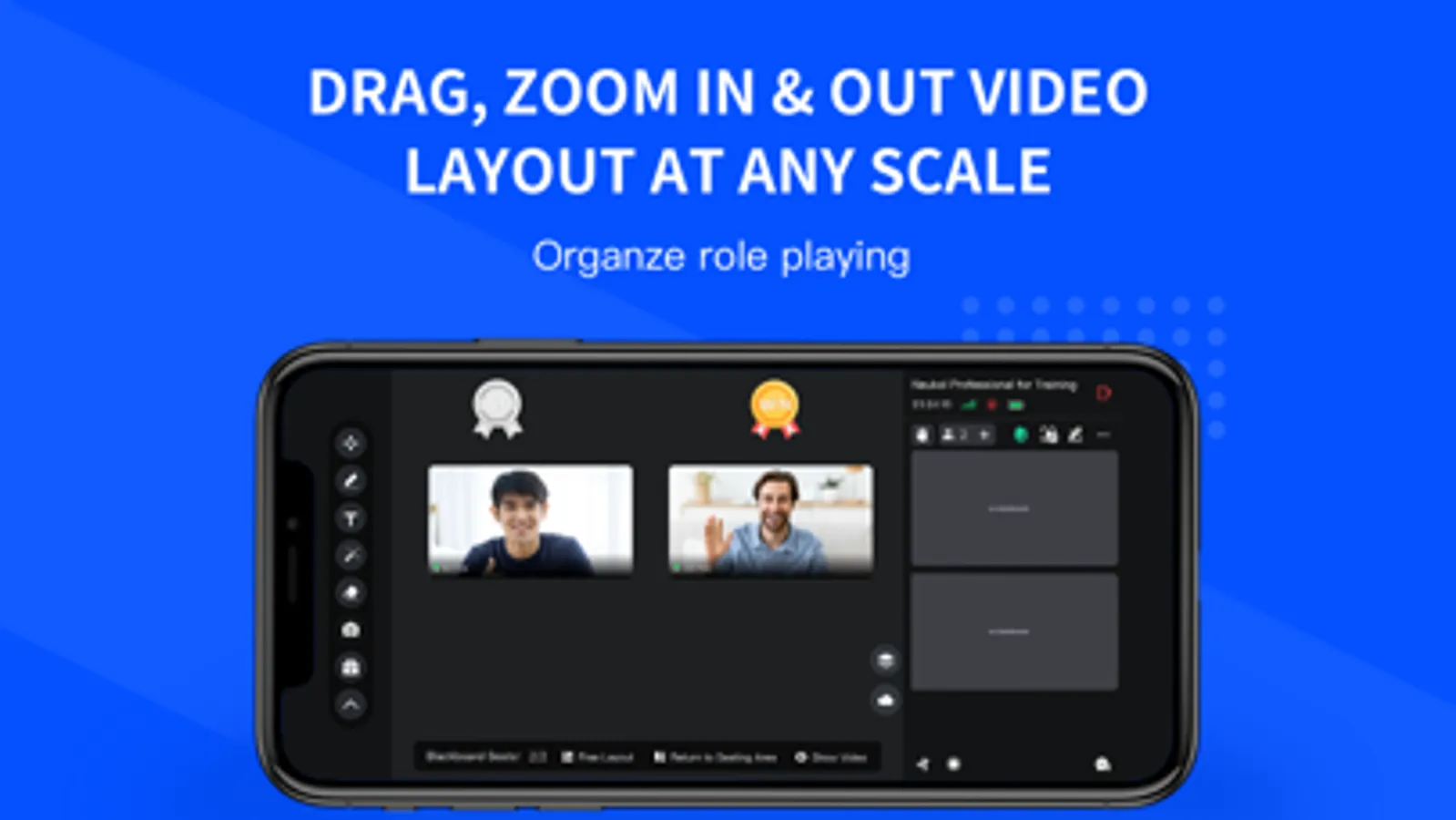
-Drag, zoom in&out video layout at any scale
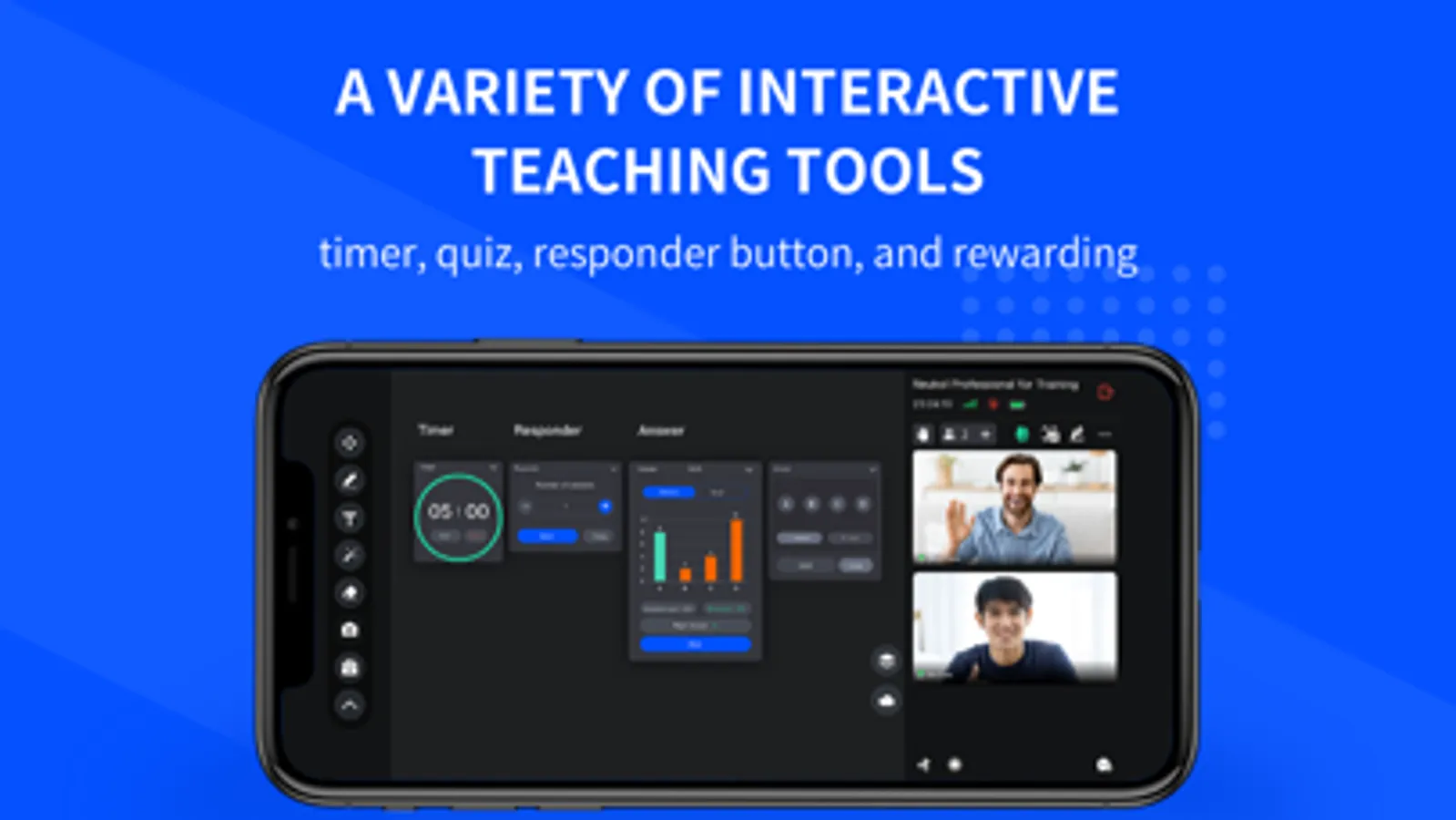
-A variety of tools, including timer, quiz, and responder button in online classroom
-Built-in chat and Q&A during the training
-Collaborative whiteboard supports people to write smoothly online at the same time and makes online classes more interactive.
-Raise hand to indicate participation in the interaction
-Rewarding can increase the enthusiasm for participating in the interaction
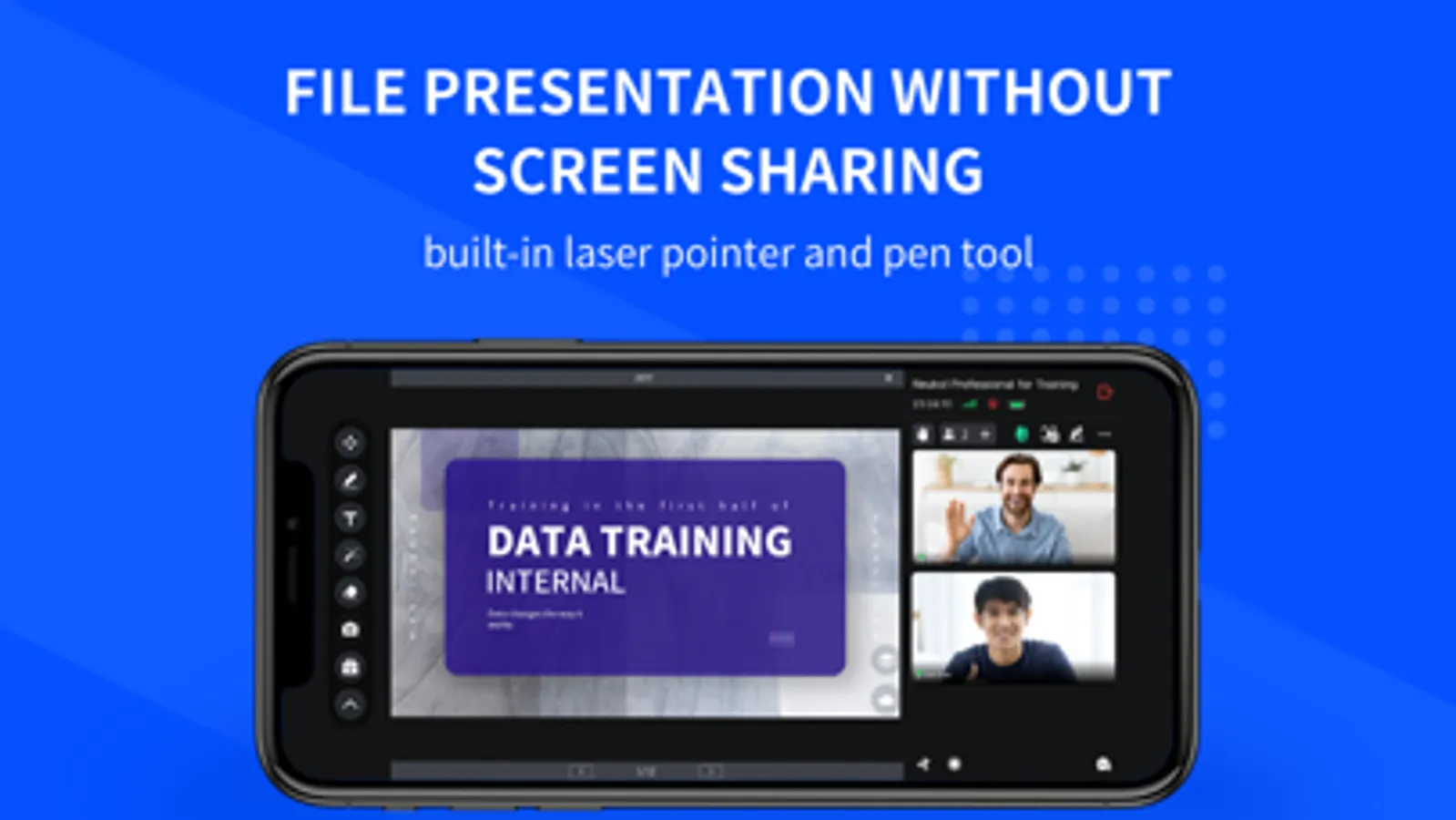
BUILD-IN FILE PRESENTATION
-Files uploaded to Neukol Cloud can be presented without screen sharing
-Slide, doc, audio, and video, rich file types are supported in the online classroom
-Laser pointer to catch attention, and the pen tool to annotate simply by doodling or writing
STRICT ONLINE CLASSROOM CONTROL MODE
-Mute Control: In force muted mode, participants are not allowed to unmute by themselves
-Video Control: Instructors take control of the participant‘s video layout, showing and hiding
-Viewport Control: Instructors and participants have a unified view, and the instructor is responsible for view management
-Authorization Control: Screen sharing and pen tool features must be authorized by instructors to allow participants to access
AND MORE ONLINE CLASSROOM FEATURES
-Screen Sharing
-Cloud Recording
Neukol is the best choice for real-time online classroom for Education, Vocational Training, and Corporate Training. Support people to join the online classroom on iPad, iPhone, other mobile devices, Windows, and Mac.
HIGH-QUALITY REAL-TIME VIDEO AND AUDIO
-480P, 720P and 1080P video resolution
-Piano 88-key range transmission for Music Online Class
-Stable cross-border communication for Global Online Classroom
REAL-LIFE ONLINE CLASSROOM STYLE USER INTERFACE LAYOUT
-Podium: Instructor presents in dedicated podium space, which is conspicuous in the online classroom.
-Whiteboard: Support scrolling up and down hundred-page to get enough space to write, draw, type, and paste images
ONLINE CLASSROOM INTERACTIVE FEATURES
-Drag, zoom in&out video layout at any scale
-A variety of tools, including timer, quiz, and responder button in online classroom
-Built-in chat and Q&A during the training
-Collaborative whiteboard supports people to write smoothly online at the same time and makes online classes more interactive.
-Raise hand to indicate participation in the interaction
-Rewarding can increase the enthusiasm for participating in the interaction
BUILD-IN FILE PRESENTATION
-Files uploaded to Neukol Cloud can be presented without screen sharing
-Slide, doc, audio, and video, rich file types are supported in the online classroom
-Laser pointer to catch attention, and the pen tool to annotate simply by doodling or writing
STRICT ONLINE CLASSROOM CONTROL MODE
-Mute Control: In force muted mode, participants are not allowed to unmute by themselves
-Video Control: Instructors take control of the participant‘s video layout, showing and hiding
-Viewport Control: Instructors and participants have a unified view, and the instructor is responsible for view management
-Authorization Control: Screen sharing and pen tool features must be authorized by instructors to allow participants to access
AND MORE ONLINE CLASSROOM FEATURES
-Screen Sharing
-Cloud Recording