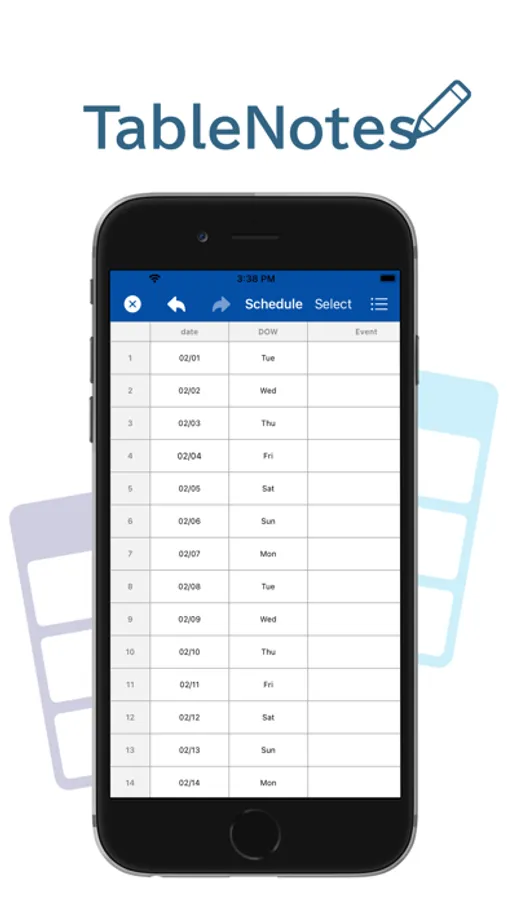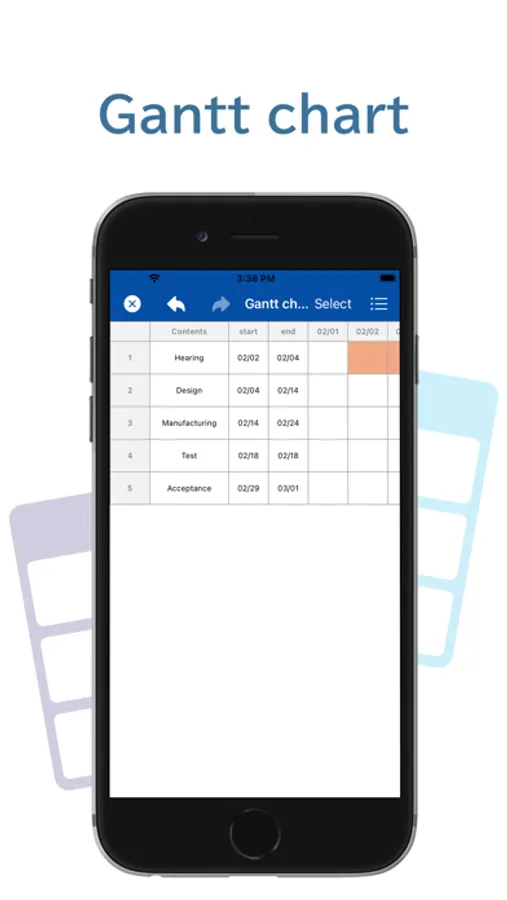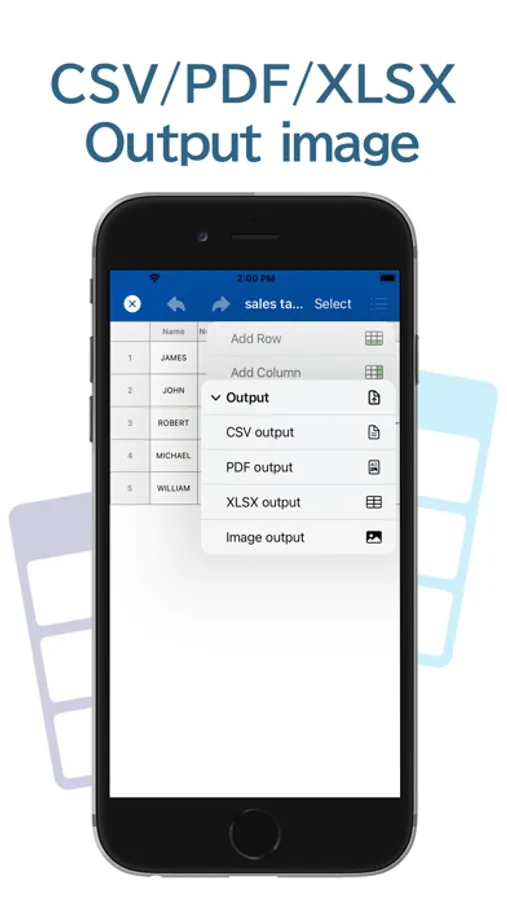
With this spreadsheet maker, you can create and customize tables, input data, and perform simple calculations. Includes features for adding rows and columns, formatting cells, inserting images, and exporting in CSV, PDF, and XLSX formats.
AppRecs review analysis
AppRecs rating 4.6. Trustworthiness 76 out of 100. Review manipulation risk 26 out of 100. Based on a review sample analyzed.
★★★★☆
4.6
AppRecs Rating
Ratings breakdown
5 star
85%
4 star
6%
3 star
3%
2 star
1%
1 star
4%
What to know
✓
Low review manipulation risk
26% review manipulation risk
✓
Credible reviews
76% trustworthiness score from analyzed reviews
✓
High user satisfaction
85% of sampled ratings are 5 stars
About Table Notes Spreadsheet maker
This is a memo application in table format.
You can save your name, phone number, address, etc. in rows.
You can also use it to store recipes.
You can also use it in the following ways
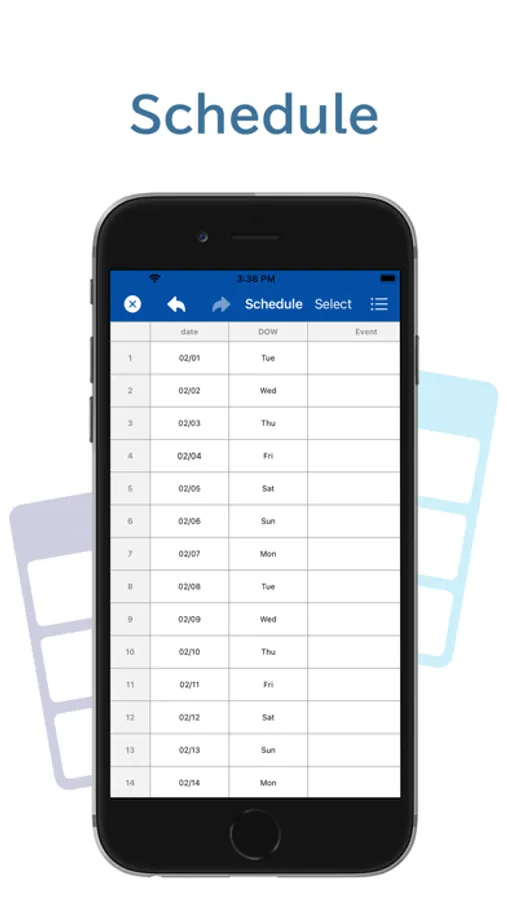
- Create a schedule
- Create recipes
- Create a table
- Create timetables
- Creating shifts
- Setting item names
Tap an item to display the settings screen, where you can set or change the item name.
You can also set the width of the column.
- Setting text and background colors of cells
You can set the text color and background color of each cell.
- Change text size, change text position
The text size can be changed to any size.
The text position can be changed to the left, center, or right.
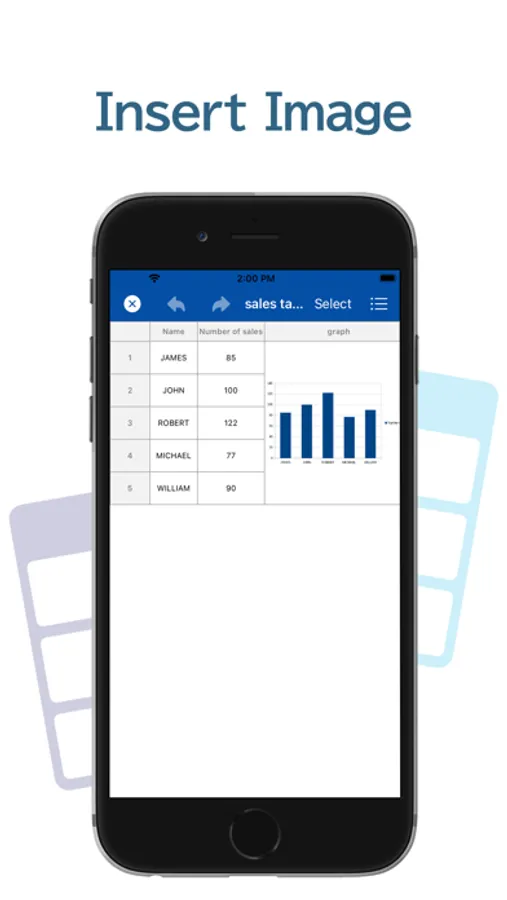
- Insert images
Images can be inserted into cells.
- Change cell size
The height and width of cells can be adjusted and changed.
- Add Rows, Add Columns
There is no limit to the number of rows and columns that can be added.
- Simple calculations in cells
Four arithmetic operations can be performed in a cell.
Four types of symbols (+-*/) can be used to display the calculation results.
- Import CSV files
You can receive and view CSV files shared from other applications.
- CSV output
Data can be output in CSV format.
Text color, background color, etc. cannot be output to CSV.
- PDF output
Data can be output in PDF format for printing or sharing.
- xlsx output
Output to xlsx is possible.
When outputting a file that contains images, the display may differ.
- iCloud Drive
When using iCloud Drive, you can use common data on multiple devices.
- Trash Box
Even if you delete a file by mistake, you can rest assured that it is in the Trash.
You can save your name, phone number, address, etc. in rows.
You can also use it to store recipes.
You can also use it in the following ways
- Create a schedule
- Create recipes
- Create a table
- Create timetables
- Creating shifts
- Setting item names
Tap an item to display the settings screen, where you can set or change the item name.
You can also set the width of the column.
- Setting text and background colors of cells
You can set the text color and background color of each cell.
- Change text size, change text position
The text size can be changed to any size.
The text position can be changed to the left, center, or right.
- Insert images
Images can be inserted into cells.
- Change cell size
The height and width of cells can be adjusted and changed.
- Add Rows, Add Columns
There is no limit to the number of rows and columns that can be added.
- Simple calculations in cells
Four arithmetic operations can be performed in a cell.
Four types of symbols (+-*/) can be used to display the calculation results.
- Import CSV files
You can receive and view CSV files shared from other applications.
- CSV output
Data can be output in CSV format.
Text color, background color, etc. cannot be output to CSV.
- PDF output
Data can be output in PDF format for printing or sharing.
- xlsx output
Output to xlsx is possible.
When outputting a file that contains images, the display may differ.
- iCloud Drive
When using iCloud Drive, you can use common data on multiple devices.
- Trash Box
Even if you delete a file by mistake, you can rest assured that it is in the Trash.