Fokus: Text Highlighting
Aaron Raimist
4.5 ★
store rating
Free
AppRecs review analysis
AppRecs rating 4.0. Trustworthiness 65 out of 100. Review manipulation risk 31 out of 100. Based on a review sample analyzed.
★★★★☆
4.0
AppRecs Rating
Ratings breakdown
5 star
0%
4 star
0%
3 star
0%
2 star
0%
1 star
100%
About Fokus: Text Highlighting
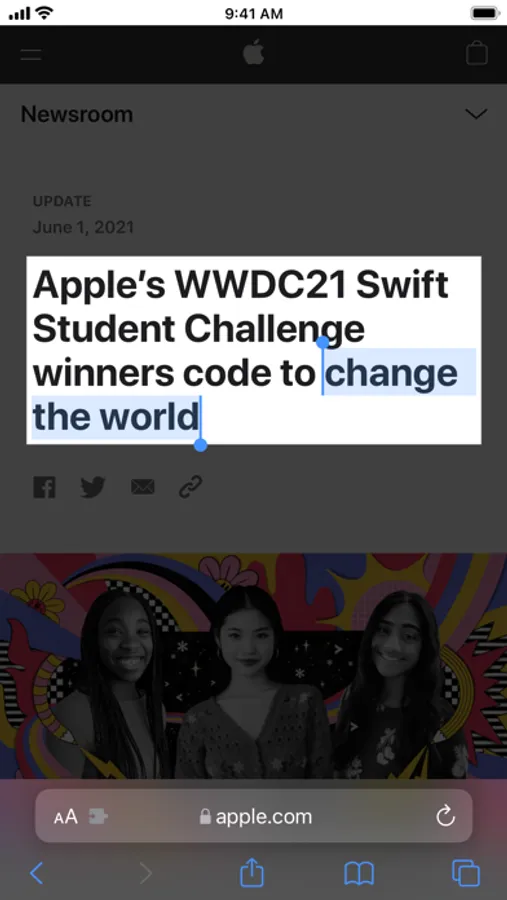
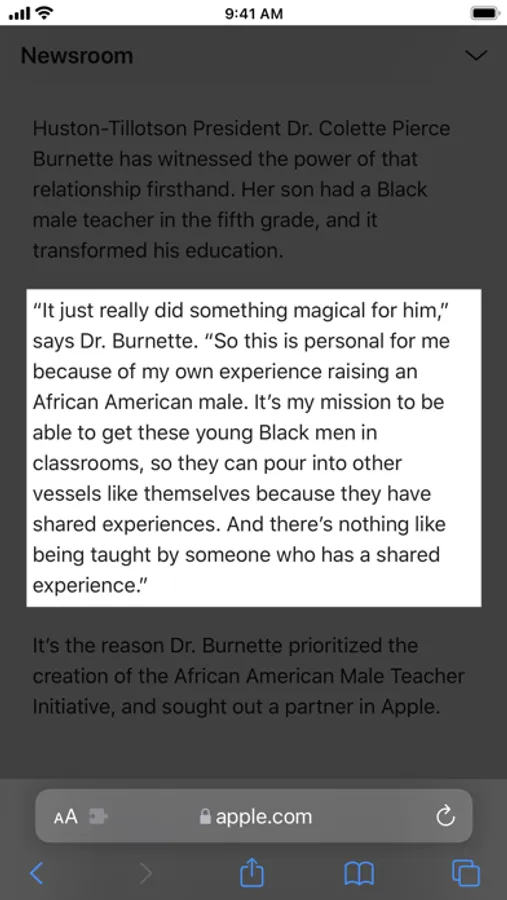
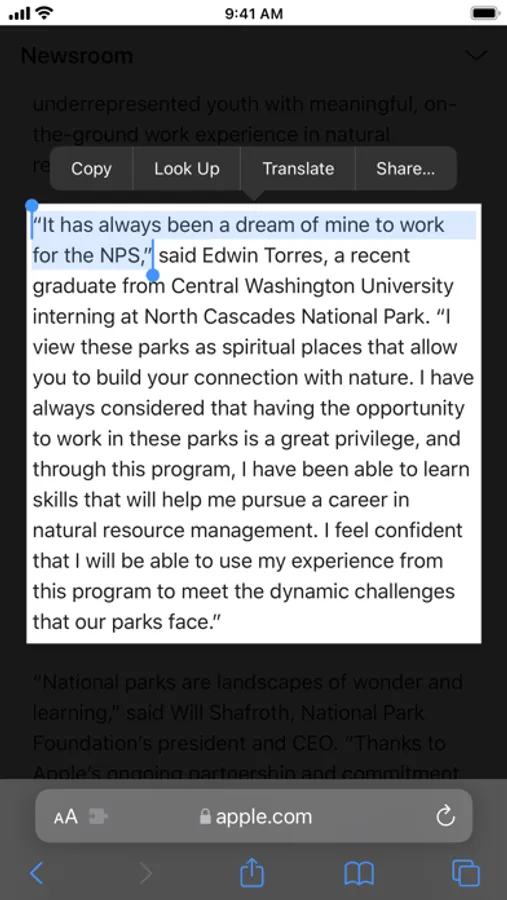
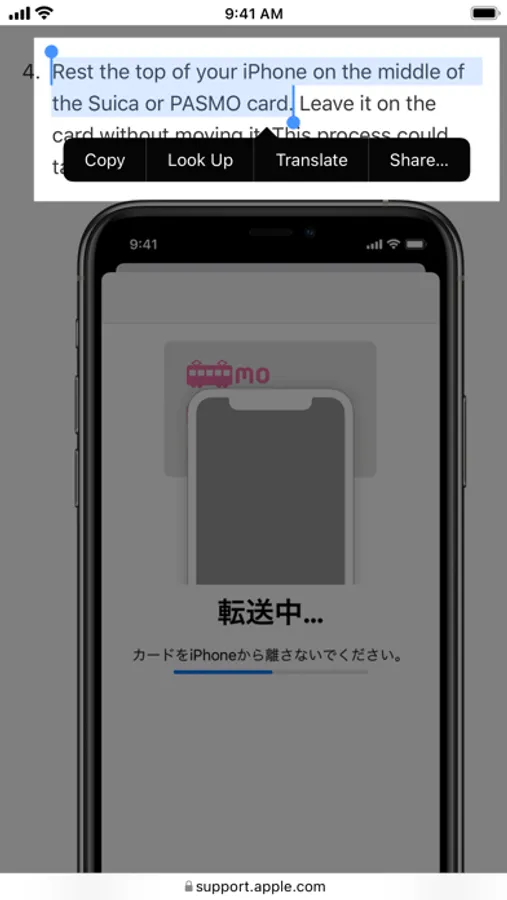
Fokus is a Safari extension that emphasizes anything you select on the web by covering the rest of the page with a semi-transparent black overlay.
This allows you to focus on what you are reading or to emphasize part of a web page during a presentation.
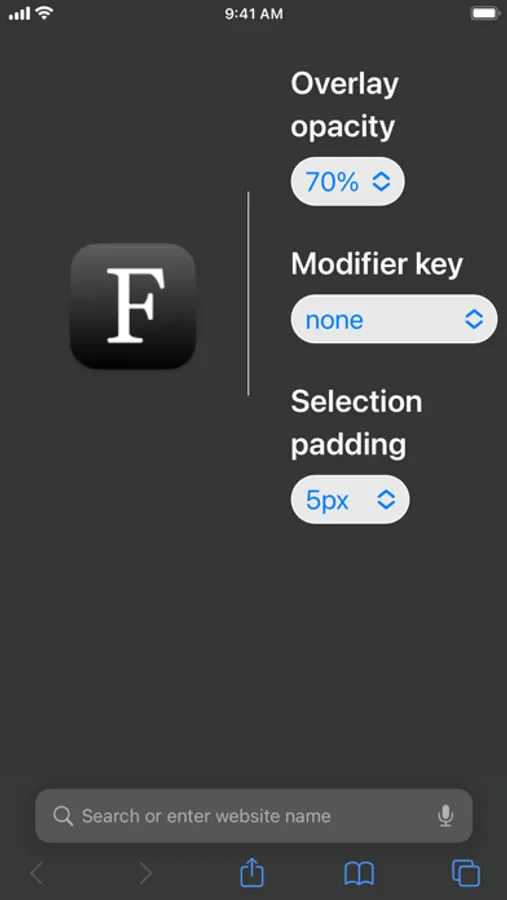
Fokus has options to:
- Adjust the overlay opacity
- Specify a modifier key such as Shift, Control, Option, or Command which must be held down to active the overlay
- Adjust the padding around selection
To use:
1. Open Settings
2. Scroll down to Safari and tap on it
3. Scroll down to Extensions and tap on it
4. Enable Fokus
5. Open the Safari app and go to a website
6. Tap the "aA" button
7. Tap Manage Extensions
8. Enable Fokus
9. Tap Fokus
10. Allow Fokus to access the website
This allows you to focus on what you are reading or to emphasize part of a web page during a presentation.
Fokus has options to:
- Adjust the overlay opacity
- Specify a modifier key such as Shift, Control, Option, or Command which must be held down to active the overlay
- Adjust the padding around selection
To use:
1. Open Settings
2. Scroll down to Safari and tap on it
3. Scroll down to Extensions and tap on it
4. Enable Fokus
5. Open the Safari app and go to a website
6. Tap the "aA" button
7. Tap Manage Extensions
8. Enable Fokus
9. Tap Fokus
10. Allow Fokus to access the website