AppRecs review analysis
AppRecs rating 1.0. Trustworthiness 65 out of 100. Review manipulation risk 20 out of 100. Based on a review sample analyzed.
★☆☆☆☆
1.0
AppRecs Rating
Ratings breakdown
5 star
0%
4 star
0%
3 star
0%
2 star
0%
1 star
100%
What to know
✓
Low review manipulation risk
20% review manipulation risk
⚠
Mixed user feedback
Average 1.0★ rating suggests room for improvement
About HTML Code Play Plus
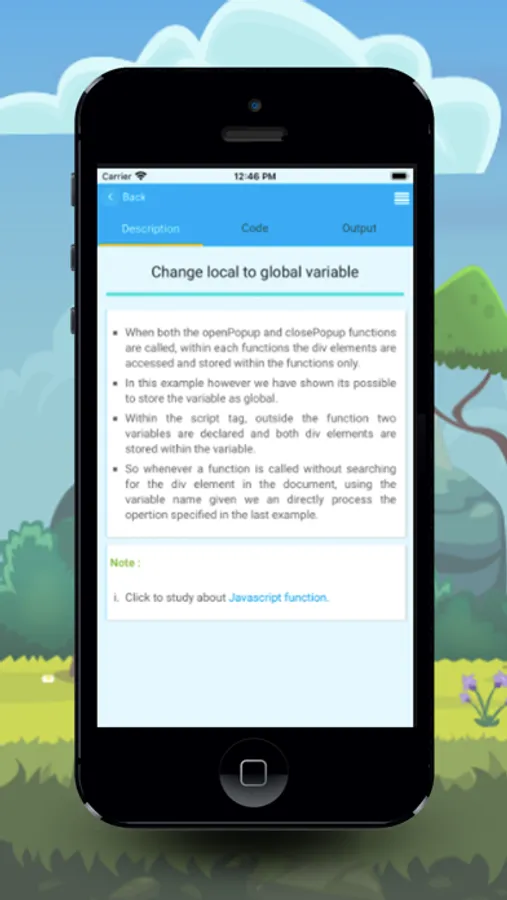
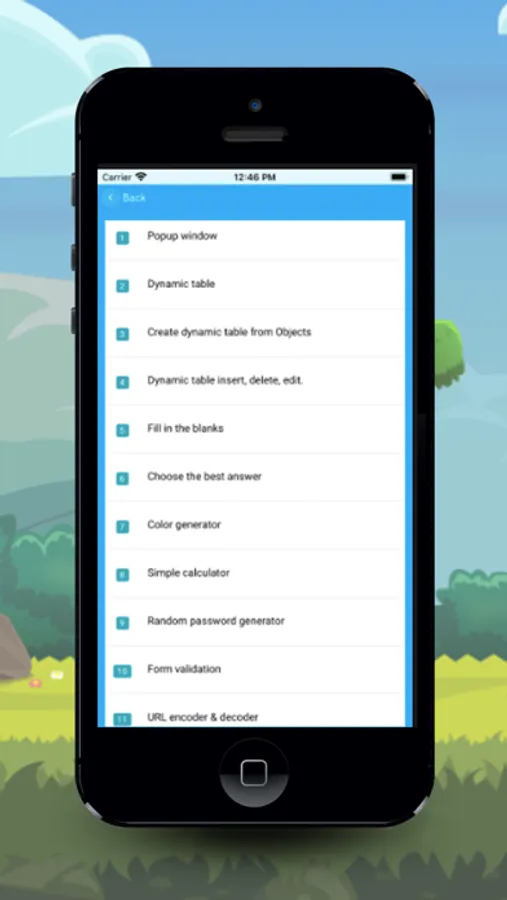
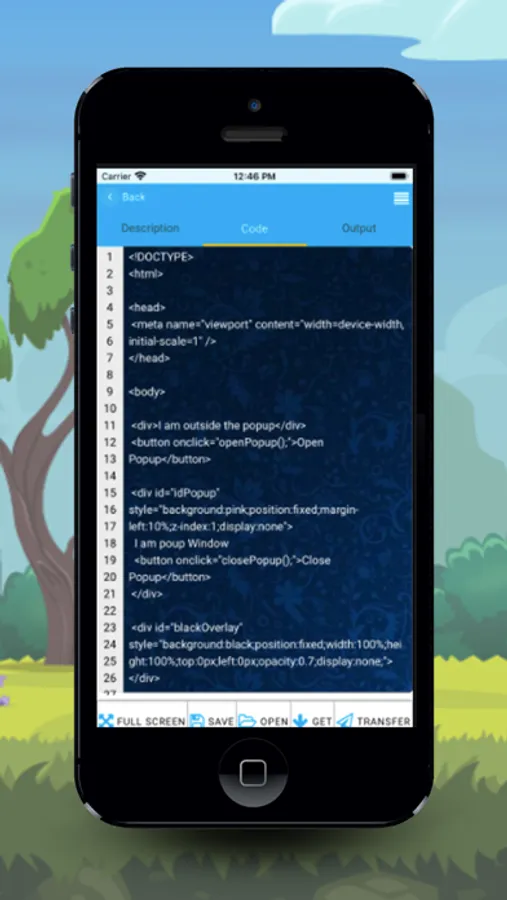
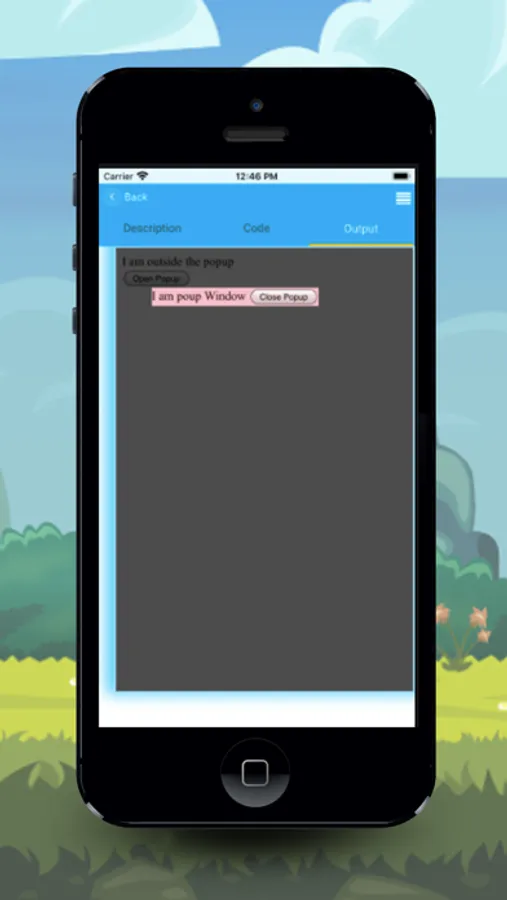
HTML Code Play + designed for the next level learner, that mean, from this application you can make advanced level code like creating dynamic controls, database accessing and many features added.
Save File
1) Saved .html files are saved in your internal storage → HTML Code Play Plus directory.
2) Our editor compile your HTML code from our app directory, so if saved it in separate .html and if you trying to open it on browser that image and plugin path doesn't support. So we strongly recommend you to check the "Replace with live URL" check box while saving.
3) If the Replace, if exist check box is checked, silently the file will replace if the given name exists.
4) No need to enter the .html extension, also not a problem if you enter the file name with the .html extension.
Open file
1) We show all the files from the internal storage → HTML Code Play Plus directory.
2) If you want to open the file from another directory you can click the Choose file button and select your file from anywhere.
Backup Details
1) Backup files are saved in you Internal storage → HTML Code Play Plus → temp.html
2) If you do any changes and when you hide the keyboard, automatically save the backup file.
Offline app
This app fully can work in offline mode, except getting code, transfer code, and if you used any online links.
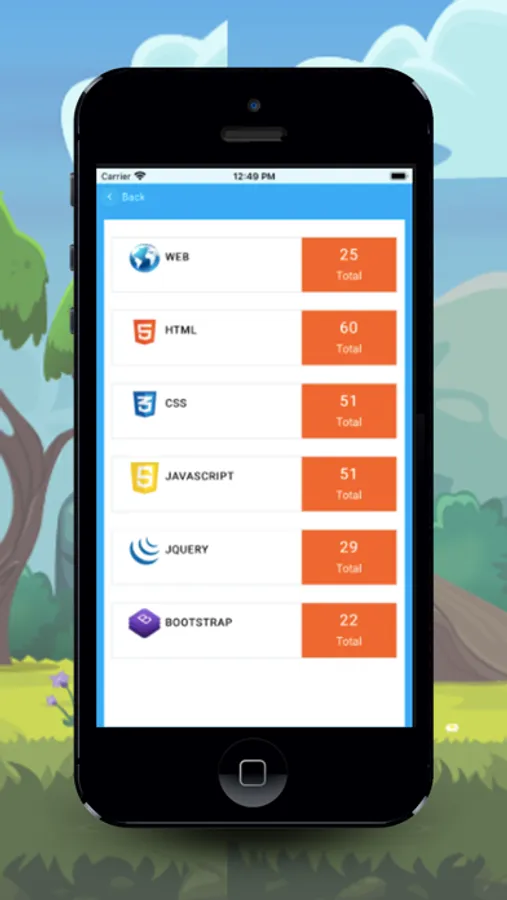
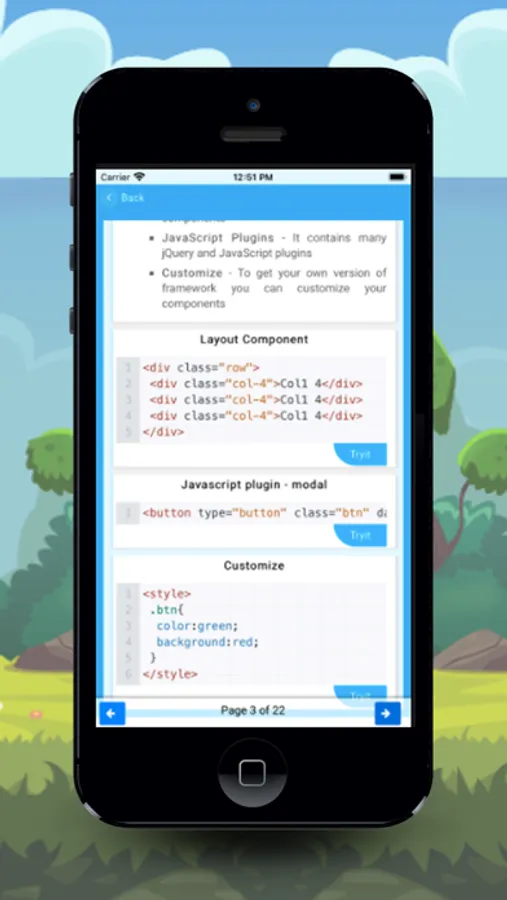
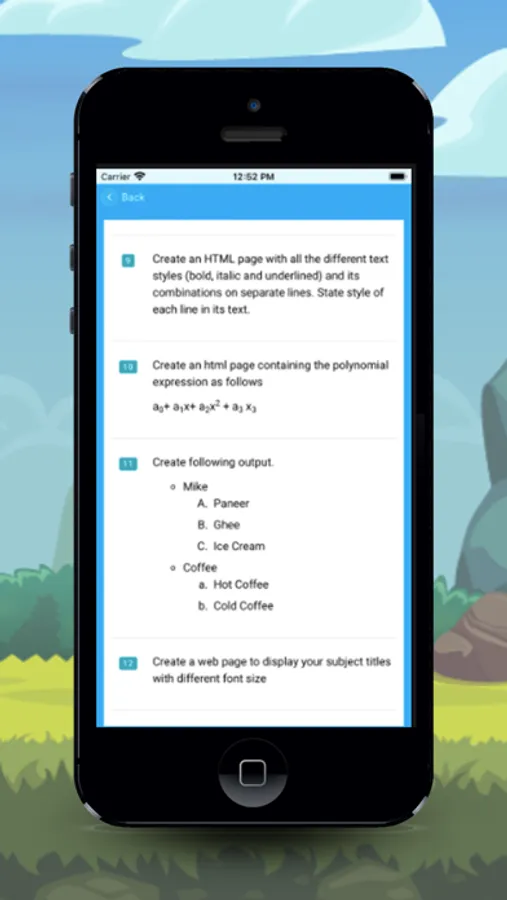
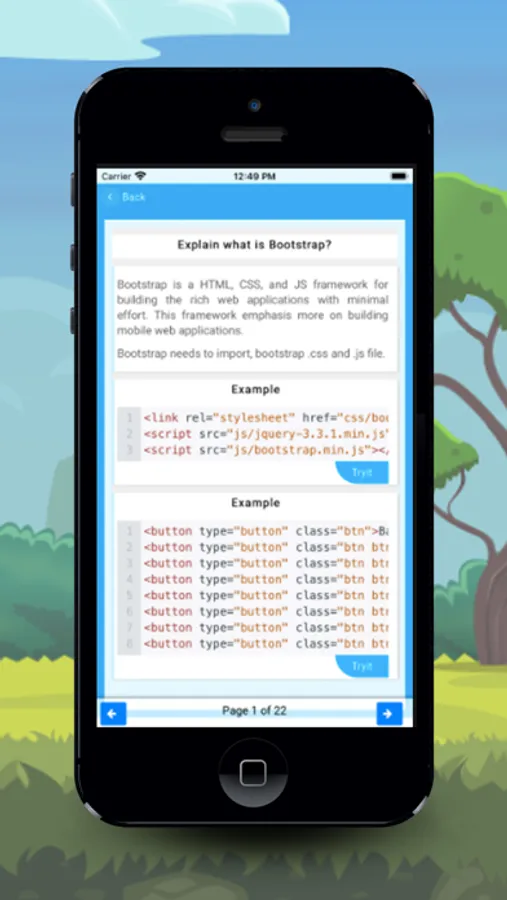
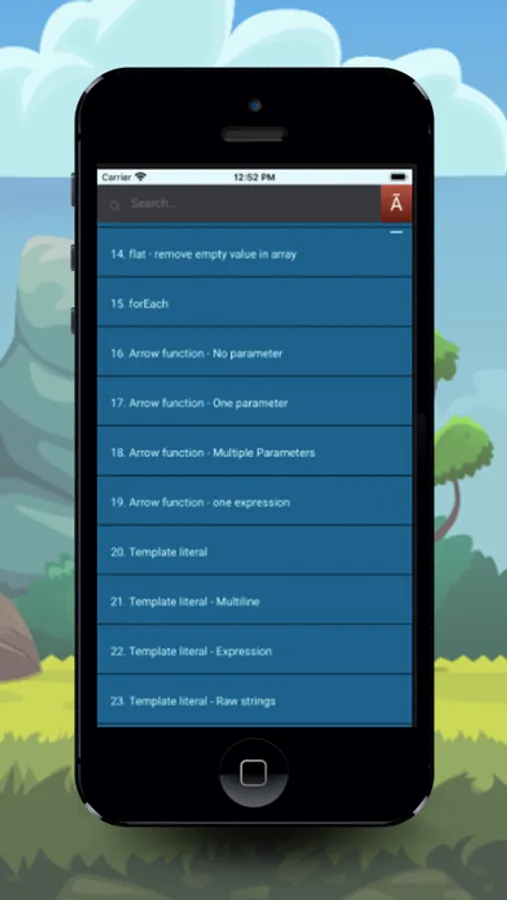
With this app, you can learn HTML, CSS, javascript, jquery, bootstrap, angular js and about web development.
Save File
1) Saved .html files are saved in your internal storage → HTML Code Play Plus directory.
2) Our editor compile your HTML code from our app directory, so if saved it in separate .html and if you trying to open it on browser that image and plugin path doesn't support. So we strongly recommend you to check the "Replace with live URL" check box while saving.
3) If the Replace, if exist check box is checked, silently the file will replace if the given name exists.
4) No need to enter the .html extension, also not a problem if you enter the file name with the .html extension.
Open file
1) We show all the files from the internal storage → HTML Code Play Plus directory.
2) If you want to open the file from another directory you can click the Choose file button and select your file from anywhere.
Backup Details
1) Backup files are saved in you Internal storage → HTML Code Play Plus → temp.html
2) If you do any changes and when you hide the keyboard, automatically save the backup file.
Offline app
This app fully can work in offline mode, except getting code, transfer code, and if you used any online links.
With this app, you can learn HTML, CSS, javascript, jquery, bootstrap, angular js and about web development.