AppRecs review analysis
AppRecs rating 3.7. Trustworthiness 65 out of 100. Review manipulation risk 29 out of 100. Based on a review sample analyzed.
★★★☆☆
3.7
AppRecs Rating
Ratings breakdown
5 star
80%
4 star
0%
3 star
0%
2 star
0%
1 star
20%
What to know
✓
Low review manipulation risk
29% review manipulation risk
✓
High user satisfaction
80% of sampled ratings are 4+ stars (4.2★ average)
About Files.com
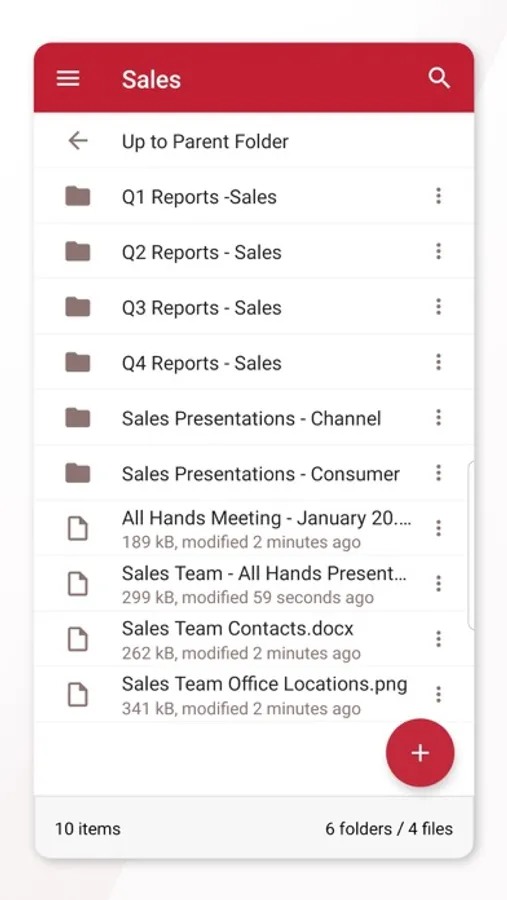
Files.com's Mobile app makes it easy to work with Any File in your business from anywhere.
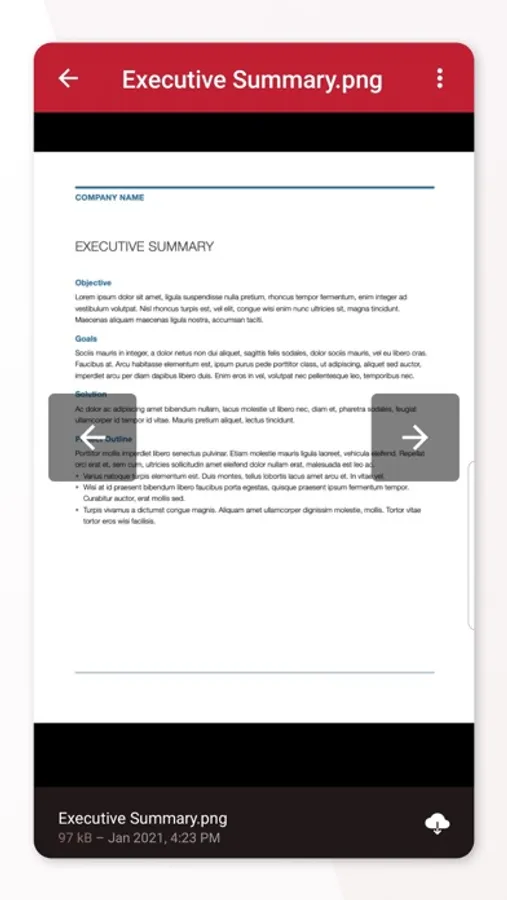
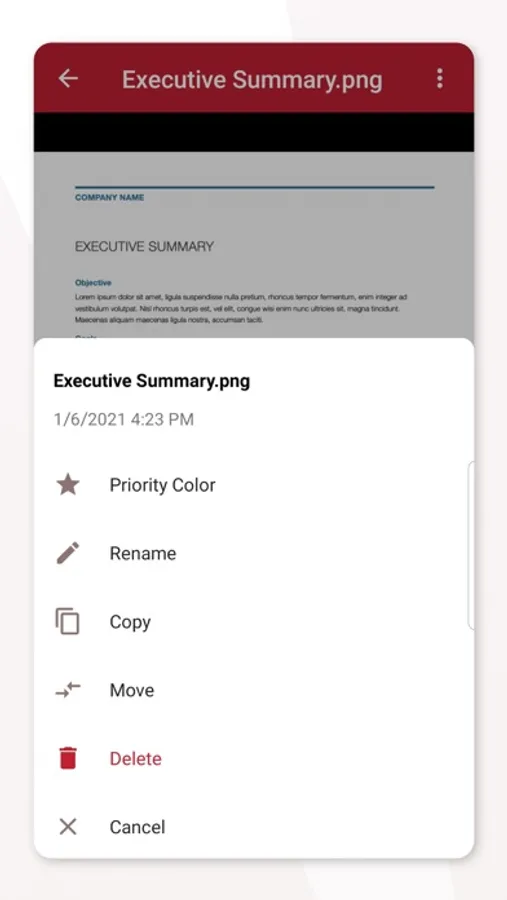
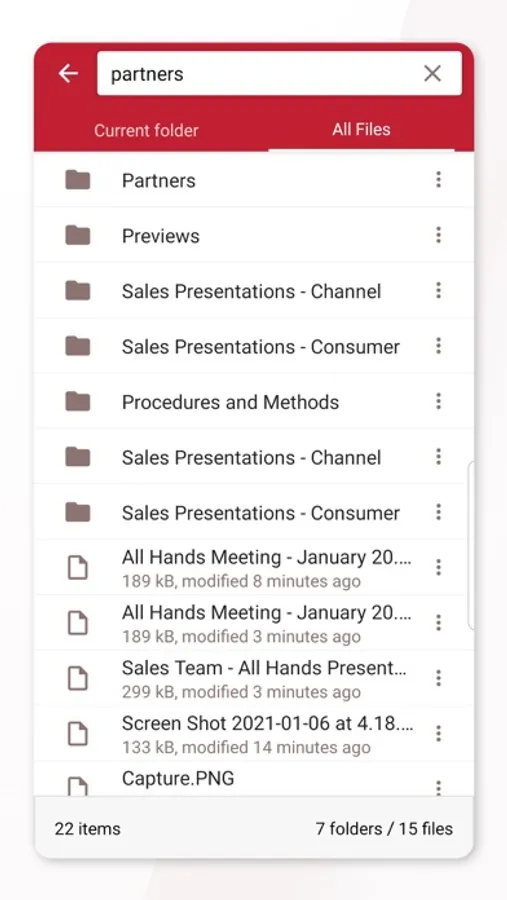
Access the Files.com platform to upload, download, and preview files, as well as access workflows and automations.
Once a File is available in Files.com, it's easy to share that file and collaborate with both internal and external recipients.
Inbound File Inboxes and File Requests: Imagine the simplicity of providing a hyperlink in an email or on your organization’s website for anyone needing to upload invoices, legal documents, bug reports, log files, and more.
Securely Send File Links via E-Mail: On Files.com, you can simply select the files or folders you wish to share, and click “New Share”, and Files.com will generate a unique secure link that functions as a bearer key.
Push or Pull Files via our One-Way and Two-Way Sync functionality: Link your own third-party accounts or the cloud accounts of customers, vendors, or partners. Maintain your own permanent copy of anything you send to others.
Access the Files.com platform to upload, download, and preview files, as well as access workflows and automations.
Once a File is available in Files.com, it's easy to share that file and collaborate with both internal and external recipients.
Inbound File Inboxes and File Requests: Imagine the simplicity of providing a hyperlink in an email or on your organization’s website for anyone needing to upload invoices, legal documents, bug reports, log files, and more.
Securely Send File Links via E-Mail: On Files.com, you can simply select the files or folders you wish to share, and click “New Share”, and Files.com will generate a unique secure link that functions as a bearer key.
Push or Pull Files via our One-Way and Two-Way Sync functionality: Link your own third-party accounts or the cloud accounts of customers, vendors, or partners. Maintain your own permanent copy of anything you send to others.