About EDOmedic Admin App
WARNING : This app is a companion App for configuring EDOmedic Smart Wristbands, if you don't have one, this application will have no use, so please don't install it.
If you just bought your EDOmedic Wristband and want to configure it for your child, you are at the right place, just follow these 4 steps:
1) Install the App.
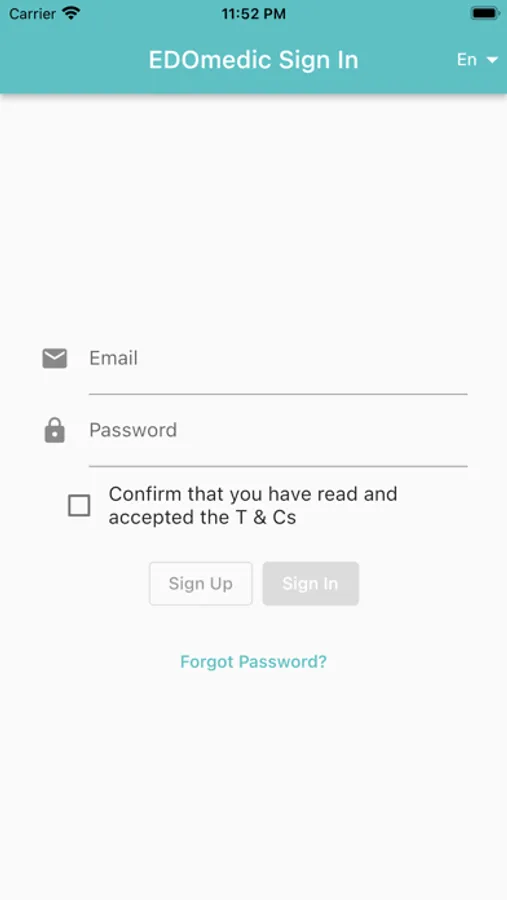
2) Create an account (email/password) with a secure password (letters, figures, special characters, uppercase letters and at least 8 chars long).
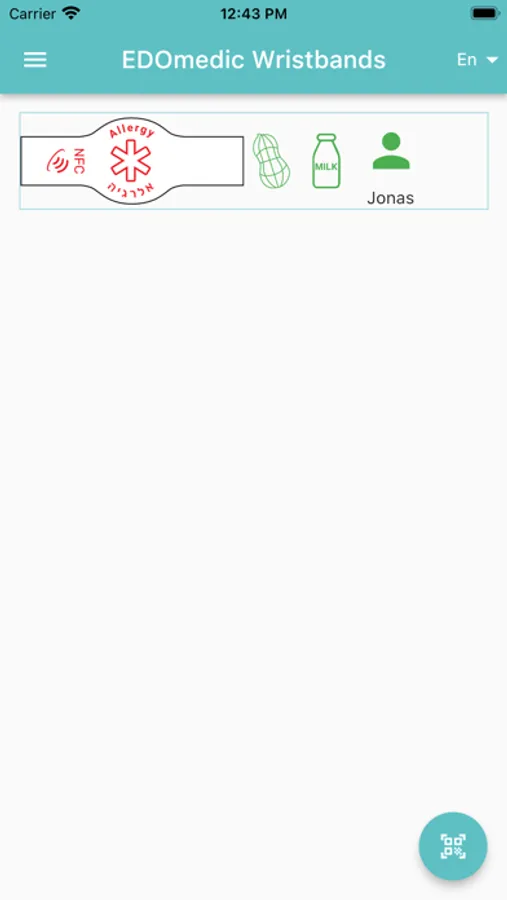
3) Scan the QRCode provided with the Wristband on the Owner Card.
Your wristband should appear on the list.
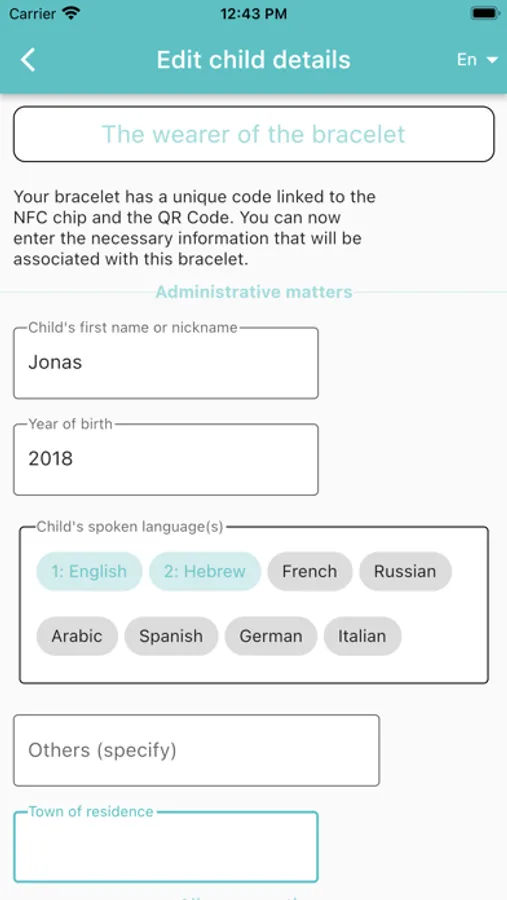
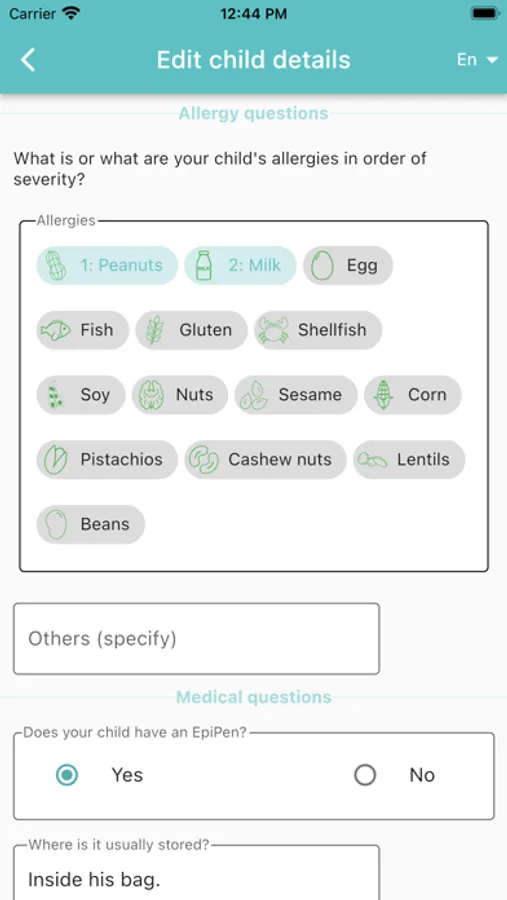
4) Click on the user next to the Wristband to configure all the details you want to publish when the Wristband is scanned with NFC.
If you just bought your EDOmedic Wristband and want to configure it for your child, you are at the right place, just follow these 4 steps:
1) Install the App.
2) Create an account (email/password) with a secure password (letters, figures, special characters, uppercase letters and at least 8 chars long).
3) Scan the QRCode provided with the Wristband on the Owner Card.
Your wristband should appear on the list.
4) Click on the user next to the Wristband to configure all the details you want to publish when the Wristband is scanned with NFC.