AppRecs review analysis
AppRecs rating 1.0. Trustworthiness 65 out of 100. Review manipulation risk 28 out of 100. Based on a review sample analyzed.
★☆☆☆☆
1.0
AppRecs Rating
Ratings breakdown
5 star
0%
4 star
0%
3 star
0%
2 star
0%
1 star
100%
What to know
✓
Low review manipulation risk
28% review manipulation risk
⚠
Mixed user feedback
Average 1.0★ rating suggests room for improvement
About Volumio Controller
Volumio Controller is a simple tool to control your Volumio.
The first time starting the app, you can fill in the ip-address of your Volumio in your local network.
This is then saved on your phone for all the next times you open the app.
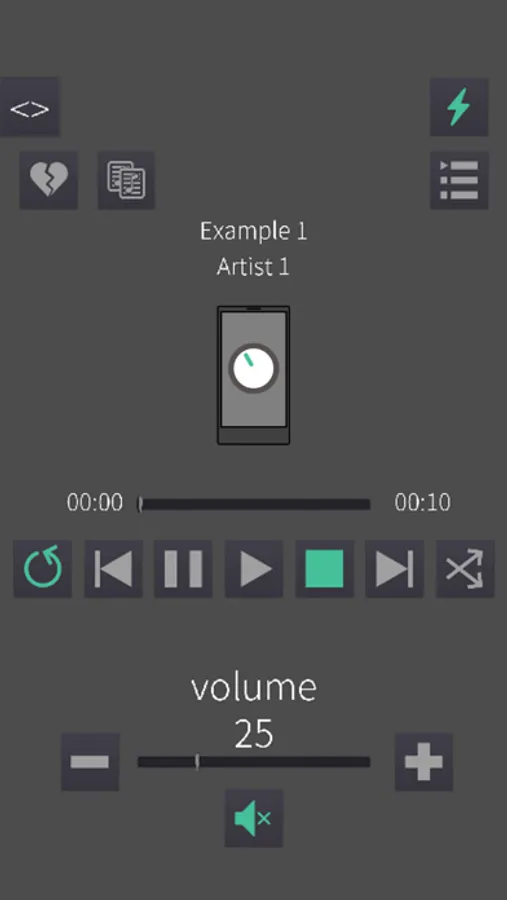
Currently has the following features: (v1.6)
Show playback info:
- Title
- Artist
- Album art
Playback control:
- Play
- Pause
- Stop
- Previous
- Next
- Random
- Repeat
- Seek
- Change volume (Stepwise and freely)
- (Un)mute
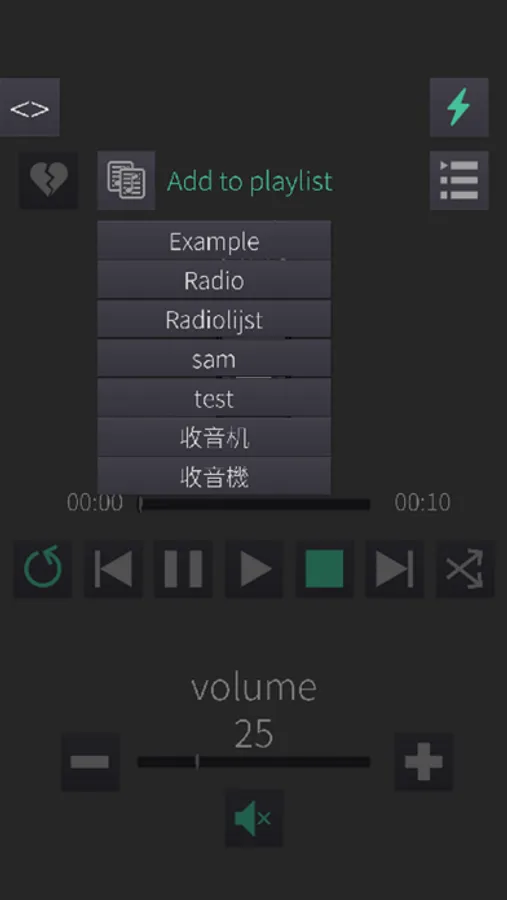
Track options:
- Add / Remove a track from favourites
- Add / Remove a track from a playlist
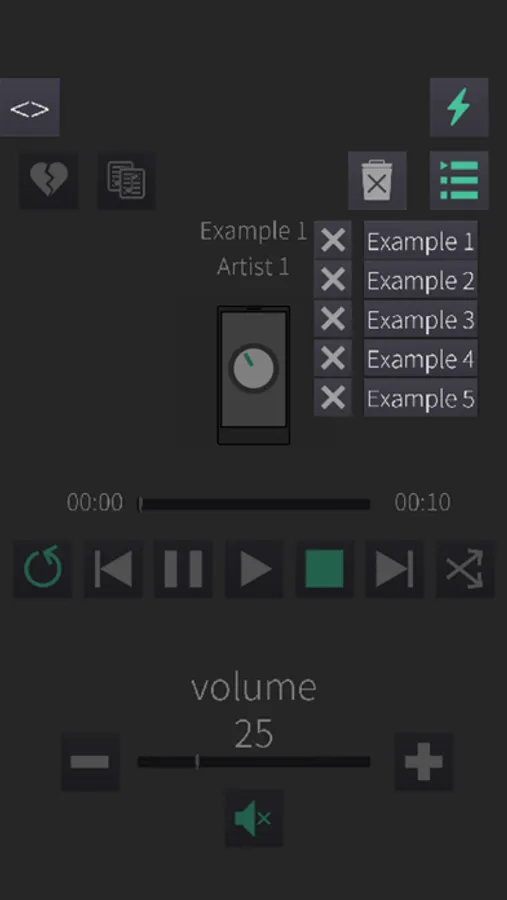
Queue:
- Show tracks in current queue
- Select a different track from this queue to play
- Clear the entire queue
- Remove a specific queue item
Browsing:
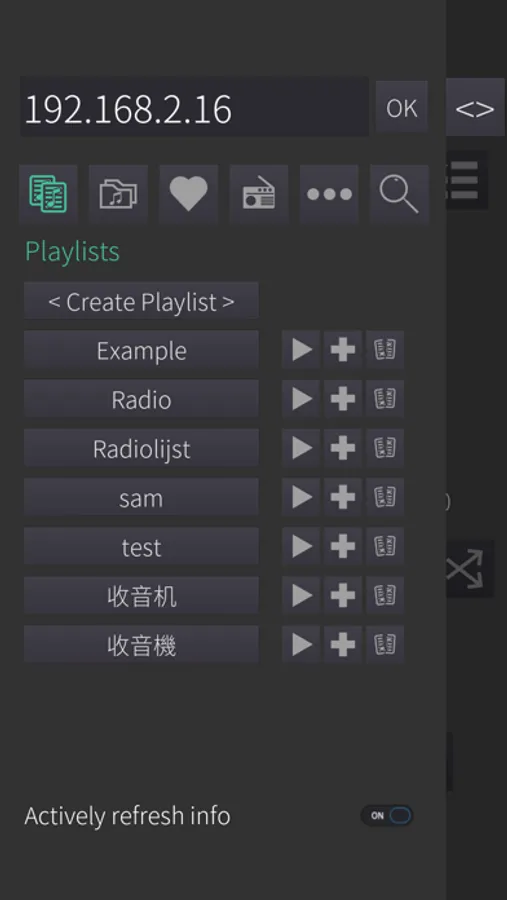
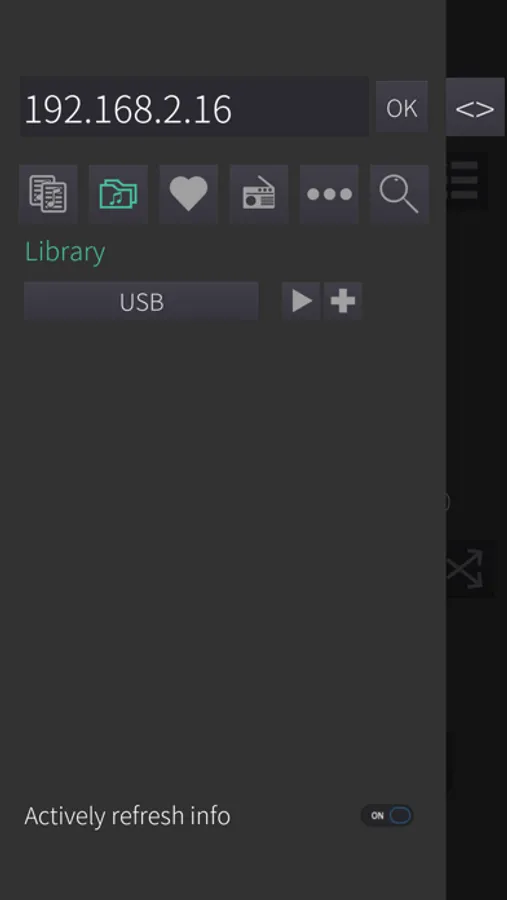
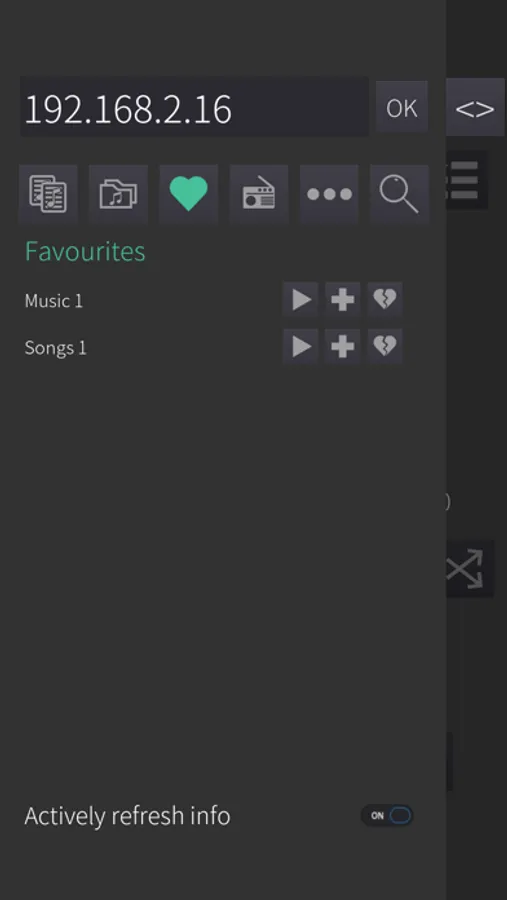
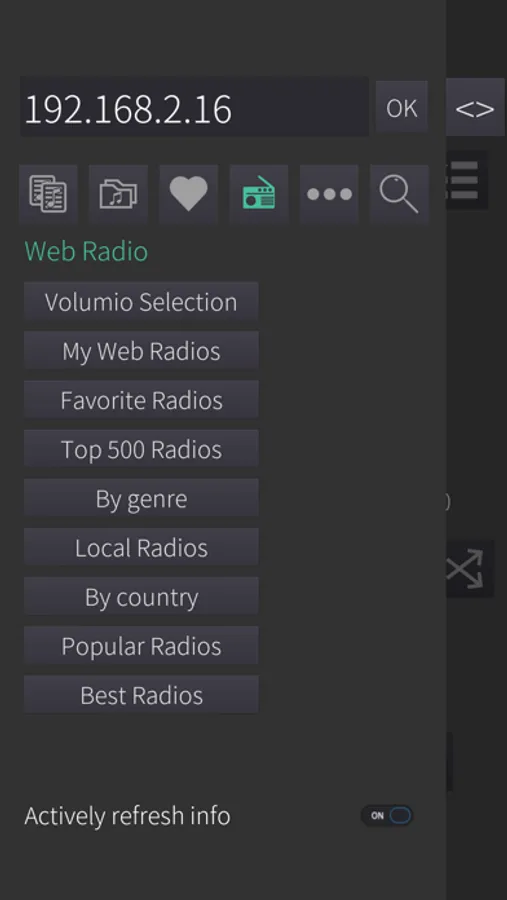
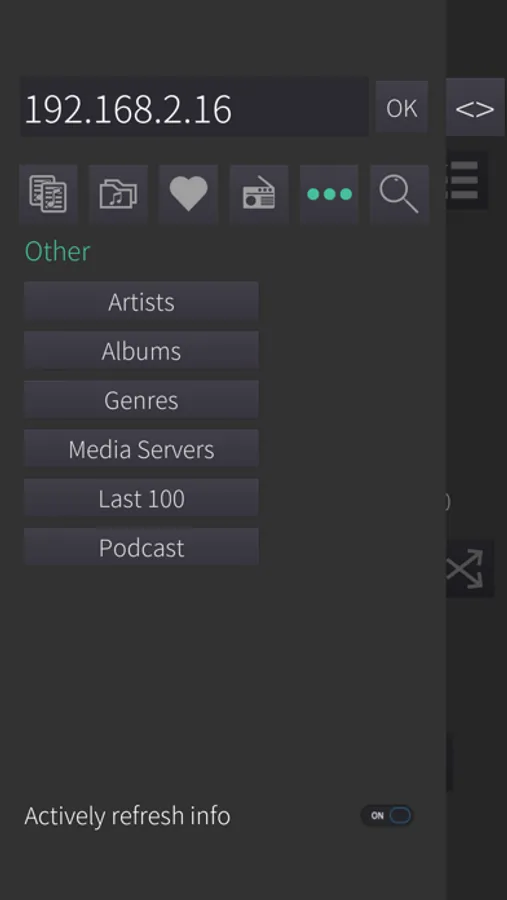
- Quick access buttons for: Playlists, Library, Favourites and Web radio.
All other categories are accessed with the last button: Other.
- Browse back and forth through the different categories
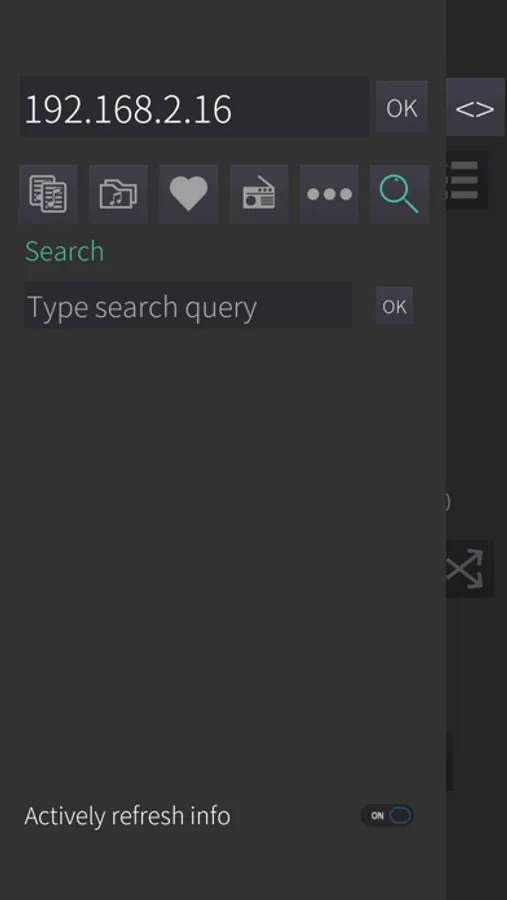
- Custom search by typing a query.
- Add a playlist/folder to the queue (if applicable)
- Replace the current queue with one of the playlists/folders (if applicable)
- Add a track to the queue
- Replace the queue by a track
- Creating a new playlist
- Deleting a playlist
- Removing a track from a playlist
- Removing a track from favourites
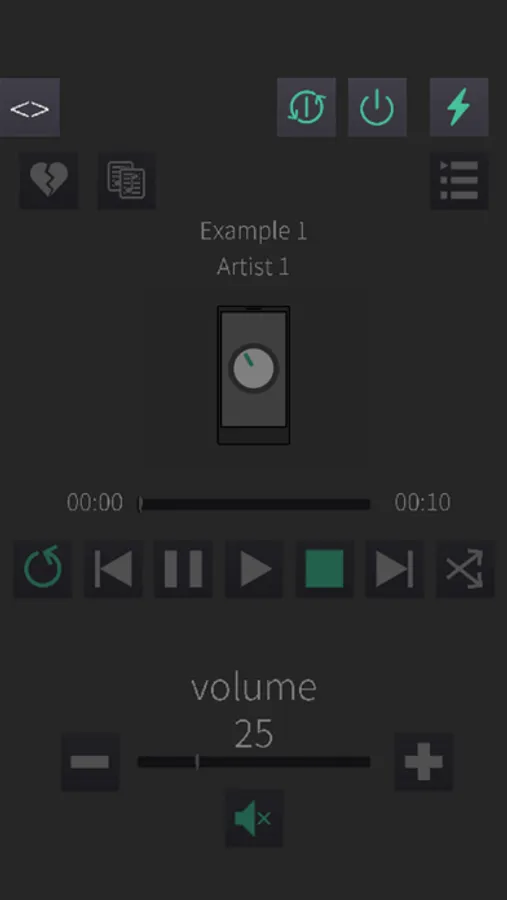
Controls:
- Shutdown Volumio
- Reboot Volumio
- Continuous refreshing of info by default. Although this is not intensive, there is also an option to stop continuously refreshing. For example if you just need to change the volume and don't care about the info displayed.
The first time starting the app, you can fill in the ip-address of your Volumio in your local network.
This is then saved on your phone for all the next times you open the app.
Currently has the following features: (v1.6)
Show playback info:
- Title
- Artist
- Album art
Playback control:
- Play
- Pause
- Stop
- Previous
- Next
- Random
- Repeat
- Seek
- Change volume (Stepwise and freely)
- (Un)mute
Track options:
- Add / Remove a track from favourites
- Add / Remove a track from a playlist
Queue:
- Show tracks in current queue
- Select a different track from this queue to play
- Clear the entire queue
- Remove a specific queue item
Browsing:
- Quick access buttons for: Playlists, Library, Favourites and Web radio.
All other categories are accessed with the last button: Other.
- Browse back and forth through the different categories
- Custom search by typing a query.
- Add a playlist/folder to the queue (if applicable)
- Replace the current queue with one of the playlists/folders (if applicable)
- Add a track to the queue
- Replace the queue by a track
- Creating a new playlist
- Deleting a playlist
- Removing a track from a playlist
- Removing a track from favourites
Controls:
- Shutdown Volumio
- Reboot Volumio
- Continuous refreshing of info by default. Although this is not intensive, there is also an option to stop continuously refreshing. For example if you just need to change the volume and don't care about the info displayed.