AppRecs review analysis
AppRecs rating 1.1. Trustworthiness 70 out of 100. Review manipulation risk 30 out of 100. Based on a review sample analyzed.
★☆☆☆☆
1.1
AppRecs Rating
Ratings breakdown
5 star
11%
4 star
0%
3 star
0%
2 star
11%
1 star
78%
What to know
✓
Low review manipulation risk
30% review manipulation risk
⚠
Mixed user feedback
Average 1.6★ rating suggests room for improvement
About Connect app for Mini PTZ Cam
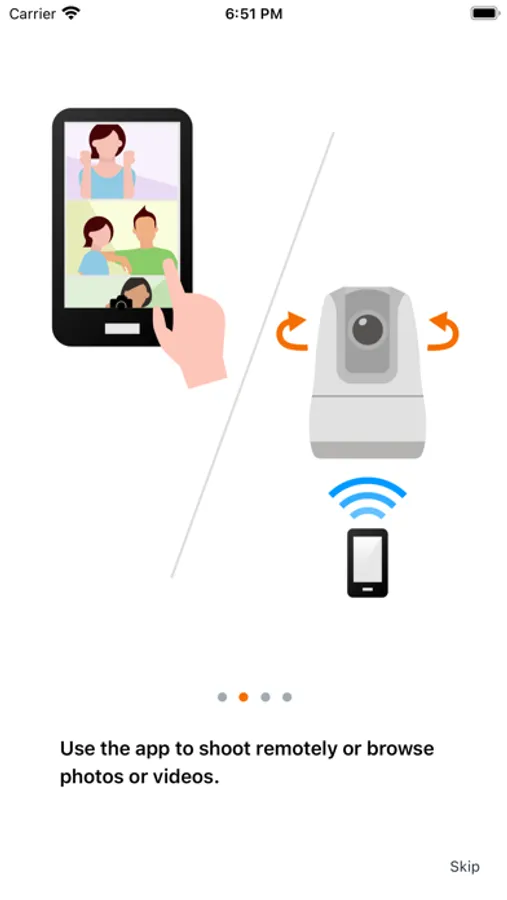
Connect app for Mini PTZ Cam is an application to make settings and capture images with compatible Canon cameras on a smartphone/tablet.
By connecting to a camera with Wi-Fi, this application provides the following features:
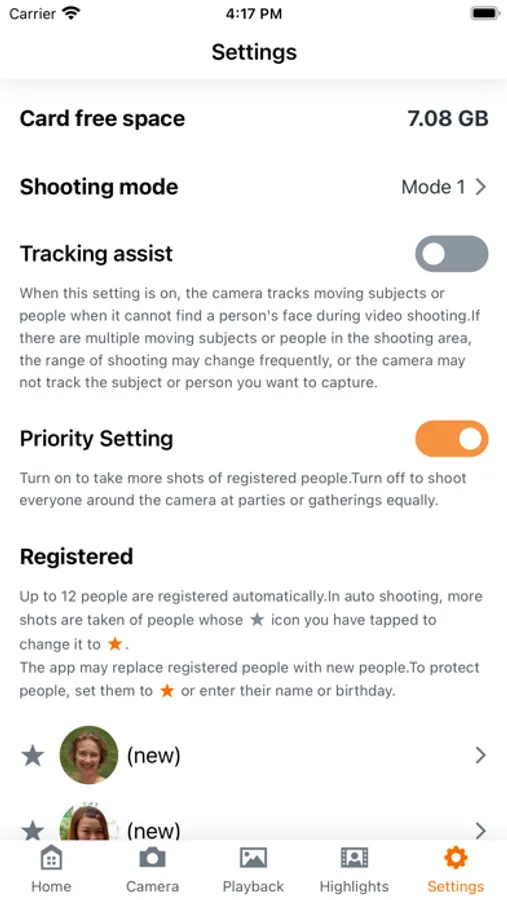
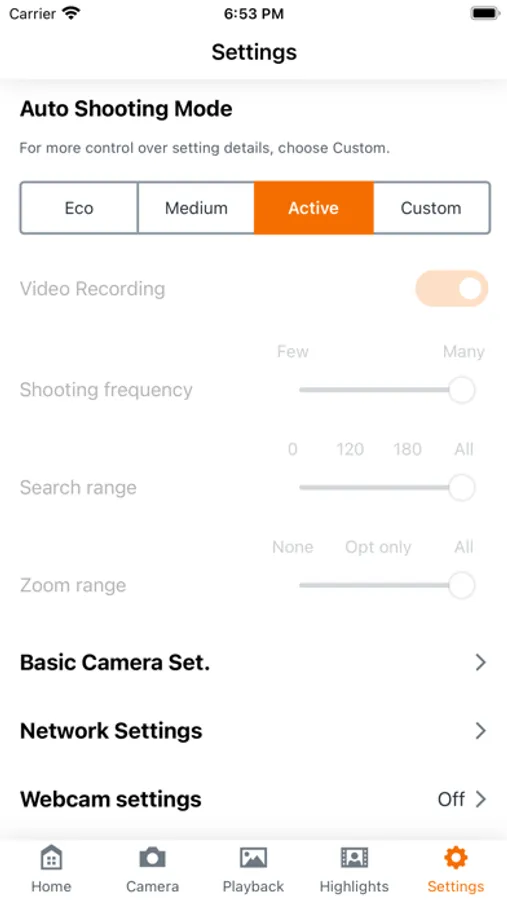
■Set up automatic shooting from a smartphone.
・Customize settings such as automatic shooting frequency and person search range to your preference.
・Add people automatically registered by the camera as favorites and set their shooting priority.
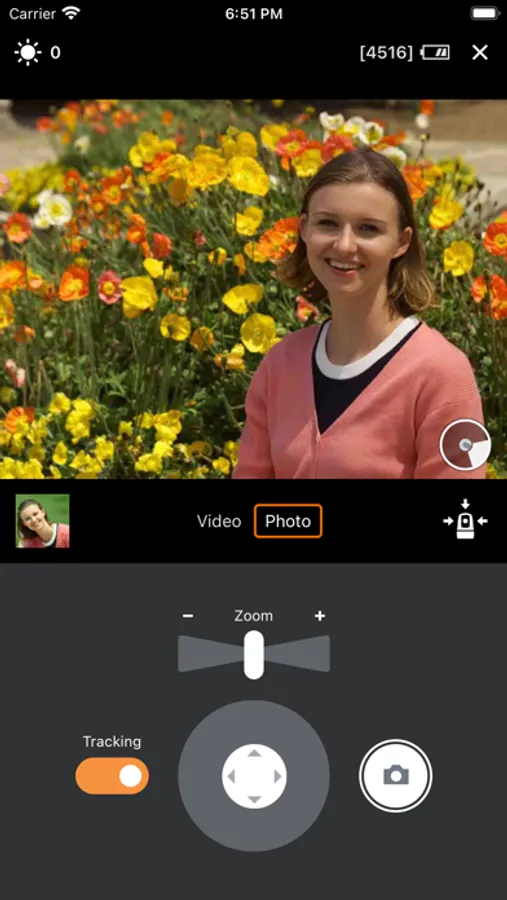
■Remote shoot with live view imaging of the camera from a smartphone.
・Pan tilt and zoom can be controlled.
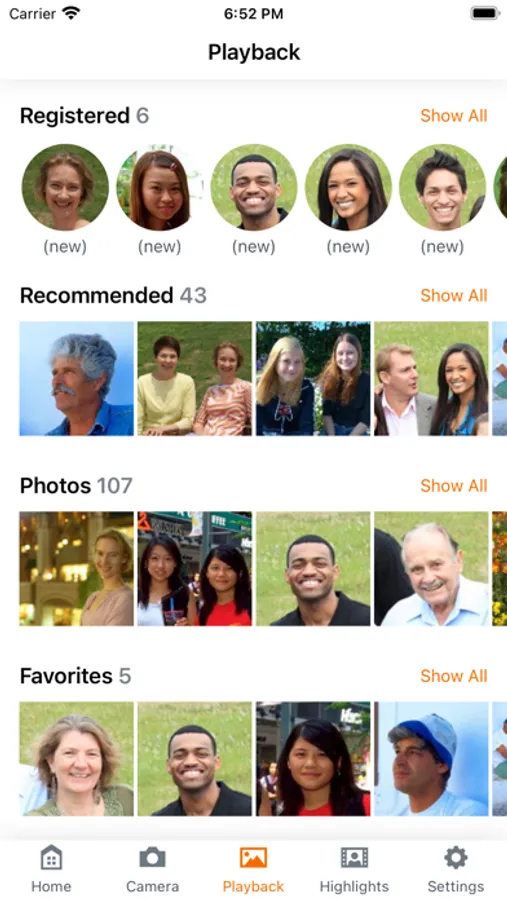
■View still photos and movies on a smartphone and save them to the smartphone.
■Notification of messages from the camera.
・Guidance and error information, etc. on the camera
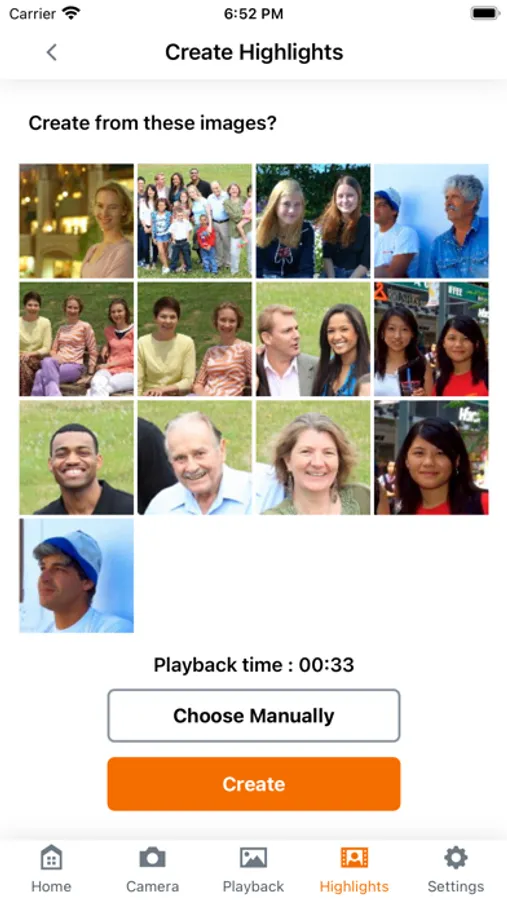
■Create highlight movies
■Firmware update of the camera is possible from the app.
■Set up the webcam function.
[Compatible models]
PowerShot PICK / PowerShot PX
[System requirement]
iOS 15.7 / 16.1
iPadOS 15.7 / 16.1
[Compatible File Types]
JPEG, MP4
* Files shot with models other than the ones supported above cannot be viewed.
[Important Notes]
・If application does not operate properly, try again after shutting down the application.
・This application is not guaranteed to operate on all devices.
・Languages: Japanese, English, Simplified Chinese, French, German, Italian, Spanish, Korean, Russian, Turkish, and Portuguese (11 languages)
* Depending on the communication environment, there may be delays in remote Live View images during remote operation, and it may take time to transfer images and movies.
* Visit your local Canon Web pages for more details.
By connecting to a camera with Wi-Fi, this application provides the following features:
■Set up automatic shooting from a smartphone.
・Customize settings such as automatic shooting frequency and person search range to your preference.
・Add people automatically registered by the camera as favorites and set their shooting priority.
■Remote shoot with live view imaging of the camera from a smartphone.
・Pan tilt and zoom can be controlled.
■View still photos and movies on a smartphone and save them to the smartphone.
■Notification of messages from the camera.
・Guidance and error information, etc. on the camera
■Create highlight movies
■Firmware update of the camera is possible from the app.
■Set up the webcam function.
[Compatible models]
PowerShot PICK / PowerShot PX
[System requirement]
iOS 15.7 / 16.1
iPadOS 15.7 / 16.1
[Compatible File Types]
JPEG, MP4
* Files shot with models other than the ones supported above cannot be viewed.
[Important Notes]
・If application does not operate properly, try again after shutting down the application.
・This application is not guaranteed to operate on all devices.
・Languages: Japanese, English, Simplified Chinese, French, German, Italian, Spanish, Korean, Russian, Turkish, and Portuguese (11 languages)
* Depending on the communication environment, there may be delays in remote Live View images during remote operation, and it may take time to transfer images and movies.
* Visit your local Canon Web pages for more details.