AppRecs review analysis
AppRecs rating 3.5. Trustworthiness 90 out of 100. Review manipulation risk 25 out of 100. Based on a review sample analyzed.
★★★☆☆
3.5
AppRecs Rating
Ratings breakdown
5 star
50%
4 star
0%
3 star
0%
2 star
0%
1 star
50%
What to know
✓
Low review manipulation risk
25% review manipulation risk
✓
Credible reviews
90% trustworthiness score from analyzed reviews
About CamStreamer Mobile
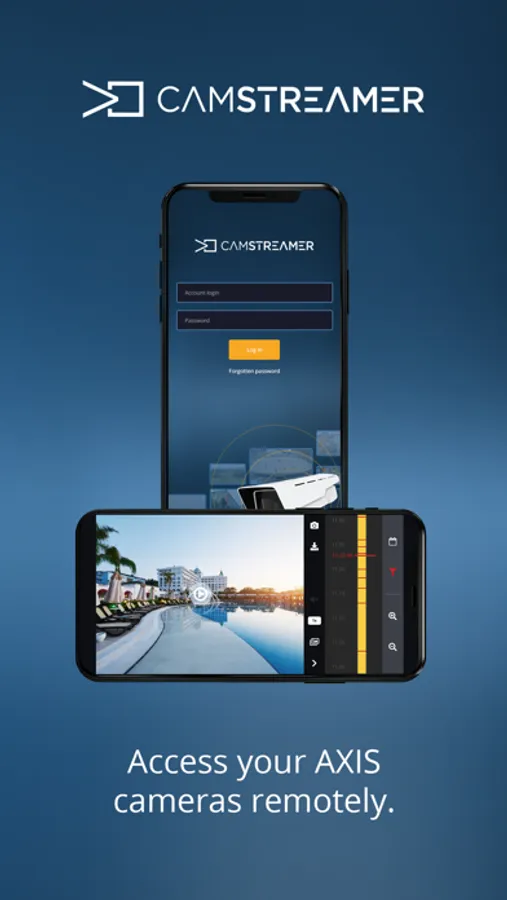
Connect to the CamStreamer Cloud from anywhere using the CamStreamer Cloud Mobile app. Get notifications, check your cameras, and manage your application settings on the go.
Features
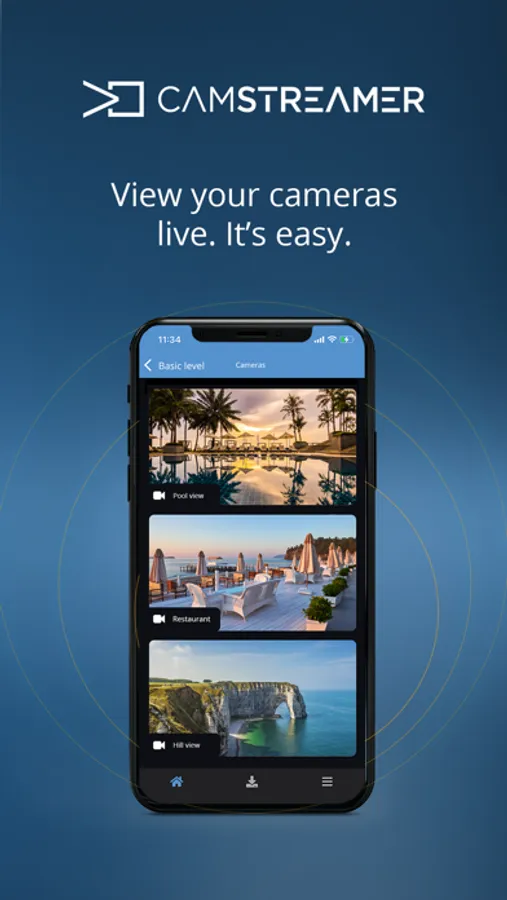
Watch live video streams from your cameras, including audio.
Manage the settings of your CamStreamer apps remotely.
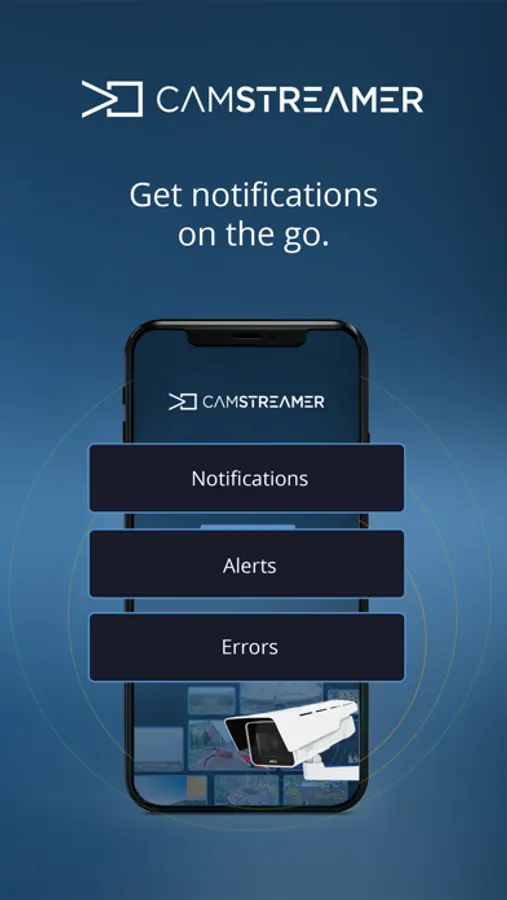
Set up your notifications. Define events you wish to be notified about and you’ll receive push notifications to your phone.
Control PTZ cameras.
ZOOM in on interesting details with pinch-to-ZOOM.
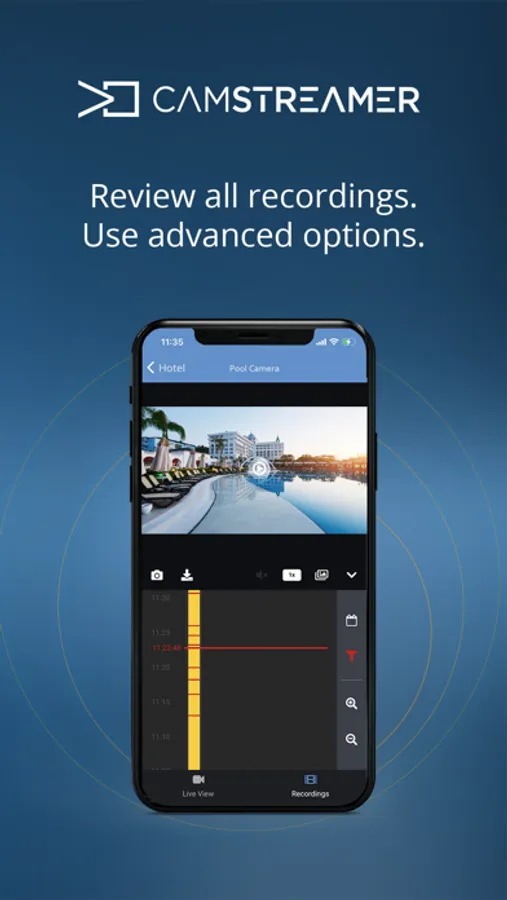
Watch the material recorded by your cameras.
Save pictures to your phone or tablet.
Download recordings to your phone, tablet, or external storage (Dropbox, Google Drive, or YouTube).
Note: You need to have a CamStreamer Cloud account to sign into the application. The application requires an Internet connection.
For more information about the CamStreamer Cloud Mobile app visit cloud.camstreamer.com.
Features
Watch live video streams from your cameras, including audio.
Manage the settings of your CamStreamer apps remotely.
Set up your notifications. Define events you wish to be notified about and you’ll receive push notifications to your phone.
Control PTZ cameras.
ZOOM in on interesting details with pinch-to-ZOOM.
Watch the material recorded by your cameras.
Save pictures to your phone or tablet.
Download recordings to your phone, tablet, or external storage (Dropbox, Google Drive, or YouTube).
Note: You need to have a CamStreamer Cloud account to sign into the application. The application requires an Internet connection.
For more information about the CamStreamer Cloud Mobile app visit cloud.camstreamer.com.