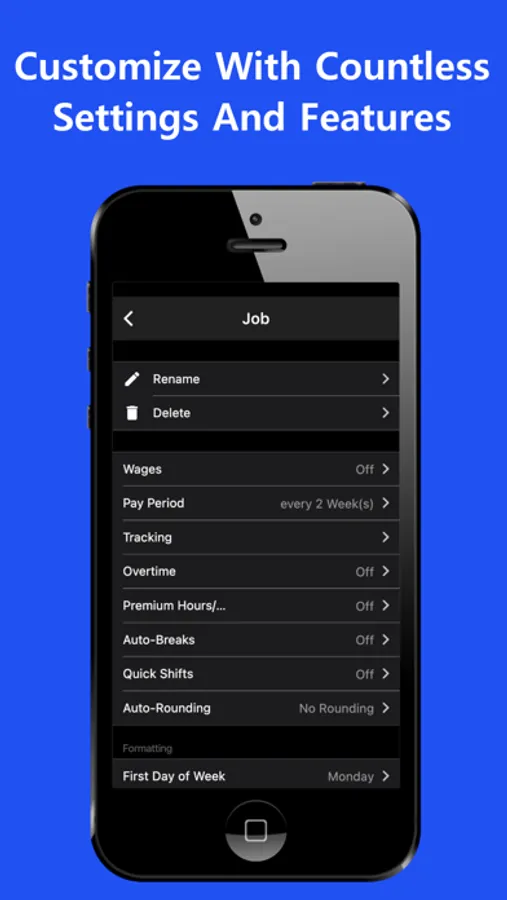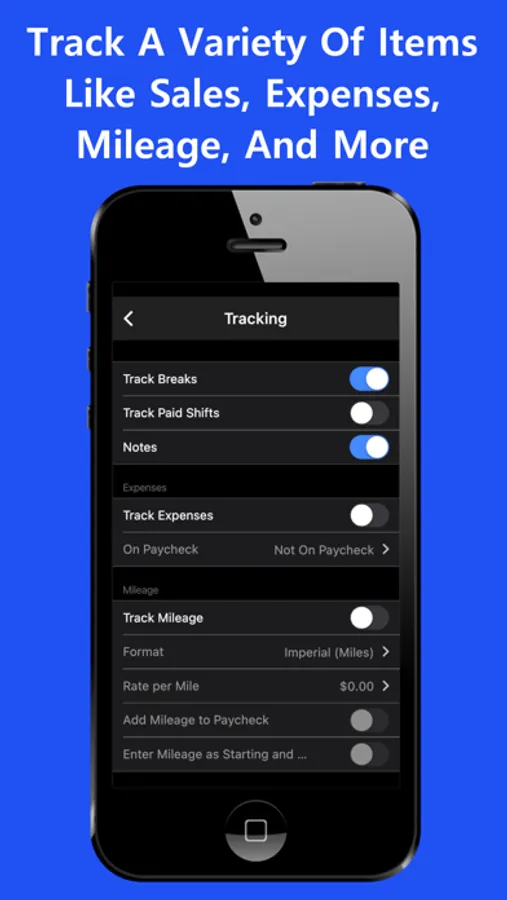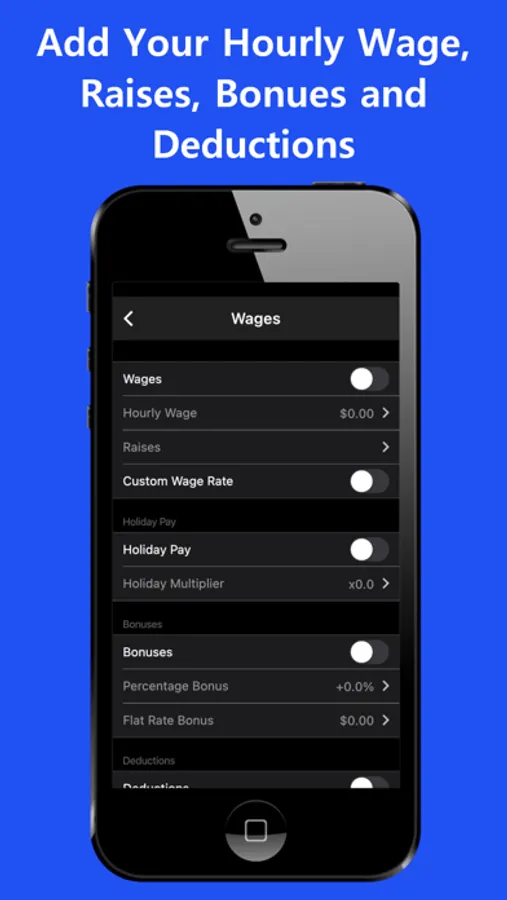
With this work log app, you can record shifts, track hours, and estimate wages using features like automatic deductions and pay period calculations. Includes options for overtime, tips, expenses, notes, and customizable views.
AppRecs review analysis
AppRecs rating 4.6. Trustworthiness 75 out of 100. Review manipulation risk 27 out of 100. Based on a review sample analyzed.
★★★★☆
4.6
AppRecs Rating
Ratings breakdown
5 star
89%
4 star
7%
3 star
2%
2 star
0%
1 star
1%
What to know
✓
Low review manipulation risk
27% review manipulation risk
⚠
Ad complaints
Many low ratings mention excessive ads
⚠
Pricing complaints
Many low ratings mention paywalls or pricing
About Work Log - Shift Tracker
Work Log is a quick, easy and free way to keep track of your shifts and calculate the number of hours worked and wages earned over your pay period.
• Fast, simple and straightforward way to track your hours, expenses, tips, mileage and much more
• Includes a wide variety of features to fit your needs: Overtime, Premium/Differential Hours, Tips, Sales, Expenses, Raises, Holiday Pay, Bonuses, Deductions, Per Diem, track Paid Shifts, and Mileage
• Save time with features like automatic break deduction, "Quick-Shifts" and pay period settings
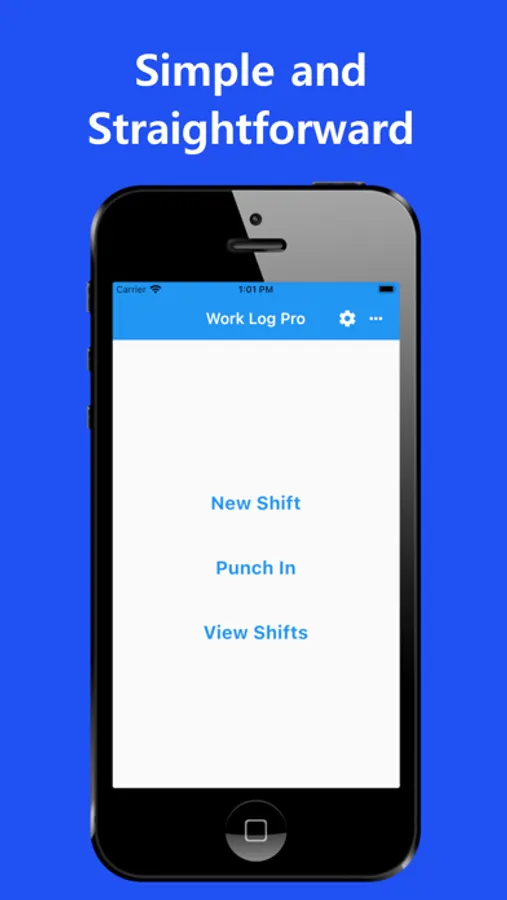
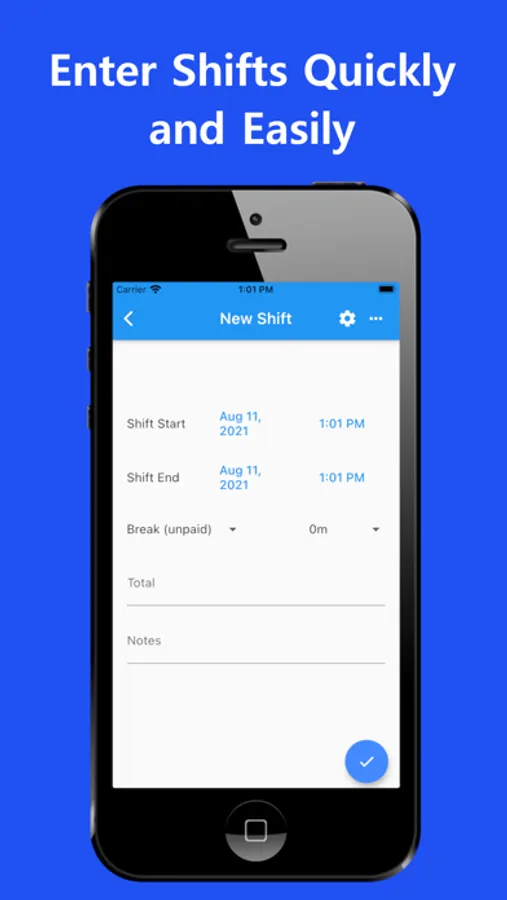
• Punch In and out, or enter your hours manually
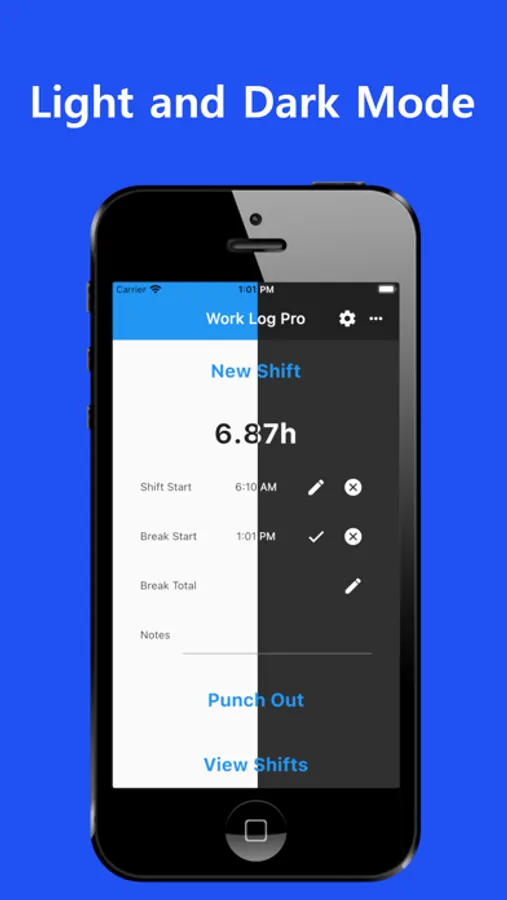
• Customize how Work Log looks with options like date and time formatting, when your week starts and a light or dark theme
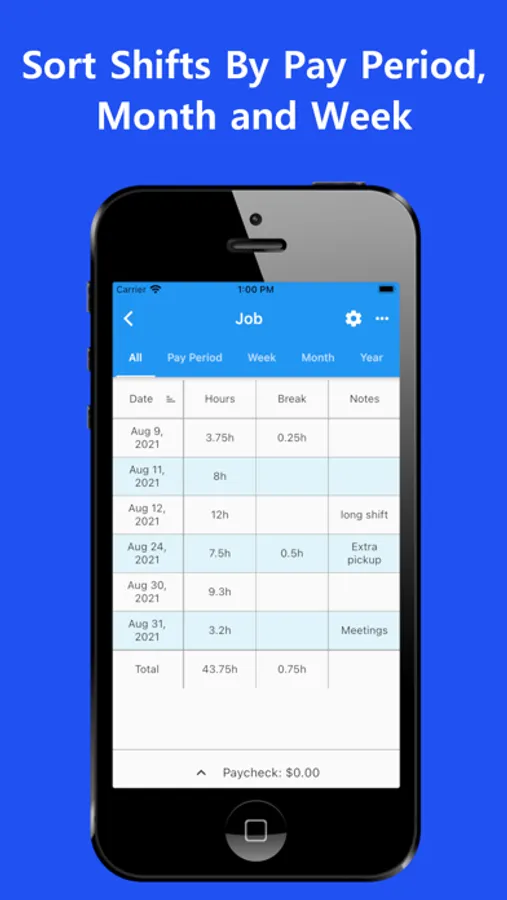
• View your hours in a variety of ways such as by week, month, year, day, pay period or all of your shifts at once
• Set your pay period to automatically calculate how many hours you worked and your wages for each paycheck
• Use the deductions and/or bonuses options to automatically calculated for pay check estimates
• Keep track of overtime hours by week/pay period/shift up to three separate overtimes
• Use the Premium/Differential Hours feature to automatically track premium rates during any times like weekends or evenings
• Use the notes section to keep track of detailed notes
• Upgrade to Work Log Pro to remove ads, add unlimited new jobs, and export your records
Privacy Policy:
http://backbackb.com/concrete/index.php/privacy-policy/
License Agreement:
http://backbackb.com/concrete/index.php/license-agreement/
• Fast, simple and straightforward way to track your hours, expenses, tips, mileage and much more
• Includes a wide variety of features to fit your needs: Overtime, Premium/Differential Hours, Tips, Sales, Expenses, Raises, Holiday Pay, Bonuses, Deductions, Per Diem, track Paid Shifts, and Mileage
• Save time with features like automatic break deduction, "Quick-Shifts" and pay period settings
• Punch In and out, or enter your hours manually
• Customize how Work Log looks with options like date and time formatting, when your week starts and a light or dark theme
• View your hours in a variety of ways such as by week, month, year, day, pay period or all of your shifts at once
• Set your pay period to automatically calculate how many hours you worked and your wages for each paycheck
• Use the deductions and/or bonuses options to automatically calculated for pay check estimates
• Keep track of overtime hours by week/pay period/shift up to three separate overtimes
• Use the Premium/Differential Hours feature to automatically track premium rates during any times like weekends or evenings
• Use the notes section to keep track of detailed notes
• Upgrade to Work Log Pro to remove ads, add unlimited new jobs, and export your records
Privacy Policy:
http://backbackb.com/concrete/index.php/privacy-policy/
License Agreement:
http://backbackb.com/concrete/index.php/license-agreement/