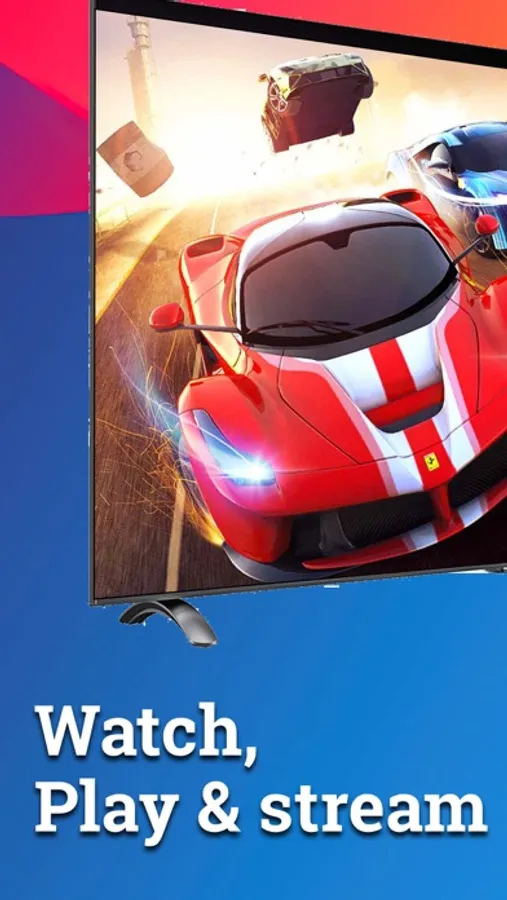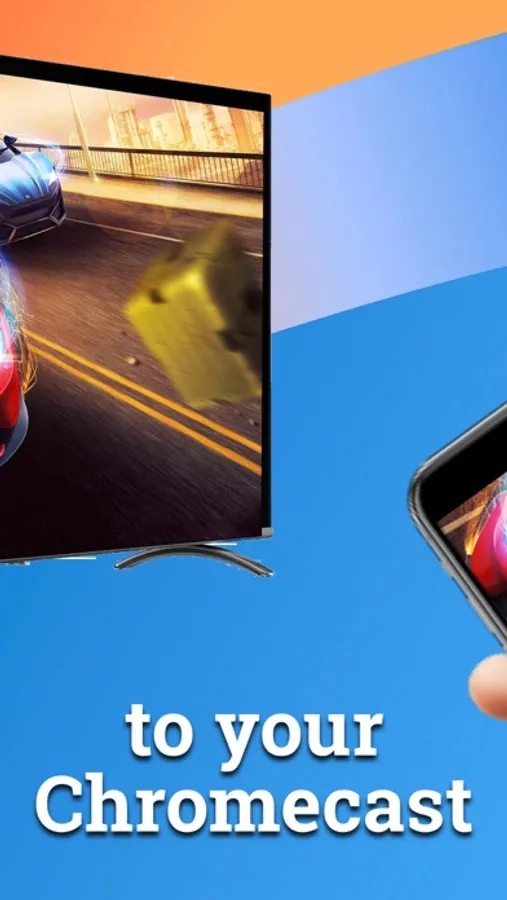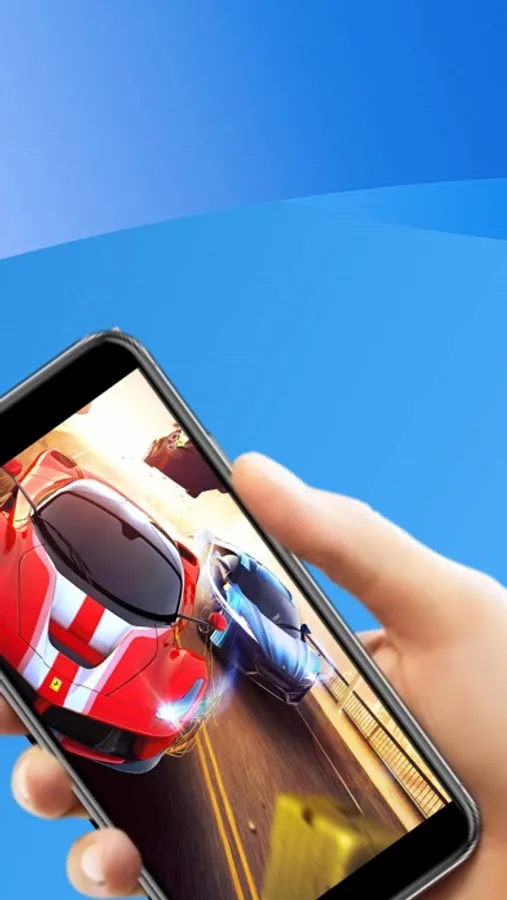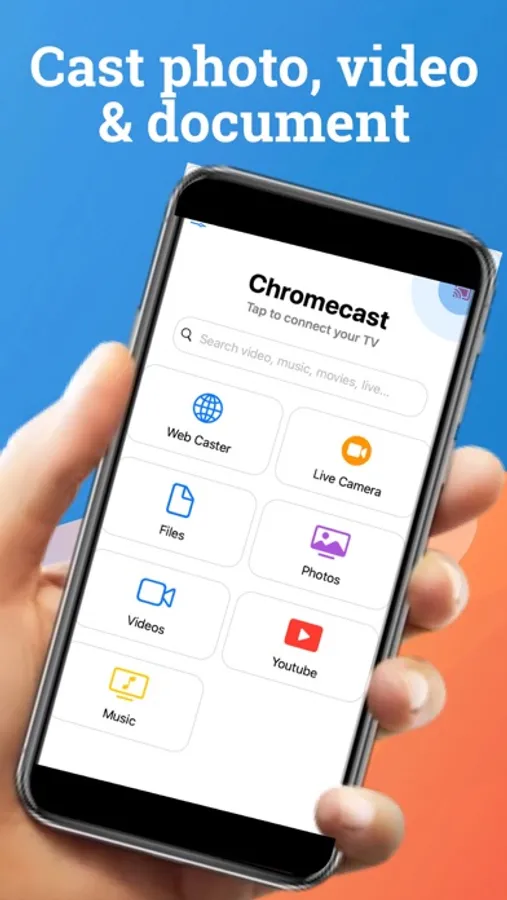
In this streaming app, you can cast videos, music, and photos from your device to your smart TV. Includes support for Googlecast devices, web browsing, and media playback control.
AppRecs review analysis
AppRecs rating 3.6. Trustworthiness 51 out of 100. Review manipulation risk 28 out of 100. Based on a review sample analyzed.
★★★☆☆
3.6
AppRecs Rating
Ratings breakdown
5 star
69%
4 star
9%
3 star
4%
2 star
2%
1 star
16%
What to know
✓
High user satisfaction
78% of sampled ratings are 4+ stars (4.1★ average)
✓
Authentic reviews
Natural distribution, no red flags
About TV Cast for Smart TV
Watch/play any your personal photos, videos,music & streamer any entertaiment online content to your smart TV device Enjoy the show on your big screen.
Features:
- Live camera: Stream your camera to your smart TV
- Easily search & play video on youtube
- Local cast: cast your files, document, photo, video & musics to your device
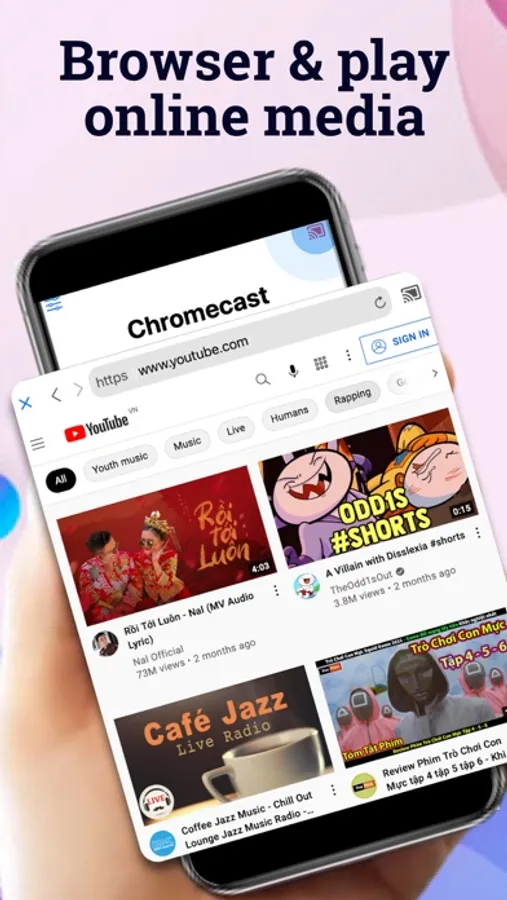
- With Web Cast you can browse through the web and stream any online video on your Chromecast (movies, tv shows, sports, music and more). Just navigate to your favorite website and send the embedded video with a single tap to your Chromecast. The discovered video will be shown below the browser. A tap on the video link will send it to your Chromecast immediately. Streaming personal media from your device is also supported.
* iTunes movies, Flash video and DRM protected videos like Amazon Prime, Netflix, Hulu, Vudu, DirecTV, Xfinity, HBO now are not supported!
*support for Googlecast build-in devices (Chromecast, Android TV, Chromecast built-in, smart TV)
GET STARTED
Follow these simple step-by-step instructions to start streaming:
1. Connect to your streaming device.
2. Browse your any features content on main app to cast to your streaming device.
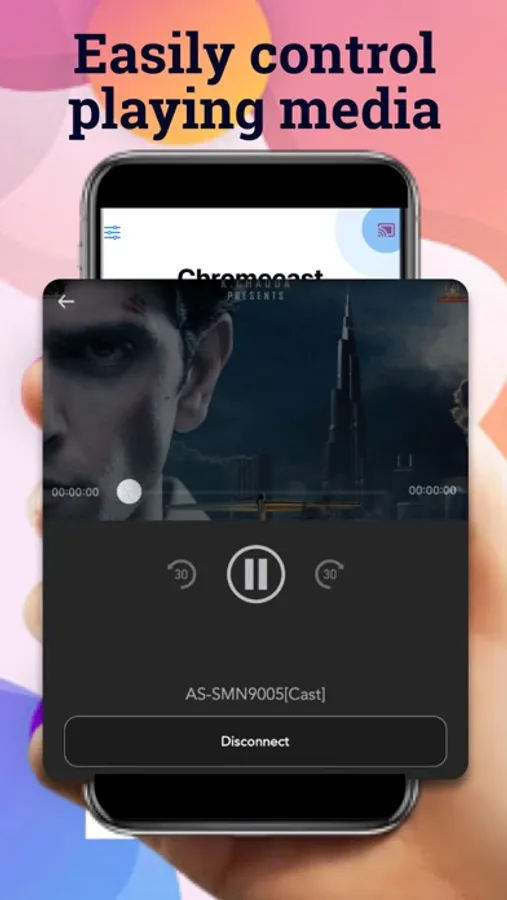
3. Control your cast by tap cast icon again
SHARE YOUR FEEDBACK
We are committed to open communication with our users. Please contact us first with any questions or support issues before leaving a review. We will respond and address your concern promptly. Contact us through our user: admib@tvcorp.page
Premium Subscription:
Chromecast app includes an optional auto-renewable subscription to access current and future premium categories (price may vary depending on location):
- monthly month subscription without trial - $9.99
- Yearly subscripton without trial - $24.99
- monthly subscription start with 3-days trial - $14.99
- Yearly subscription start with 3-days trial - $29.99
• Check in app for exact pricing in your region
• Payment will be charged to your iTunes account at confirmation of purchase and will automatically renew (at the duration/price selected) unless auto-renew is turned off at least 24 hours before the end of the current period.
• Account will be charged for renewal within 24-hours prior to the end of the current period, and identify the cost of the renewal.
• You can manage your subscription and/or turn off auto-renewal by going to your iTunes Account Settings.
Terms of Service: https://www.tvcorp.page/p/term-of-service.html
Privacy: https://www.tvcorp.page/p/privacy-policy.html
Disclaimer: This app is not affiliated with Google or any other trademark mentioned here.
Features:
- Live camera: Stream your camera to your smart TV
- Easily search & play video on youtube
- Local cast: cast your files, document, photo, video & musics to your device
- With Web Cast you can browse through the web and stream any online video on your Chromecast (movies, tv shows, sports, music and more). Just navigate to your favorite website and send the embedded video with a single tap to your Chromecast. The discovered video will be shown below the browser. A tap on the video link will send it to your Chromecast immediately. Streaming personal media from your device is also supported.
* iTunes movies, Flash video and DRM protected videos like Amazon Prime, Netflix, Hulu, Vudu, DirecTV, Xfinity, HBO now are not supported!
*support for Googlecast build-in devices (Chromecast, Android TV, Chromecast built-in, smart TV)
GET STARTED
Follow these simple step-by-step instructions to start streaming:
1. Connect to your streaming device.
2. Browse your any features content on main app to cast to your streaming device.
3. Control your cast by tap cast icon again
SHARE YOUR FEEDBACK
We are committed to open communication with our users. Please contact us first with any questions or support issues before leaving a review. We will respond and address your concern promptly. Contact us through our user: admib@tvcorp.page
Premium Subscription:
Chromecast app includes an optional auto-renewable subscription to access current and future premium categories (price may vary depending on location):
- monthly month subscription without trial - $9.99
- Yearly subscripton without trial - $24.99
- monthly subscription start with 3-days trial - $14.99
- Yearly subscription start with 3-days trial - $29.99
• Check in app for exact pricing in your region
• Payment will be charged to your iTunes account at confirmation of purchase and will automatically renew (at the duration/price selected) unless auto-renew is turned off at least 24 hours before the end of the current period.
• Account will be charged for renewal within 24-hours prior to the end of the current period, and identify the cost of the renewal.
• You can manage your subscription and/or turn off auto-renewal by going to your iTunes Account Settings.
Terms of Service: https://www.tvcorp.page/p/term-of-service.html
Privacy: https://www.tvcorp.page/p/privacy-policy.html
Disclaimer: This app is not affiliated with Google or any other trademark mentioned here.