AppRecs review analysis
AppRecs rating 3.4. Trustworthiness 0 out of 100. Review manipulation risk 0 out of 100. Based on a review sample analyzed.
★★★☆☆
3.4
AppRecs Rating
Ratings breakdown
5 star
44%
4 star
22%
3 star
0%
2 star
0%
1 star
33%
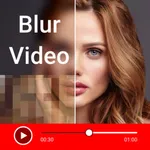
About Video Mosaic Blur
Do you want to blur face or hide unwanted objects in any photo or video ?
If yes then blur video editor face censor is the best app for you.
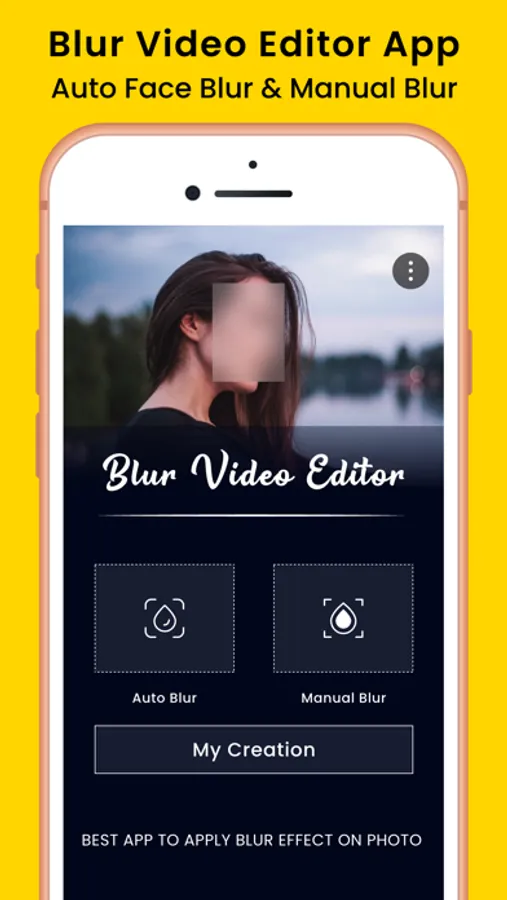
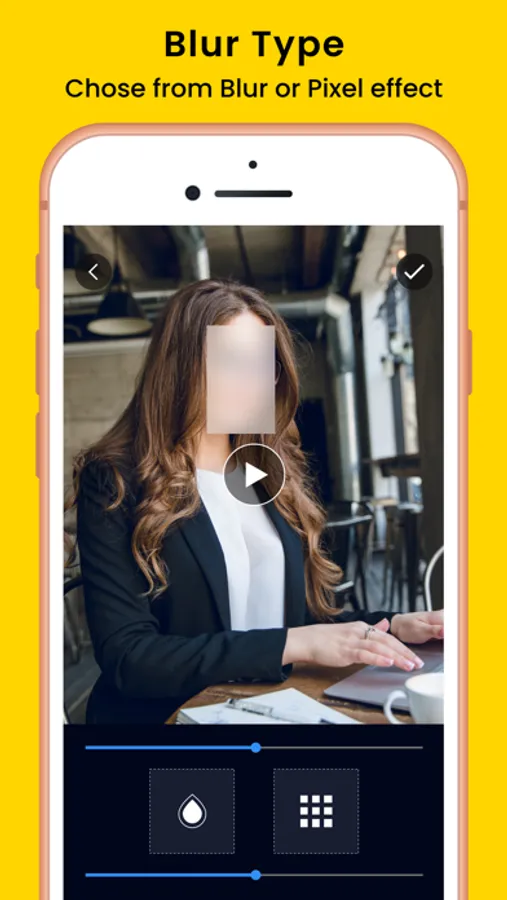
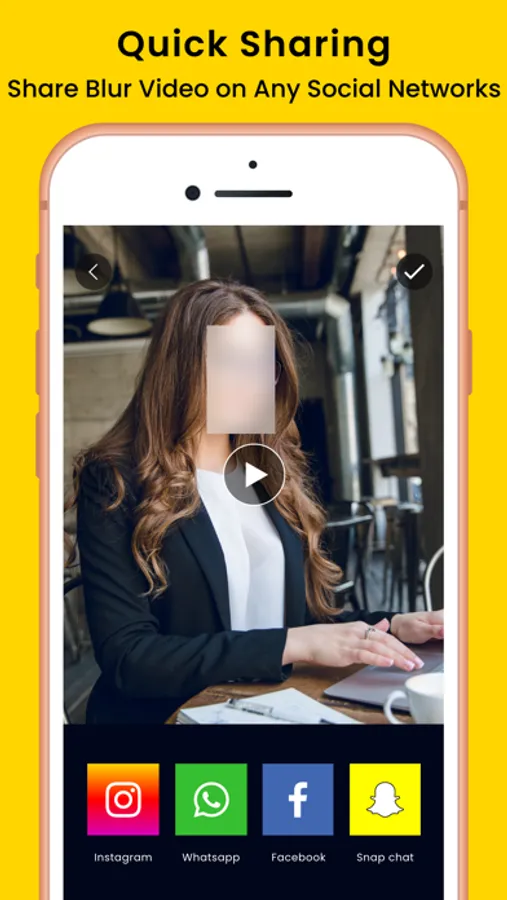
Blur video editor app helps you to pixelate or blur face in any photo or video. You can censor faces and unwanted objects from any videos/photo.
Blur Photo Video editor Features:
Photo video Blur app offer 3 Modes.
1. Auto Blur Face:
2. Manual or Custom Blur:
1. Auto Blur Face:
Auto Face Censor is the most prominent feature of this app, that non of any other app provides. It help you to automatically blur faces in any video with just few taps.
2. Manual or Custom Blur Video:
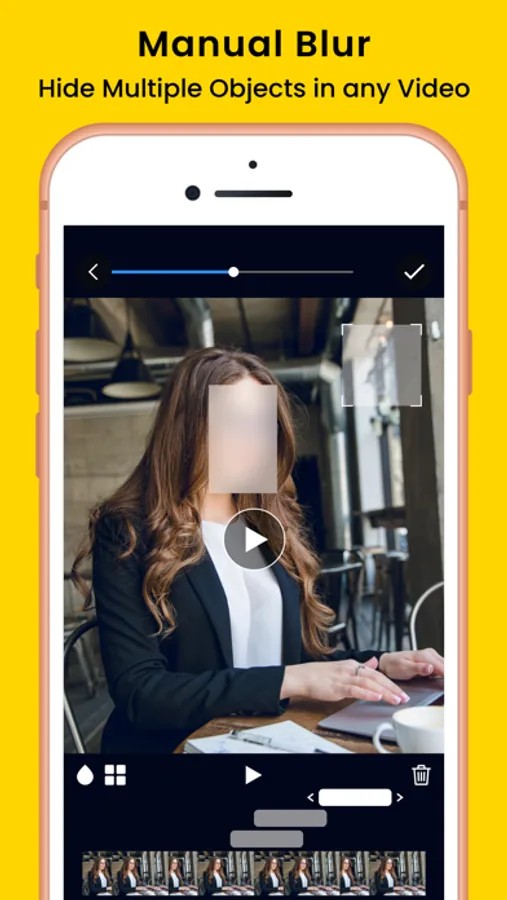
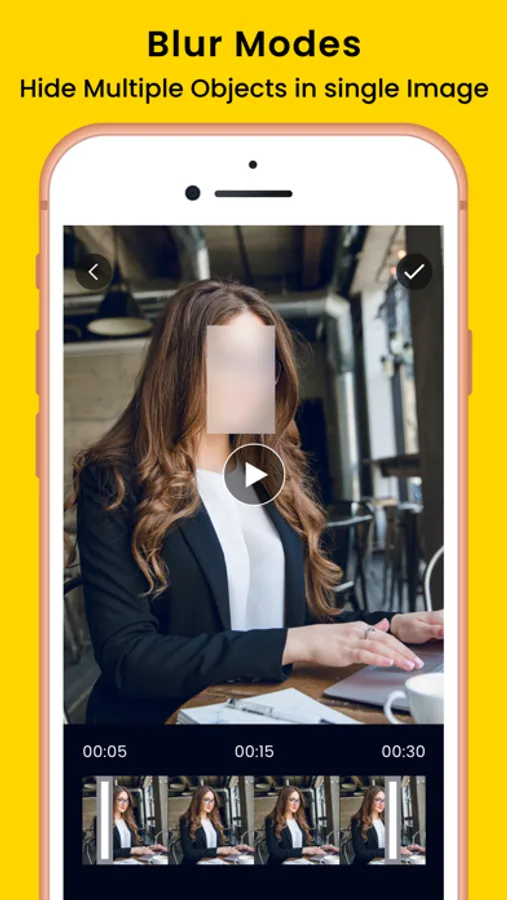
However if you want to hide any face or object manually, this app also help you to do so. You can censor object manually frame by frame for perfect results. You can also animated blur object in any video with respect of object movements like object tracking or face tracking.
Where to use Blur Video editor app:
Protected Social Networking.
Protected Privacy.
Hide Face in photo and video.
Censor photo or video.
Hide identity and unwanted objects.
Hide Private information like address, phone number, car number plate etc…
If you want to upload really important photo or video on social network like YouTube, Facebook, TikTok etc… but you also want to hide the identity or censor faces blur video editor is the ultimate solution to your problem.
If yes then blur video editor face censor is the best app for you.
Blur video editor app helps you to pixelate or blur face in any photo or video. You can censor faces and unwanted objects from any videos/photo.
Blur Photo Video editor Features:
Photo video Blur app offer 3 Modes.
1. Auto Blur Face:
2. Manual or Custom Blur:
1. Auto Blur Face:
Auto Face Censor is the most prominent feature of this app, that non of any other app provides. It help you to automatically blur faces in any video with just few taps.
2. Manual or Custom Blur Video:
However if you want to hide any face or object manually, this app also help you to do so. You can censor object manually frame by frame for perfect results. You can also animated blur object in any video with respect of object movements like object tracking or face tracking.
Where to use Blur Video editor app:
Protected Social Networking.
Protected Privacy.
Hide Face in photo and video.
Censor photo or video.
Hide identity and unwanted objects.
Hide Private information like address, phone number, car number plate etc…
If you want to upload really important photo or video on social network like YouTube, Facebook, TikTok etc… but you also want to hide the identity or censor faces blur video editor is the ultimate solution to your problem.