With this PDF editor, you can import, write on, highlight, annotate, and sign PDF files easily. Includes tools for adding text, icons, emojis, and creating bookmarks.
About PDF Fill Editor - Write on PDF
PDF Fill is the ultimate PDF app you’re looking for. It’s fast, easy and powerful to help you write on PDF file
*** WITH PDF Fill YOU CAN ***
IMPORT PDF FILE FROM
• File app
• Email
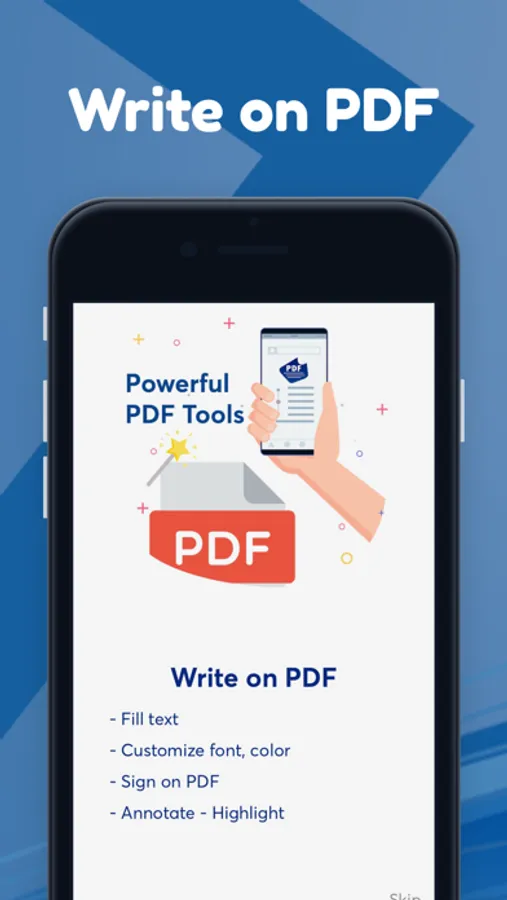
WRITE ON PDF FILE
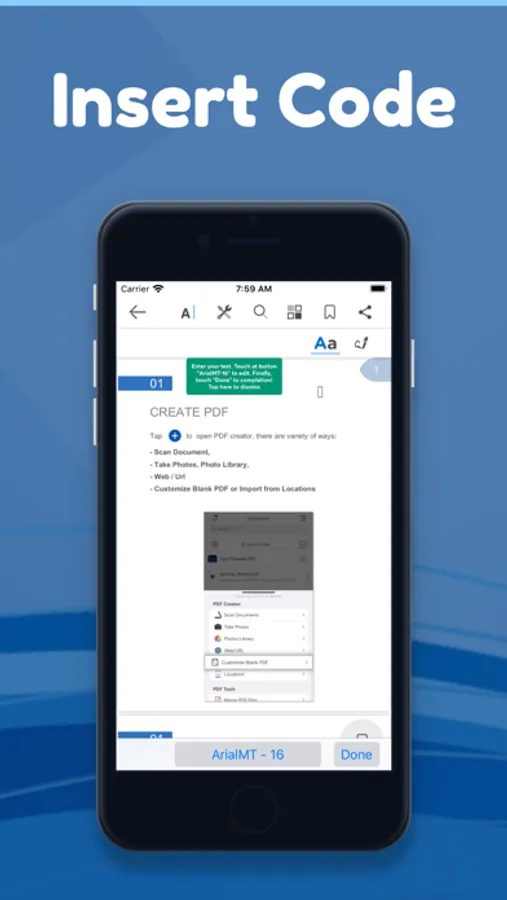
• Add text with custom font size, text color
• Take note on the PDF File
ADD ICON / EMOJI
• Add all icon such as x, v, arrow...
• Edit, update all icon as you want
HIGHLIGHT AND ANNOTATE PDFs
• Mark important info in books or documents with the first class annotation tools: highlight, underline, strikethrough and others.
• Insert predesigned stamps such as Approved, Not Approved, Confidential and more.
CREATE NOTES
• Add comments to the texts you read using sticky notes and drawing tools.
MAKE BOOKMARKS
• Make Bookmarks when it comes to intuitive navigation through PDF files.
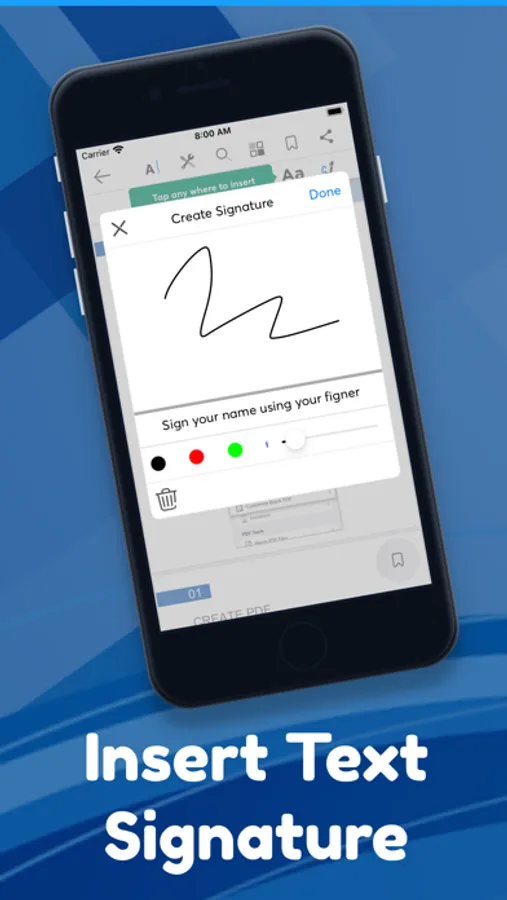
SIGN DOCUMENTS
• Use e-signatures to sign contracts and agreements on the go.
• Sign documents with signatures synchronized across all your devices: Mac, iPhone, iPad.
SYNC / SHARE
• Sync to clouds
• Share via AirDrop, Email …
For more info, please visit
Term & Condition :
https://telegra.ph/PDF-App---Term--Condition-09-06
Privacy Policy :
https://telegra.ph/PDF-App---Privacy-Policy-09-06
*** WITH PDF Fill YOU CAN ***
IMPORT PDF FILE FROM
• File app
WRITE ON PDF FILE
• Add text with custom font size, text color
• Take note on the PDF File
ADD ICON / EMOJI
• Add all icon such as x, v, arrow...
• Edit, update all icon as you want
HIGHLIGHT AND ANNOTATE PDFs
• Mark important info in books or documents with the first class annotation tools: highlight, underline, strikethrough and others.
• Insert predesigned stamps such as Approved, Not Approved, Confidential and more.
CREATE NOTES
• Add comments to the texts you read using sticky notes and drawing tools.
MAKE BOOKMARKS
• Make Bookmarks when it comes to intuitive navigation through PDF files.
SIGN DOCUMENTS
• Use e-signatures to sign contracts and agreements on the go.
• Sign documents with signatures synchronized across all your devices: Mac, iPhone, iPad.
SYNC / SHARE
• Sync to clouds
• Share via AirDrop, Email …
For more info, please visit
Term & Condition :
https://telegra.ph/PDF-App---Term--Condition-09-06
Privacy Policy :
https://telegra.ph/PDF-App---Privacy-Policy-09-06