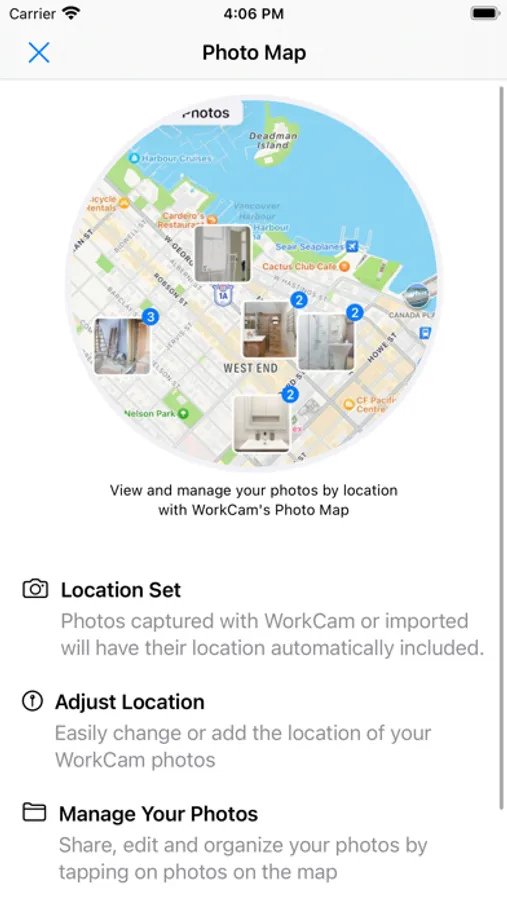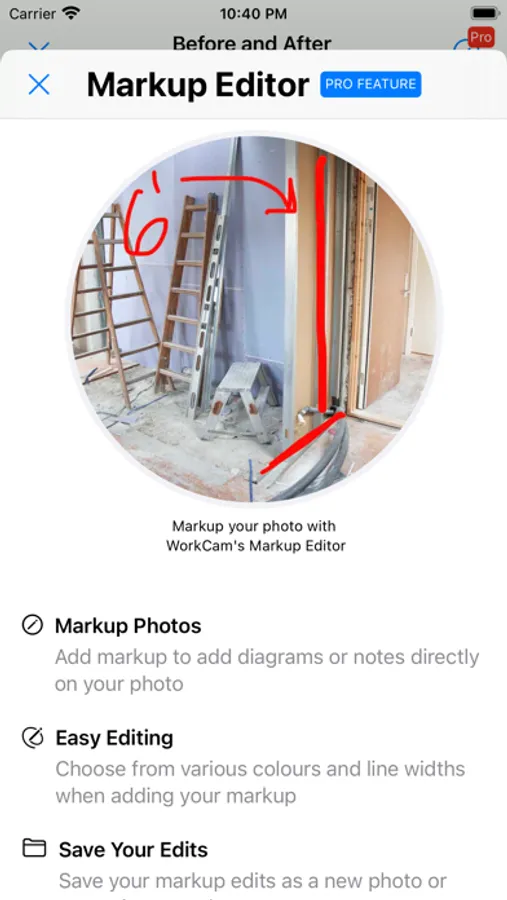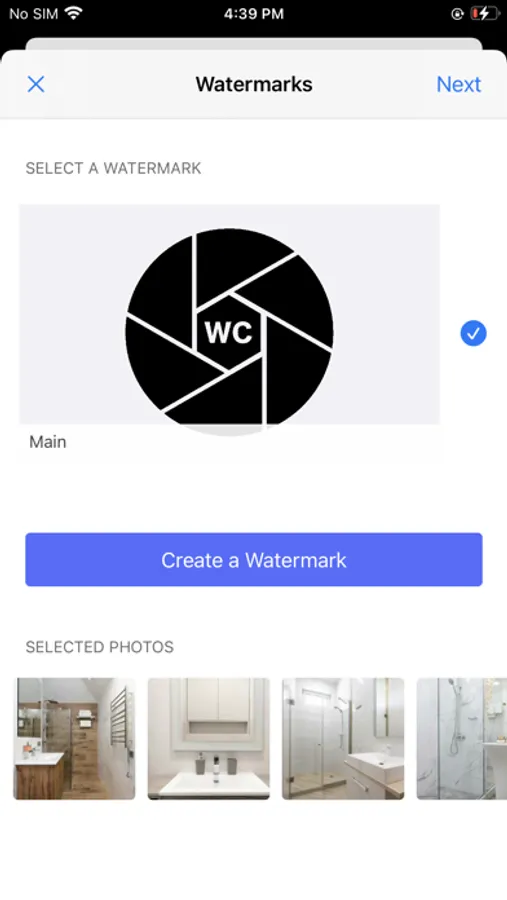
With this photo management app, you can organize and separate work photos from personal images using albums and tags. Includes photo import options, encryption, and sharing features.
AppRecs review analysis
AppRecs rating 4.3. Trustworthiness 78 out of 100. Review manipulation risk 23 out of 100. Based on a review sample analyzed.
★★★★☆
4.3
AppRecs Rating
Ratings breakdown
5 star
76%
4 star
10%
3 star
8%
2 star
2%
1 star
5%
What to know
✓
Low review manipulation risk
23% review manipulation risk
✓
Credible reviews
78% trustworthiness score from analyzed reviews
✓
High user satisfaction
76% of sampled ratings are 5 stars
About WorkCam
Do you take photos for work and hate having them mixed up with your personal photos?
WorkCam keeps all of your work and business photos separate from your personal photographs.
How can I add photos to WorkCam?
1. Take photos directly with WorkCam so your work photos never touch your personal Photo Library
2. Import photos from your Photo Library from an album you've created in WorkCam
3. Send up to 50 photos at a time from your Photo Library to WorkCam via the iOS share sheet
4. Launch the WorkCam camera with WorkCam's lock screen widget
How can I organize my photos within WorkCam?
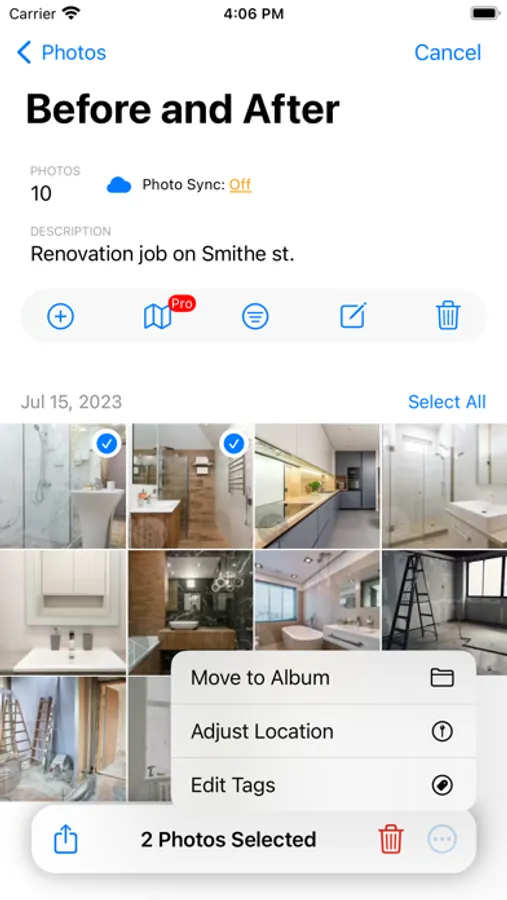
1. Create an unlimited amount of albums e.g. 'Before and After', 'Patient Photos', 'Properties' etc.
2. Move your photos to the correct albums
3. Tag photos within your albums for quick filtering
What are pending photos?
- When you take a photo with the built-in camera it's added to your 'Pending' photos list. Photos that are pending can then be added to the correct album.
Are my photos secure in WorkCam?
- Yes! If your device uses a password, Face ID or Touch ID all of your photos are encrypted using Apple's APIs when stored in WorkCam. You can also enable Face ID or Touch ID to limit the access to WorkCam's photos and albums.
How can I export my photos from WorkCam?
- All photos can easily be exported via the share sheet. Within an album select the photos you wish to share and from there you can email, message or perform any other action you have available on your device.
WorkCam EULA
https://www.apple.com/legal/internet-services/itunes/dev/stdeula/
WorkCam keeps all of your work and business photos separate from your personal photographs.
How can I add photos to WorkCam?
1. Take photos directly with WorkCam so your work photos never touch your personal Photo Library
2. Import photos from your Photo Library from an album you've created in WorkCam
3. Send up to 50 photos at a time from your Photo Library to WorkCam via the iOS share sheet
4. Launch the WorkCam camera with WorkCam's lock screen widget
How can I organize my photos within WorkCam?
1. Create an unlimited amount of albums e.g. 'Before and After', 'Patient Photos', 'Properties' etc.
2. Move your photos to the correct albums
3. Tag photos within your albums for quick filtering
What are pending photos?
- When you take a photo with the built-in camera it's added to your 'Pending' photos list. Photos that are pending can then be added to the correct album.
Are my photos secure in WorkCam?
- Yes! If your device uses a password, Face ID or Touch ID all of your photos are encrypted using Apple's APIs when stored in WorkCam. You can also enable Face ID or Touch ID to limit the access to WorkCam's photos and albums.
How can I export my photos from WorkCam?
- All photos can easily be exported via the share sheet. Within an album select the photos you wish to share and from there you can email, message or perform any other action you have available on your device.
WorkCam EULA
https://www.apple.com/legal/internet-services/itunes/dev/stdeula/