Date Range Search Filter Tool
Gregory Strigunov
5.0 ★
store rating
Free
About Date Range Search Filter Tool
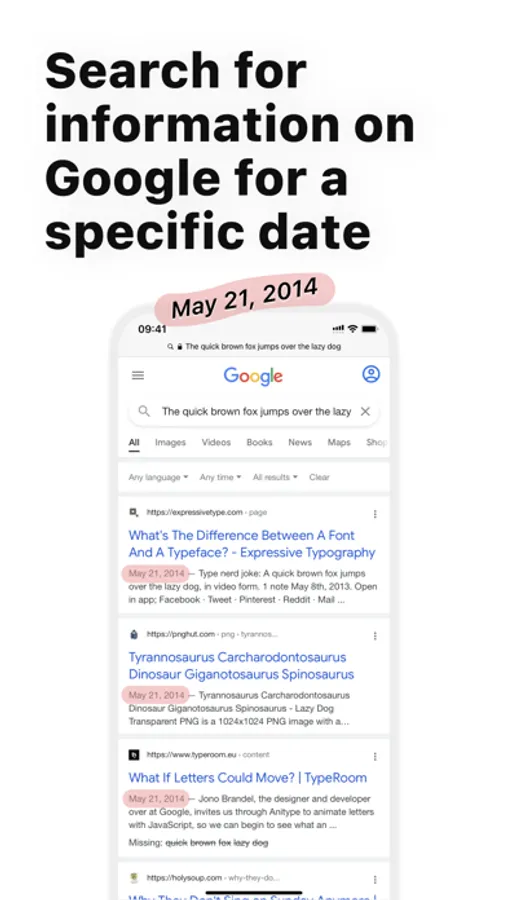
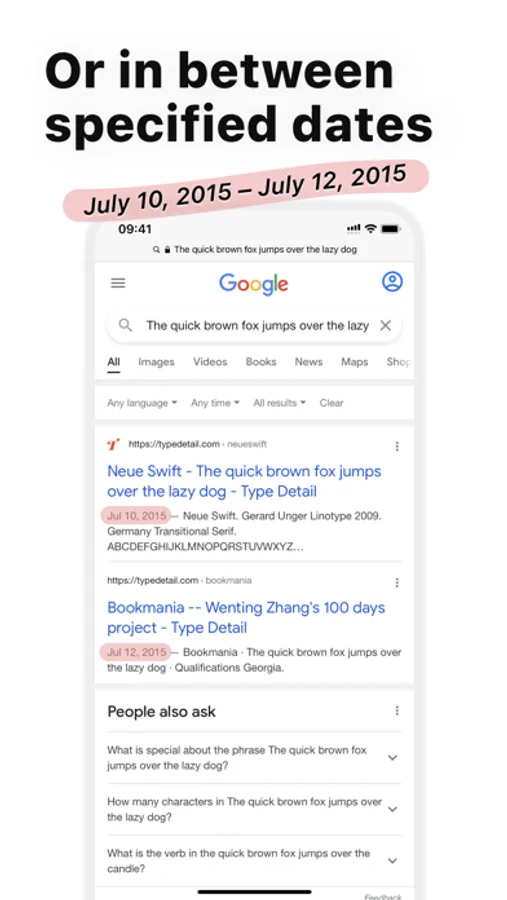
The app allows you to search for information in Google for a specific date or between specified dates.
For example, you can find out what the media wrote about in the period between June 5, 2014 and July 17, 2014.
Or you can specify only 1 date. For example — no earlier than August 7, 2015 or no later than May 3, 2012.
HOW TO USE?
There are 2 options — through the app or through the extension.
THROUGH THE APP
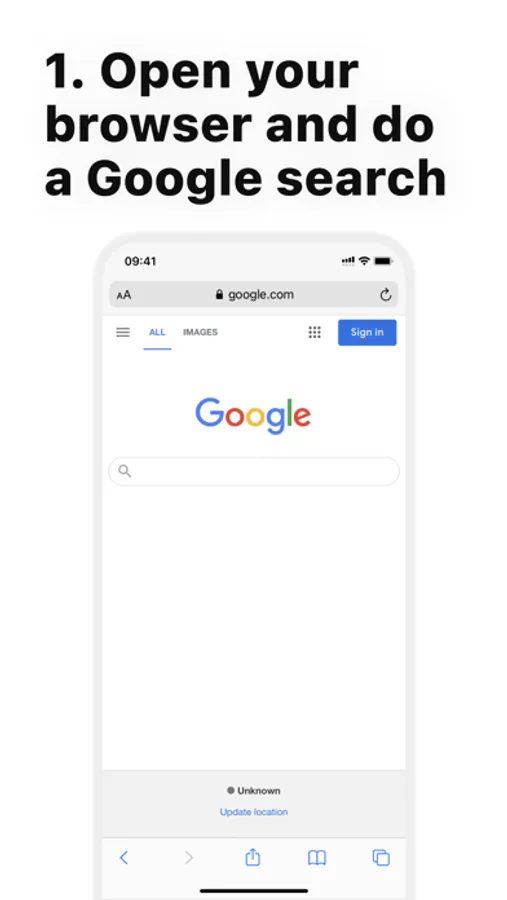
1. Open the browser and perform the search you need in Google
2. Copy the link to the search results
3. Open the «Date Range Search» app and click the «Search» button
THROUGH THE EXTENSION
1. Open the browser and perform the search you need in Google
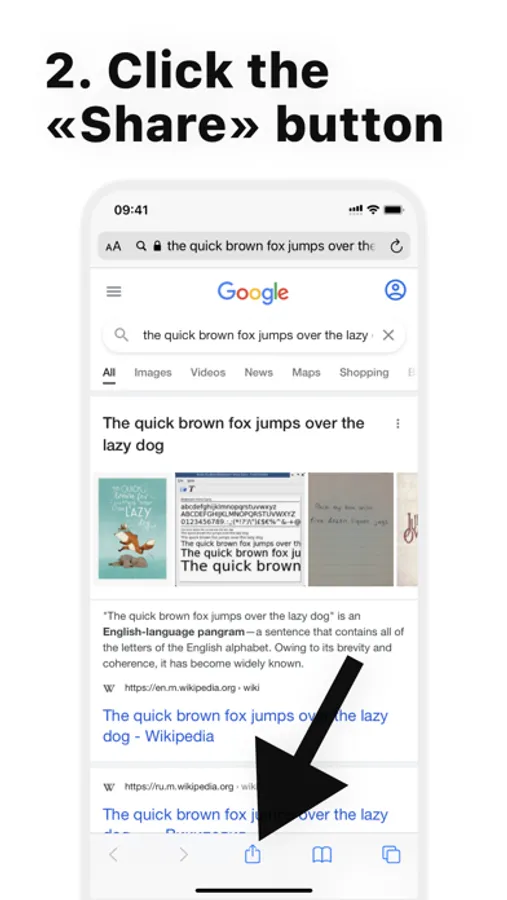
2. Click the «Share» button
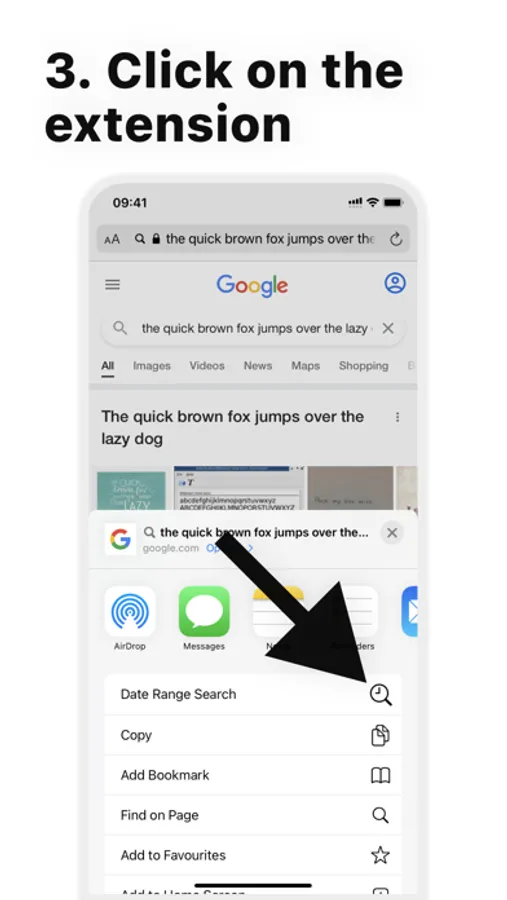
3. Select the «Date Range Search» extension
There is also a video instruction in the app.
For example, you can find out what the media wrote about in the period between June 5, 2014 and July 17, 2014.
Or you can specify only 1 date. For example — no earlier than August 7, 2015 or no later than May 3, 2012.
HOW TO USE?
There are 2 options — through the app or through the extension.
THROUGH THE APP
1. Open the browser and perform the search you need in Google
2. Copy the link to the search results
3. Open the «Date Range Search» app and click the «Search» button
THROUGH THE EXTENSION
1. Open the browser and perform the search you need in Google
2. Click the «Share» button
3. Select the «Date Range Search» extension
There is also a video instruction in the app.