WidgetGrid
Tiger Ng
3.7 ★
store rating
Free
AppRecs review analysis
AppRecs rating 3.5. Trustworthiness 81 out of 100. Review manipulation risk 21 out of 100. Based on a review sample analyzed.
★★★☆☆
3.5
AppRecs Rating
Ratings breakdown
5 star
56%
4 star
0%
3 star
22%
2 star
0%
1 star
22%
What to know
✓
Low review manipulation risk
21% review manipulation risk
✓
Credible reviews
81% trustworthiness score from analyzed reviews
About WidgetGrid
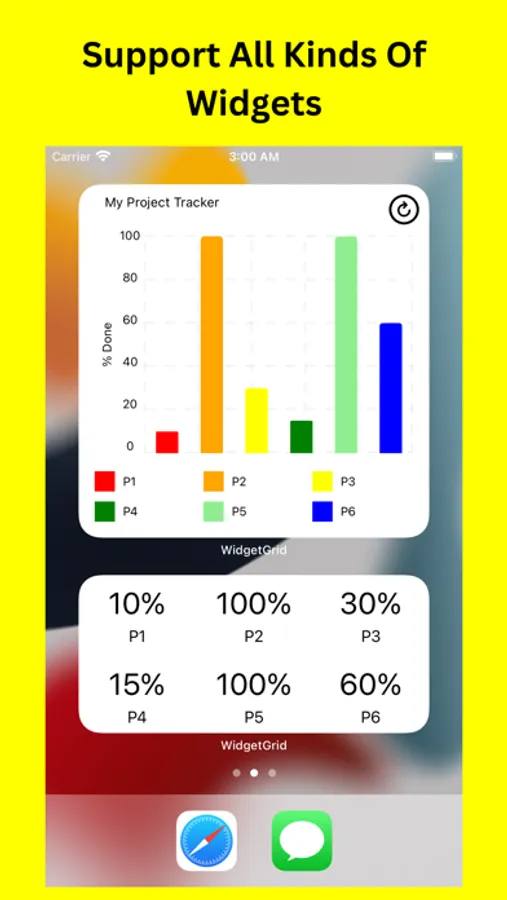
WidgetGrid is a new way to convert Google Sheets, Microsoft Excel, Notion Database & Airtable Database into data-driven widgets on the home screen. You can customize the design of all kinds of widgets. Once you edit your source data, your widgets will reload content at predefined time interval.
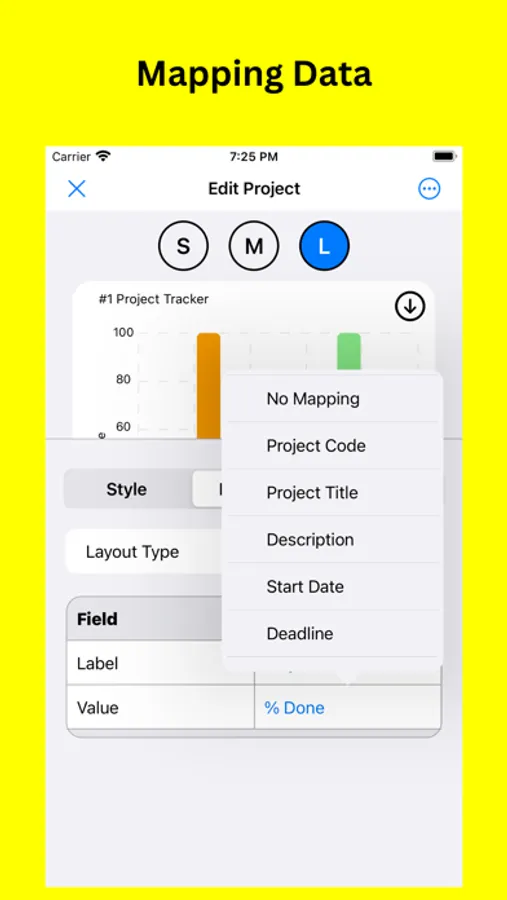
Mapping Data
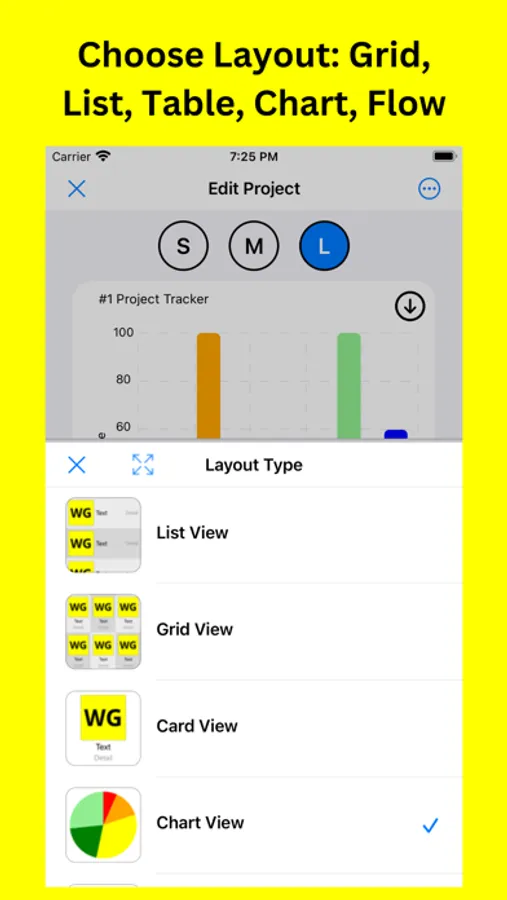
Choose layouts including Grid, List, Card, Flip Card, Chart, Flow, Table, Form, Kanban, Gauge, Calendar, Photo, QR Code and configure mapping of data from layout components to source data
Create Project From Your Own Or Templates
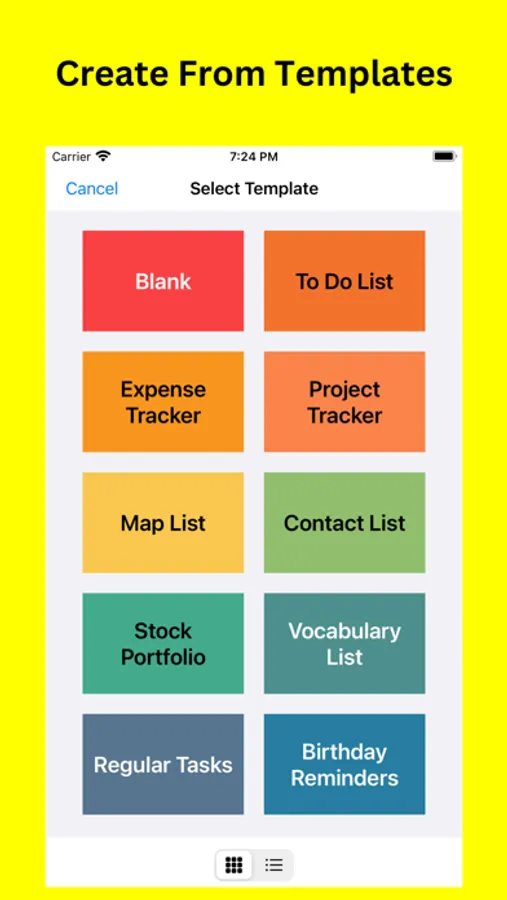
Use your own data or get some idea from templates: Project Tracker, Expense Tracker, To Do List, Flash Card, Contact List, Stock Portfolio, Vocabulary List, Regular Tasks, Birthday Reminders.
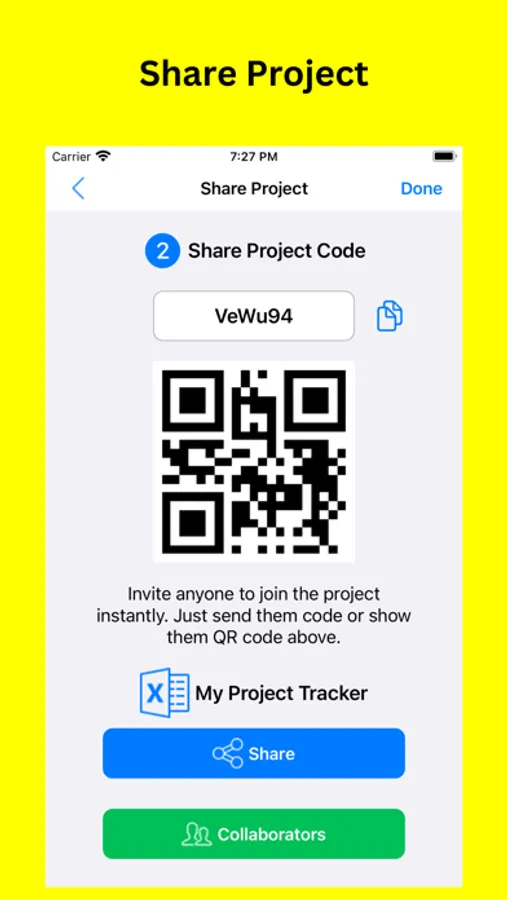
Share Project
Collaborate with others on the shared project via scanning QR Code. Share widget's configuration and backend data. View latest updates through widgets on all collaborators' devices.
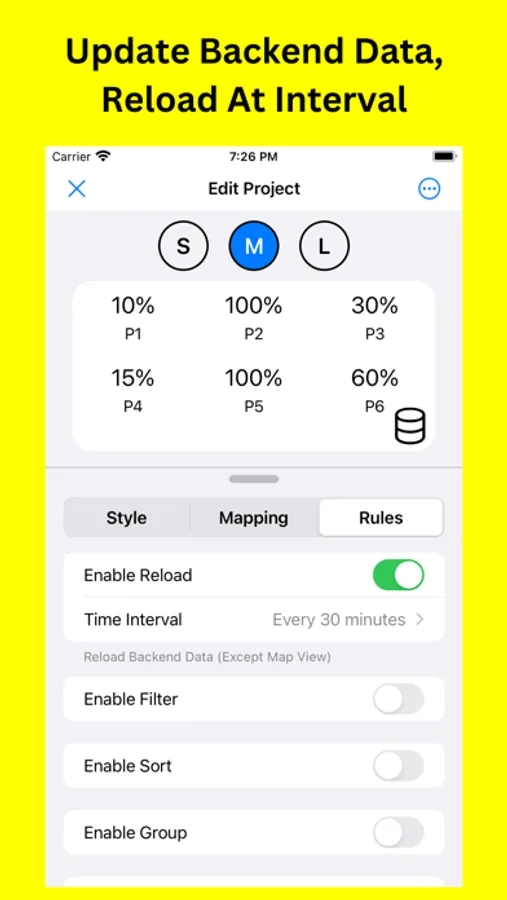
Reload Policy
Control time interval to reload widgets: every 15 minutes, 30 minutes, daily, etc. Make sure you have signed in with source provider.
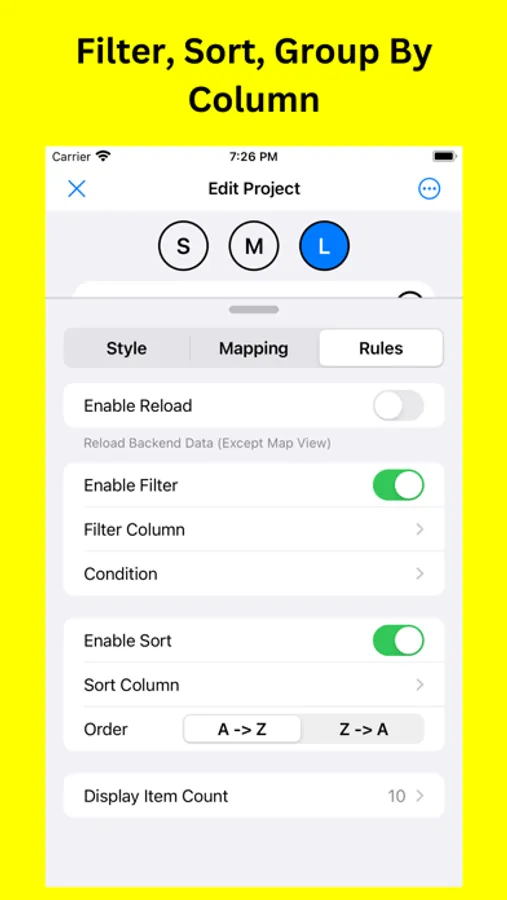
Rules
Control your display by filtering items by columns and condition (including date option, e.g. today, this week, next week), sorting items by columns in ascending or descending order, or grouping items by columns (List, Grid & Flow View). Add Conditional Format Rules to change text color if the conditions are matched.
Design
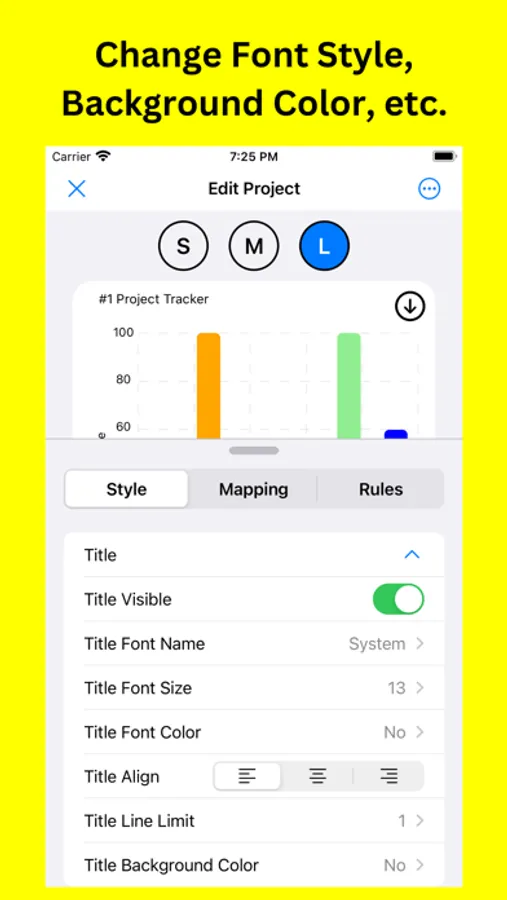
Background style includes color, image, gradient and transparent. Text style includes font style, font size, font color, alignment, and line limit. Chart View includes line chart, bar chart, pie chart and doughnut chart.
Terms of Use (EULA)
https://www.apple.com/legal/internet-services/itunes/dev/stdeula/
Mapping Data
Choose layouts including Grid, List, Card, Flip Card, Chart, Flow, Table, Form, Kanban, Gauge, Calendar, Photo, QR Code and configure mapping of data from layout components to source data
Create Project From Your Own Or Templates
Use your own data or get some idea from templates: Project Tracker, Expense Tracker, To Do List, Flash Card, Contact List, Stock Portfolio, Vocabulary List, Regular Tasks, Birthday Reminders.
Share Project
Collaborate with others on the shared project via scanning QR Code. Share widget's configuration and backend data. View latest updates through widgets on all collaborators' devices.
Reload Policy
Control time interval to reload widgets: every 15 minutes, 30 minutes, daily, etc. Make sure you have signed in with source provider.
Rules
Control your display by filtering items by columns and condition (including date option, e.g. today, this week, next week), sorting items by columns in ascending or descending order, or grouping items by columns (List, Grid & Flow View). Add Conditional Format Rules to change text color if the conditions are matched.
Design
Background style includes color, image, gradient and transparent. Text style includes font style, font size, font color, alignment, and line limit. Chart View includes line chart, bar chart, pie chart and doughnut chart.
Terms of Use (EULA)
https://www.apple.com/legal/internet-services/itunes/dev/stdeula/