In this banking app, you can manage your accounts, transfer funds, and deposit checks using your mobile device. Includes secure login options, bill payments, and account viewing features.
AppRecs review analysis
AppRecs rating 2.5. Trustworthiness 0 out of 100. Review manipulation risk 0 out of 100. Based on a review sample analyzed.
★★☆☆☆
2.5
AppRecs Rating
Ratings breakdown
5 star
29%
4 star
7%
3 star
7%
2 star
0%
1 star
57%
What to know
⚠
Mixed user feedback
Average 2.5★ rating suggests room for improvement
About Nucor ECU Mobile
You live your life on the go, and with using Nucor ECU’s Mobile, you can easily stay in touch with your money wherever you are, whenever you need to know without making a trip to the credit union. You can even deposit funds on the go simply by snapping a photo of your check from any smartphone or tablet via Nucor ECU’s Mobile. The funds are automatically deposited to your account. That’s it! No gas, no stamps, no wait.
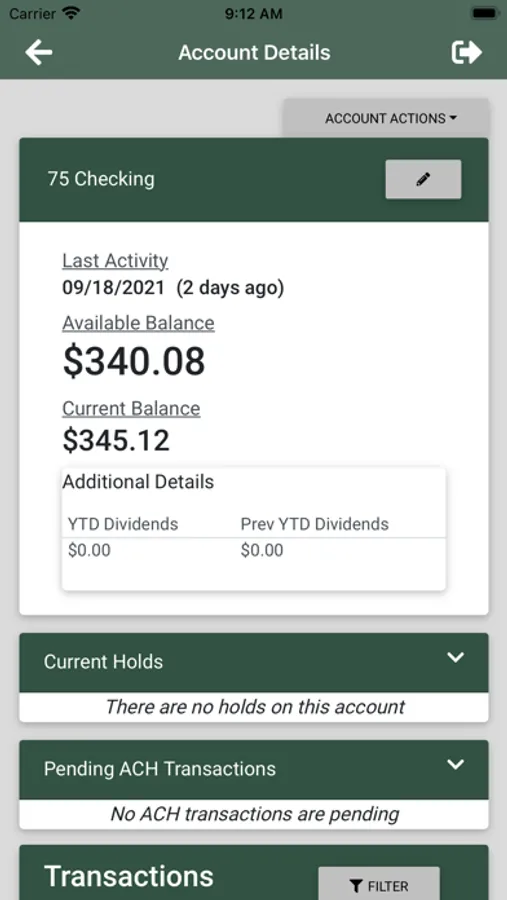
Access is quick, convenient, secure and allows you to do the following from your smartphone or tablet: Make instant account transfers, view account balances, withdrawal funds, deposit checks, pay bills, view your account statements and more with just a few quick taps. Sign-in quickly and securely using facial recognition, fingerprint authentication, and/or a passcode.
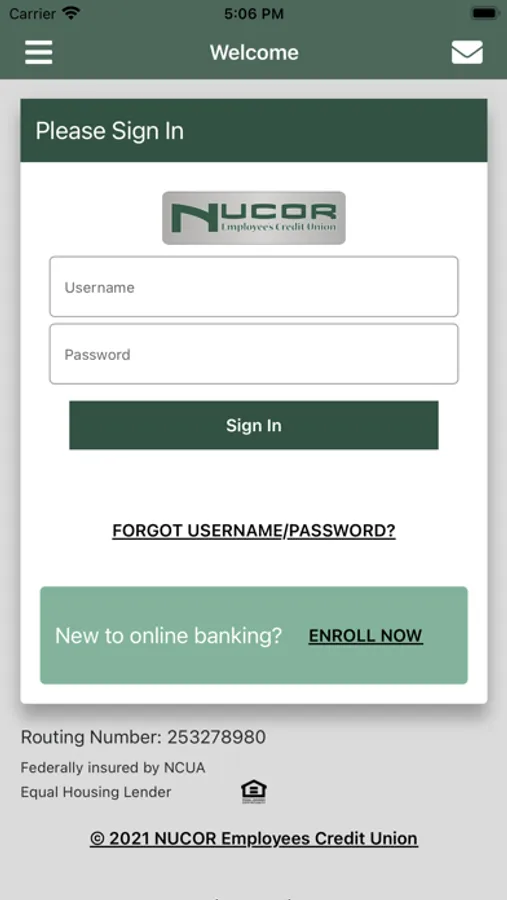
To get started, simply download the app and then sign-in for the first time using your Nucor ECU Internet Branching username and password. If you haven’t established these yet, simply click on “Enroll now” to get started.
Feel free to contact us at 843-665-4668 with any questions.
Access is quick, convenient, secure and allows you to do the following from your smartphone or tablet: Make instant account transfers, view account balances, withdrawal funds, deposit checks, pay bills, view your account statements and more with just a few quick taps. Sign-in quickly and securely using facial recognition, fingerprint authentication, and/or a passcode.
To get started, simply download the app and then sign-in for the first time using your Nucor ECU Internet Branching username and password. If you haven’t established these yet, simply click on “Enroll now” to get started.
Feel free to contact us at 843-665-4668 with any questions.