In this PDF converter app, you can convert various document formats to PDF and edit PDF files. Includes tools for creating, merging, and sharing PDF documents.
AppRecs review analysis
AppRecs rating 4.7. Trustworthiness 70 out of 100. Review manipulation risk 14 out of 100. Based on a review sample analyzed.
★★★★☆
4.7
AppRecs Rating
Ratings breakdown
5 star
78%
4 star
5%
3 star
4%
2 star
3%
1 star
9%
What to know
✓
Low review manipulation risk
14% review manipulation risk
✓
Credible reviews
70% trustworthiness score from analyzed reviews
✓
High user satisfaction
84% of sampled ratings are 4+ stars (4.4★ average)
About PDF Converter: Word to PDF!
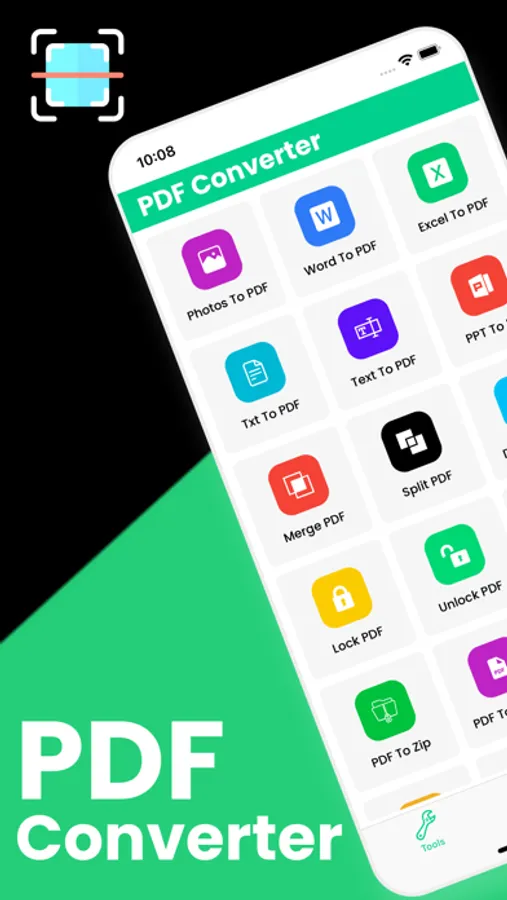
PDF Converter & PDF tools are the easiest way to convert Word, Excel, PTTx, to PDF format.
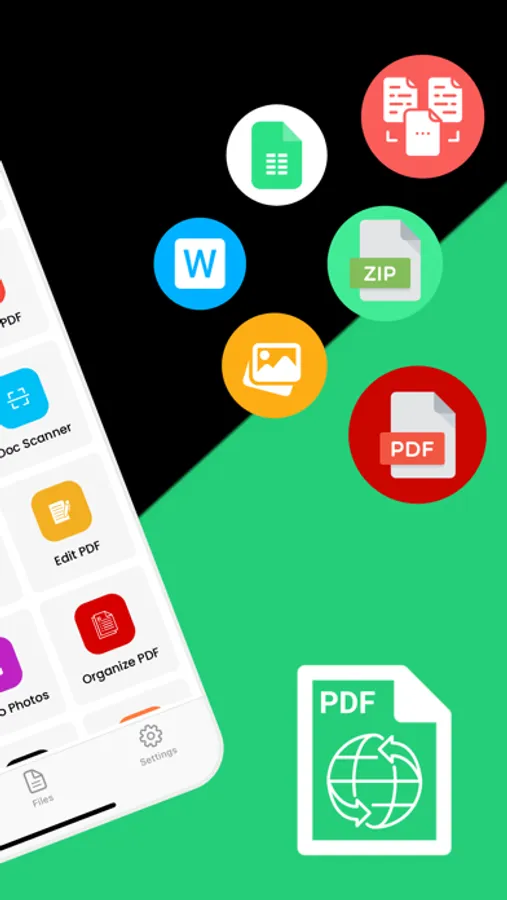
PDF Converter let you can find, create, convert, scan, merge, split, edit, share, save PDF document.
Main Features of PDF Converter tools:
- PDF Converter: create a pdf from an app, convert document files (doc, docx, ppt, pptx, word, photo, jpg,) to PDF.
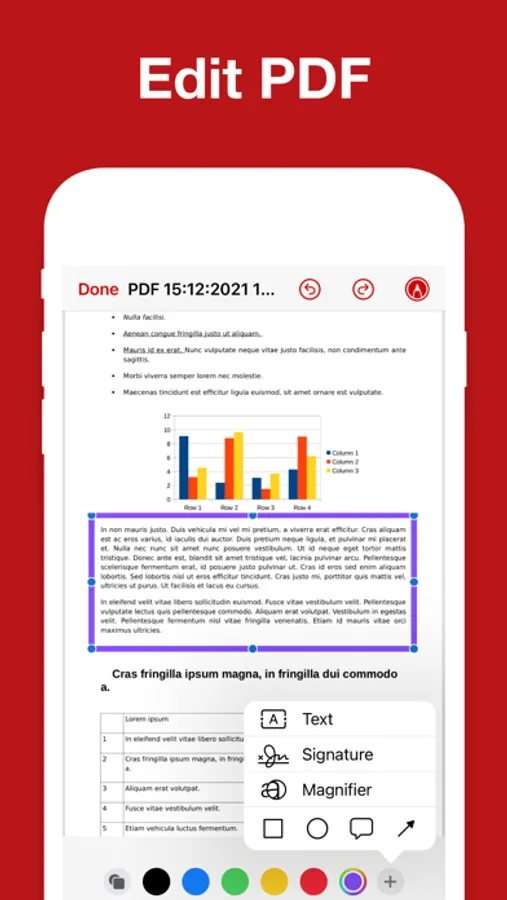
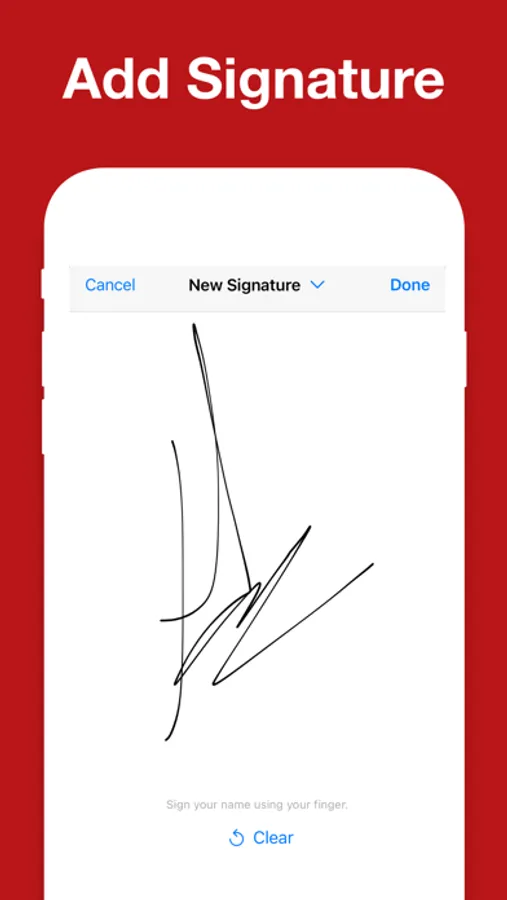
- PDF Editor: read and edit pdf documents with the necessary to such as an electronic sign.
- File Manager: delete or shared saved files to other devices.
If you have any questions or suggestions, send us our support email.
Note:
Payment will be charged to your iTunes account at confirmation of purchase. Your subscription will automatically renew unless auto-renew is turned off at least 24-hours before the end of the current subscription period. Your account will be charged for renewal within 24-hours prior to the end of the current subscription period. Automatic renewals will cost the same price you were originally charged for the subscription. You can manage your subscriptions and turn off auto-renewal by going to your Account Settings on the App Store after purchase. Read our terms of service and Privacy Policy for more information.
Privacy policy:
https://mobileappstudio8.blogspot.com/2023/03/privacy-policy.html
Terms of use:
https://mobileappstudio8.blogspot.com/2023/03/terms-and-conditions.html
PDF Converter let you can find, create, convert, scan, merge, split, edit, share, save PDF document.
Main Features of PDF Converter tools:
- PDF Converter: create a pdf from an app, convert document files (doc, docx, ppt, pptx, word, photo, jpg,) to PDF.
- PDF Editor: read and edit pdf documents with the necessary to such as an electronic sign.
- File Manager: delete or shared saved files to other devices.
If you have any questions or suggestions, send us our support email.
Note:
Payment will be charged to your iTunes account at confirmation of purchase. Your subscription will automatically renew unless auto-renew is turned off at least 24-hours before the end of the current subscription period. Your account will be charged for renewal within 24-hours prior to the end of the current subscription period. Automatic renewals will cost the same price you were originally charged for the subscription. You can manage your subscriptions and turn off auto-renewal by going to your Account Settings on the App Store after purchase. Read our terms of service and Privacy Policy for more information.
Privacy policy:
https://mobileappstudio8.blogspot.com/2023/03/privacy-policy.html
Terms of use:
https://mobileappstudio8.blogspot.com/2023/03/terms-and-conditions.html