AppRecs review analysis
AppRecs rating 4.6. Trustworthiness 70 out of 100. Review manipulation risk 21 out of 100. Based on a review sample analyzed.
★★★★☆
4.6
AppRecs Rating
Ratings breakdown
5 star
94%
4 star
0%
3 star
0%
2 star
0%
1 star
6%
What to know
✓
Low review manipulation risk
21% review manipulation risk
✓
Credible reviews
70% trustworthiness score from analyzed reviews
✓
High user satisfaction
94% of sampled ratings are 5 stars
About Asobi
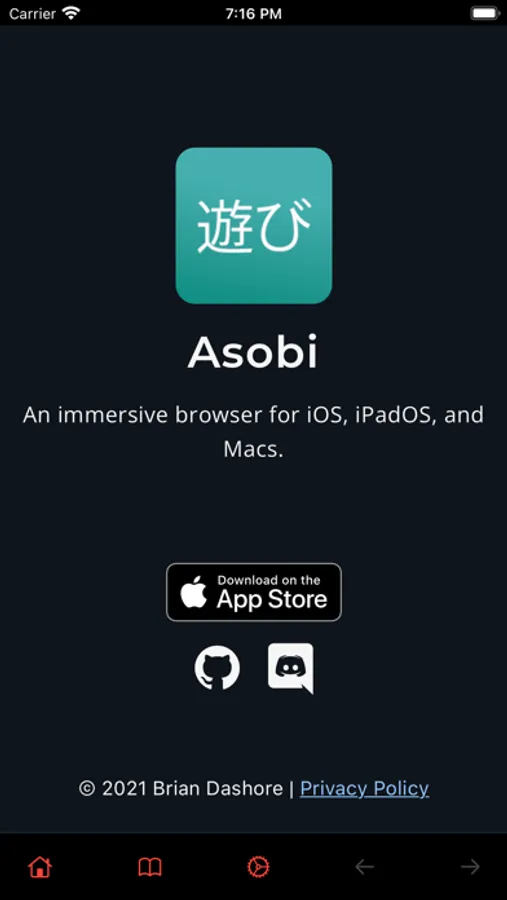
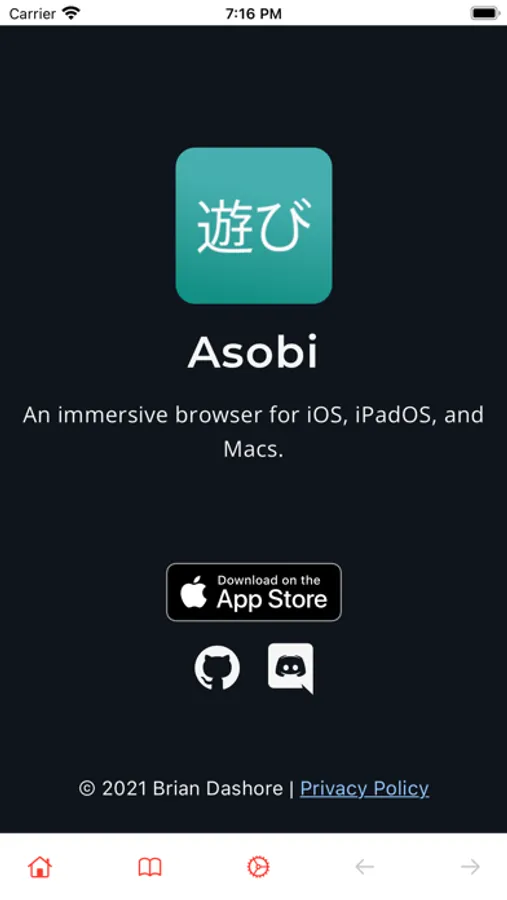
Watching media over a browser has a lot of limited options on iOS. The default browser, safari has a ton of clutter which makes a non-immersive experience for consuming media. Asobi solves this problem.
At its core, Asobi allows you to view media without any clutter on a mobile device because space is important when viewing a website.
There is no URL bar in Asobi. Instead, a default URL can be set to open on every app launch. This allows the user to jump right into the action instead of having a homepage on the screen.
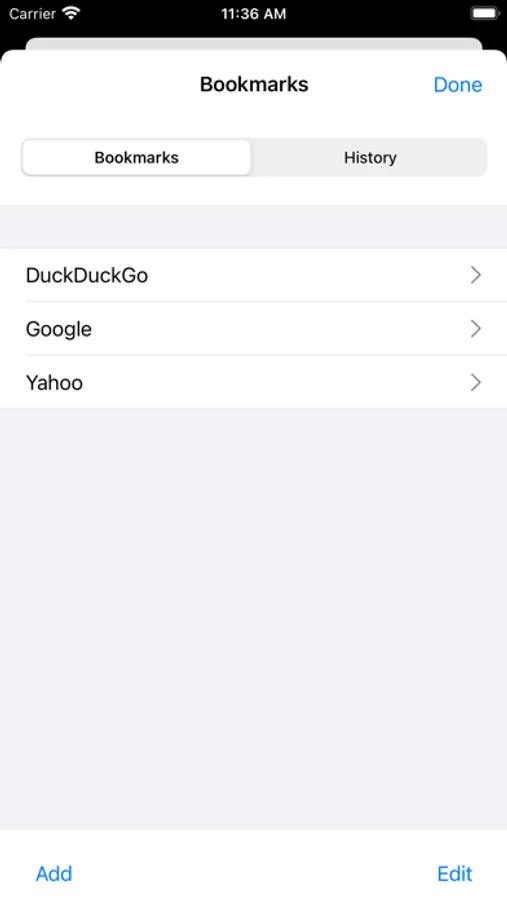
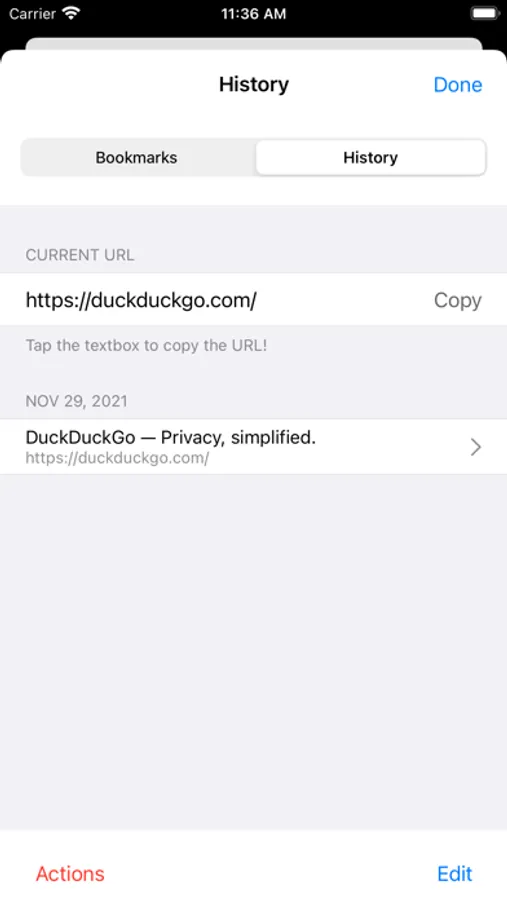
Asobi also has other hallmarks of a standard web browser such as:
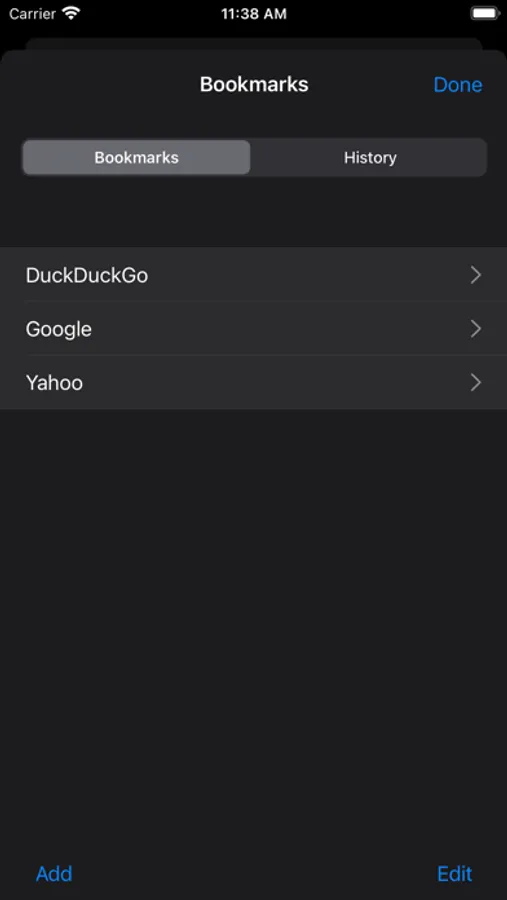
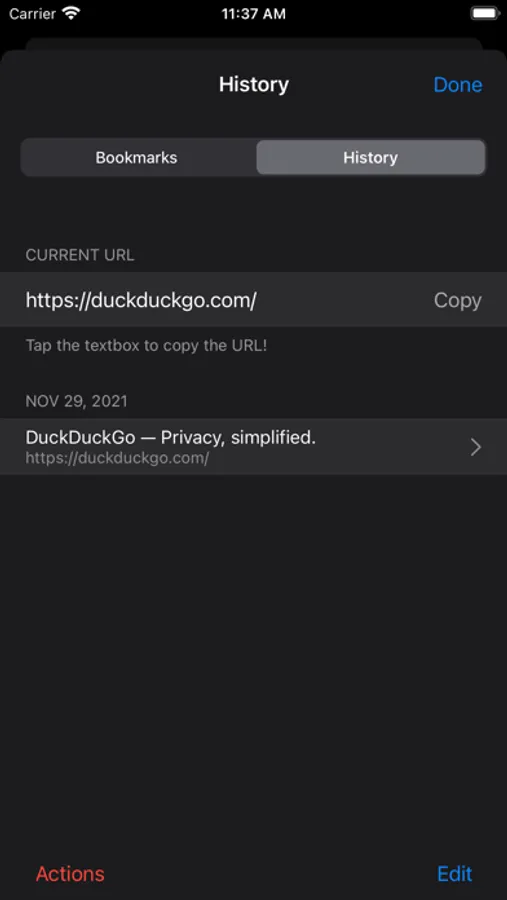
- History
- Bookmarks
- Downloads
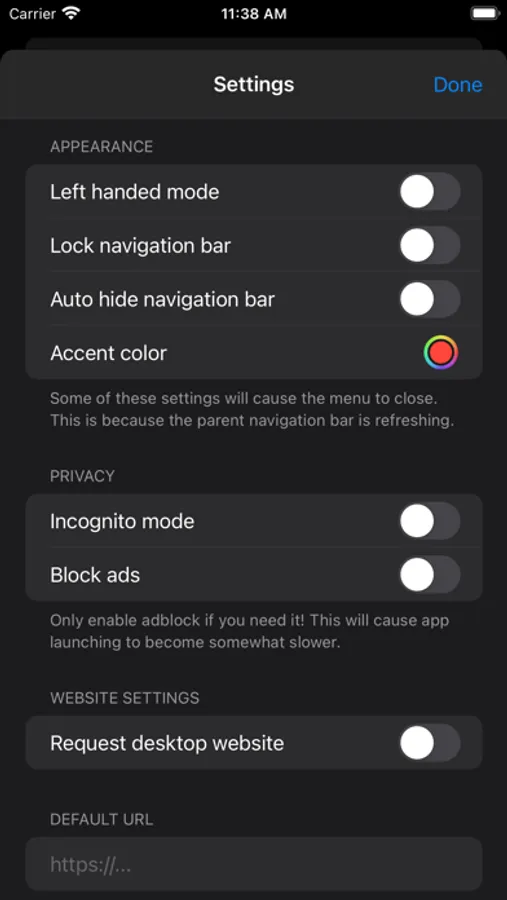
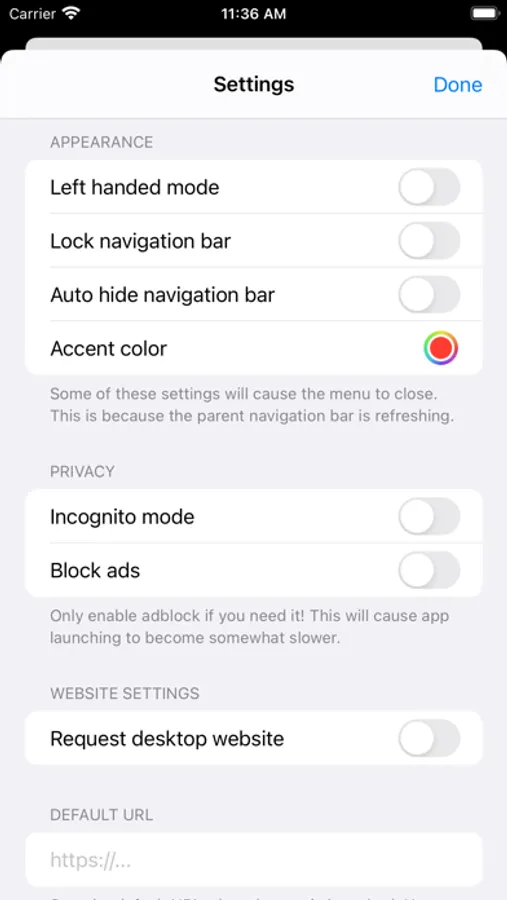
There are also privacy related features such as:
- Incognito mode
- Ad blocking
- Authentication on startup
- Hiding content in the recents menu
Asobi has a navigation bar to quickly access all the options above. This bar can be tucked away automatically or with a triple tap of the screen.
The app is free and 100% open sourced: https://github.com/bdashore3/Asobi
More information is in the app website: https://kingbri.dev/asobi
Happy browsing!
At its core, Asobi allows you to view media without any clutter on a mobile device because space is important when viewing a website.
There is no URL bar in Asobi. Instead, a default URL can be set to open on every app launch. This allows the user to jump right into the action instead of having a homepage on the screen.
Asobi also has other hallmarks of a standard web browser such as:
- History
- Bookmarks
- Downloads
There are also privacy related features such as:
- Incognito mode
- Ad blocking
- Authentication on startup
- Hiding content in the recents menu
Asobi has a navigation bar to quickly access all the options above. This bar can be tucked away automatically or with a triple tap of the screen.
The app is free and 100% open sourced: https://github.com/bdashore3/Asobi
More information is in the app website: https://kingbri.dev/asobi
Happy browsing!