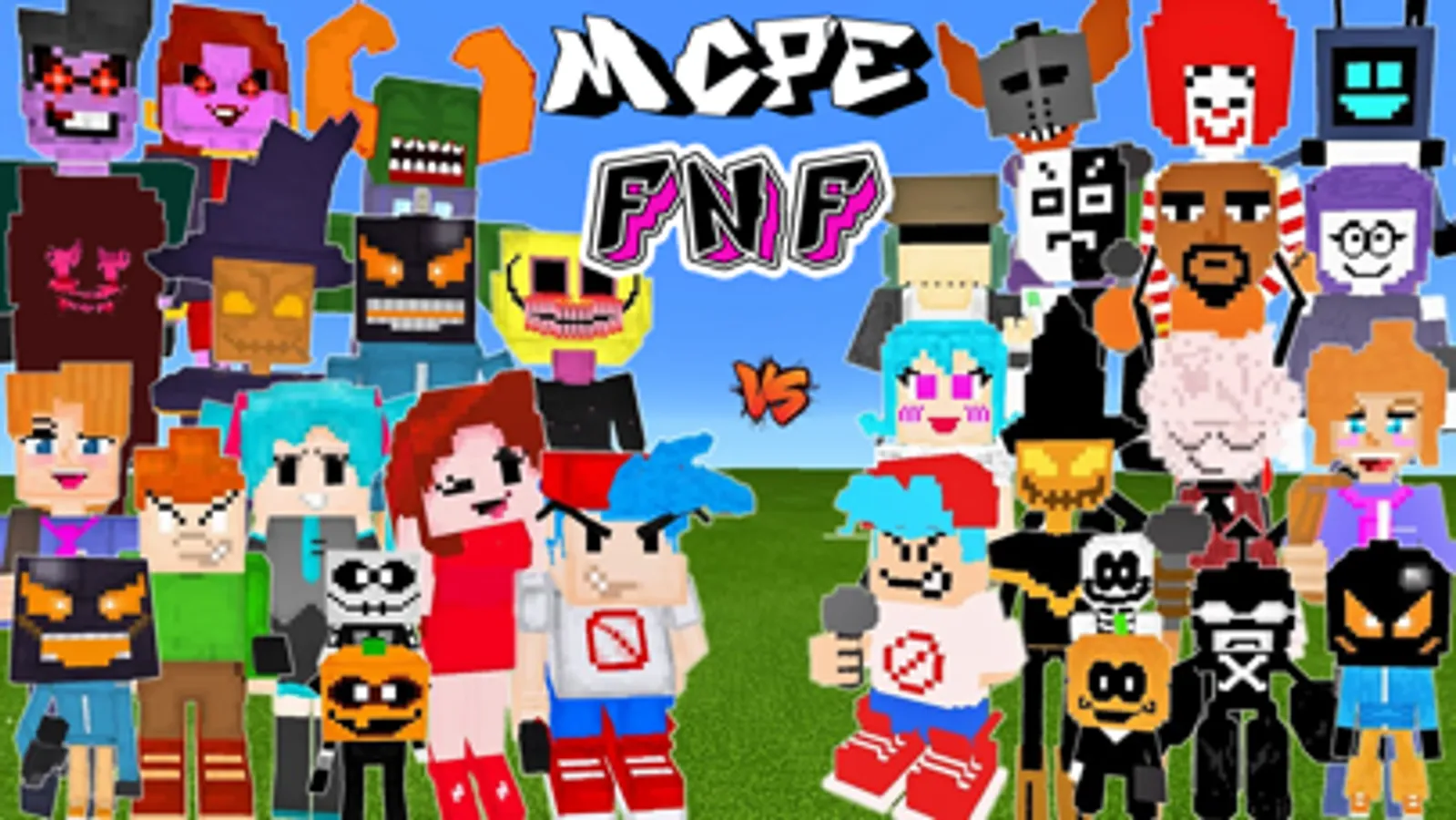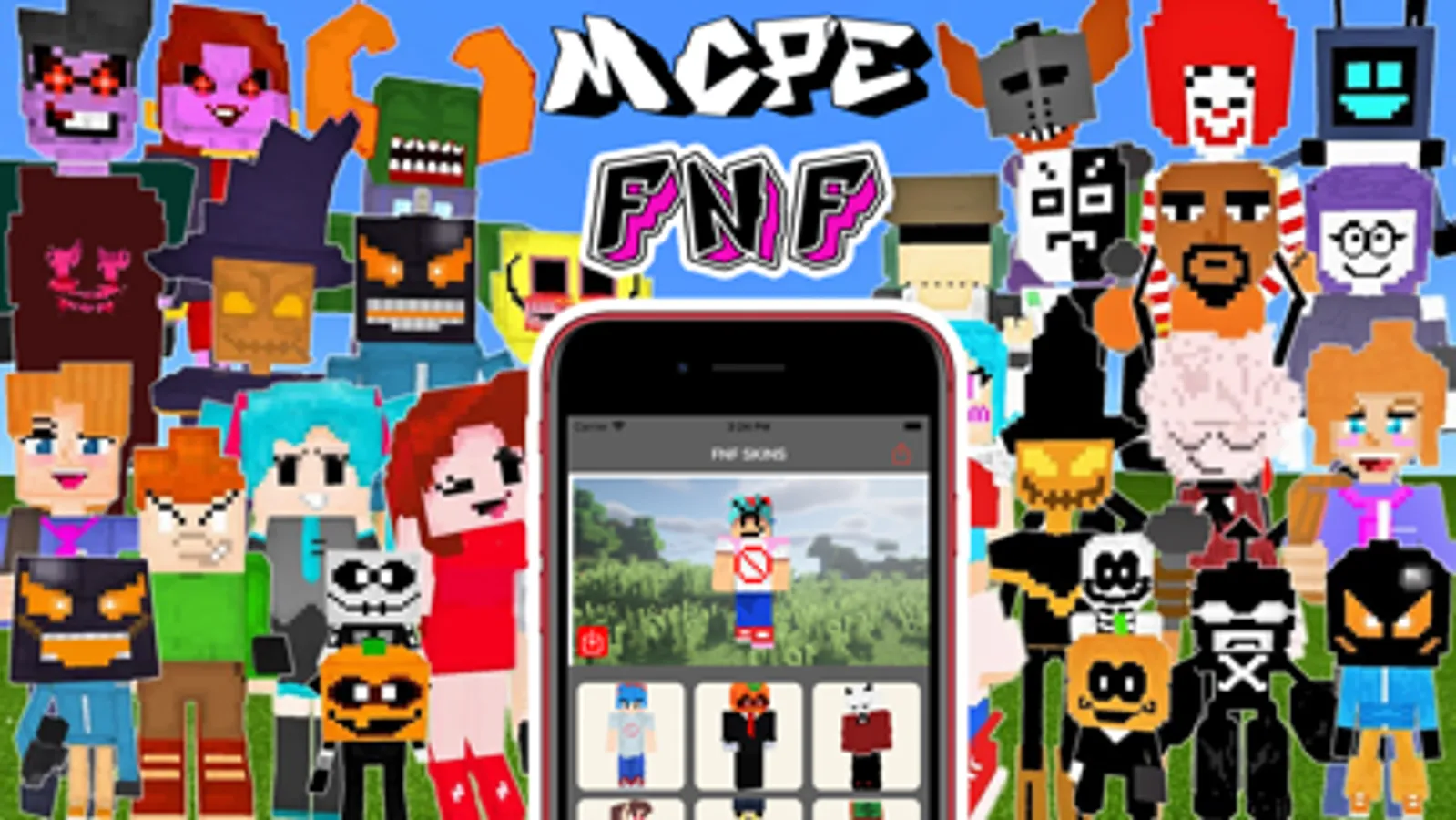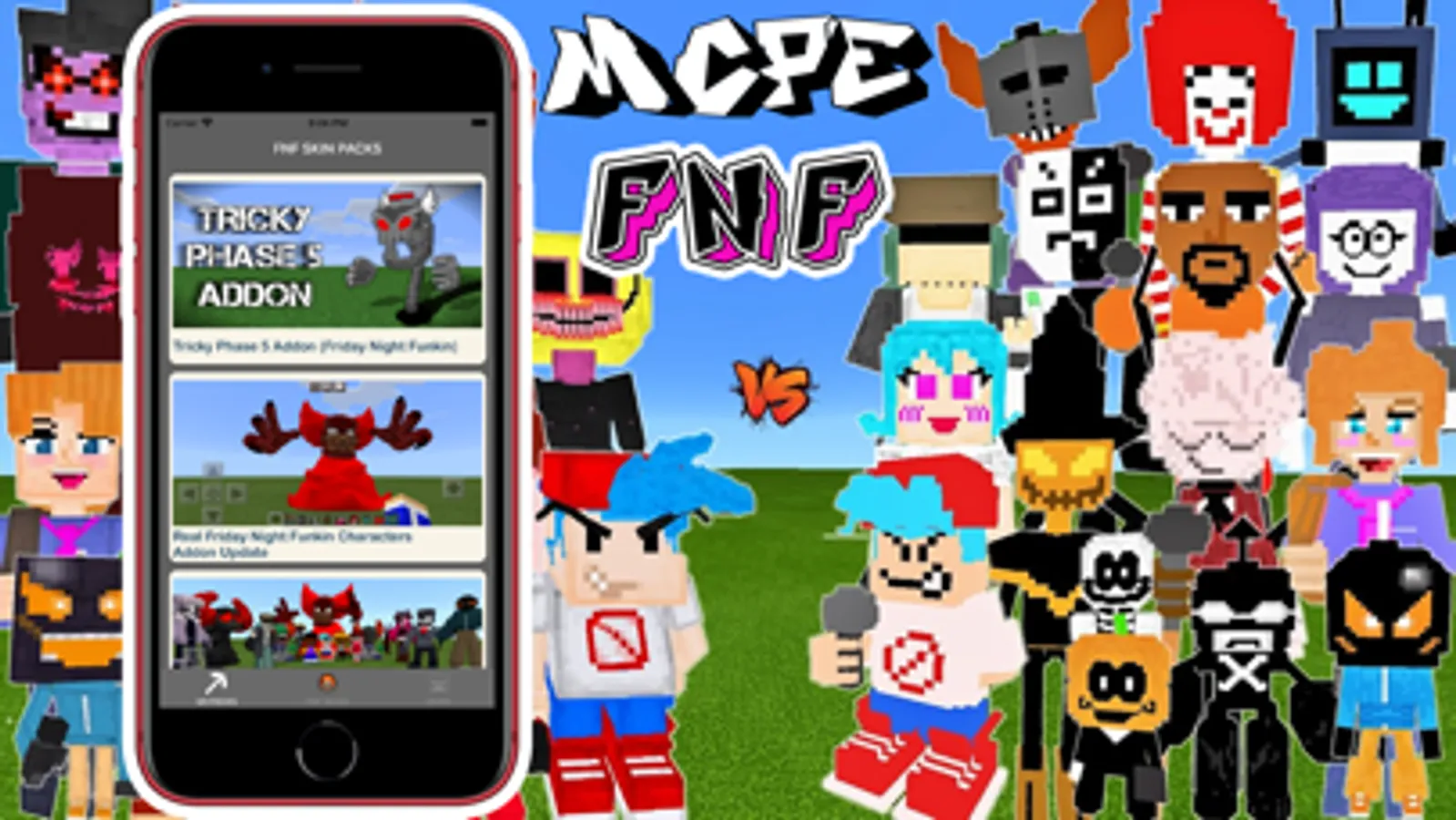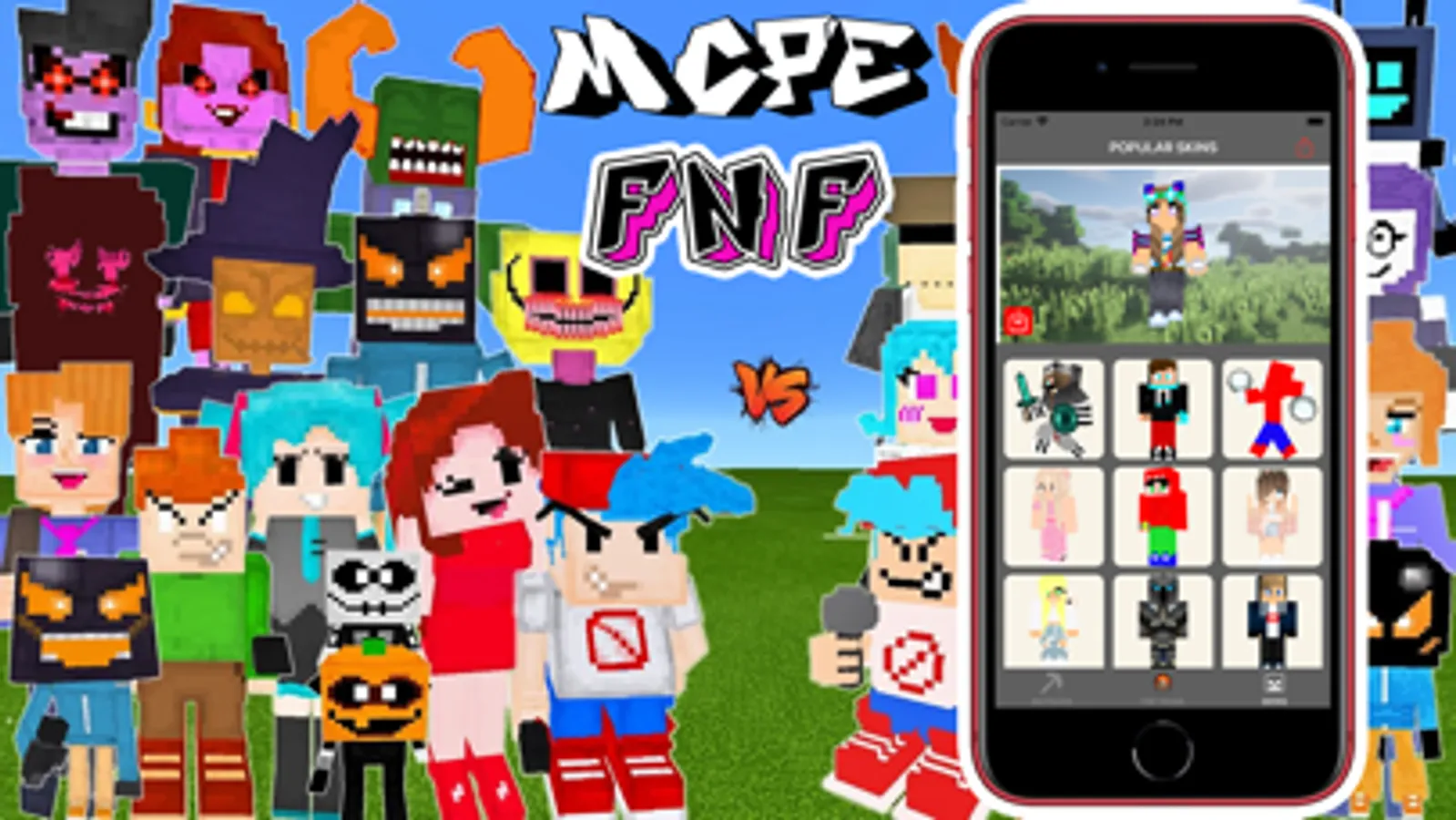
In this app, you can add custom skins, skinseeds, and mods to Minecraft PE to personalize your gameplay. Includes options for installing mcpacks and importing skins from your photo gallery.
AppRecs review analysis
AppRecs rating 4.2. Trustworthiness 70 out of 100. Review manipulation risk 32 out of 100. Based on a review sample analyzed.
★★★★☆
4.2
AppRecs Rating
Ratings breakdown
5 star
86%
4 star
6%
3 star
3%
2 star
2%
1 star
3%
What to know
✓
High user satisfaction
86% of sampled ratings are 5 stars
About FNF MODS SKINS FOR MINECRAFT
Play music on MCPE game, add more skins, skinseeds, mods ...
Make more fun, make difference experience
How to use:
1. For mcpacks: - select a pack; - touch Install button; - Select Import to Minecraft when the pop up dialog appear
2. For skin: - select a skin; - touch Action button on the top right corner; - Save the skin to your photo gallery; - open Minecraft and import skin from photo gallery
Terms of service: https://sites.google.com/view/locartapps/term-of-use
Privacy policy: https://sites.google.com/view/locartapps/privacy-policy
DISCLAIMER: This is an unofficial application for Minecraft Pocket Edition. This application is not associated in any way with Mojang AB. Minecraft Name, Minecraft Brand and Minecraft Assets are all property of Mojang AB or their owner. All rights reserved. In accordance with http://account.mojang.com/documents/brand_guidelines
Make more fun, make difference experience
How to use:
1. For mcpacks: - select a pack; - touch Install button; - Select Import to Minecraft when the pop up dialog appear
2. For skin: - select a skin; - touch Action button on the top right corner; - Save the skin to your photo gallery; - open Minecraft and import skin from photo gallery
Terms of service: https://sites.google.com/view/locartapps/term-of-use
Privacy policy: https://sites.google.com/view/locartapps/privacy-policy
DISCLAIMER: This is an unofficial application for Minecraft Pocket Edition. This application is not associated in any way with Mojang AB. Minecraft Name, Minecraft Brand and Minecraft Assets are all property of Mojang AB or their owner. All rights reserved. In accordance with http://account.mojang.com/documents/brand_guidelines