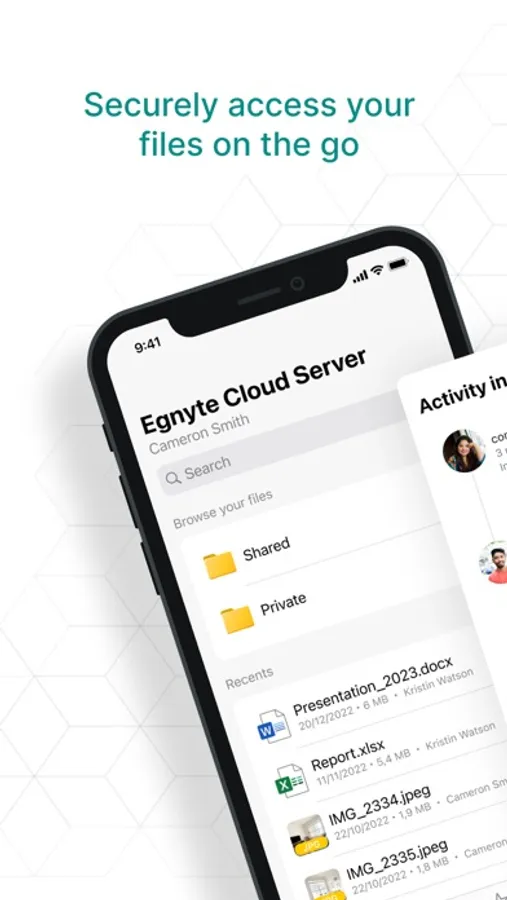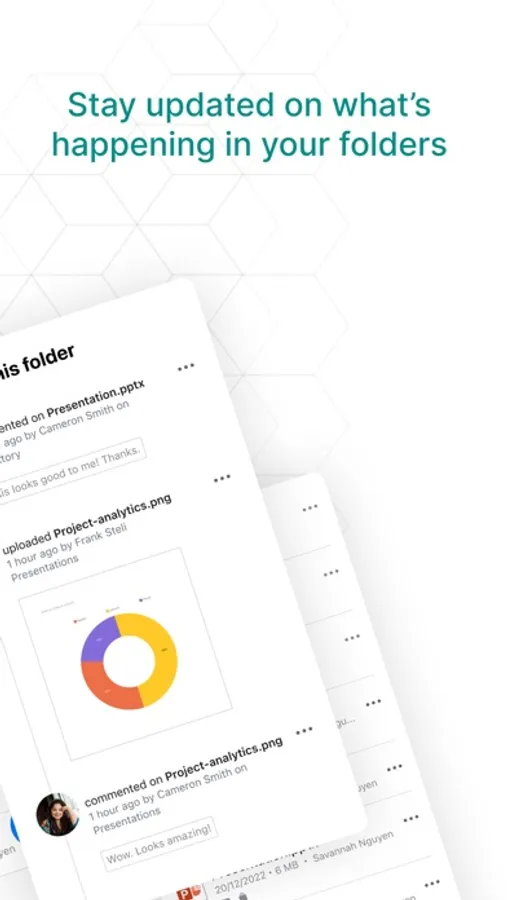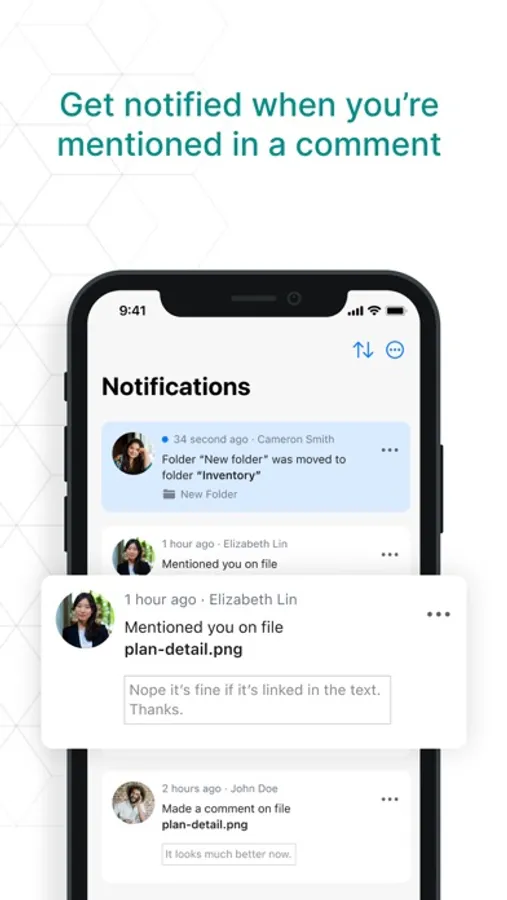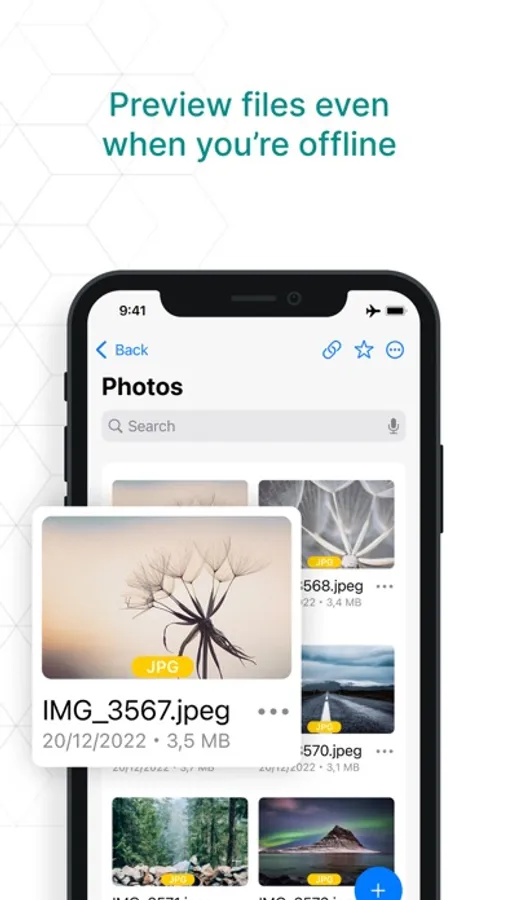
In this productivity app, users can access, preview, upload, and collaborate on files securely. Includes file sharing, permissions management, and notifications features.
AppRecs review analysis
AppRecs rating 4.7. Trustworthiness 0 out of 100. Review manipulation risk 0 out of 100. Based on a review sample analyzed.
★★★★☆
4.7
AppRecs Rating
Ratings breakdown
5 star
77%
4 star
15%
3 star
8%
2 star
0%
1 star
0%
What to know
✓
High user satisfaction
77% of sampled ratings are 5 stars
About Egnyte for Intune
Egnyte for Intune works with workspaces and devices handled by the Microsoft Intune Mobile Device Management tool. Intune enables companies to control how the organization’s devices are used and also to configure specific policies to control applications.
If you are unsure if your device is protected and/or managed by Microsoft Intune, please contact your company’s IT administrator. If you are sure your device is not protected or managed by Microsoft Intune, please use the regular Egnyte mobile app.
Overview
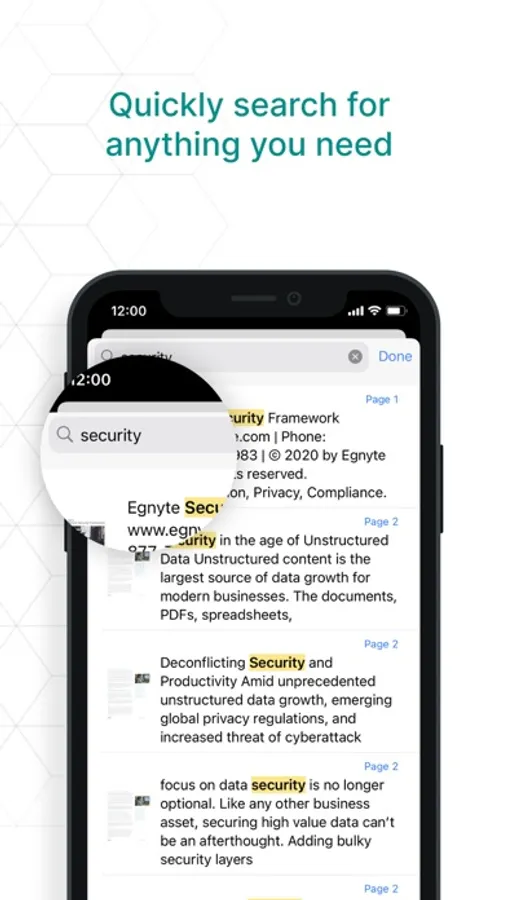
With the Egnyte Mobile App you can extend the office and work from anywhere with ease. You can access data securely, preview files, upload new content, and collaborate on folders and file links, edit and co-edit files in popular formats. You can also easily set up permissions for authorized access, create link expirations, and receive notifications when files are accessed.
If you are unsure if your device is protected and/or managed by Microsoft Intune, please contact your company’s IT administrator. If you are sure your device is not protected or managed by Microsoft Intune, please use the regular Egnyte mobile app.
Overview
With the Egnyte Mobile App you can extend the office and work from anywhere with ease. You can access data securely, preview files, upload new content, and collaborate on folders and file links, edit and co-edit files in popular formats. You can also easily set up permissions for authorized access, create link expirations, and receive notifications when files are accessed.