EVBox Install
EVBox B.V.
5.0 ★
store rating
Free
AppRecs review analysis
AppRecs rating 5.0. Trustworthiness 45 out of 100. Review manipulation risk 20 out of 100. Based on a review sample analyzed.
★★★★★
5.0
AppRecs Rating
Ratings breakdown
5 star
100%
4 star
0%
3 star
0%
2 star
0%
1 star
0%
What to know
⚠
Unusually uniform ratings
100% of sampled ratings are 5 stars with very little variation
About EVBox Install
Note: EVBox Install is for qualified charging station installers only.
Configuring the charging station via EVBox Install app is a mandatory step in making the following stations operational:
• EVBox Livo
• EVBox Livo 2
• EVBox Liviqo
• Mercedes-Benz Wallbox
Other stations such as EVBox Elvi, EVBox BusinessLine or EVBox Iqon are configured via the EVBox Connect app instead.
-----------------------
With the EVBox Install app, installers can connect to the charging stations listed above and do the following:
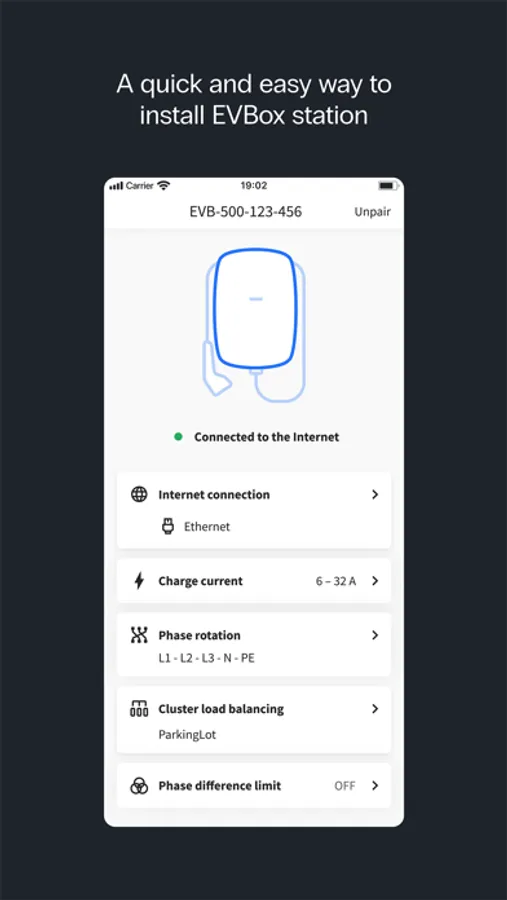
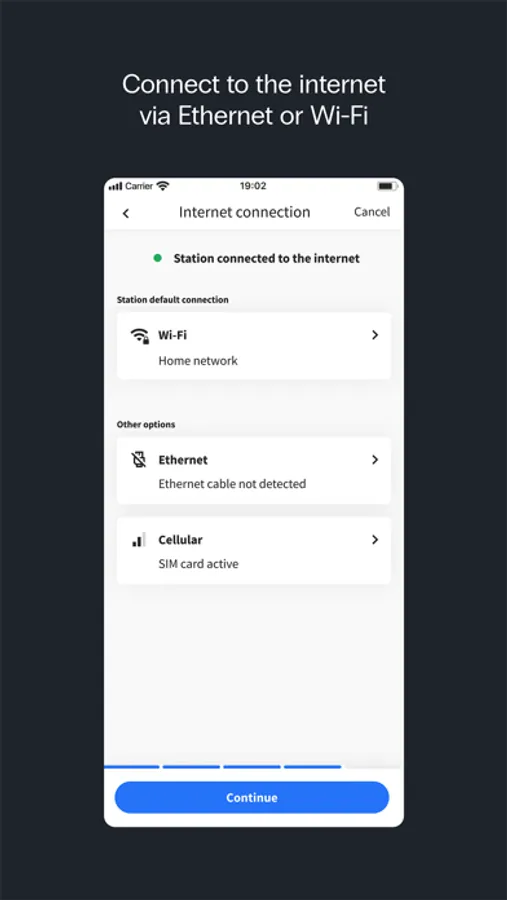
• Configure the charging station to a local Ethernet, Wi-Fi, or cellular network to enable communication between a charging management service provider and the charging station.
• Set the maximum charge current.
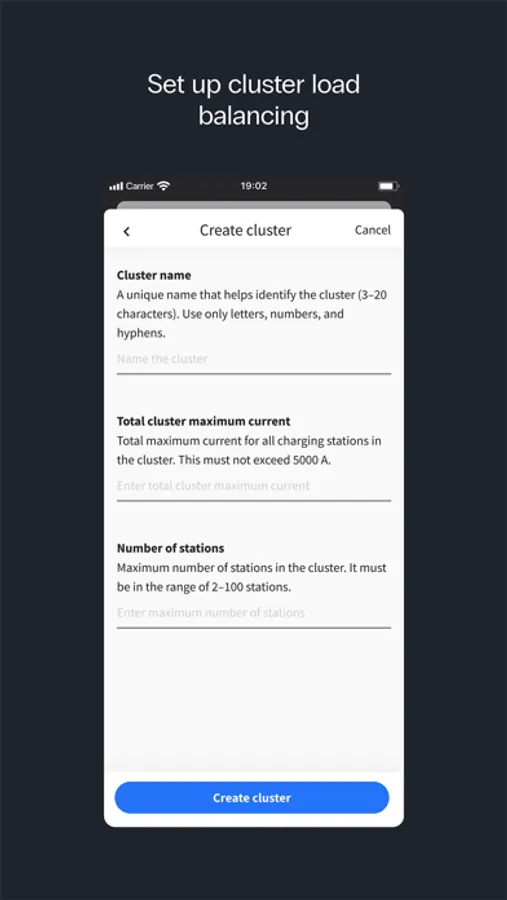
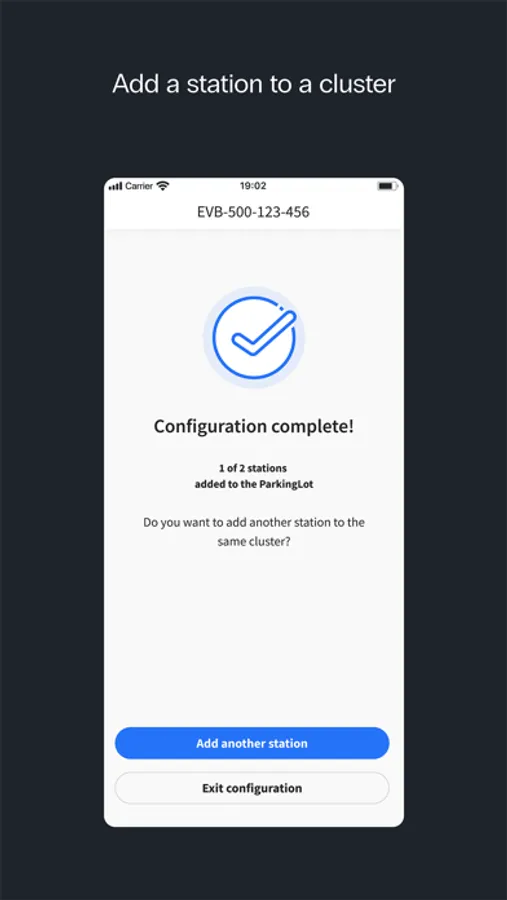
• Configure the current balancing features.
• Provide station firmware updates.
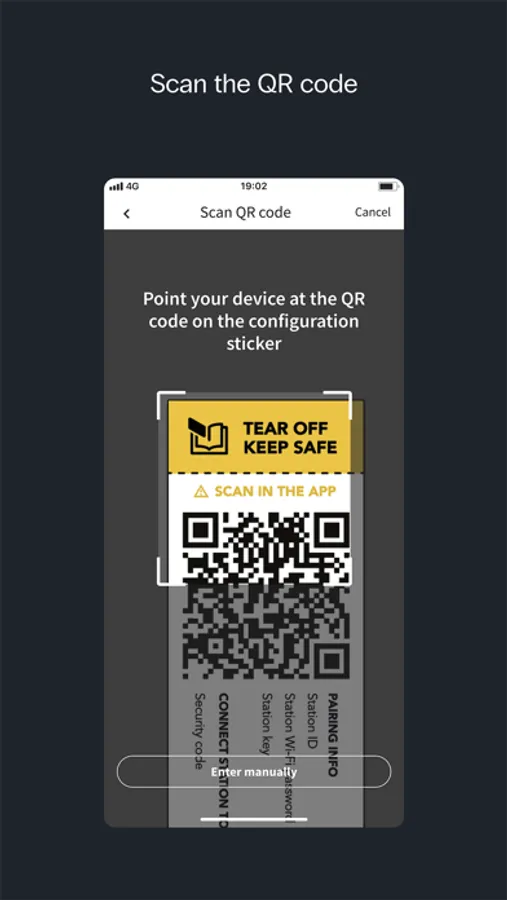
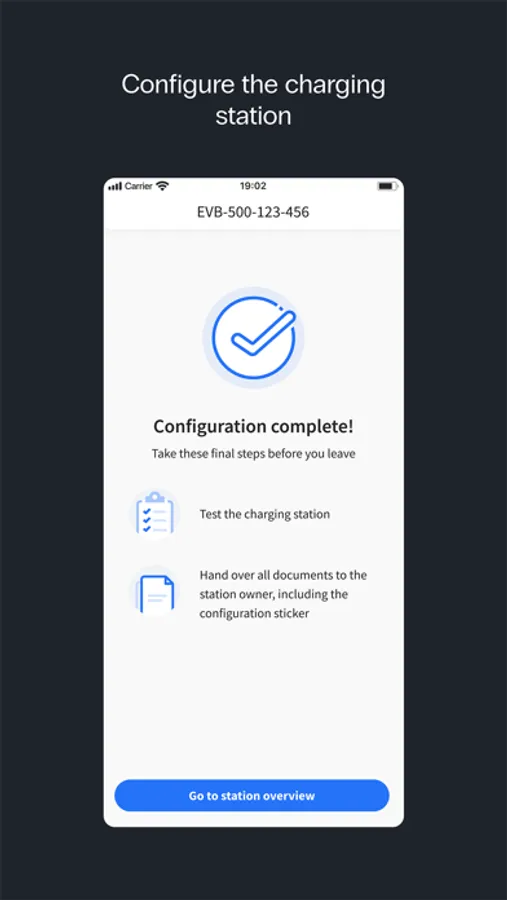
All the steps to successfully complete a configuration are explained inside the app.
Do you need help with installing the station? Consult the charging station's installation manual.
Configuring the charging station via EVBox Install app is a mandatory step in making the following stations operational:
• EVBox Livo
• EVBox Livo 2
• EVBox Liviqo
• Mercedes-Benz Wallbox
Other stations such as EVBox Elvi, EVBox BusinessLine or EVBox Iqon are configured via the EVBox Connect app instead.
-----------------------
With the EVBox Install app, installers can connect to the charging stations listed above and do the following:
• Configure the charging station to a local Ethernet, Wi-Fi, or cellular network to enable communication between a charging management service provider and the charging station.
• Set the maximum charge current.
• Configure the current balancing features.
• Provide station firmware updates.
All the steps to successfully complete a configuration are explained inside the app.
Do you need help with installing the station? Consult the charging station's installation manual.