IMG2PDF: Convert Image to PDF
Monali Paghadal
4.7 ★
store rating
Free
AppRecs review analysis
AppRecs rating 4.0. Trustworthiness 70 out of 100. Review manipulation risk 41 out of 100. Based on a review sample analyzed.
★★★☆☆
4.0
AppRecs Rating
Ratings breakdown
5 star
92%
4 star
0%
3 star
0%
2 star
0%
1 star
8%
What to know
⚠
Questionable review patterns
41% review manipulation risk - some review patterns appear unusual
⚠
Rating authenticity concerns
High rating concentration (92% 5-star) in sampled ratings
About IMG2PDF: Convert Image to PDF
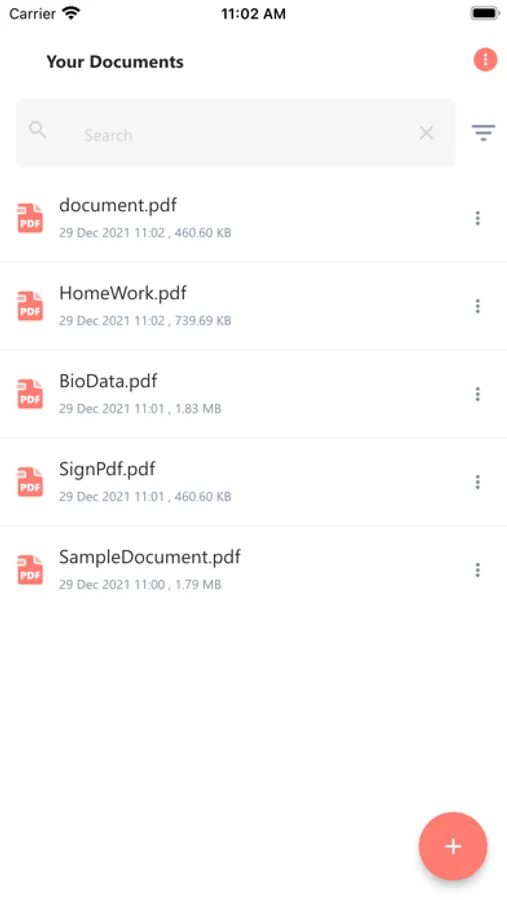
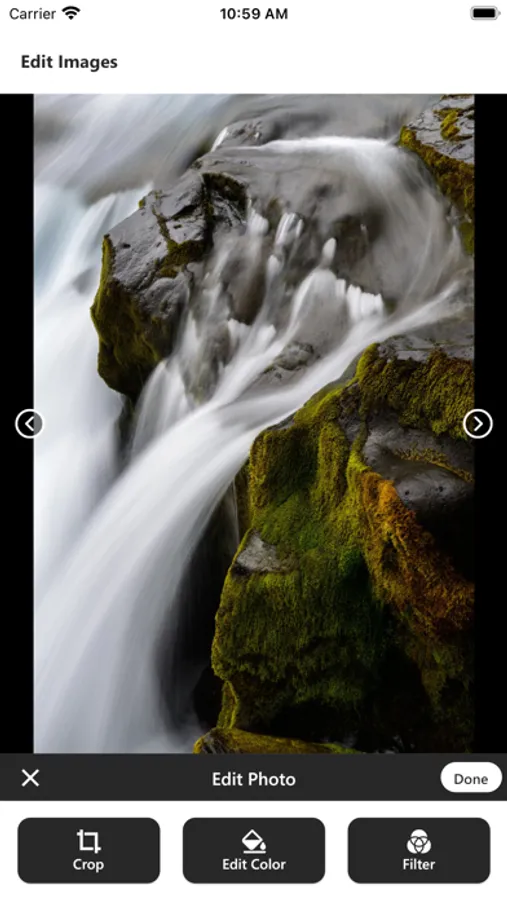
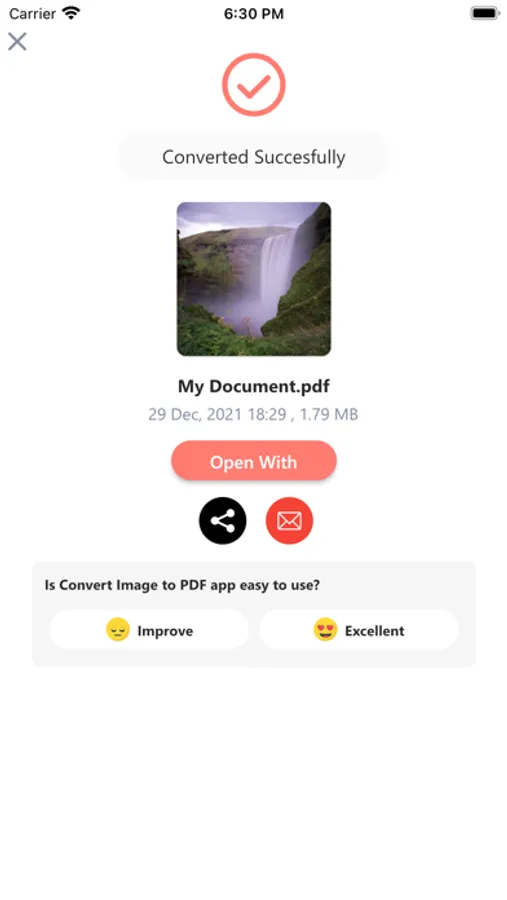
The IMG2PDF: Convert Image to PDF easily converts your images into a single PDF file. Use the cropping and scaling tools to optimize your images for your PDF file.
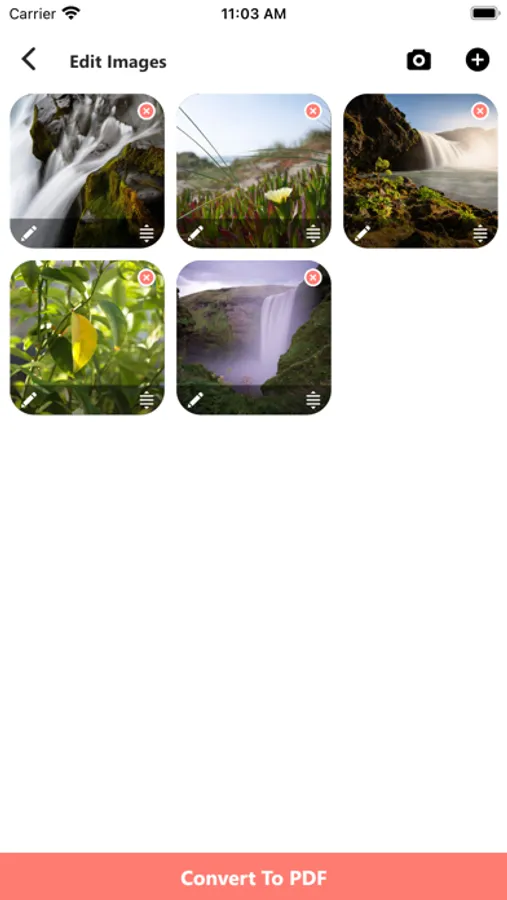
Press + to pick images from gallery or camera, you can choose multiple images.
This IMG2PDF: Convert Image to PDF allows combining multiple images into a single PDF document. This tool supports the conversion of JPG and PNG images.
* Image editing tools
- Image cropping and rotating
- Rearrange the order of images
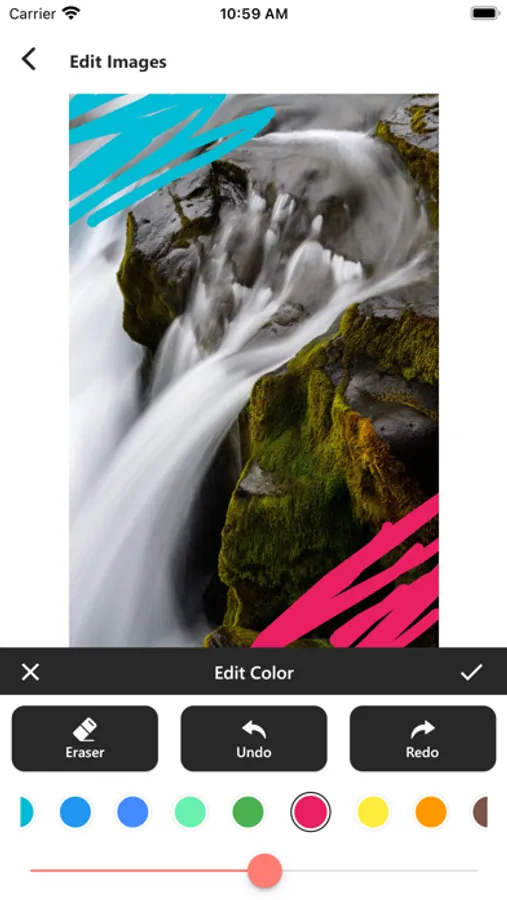
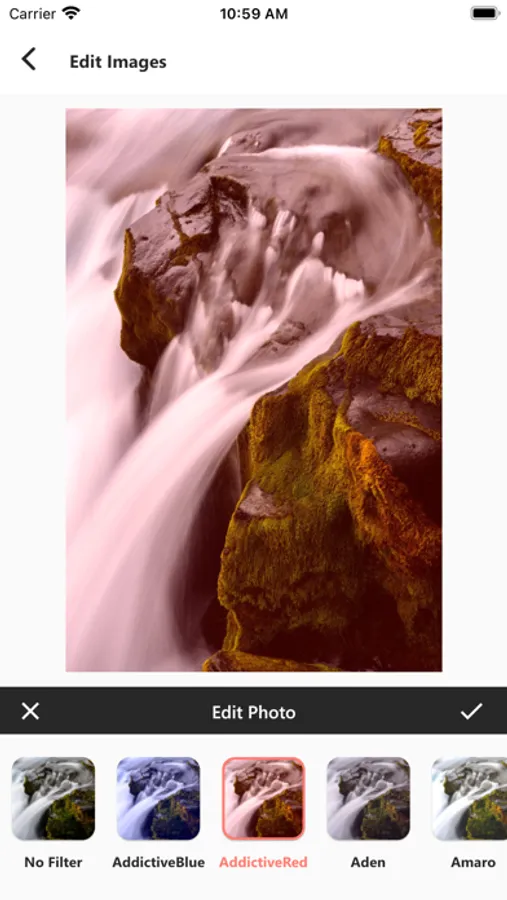
- Apply filters on image before creating PDF
* Password Protected PDF:
- You can generate password protected PDF file in just a few seconds.
* Share converted PDF files:
- Easily send and share converted PDF files via social media, Email, Bluetooth, Wifi share, etc.
Press + to pick images from gallery or camera, you can choose multiple images.
This IMG2PDF: Convert Image to PDF allows combining multiple images into a single PDF document. This tool supports the conversion of JPG and PNG images.
* Image editing tools
- Image cropping and rotating
- Rearrange the order of images
- Apply filters on image before creating PDF
* Password Protected PDF:
- You can generate password protected PDF file in just a few seconds.
* Share converted PDF files:
- Easily send and share converted PDF files via social media, Email, Bluetooth, Wifi share, etc.