Multi Timer - Visual Timer
JAEHYUN KIM
4.5 ★
store rating
Free
AppRecs review analysis
AppRecs rating 4.0. Trustworthiness 65 out of 100. Review manipulation risk 22 out of 100. Based on a review sample analyzed.
★★★★☆
4.0
AppRecs Rating
Ratings breakdown
5 star
0%
4 star
100%
3 star
0%
2 star
0%
1 star
0%
What to know
✓
Low review manipulation risk
22% review manipulation risk
✓
High user satisfaction
100% of sampled ratings are 4+ stars (4.5★ average)
About Multi Timer - Visual Timer
Hello!
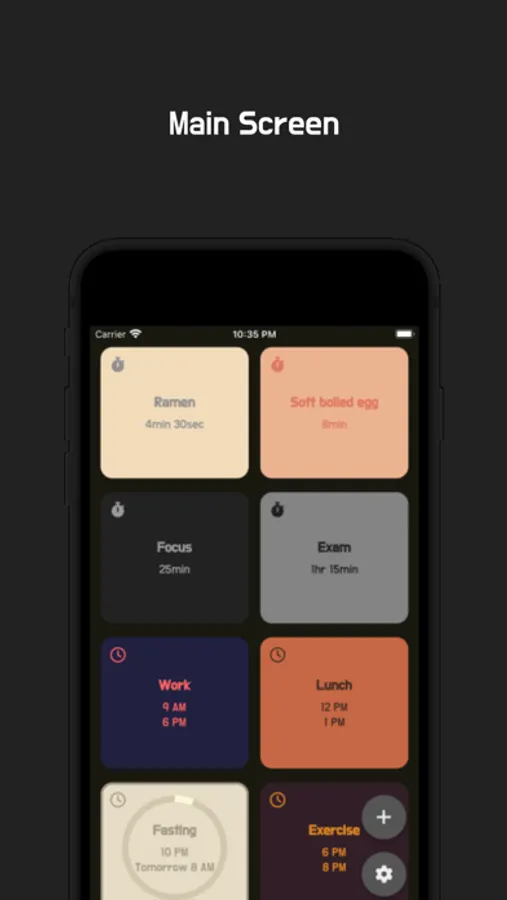
* Multiple timers
You can use multiple timers at the same time.
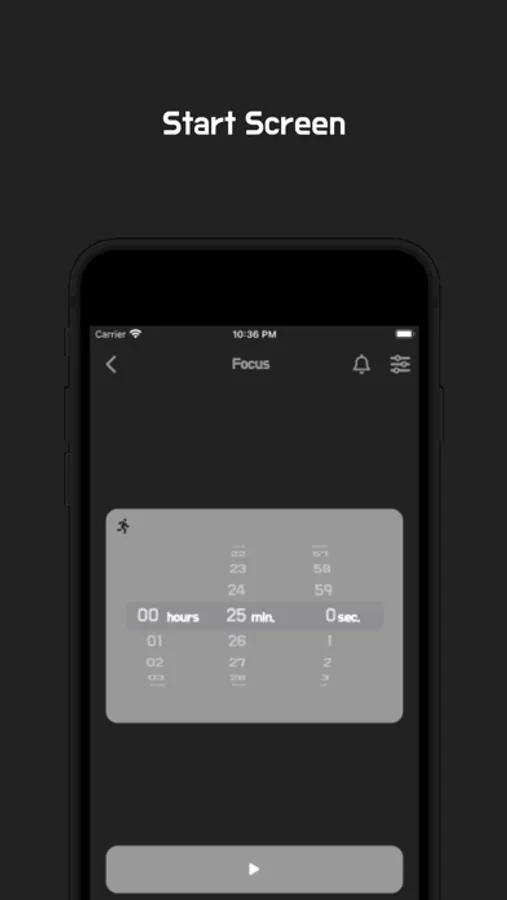
You can also save frequently used times for future use.
* Timer notifications
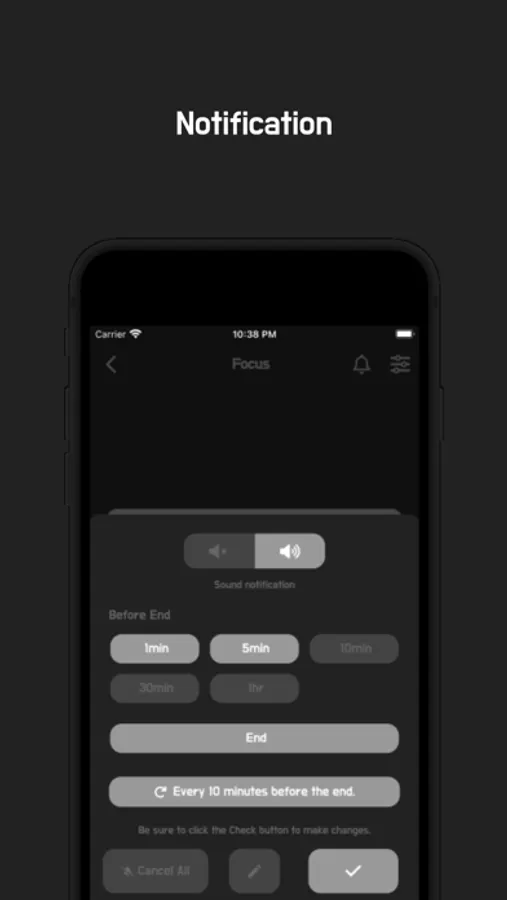
You can use push notifications.
(E.g., 1 hour before the end, 30 minutes after the start, 10-minute repeated notifications)
You can customize notifications to fit your study or exam schedule.
You can use it like a pomodoro or time timer.
* Two types of timers
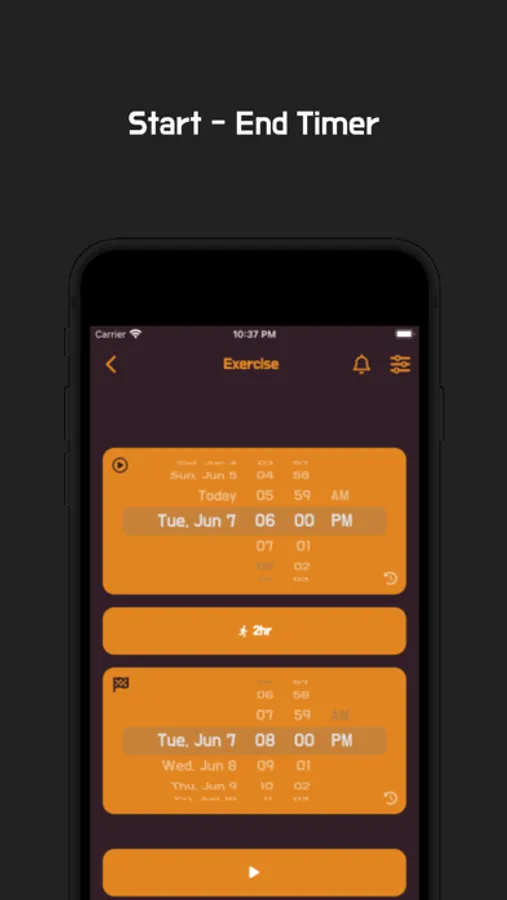
There are timers based on elapsed time and timers based on start/end times.
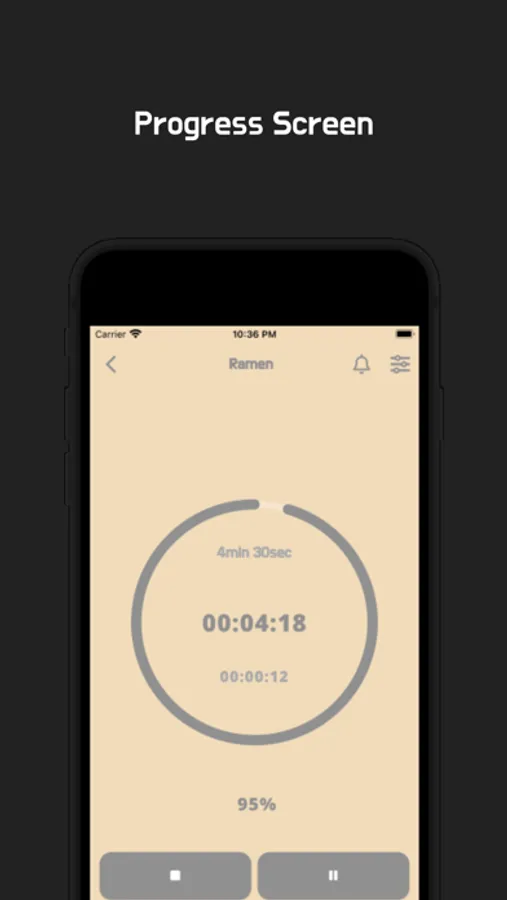
* Focus on remaining/elapsed time
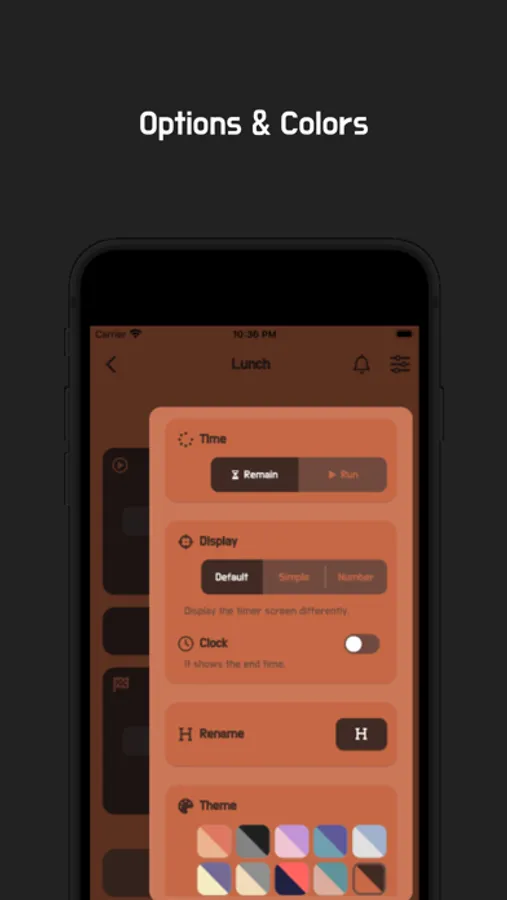
You can change the style in the settings.
* Full-screen mode
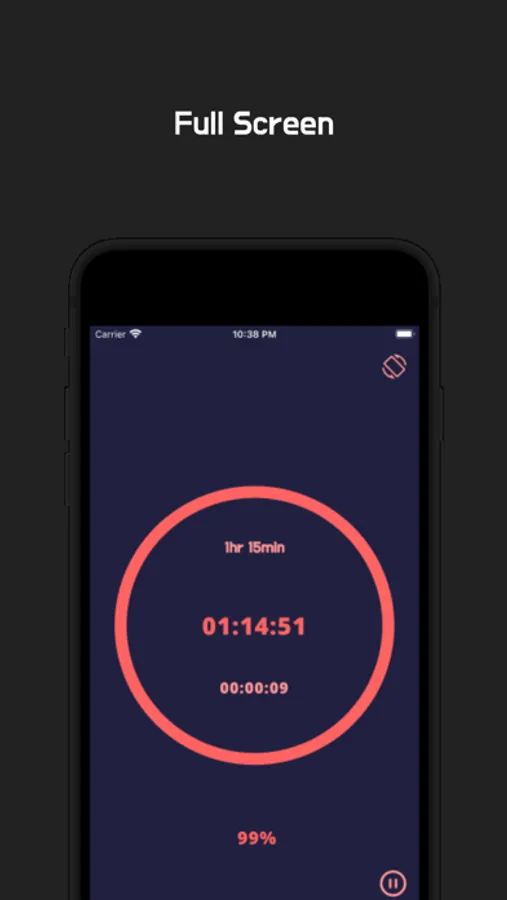
Tap the center of the timer to switch to full-screen mode.
* Landscape mode
Landscape-optimized design
* Themes
Various color themesHello!
* Multiple timers
You can use multiple timers at the same time.
You can also save frequently used times for future use.
* Timer notifications
You can use push notifications.
(E.g., 1 hour before the end, 30 minutes after the start, 10-minute repeated notifications)
You can customize notifications to fit your study or exam schedule.
You can use it like a pomodoro or time timer.
* Two types of timers
There are timers based on elapsed time and timers based on start/end times.
* Focus on remaining/elapsed time
You can change the style in the settings.
* Full-screen mode
Tap the center of the timer to switch to full-screen mode.
* Landscape mode
Landscape-optimized design
* Themes
Various color themes
Thank you so much!
Developer contact:
kim.studiowacky@gmail.com
kim.beeefriends@gmail.com
* Multiple timers
You can use multiple timers at the same time.
You can also save frequently used times for future use.
* Timer notifications
You can use push notifications.
(E.g., 1 hour before the end, 30 minutes after the start, 10-minute repeated notifications)
You can customize notifications to fit your study or exam schedule.
You can use it like a pomodoro or time timer.
* Two types of timers
There are timers based on elapsed time and timers based on start/end times.
* Focus on remaining/elapsed time
You can change the style in the settings.
* Full-screen mode
Tap the center of the timer to switch to full-screen mode.
* Landscape mode
Landscape-optimized design
* Themes
Various color themesHello!
* Multiple timers
You can use multiple timers at the same time.
You can also save frequently used times for future use.
* Timer notifications
You can use push notifications.
(E.g., 1 hour before the end, 30 minutes after the start, 10-minute repeated notifications)
You can customize notifications to fit your study or exam schedule.
You can use it like a pomodoro or time timer.
* Two types of timers
There are timers based on elapsed time and timers based on start/end times.
* Focus on remaining/elapsed time
You can change the style in the settings.
* Full-screen mode
Tap the center of the timer to switch to full-screen mode.
* Landscape mode
Landscape-optimized design
* Themes
Various color themes
Thank you so much!
Developer contact:
kim.studiowacky@gmail.com
kim.beeefriends@gmail.com