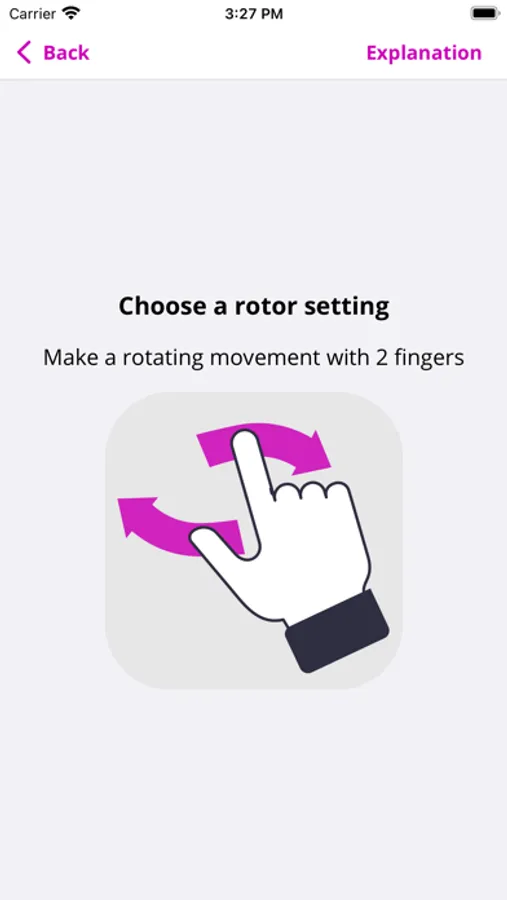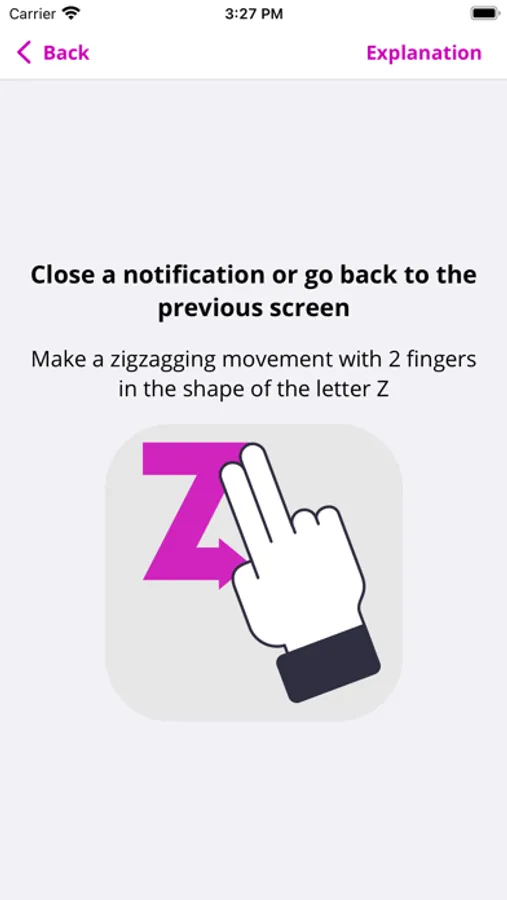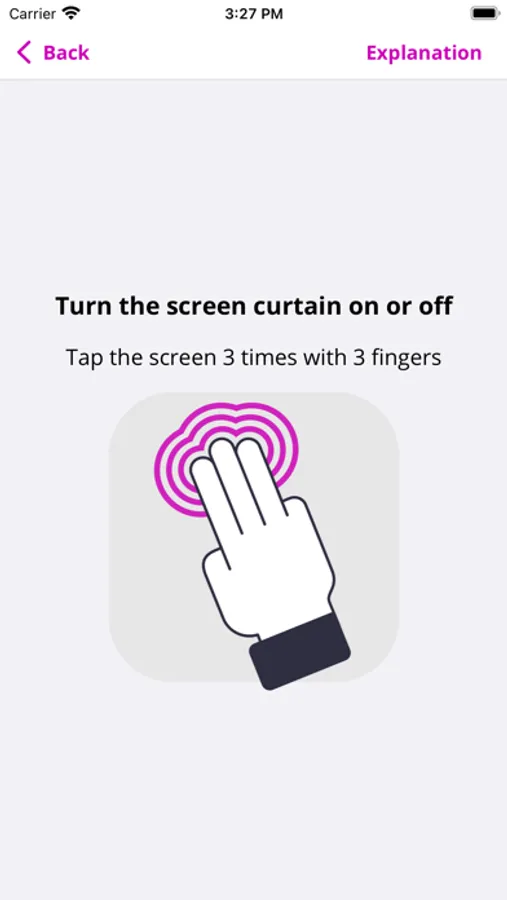
With this app, you can practice VoiceOver gestures and actions through various exercises. Includes tutorials on swipes, taps, shortcuts, and navigation techniques.
AppRecs review analysis
AppRecs rating 4.2. Trustworthiness 0 out of 100. Review manipulation risk 0 out of 100. Based on a review sample analyzed.
★★★★☆
4.2
AppRecs Rating
Ratings breakdown
5 star
60%
4 star
0%
3 star
40%
2 star
0%
1 star
0%
What to know
✓
Good user ratings
60% positive sampled reviews
About ScreenReader - Learn VoiceOver
The ScreenReader app contains excersises to learn the VoiceOver screen reader.
Learn VoiceOver gestures, such as:
- Swiping with 1 finger
- Swiping with 2 fingers
- Swiping with 3 fingers
- Tapping with 1 finger
- Tapping with 2 fingers
- Tapping with 3 fingers
- Tapping with 4 fingers
- Shortcuts
Learn VoiceOver actions, such as:
- Navigate by headings
- Navigate by links
- Copy text
- Paste text
- Select text
The ScreenReader app is made available for free by the Appt Foundation.
Learn VoiceOver gestures, such as:
- Swiping with 1 finger
- Swiping with 2 fingers
- Swiping with 3 fingers
- Tapping with 1 finger
- Tapping with 2 fingers
- Tapping with 3 fingers
- Tapping with 4 fingers
- Shortcuts
Learn VoiceOver actions, such as:
- Navigate by headings
- Navigate by links
- Copy text
- Paste text
- Select text
The ScreenReader app is made available for free by the Appt Foundation.