Speaker Intercom
Raymond Jones
4.2 ★
store rating
Free
Use this app to broadcast audio to compatible speakers and communicate with other users over Wi-Fi. Includes text-to-speech options, sound effects, and speaker control features.
AppRecs review analysis
AppRecs rating 4.2. Trustworthiness 0 out of 100. Review manipulation risk 0 out of 100. Based on a review sample analyzed.
★★★★☆
4.2
AppRecs Rating
Ratings breakdown
5 star
71%
4 star
10%
3 star
5%
2 star
0%
1 star
14%
What to know
✓
High user satisfaction
81% of sampled ratings are 4+ stars (4.2★ average)
About Speaker Intercom
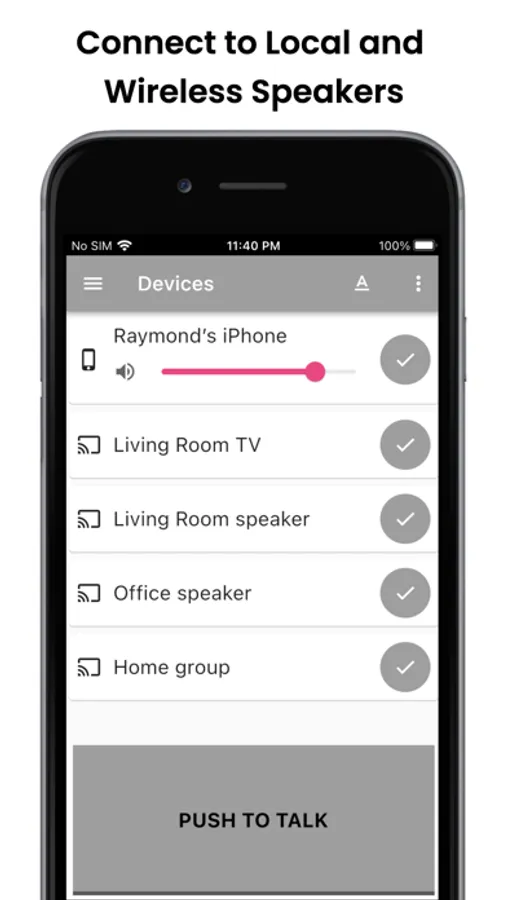
Easily broadcast audio to any room equipped with a speaker, whether it's a Bluetooth speaker, a speaker that supports AirPlay, Google Cast device, or other compatible hardware
Use your phone as a walkie-talkie to connect with other app users that are on the same Wi-Fi network
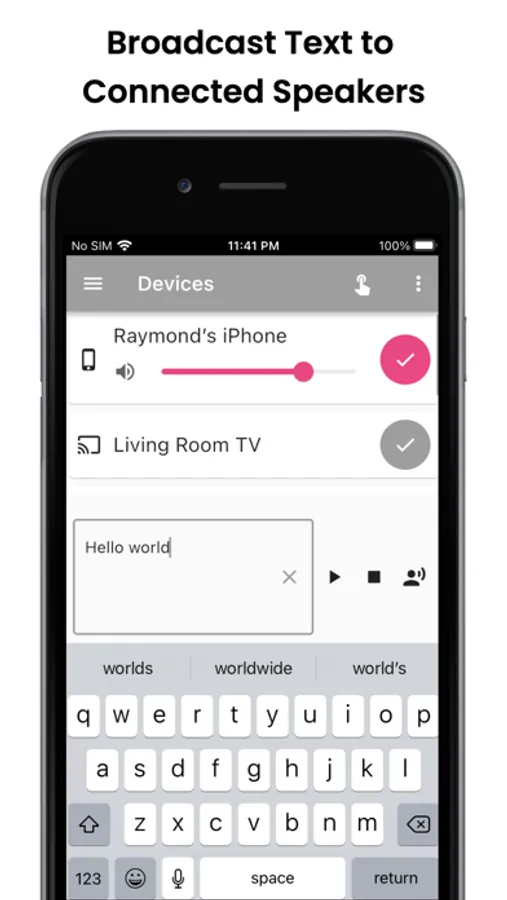
Use the text-to-speech feature to transmit audio generated from text. There are dozens of voice options and sound effects to choose from to generate the audio
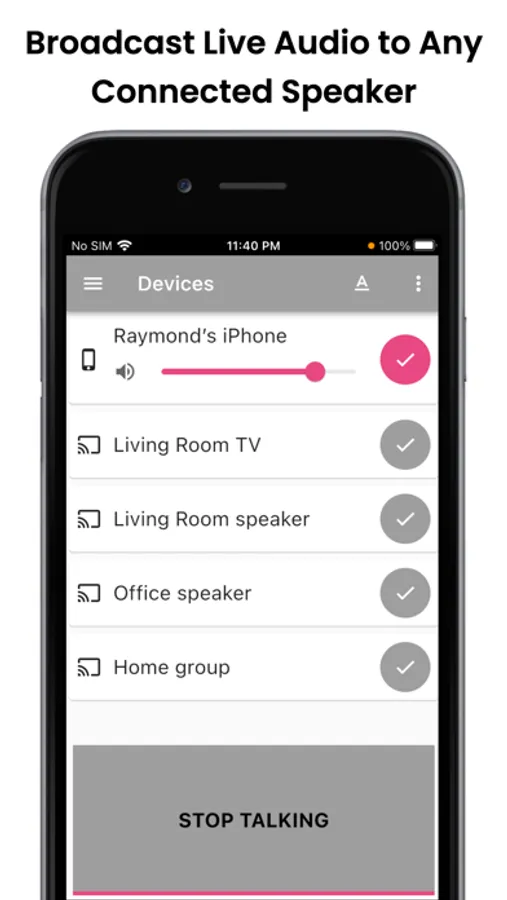
With the ability to talk over connected speakers, users can remotely communicate to any room in their house that has a compatible speaker. The app conveniently transforms a set of speakers into a robust intercom system.
Transmitting audio is easy. Simply press the PTT (Push-To-Talk) button to start or stop transmitting audio to selected speakers.
By default, all requests to transmit audio to a peer device must be approved by the device receiving the audio.
Setup and control is easy and intuitive. Enjoy seamless audio distribution today!
Use your phone as a walkie-talkie to connect with other app users that are on the same Wi-Fi network
Use the text-to-speech feature to transmit audio generated from text. There are dozens of voice options and sound effects to choose from to generate the audio
With the ability to talk over connected speakers, users can remotely communicate to any room in their house that has a compatible speaker. The app conveniently transforms a set of speakers into a robust intercom system.
Transmitting audio is easy. Simply press the PTT (Push-To-Talk) button to start or stop transmitting audio to selected speakers.
By default, all requests to transmit audio to a peer device must be approved by the device receiving the audio.
Setup and control is easy and intuitive. Enjoy seamless audio distribution today!