Hancom Docs
HANCOM Incorporated
1.7 ★
store rating
Free
AppRecs review analysis
AppRecs rating 2.0. Trustworthiness 83 out of 100. Review manipulation risk 19 out of 100. Based on a review sample analyzed.
★★☆☆☆
2.0
AppRecs Rating
Ratings breakdown
5 star
15%
4 star
0%
3 star
4%
2 star
4%
1 star
77%
What to know
✓
Low review manipulation risk
19% review manipulation risk
✓
Credible reviews
83% trustworthiness score from analyzed reviews
⚠
Mixed user feedback
Average 1.7★ rating suggests room for improvement
About Hancom Docs
"Anytime, Anywhere, Hancom Docs"
Hancom Docs enables you to view and edit HWP, Word, Excel, and PowerPoint documents on any kinds of mobile devices.
Hancom Docs with the mobile-optimized design and with high compatibility for Hancom Office and Microsoft Office documents provides a comfortable and familiar service environment.
*Features*
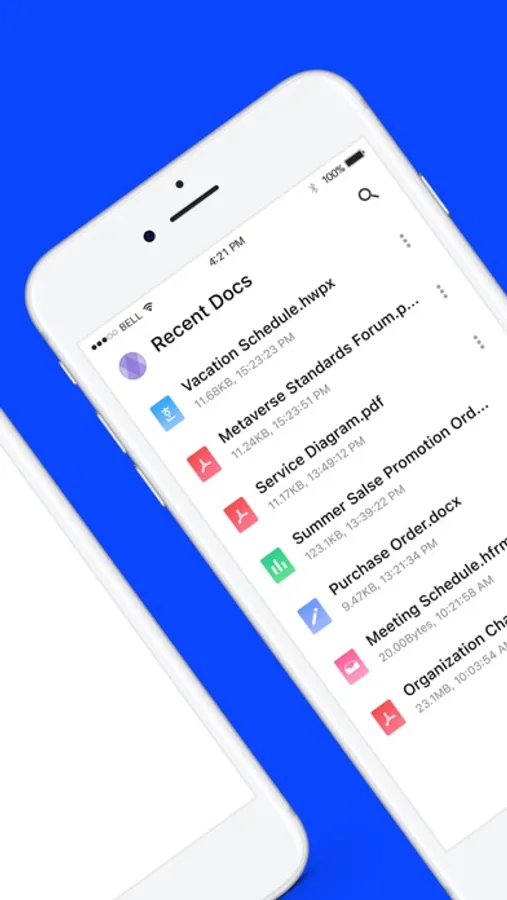
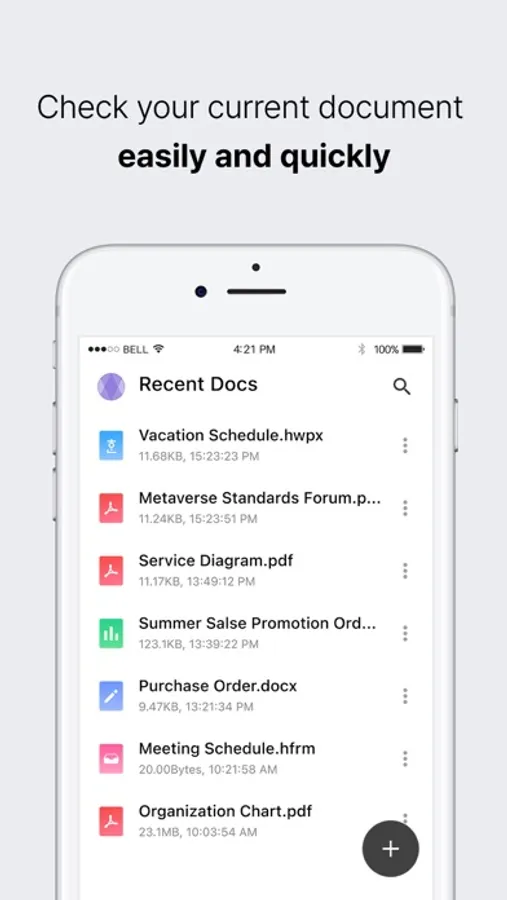
-View and edit various types of documents such as HWP, Word, Excel, PowerPoint, PDF, etc.
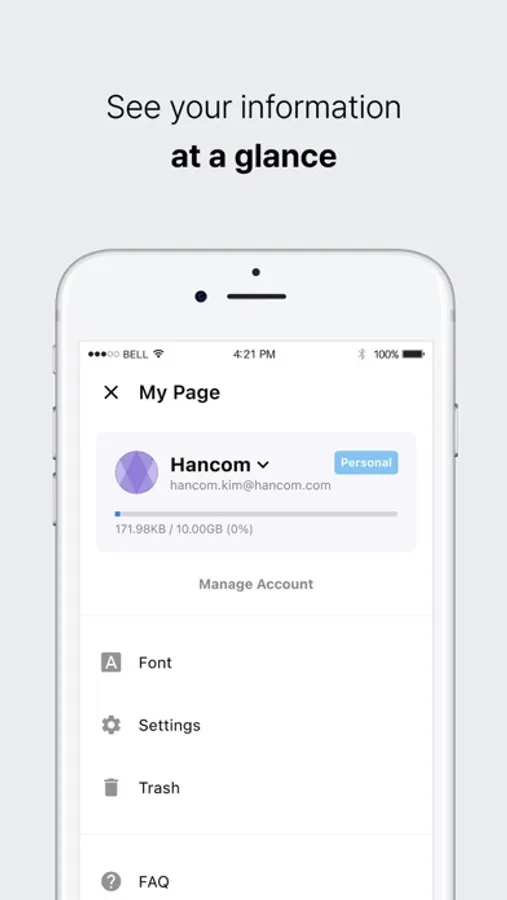
-Manage and protect all your documents in a cloud space merging phone, tablet and desktop environments.
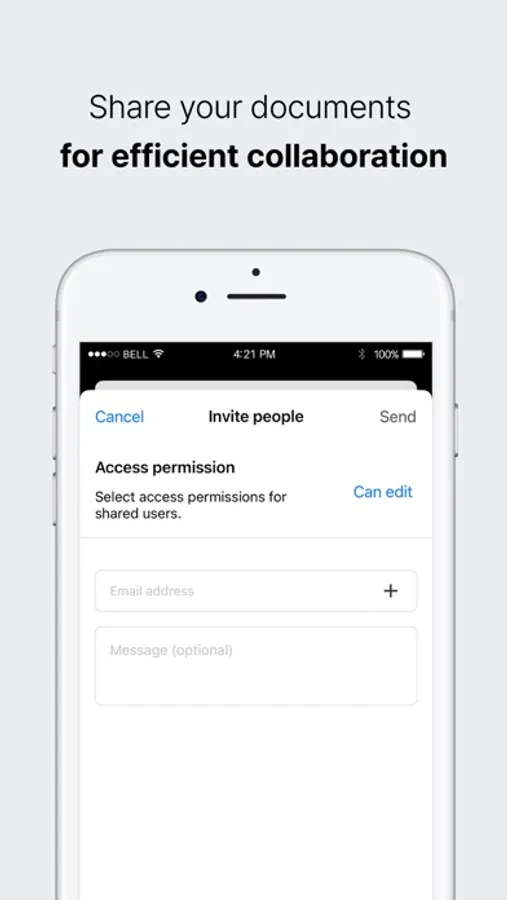
-Share documents to collaborate on them.
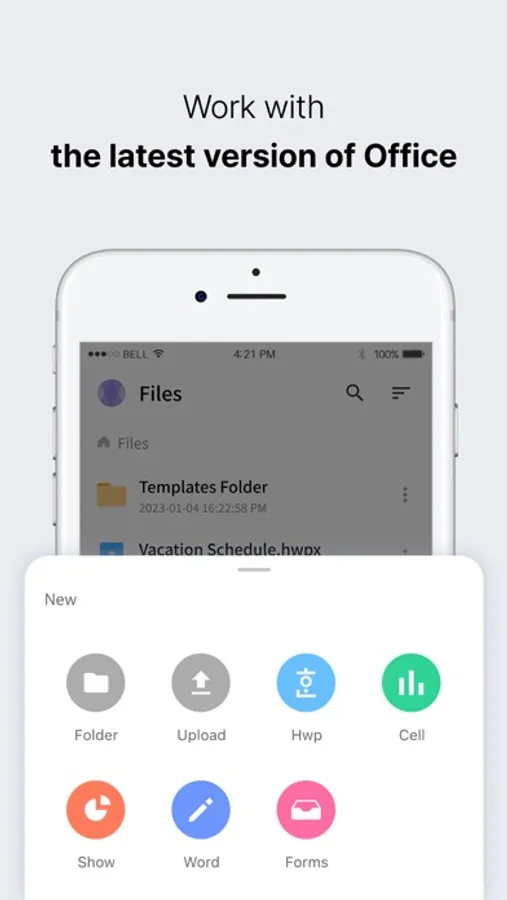
-Start with a well-designed template.
-Support a variety of document formats.(HWP, HWPX, DOC, DOCX, PPT, PPTX, XLS, XLSX, CSV, PDF, TXT, etc.)
* Supported languages: Korean, English
▶ Optional access permissions
- Photos
Use to add photos to documents
- Camera
Use to upload images or videos
- Notifications
Use to receive notifications
- User activity
Use to provide personalized advertising
*You can use the app even if you do not allow them, but there may be restrictions on the use of some services.
[How to withraw your consent]
Settings > Permissions > Privacy > Allow or deny access
Hancom Docs enables you to view and edit HWP, Word, Excel, and PowerPoint documents on any kinds of mobile devices.
Hancom Docs with the mobile-optimized design and with high compatibility for Hancom Office and Microsoft Office documents provides a comfortable and familiar service environment.
*Features*
-View and edit various types of documents such as HWP, Word, Excel, PowerPoint, PDF, etc.
-Manage and protect all your documents in a cloud space merging phone, tablet and desktop environments.
-Share documents to collaborate on them.
-Start with a well-designed template.
-Support a variety of document formats.(HWP, HWPX, DOC, DOCX, PPT, PPTX, XLS, XLSX, CSV, PDF, TXT, etc.)
* Supported languages: Korean, English
▶ Optional access permissions
- Photos
Use to add photos to documents
- Camera
Use to upload images or videos
- Notifications
Use to receive notifications
- User activity
Use to provide personalized advertising
*You can use the app even if you do not allow them, but there may be restrictions on the use of some services.
[How to withraw your consent]
Settings > Permissions > Privacy > Allow or deny access