FineCam Webcam for PC and Mac
Fineshare Co., Ltd.
3.6 ★
store rating
Free
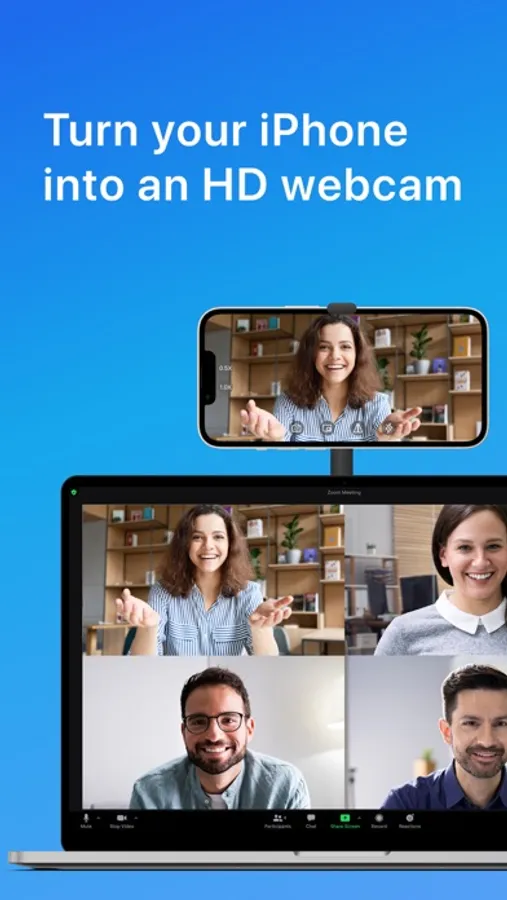
In this webcam app, you can transform your iPhone or iPad into a high-definition webcam and control camera settings. Includes support for multiple devices, background blurring, and video overlays.
AppRecs review analysis
AppRecs rating 3.6. Trustworthiness 70 out of 100. Review manipulation risk 23 out of 100. Based on a review sample analyzed.
★★★☆☆
3.6
AppRecs Rating
Ratings breakdown
5 star
56%
4 star
6%
3 star
5%
2 star
6%
1 star
27%
What to know
✓
Low review manipulation risk
23% review manipulation risk
✓
Credible reviews
70% trustworthiness score from analyzed reviews
⚠
High negative review ratio
33% of sampled ratings are 1–2 stars
About FineCam Webcam for PC and Mac
FineCam Webcam app helps to easily turn your iPhone or iPad into an HD webcam for PC and Mac.
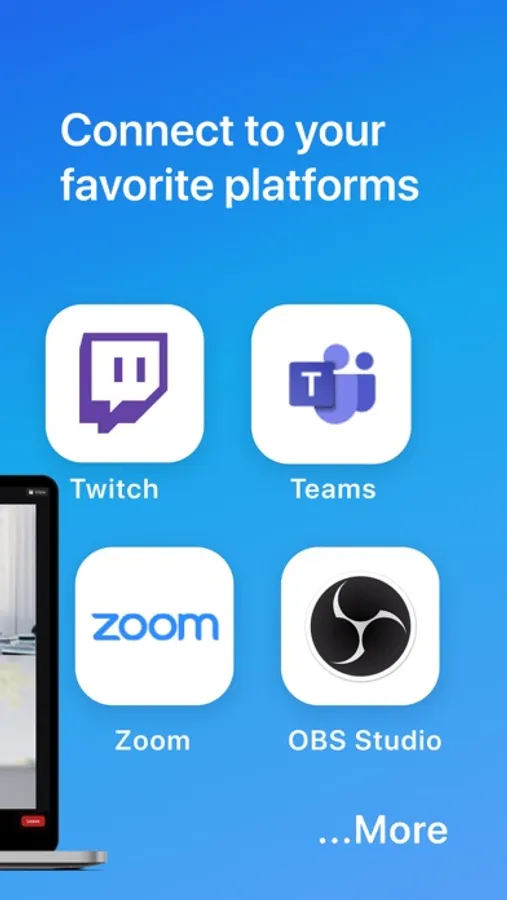
FineCam Webcam app is the go-to solution for every field, whether you're live streaming, teaching online, video calling, or video conferencing and more. This webcam app works on all live streaming and video conferencing platforms such as Zoom, Google Meet, Microsoft Teams, OBS, Streamlabs, Twitch, YouTube, Loom, etc.
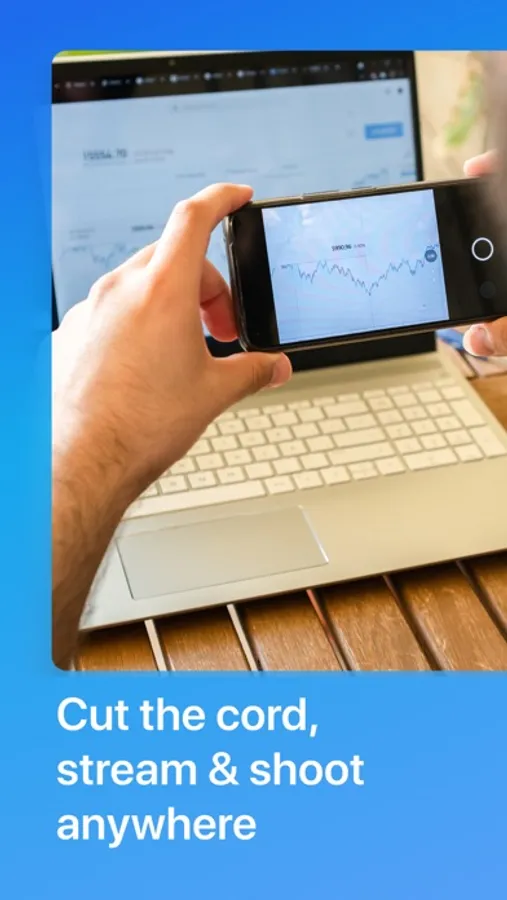
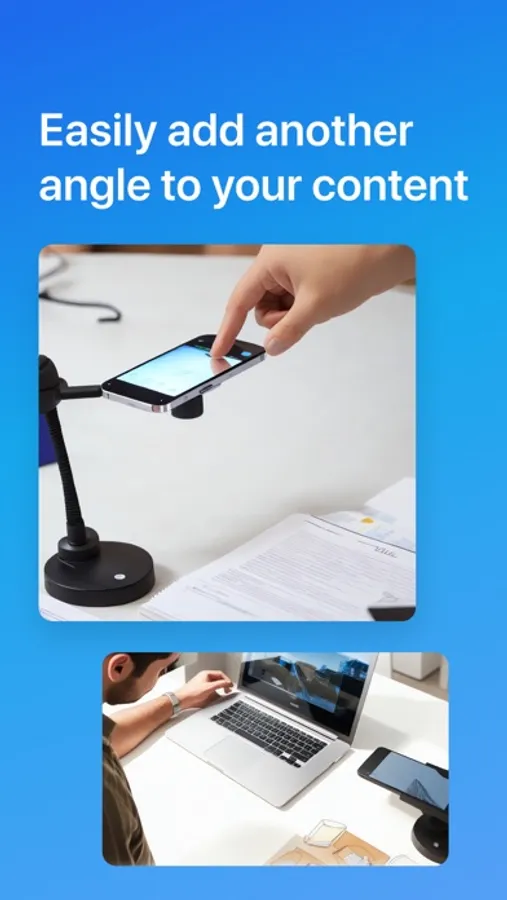
iPhone and iPad cameras now have better video quality than laptop or USB webcams. If you don't have a webcam, then there's no need to buy a new one. You can utilize the FineCam Webcam app to use your phone as a high-definition webcam and adjust the camera by zooming in/out, using portrait or landscape mode, switching between front and rear cameras, enabling the flashlight, manually focusing, and more.
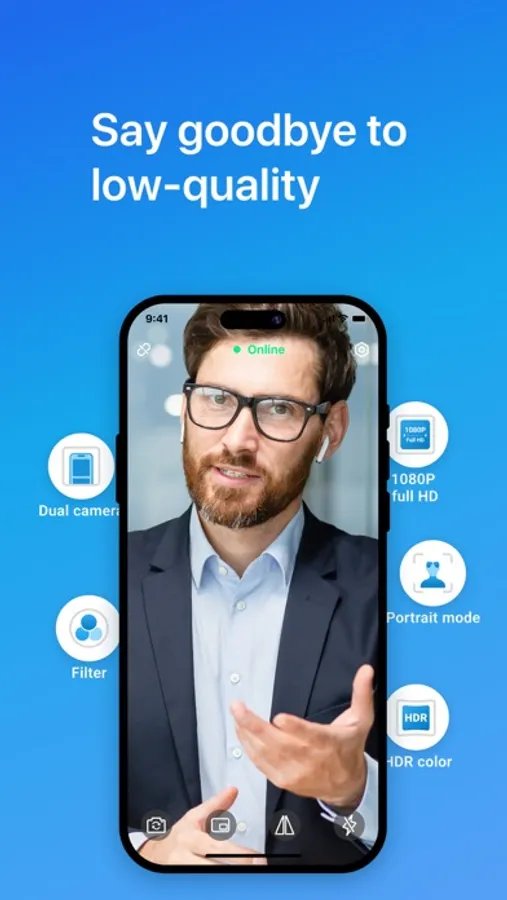
With FineCam Webcam, you can say goodbye to low-quality videos forever, and enjoy crystal-clear video experience, even in low-light conditions.
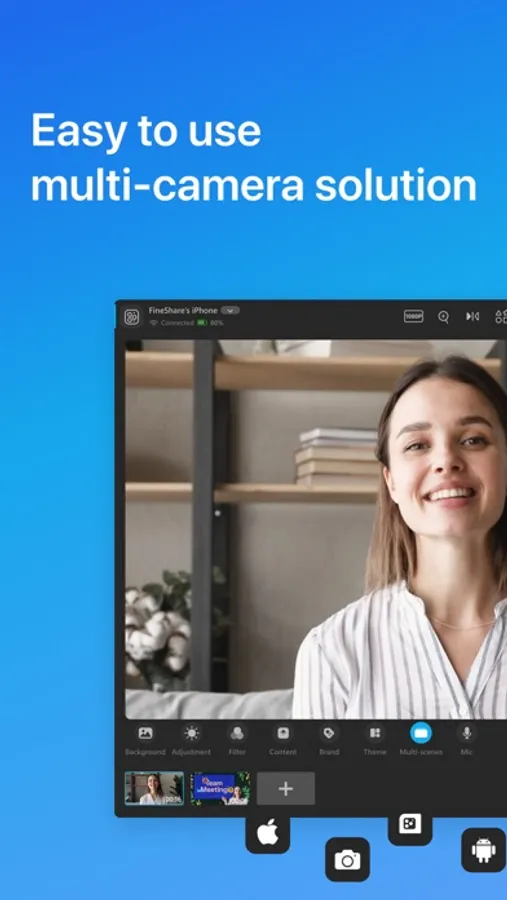
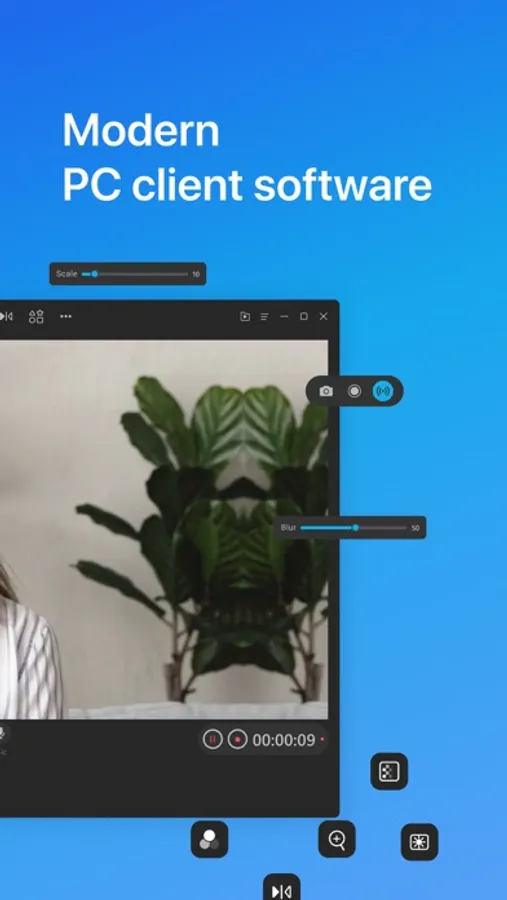
Besides that, our PC client software gives you the ability to hide, blur your messy background or replace the background with your favorite image or video, apply webcam filters, add PowerPoint, video, webpages, application window to webcam video, etc. It also supports connecting multiple iPhones and iPads to set up multi-camera live streaming.
Features of FineCam App:
- Webcam App: Turn your iPhone and iPad into an HD webcam.
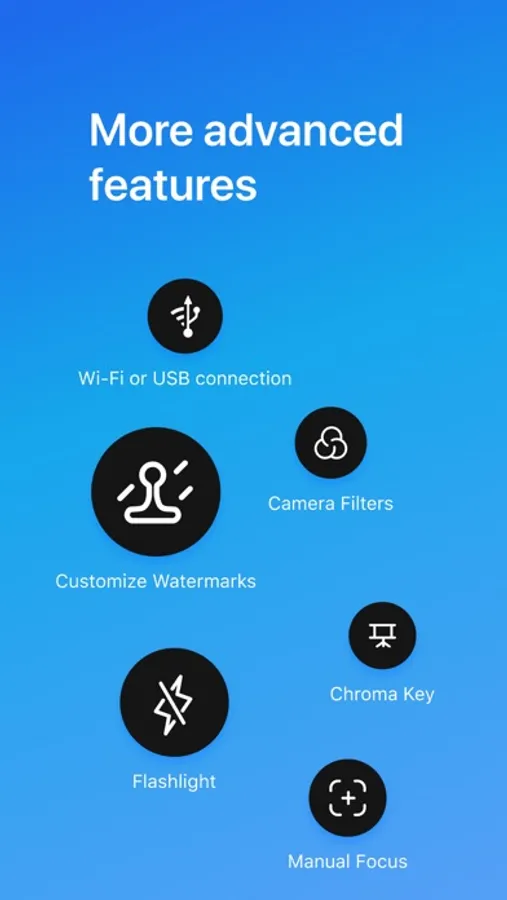
- Easy to Use: Connect via Wi-Fi & USB.
- Multi-Camera: Connect multiple iPhones and iPads as webcams. Switch freely between multi-camera.
- High Quality: Up to 4K video camera with low latency and high speed.
- For Various Cases: Connect iPhone via Wi-Fi or USB, and show front and rear cameras simultaneously.
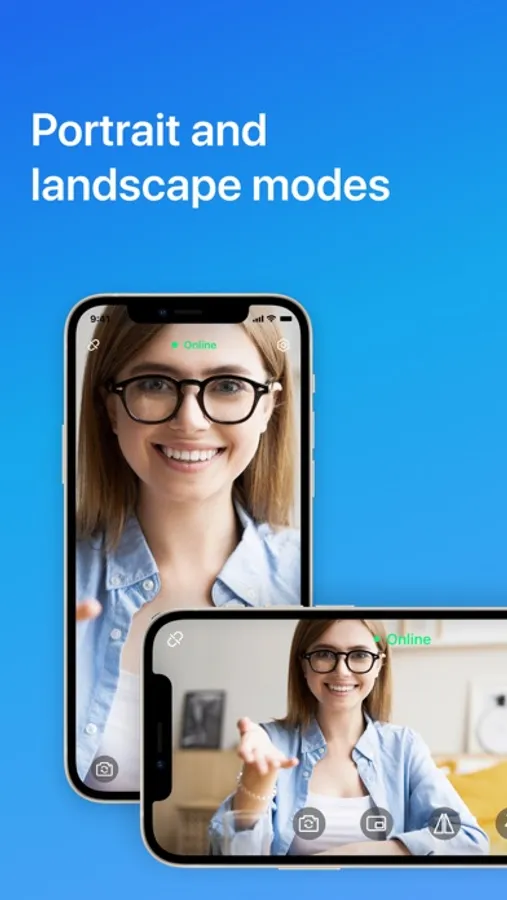
- Switch Freely: Between front and rear, between wide-angle and telephoto cameras, and between portrait and landscape in real-time.
- Capture Details Easily: Zoom in & out can be controlled on both your iPhone and PC and Mac
to quickly offer an amazingly detailed view of your online teaching and presentation in this webcam app.
- Background, Effects, and Filters: Remove, blur, and change the webcam background. Chroma Key. Mosaic. Video Background, etc.
- Professional Videos: FineCam HD PC and Mac webcamera app Supports 4K, 2K, 1080P, 720P, 480P, and 360P.
- Enhancement: Beauty, filter, flash, manual/autofocus, and video flip camera.
- Advanced Settings: Sensitivity, exposure compensation, white balance, and advanced zoom web camera.
- Smart Recording: Easily record video in segments to your computer.
- Compatibility: Compatible with all software that uses webcams.
Turn your phone into a webcam in minutes with FineCam:
1. Get the FineCam app.
2. Download and install the client software. Download URL: http://www.finecam.me/
3. Connect iPhone to PC and Mac via Wi-Fi or USB.
With above mentioned all features of the FineCam app, you can get done your daily meetings with your team, get done your tasks by coordinating via video camera, or record video segments easily on your computer. If you have any recommendations regarding our webcam for PC and Mac software, so you can let us know. We’ll consider them early as possible. Also, don’t forget to share FineCam with your friends.
Terms of Use -https://www.fineshare.com/terms.html
Discover FineShare - https://www.fineshare.com/
FineCam Webcam app is the go-to solution for every field, whether you're live streaming, teaching online, video calling, or video conferencing and more. This webcam app works on all live streaming and video conferencing platforms such as Zoom, Google Meet, Microsoft Teams, OBS, Streamlabs, Twitch, YouTube, Loom, etc.
iPhone and iPad cameras now have better video quality than laptop or USB webcams. If you don't have a webcam, then there's no need to buy a new one. You can utilize the FineCam Webcam app to use your phone as a high-definition webcam and adjust the camera by zooming in/out, using portrait or landscape mode, switching between front and rear cameras, enabling the flashlight, manually focusing, and more.
With FineCam Webcam, you can say goodbye to low-quality videos forever, and enjoy crystal-clear video experience, even in low-light conditions.
Besides that, our PC client software gives you the ability to hide, blur your messy background or replace the background with your favorite image or video, apply webcam filters, add PowerPoint, video, webpages, application window to webcam video, etc. It also supports connecting multiple iPhones and iPads to set up multi-camera live streaming.
Features of FineCam App:
- Webcam App: Turn your iPhone and iPad into an HD webcam.
- Easy to Use: Connect via Wi-Fi & USB.
- Multi-Camera: Connect multiple iPhones and iPads as webcams. Switch freely between multi-camera.
- High Quality: Up to 4K video camera with low latency and high speed.
- For Various Cases: Connect iPhone via Wi-Fi or USB, and show front and rear cameras simultaneously.
- Switch Freely: Between front and rear, between wide-angle and telephoto cameras, and between portrait and landscape in real-time.
- Capture Details Easily: Zoom in & out can be controlled on both your iPhone and PC and Mac
to quickly offer an amazingly detailed view of your online teaching and presentation in this webcam app.
- Background, Effects, and Filters: Remove, blur, and change the webcam background. Chroma Key. Mosaic. Video Background, etc.
- Professional Videos: FineCam HD PC and Mac webcamera app Supports 4K, 2K, 1080P, 720P, 480P, and 360P.
- Enhancement: Beauty, filter, flash, manual/autofocus, and video flip camera.
- Advanced Settings: Sensitivity, exposure compensation, white balance, and advanced zoom web camera.
- Smart Recording: Easily record video in segments to your computer.
- Compatibility: Compatible with all software that uses webcams.
Turn your phone into a webcam in minutes with FineCam:
1. Get the FineCam app.
2. Download and install the client software. Download URL: http://www.finecam.me/
3. Connect iPhone to PC and Mac via Wi-Fi or USB.
With above mentioned all features of the FineCam app, you can get done your daily meetings with your team, get done your tasks by coordinating via video camera, or record video segments easily on your computer. If you have any recommendations regarding our webcam for PC and Mac software, so you can let us know. We’ll consider them early as possible. Also, don’t forget to share FineCam with your friends.
Terms of Use -https://www.fineshare.com/terms.html
Discover FineShare - https://www.fineshare.com/