With this image resizer, you can change image dimensions and compress file sizes efficiently. Includes native sharing options, batch processing (Pro required), and three resize modes.
AppRecs review analysis
AppRecs rating 4.4. Trustworthiness 0 out of 100. Review manipulation risk 0 out of 100. Based on a review sample analyzed.
★★★★☆
4.4
AppRecs Rating
Ratings breakdown
5 star
79%
4 star
3%
3 star
9%
2 star
0%
1 star
9%
What to know
✓
High user satisfaction
82% of sampled ratings are 4+ stars (4.4★ average)
About Rezzize: Image resizer
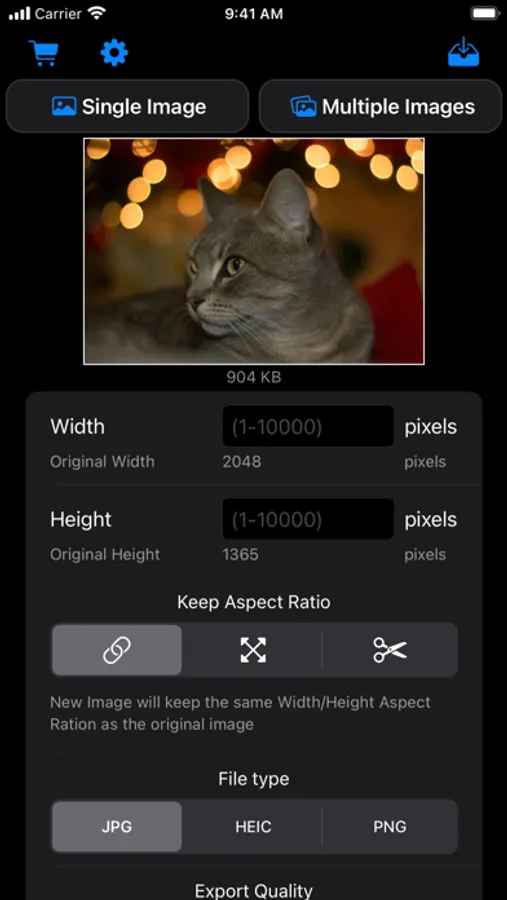
Resize image dimensions and compress the final file size
Using native resizing functions available on your device, you can expect pretty fast processing times
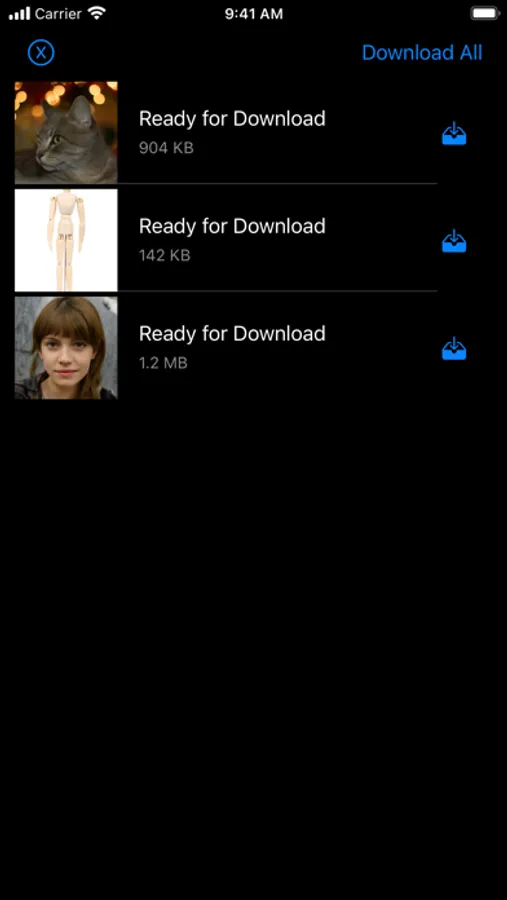
With the native share screen, you can save images into the camera roll, Files app (with renaming capabilities), send via email, use them in a printer, and many more options
Rezzize allows you to resize images in three modes:
• Aspect Ratio: Resize either height or width and let the app calculate the other dimension so it keeps the same aspect
• Stretch: Choose any aspect and the image will fill the available space
• Crop: Changing size will cut/add space. You can reposition the image to your liking in the available space
Choose from three output formats: JPG, HEIC, and PNG. JPG and HEIC formats allow output quality to be reduced and getting a smaller file size
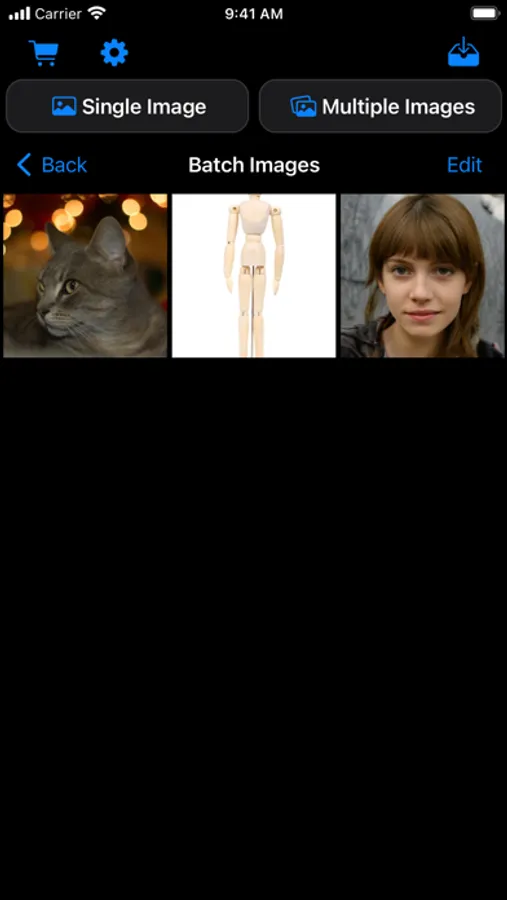
Rezzize allows for batch processing (up to 100 images). You can apply general settings for all images or tweak each one individually
*Batch processing functionality requires Pro version
Privacy Policy:
https://lafappbrica.com/rezzize-privacy-policy/
Terms of use
https://lafappbrica.com/rezzize-terms/
Using native resizing functions available on your device, you can expect pretty fast processing times
With the native share screen, you can save images into the camera roll, Files app (with renaming capabilities), send via email, use them in a printer, and many more options
Rezzize allows you to resize images in three modes:
• Aspect Ratio: Resize either height or width and let the app calculate the other dimension so it keeps the same aspect
• Stretch: Choose any aspect and the image will fill the available space
• Crop: Changing size will cut/add space. You can reposition the image to your liking in the available space
Choose from three output formats: JPG, HEIC, and PNG. JPG and HEIC formats allow output quality to be reduced and getting a smaller file size
Rezzize allows for batch processing (up to 100 images). You can apply general settings for all images or tweak each one individually
*Batch processing functionality requires Pro version
Privacy Policy:
https://lafappbrica.com/rezzize-privacy-policy/
Terms of use
https://lafappbrica.com/rezzize-terms/