About FlooPaste
Have an iOS device alongside your Windows/Linux PC? Now, you can effortlessly share, copy, and paste text, URLs, and images between them using our innovative Bluetooth dongle, the FMA100.
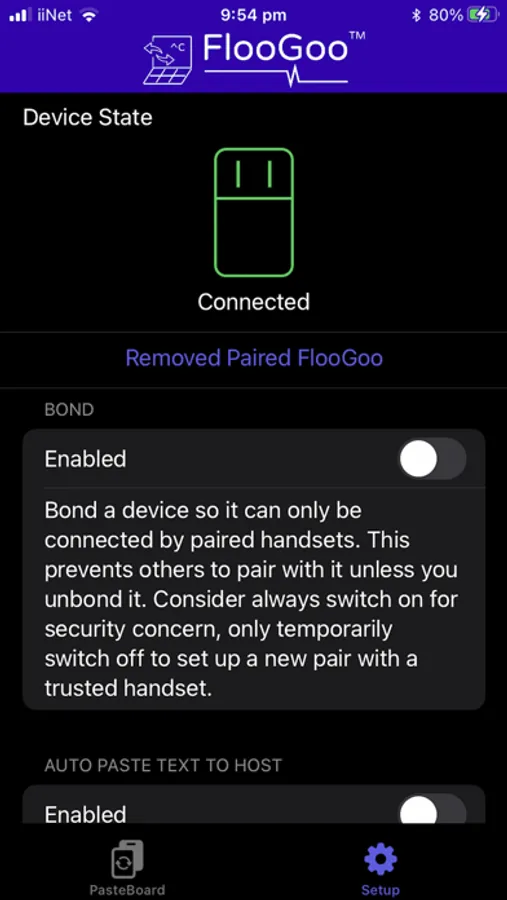
Simply install the app on both your iOS device and your Windows/Linux PC to streamline these essential tasks. Visit https://www.flairmesh.com/Dongle/FMA100.html to access the app for your host.
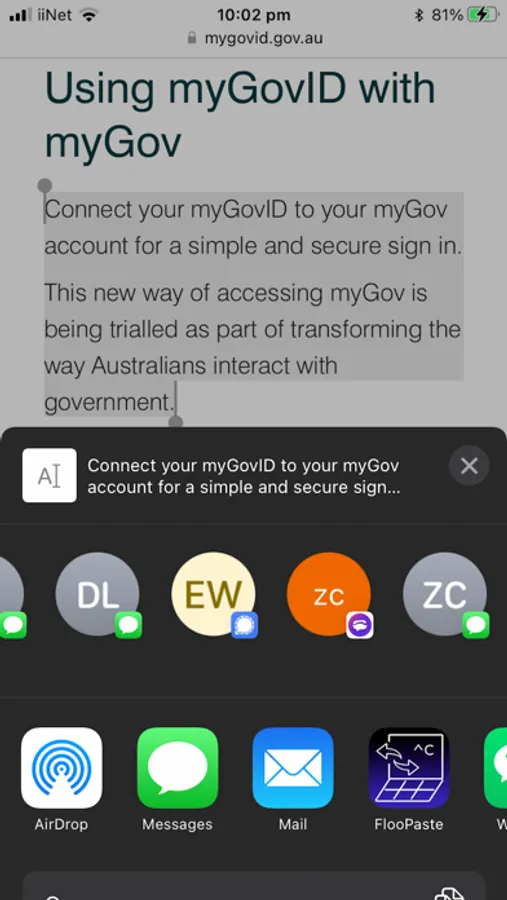
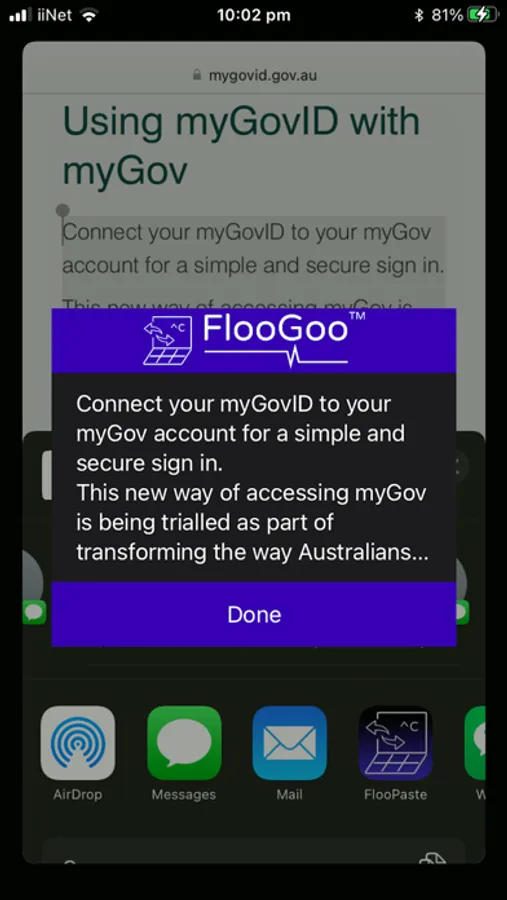
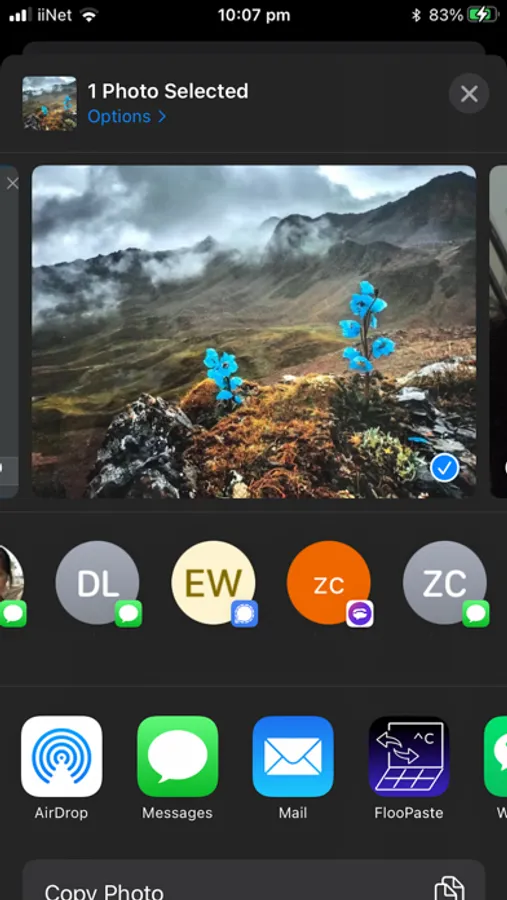
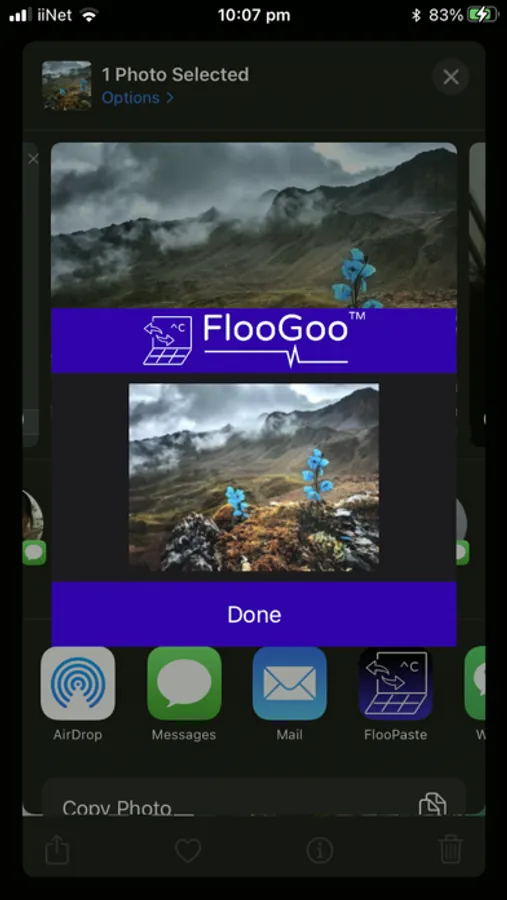
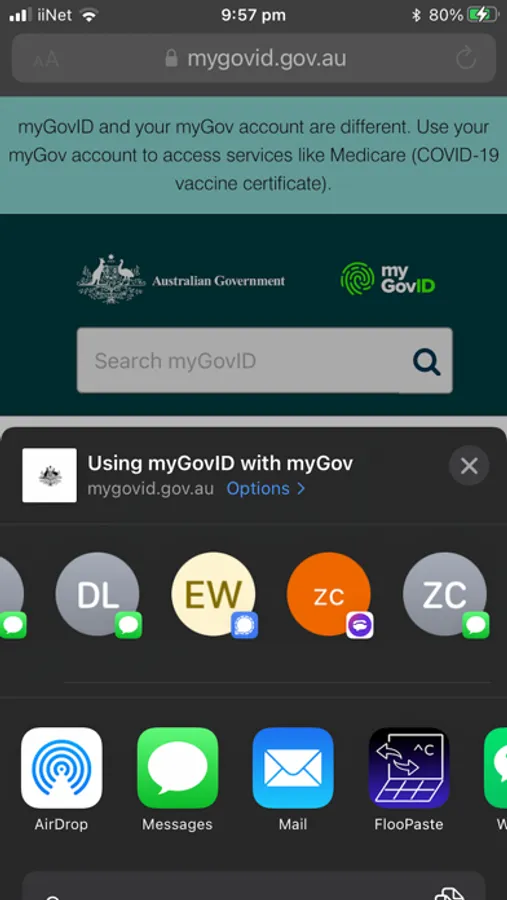
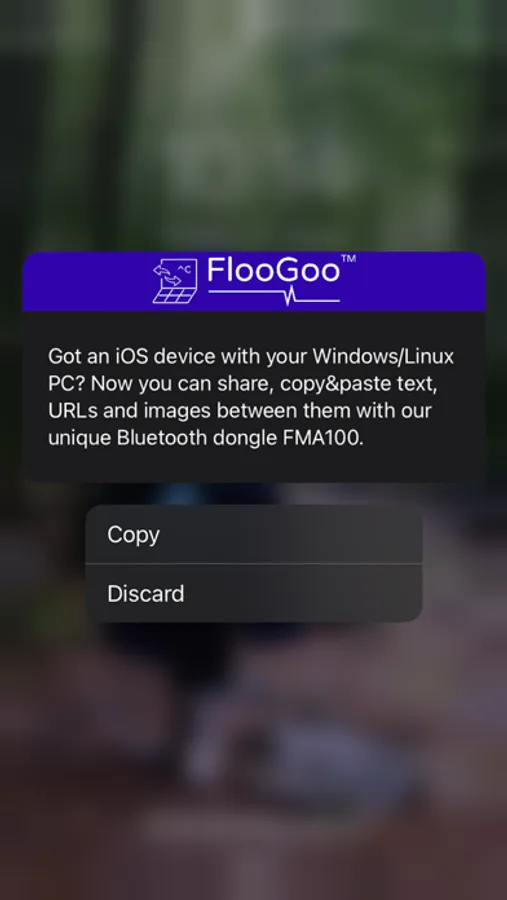
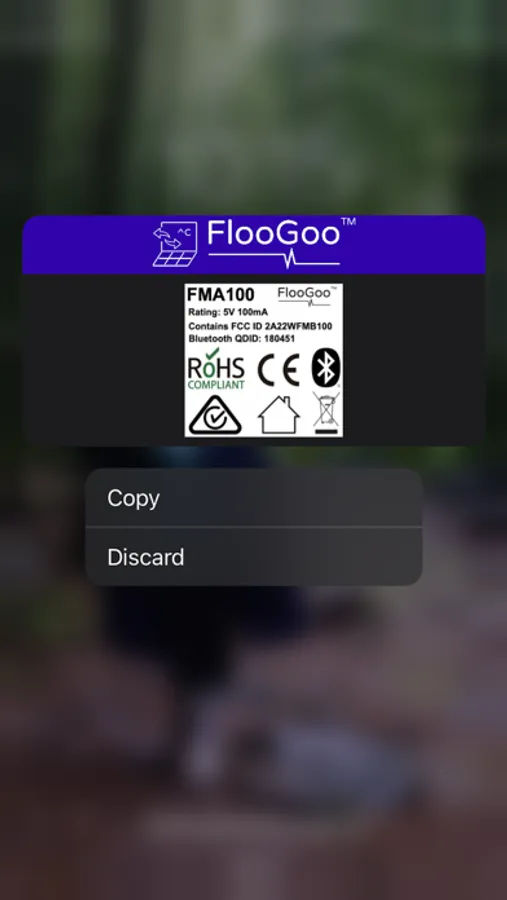
On iOS, when you copy something, you can either open the app to apply it to your connected host or use the share button to send it to the app running in the background, which will then forward it to your host's clipboard. On your host, a regular Ctrl+C command will trigger a notification on your iOS device, allowing you to choose whether to copy or discard the information.
Rest assured that all shared information is encrypted and transmitted locally via Bluetooth. Your privacy is safeguarded, whether you're copying a password or sharing a screenshot, as nothing is sent over the internet.
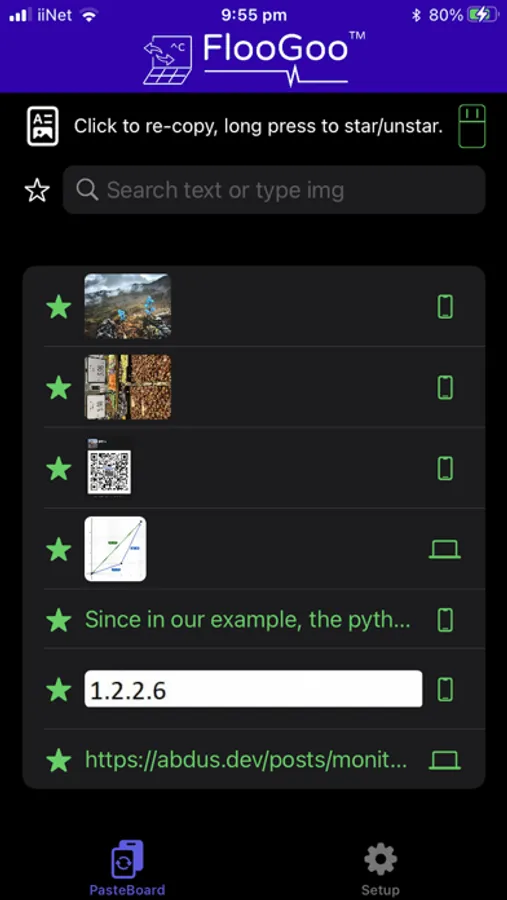
Additionally, you have the option to star frequently used items, eliminating the need to repeatedly copy them from the source whenever you need to paste them.
Simply install the app on both your iOS device and your Windows/Linux PC to streamline these essential tasks. Visit https://www.flairmesh.com/Dongle/FMA100.html to access the app for your host.
On iOS, when you copy something, you can either open the app to apply it to your connected host or use the share button to send it to the app running in the background, which will then forward it to your host's clipboard. On your host, a regular Ctrl+C command will trigger a notification on your iOS device, allowing you to choose whether to copy or discard the information.
Rest assured that all shared information is encrypted and transmitted locally via Bluetooth. Your privacy is safeguarded, whether you're copying a password or sharing a screenshot, as nothing is sent over the internet.
Additionally, you have the option to star frequently used items, eliminating the need to repeatedly copy them from the source whenever you need to paste them.