Use this translator app to facilitate conversations in over 32 languages with voice and text translation features. Includes offline mode, dialogue support, speech recognition, and punctuation accuracy.
AppRecs review analysis
AppRecs rating 3.4. Trustworthiness 49 out of 100. Review manipulation risk 46 out of 100. Based on a review sample analyzed.
★★★☆☆
3.4
AppRecs Rating
Ratings breakdown
5 star
95%
4 star
3%
3 star
0%
2 star
0%
1 star
2%
What to know
⚠
Questionable review patterns
46% review manipulation risk - some review patterns appear unusual
⚠
Unusually uniform ratings
95% of sampled ratings are 5 stars with very little variation
⚠
Review quality concerns
53% of sampled 5-star reviews are very short
About Translate Me - Translator
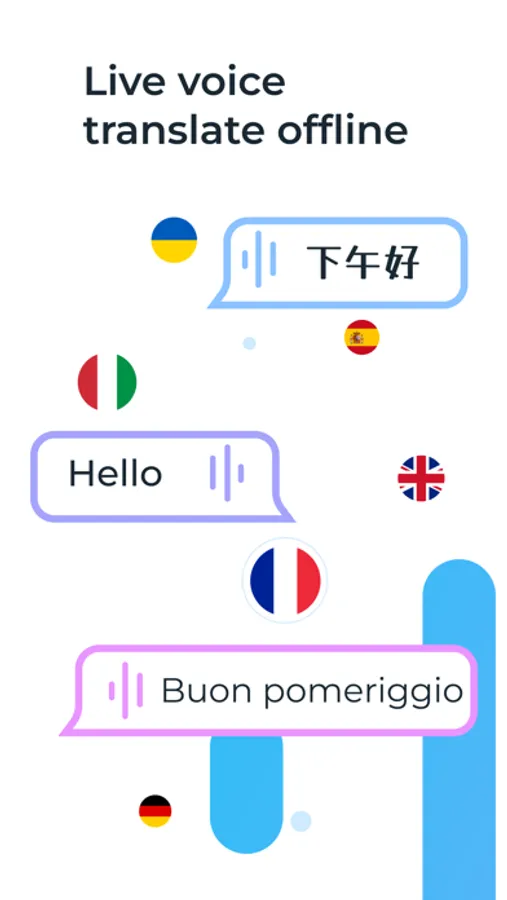
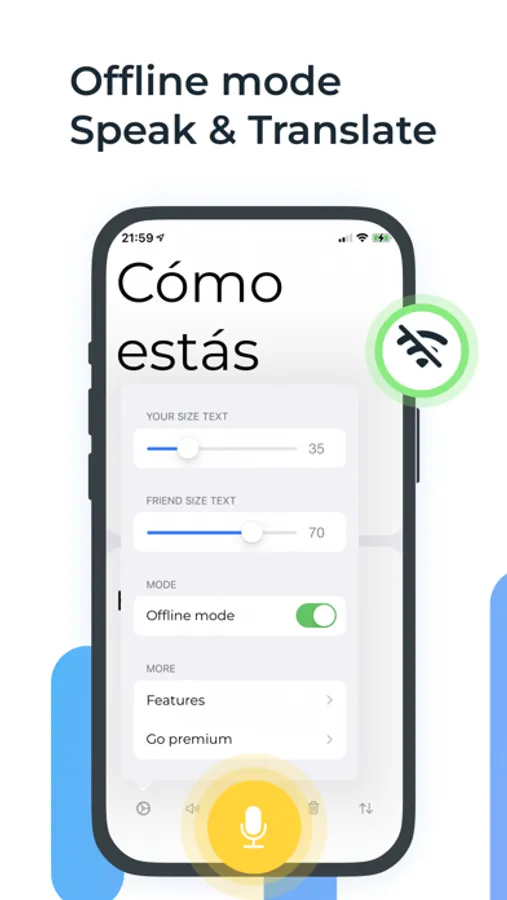
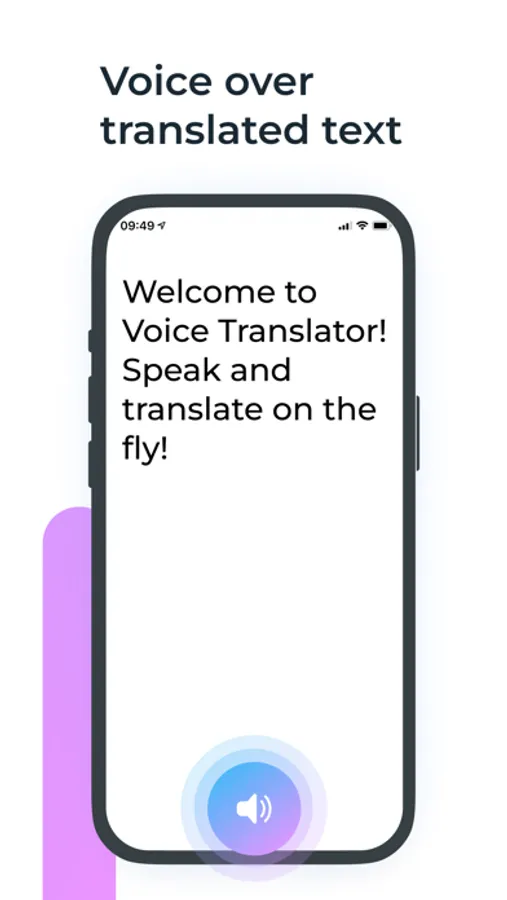
The application will be useful for people who travel and do not know a foreign language. You will be able to talk to foreigners using voice translation. Easily translate text or create voice dialog in over 32 languages. Offline mode allows you to use Voice Translate - Translator to speak and translate without internet.
FEATURES:
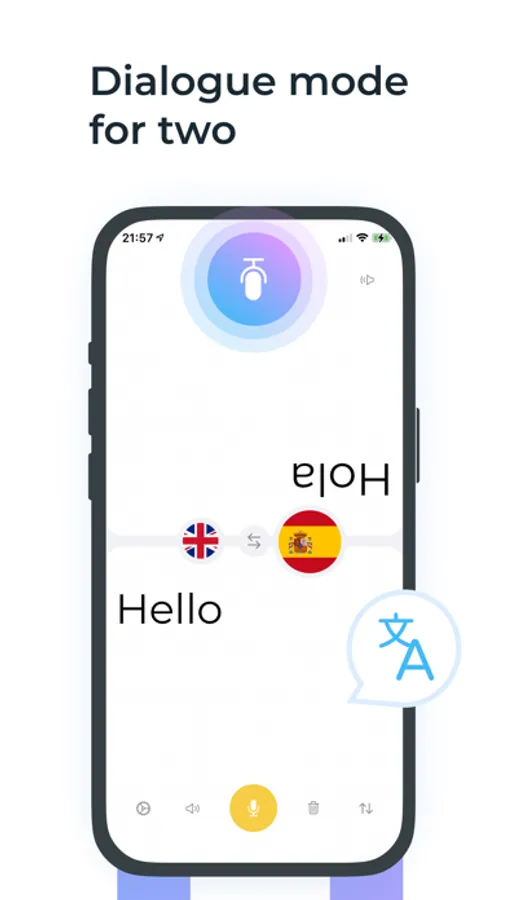
• Dialogue mode for two - inverted screen
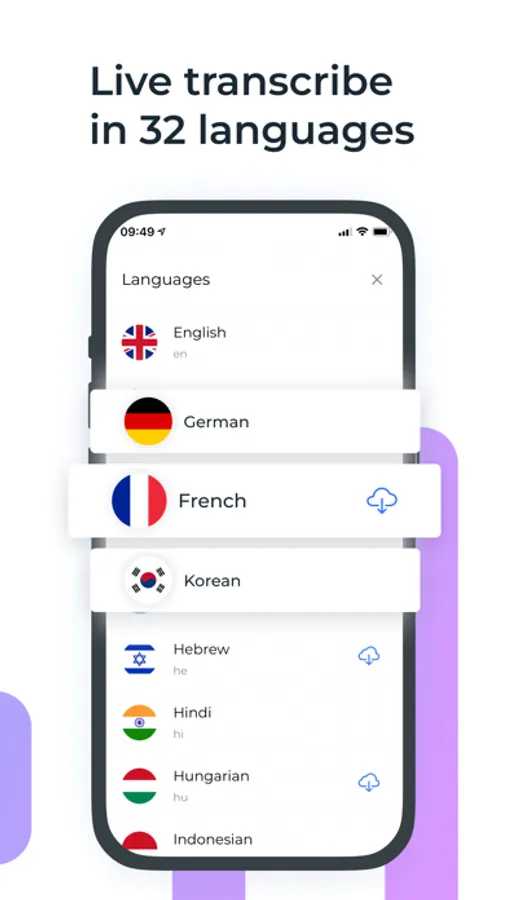
• Translations in more than 32 languages.
• Recognized text to voice
• On-the-fly speech recognition
• Write text and translate in real time
• Accurate recognition of punctuation marks in your speech
• Offline translation mode
• Voice-to-voice conversations
HOW TO USE:
1. Choose a language for your speech
2. Select the language of translation / interlocutor
3. Tap the "Record" button and say something (or write text)
4. Your speech will be instantly translated into the language of the interlocutor and displayed on the screen
5. Voice your text and the translated text
If you have an interlocutor - turn over part of the screen for him and let him say something too. You will immediately see the translation of his speech into the chosen language. Try it and check it out!
Terms of Service:
https://sites.google.com/view/voice-translate/terms
Privacy Policy:
https://sites.google.com/view/voice-translate/privacy-policy
FEATURES:
• Dialogue mode for two - inverted screen
• Translations in more than 32 languages.
• Recognized text to voice
• On-the-fly speech recognition
• Write text and translate in real time
• Accurate recognition of punctuation marks in your speech
• Offline translation mode
• Voice-to-voice conversations
HOW TO USE:
1. Choose a language for your speech
2. Select the language of translation / interlocutor
3. Tap the "Record" button and say something (or write text)
4. Your speech will be instantly translated into the language of the interlocutor and displayed on the screen
5. Voice your text and the translated text
If you have an interlocutor - turn over part of the screen for him and let him say something too. You will immediately see the translation of his speech into the chosen language. Try it and check it out!
Terms of Service:
https://sites.google.com/view/voice-translate/terms
Privacy Policy:
https://sites.google.com/view/voice-translate/privacy-policy