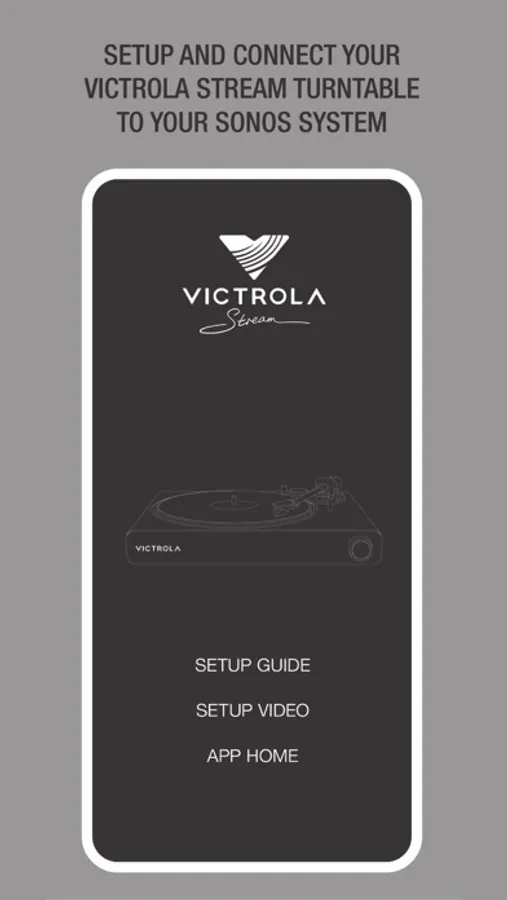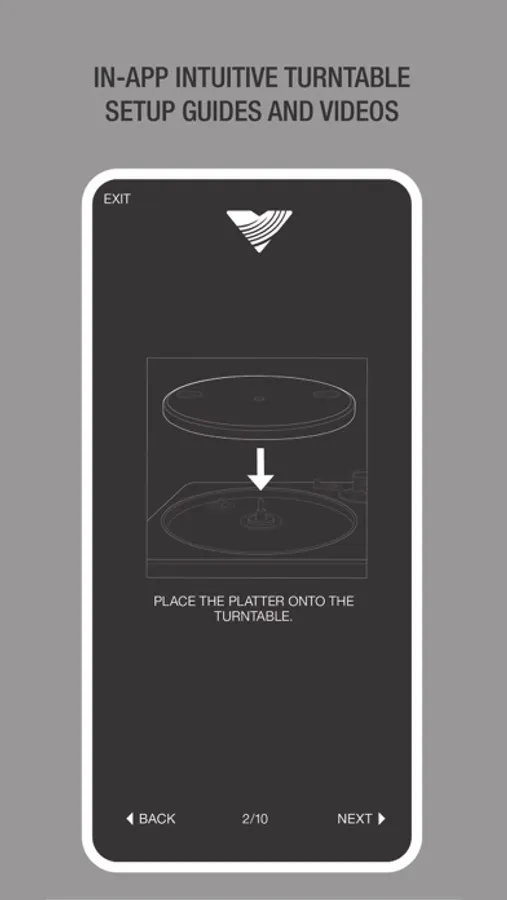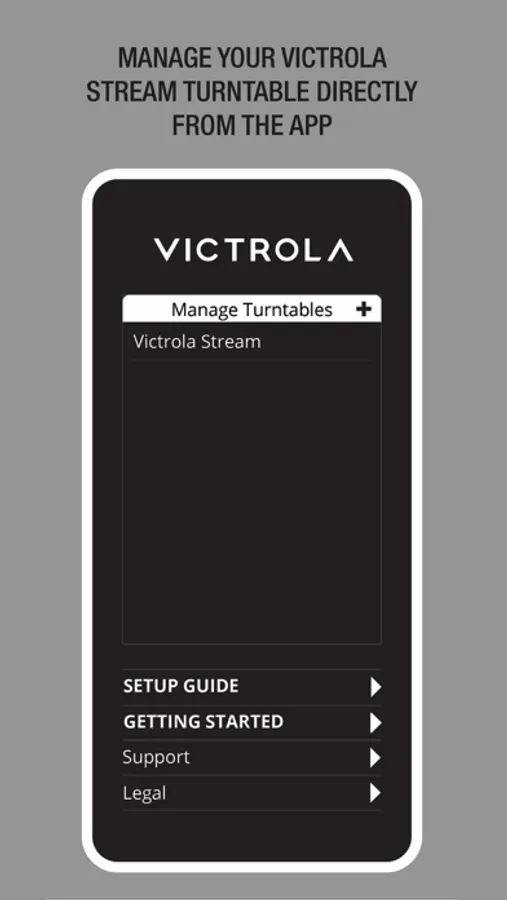
With this app, you can set up your Victrola Stream turntable and manage its connection to your Sonos system. Includes wireless setup, zone configuration, and turntable adjustment options.
AppRecs review analysis
AppRecs rating 1.8. Trustworthiness 84 out of 100. Review manipulation risk 22 out of 100. Based on a review sample analyzed.
★☆☆☆☆
1.8
AppRecs Rating
Ratings breakdown
5 star
22%
4 star
7%
3 star
4%
2 star
7%
1 star
59%
What to know
✓
Low review manipulation risk
22% review manipulation risk
⚠
Mixed user feedback
Average 2.3★ rating suggests room for improvement
⚠
High negative review ratio
66% of sampled ratings are 1–2 stars
About Victrola Stream
The Victrola Stream app is the official app for Victrola Stream turntables. Setup and manage your turntable directly from the Victrola Stream app and experience your vinyl like never before in rich, vivid sound throughout your home with Victrola’s fully-integrated Works with Sonos high-performance turntable.
The Victrola Stream app provides easy setup and connects your Victrola Stream turntable wirelessly to your Sonos system in seconds. Once set up, the turntable fully integrates with your Sonos system. Use the Victrola Stream app to set default Sonos playback zones, enable autoplay, adjust turntable settings, and more.
Features:
• Connect your Victrola Stream to your Wi-Fi network
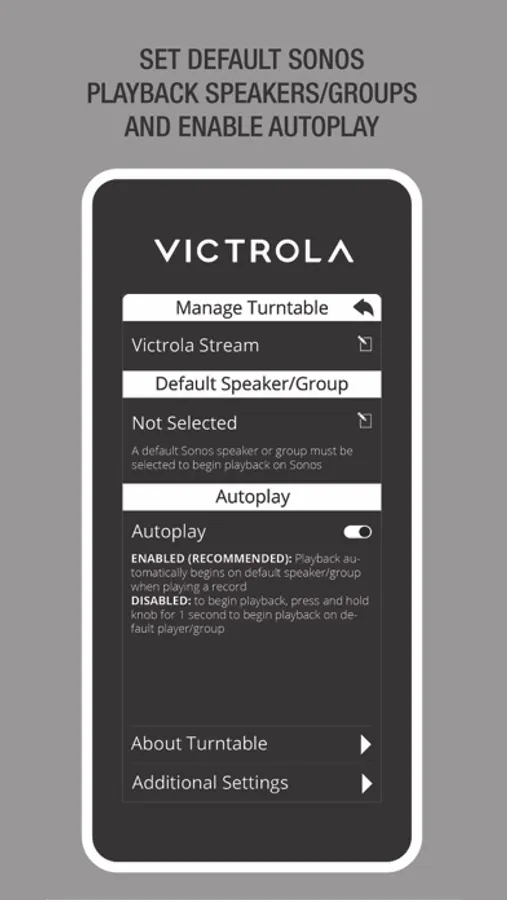
• Connect your Victrola Stream to your Sonos system and set a default playback speaker/group
• Enable autoplay to automatically begin playback on your default Sonos speaker/group
• Adjust wireless audio delay, RCA playback, and more turntable settings directly from the Victrola Stream app
• Learn to use your Victrola Stream turntable with an integrated startup guide and more
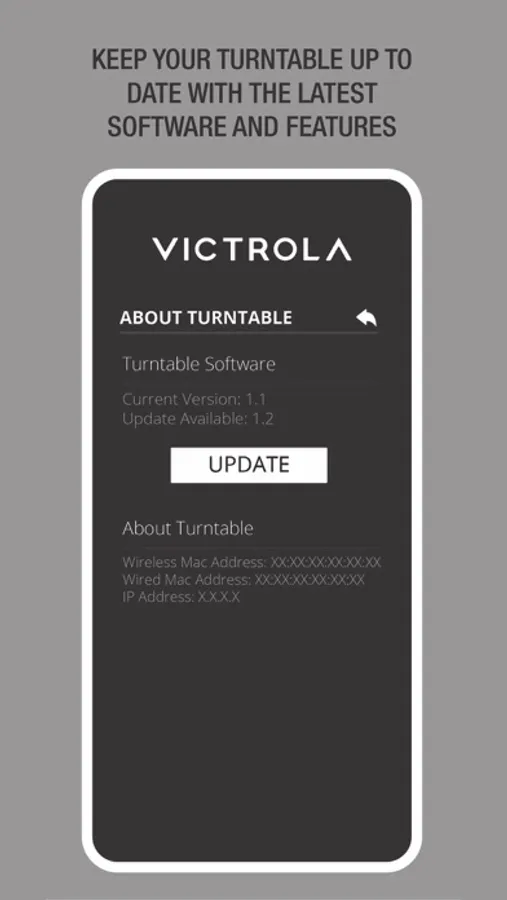
• Use the Victrola Stream app to keep your Victrola Stream updated with the latest software and features
The Victrola Stream app provides easy setup and connects your Victrola Stream turntable wirelessly to your Sonos system in seconds. Once set up, the turntable fully integrates with your Sonos system. Use the Victrola Stream app to set default Sonos playback zones, enable autoplay, adjust turntable settings, and more.
Features:
• Connect your Victrola Stream to your Wi-Fi network
• Connect your Victrola Stream to your Sonos system and set a default playback speaker/group
• Enable autoplay to automatically begin playback on your default Sonos speaker/group
• Adjust wireless audio delay, RCA playback, and more turntable settings directly from the Victrola Stream app
• Learn to use your Victrola Stream turntable with an integrated startup guide and more
• Use the Victrola Stream app to keep your Victrola Stream updated with the latest software and features