WiPad
Teuku Fachreza Fathan
5.0 ★
store rating
Free
About WiPad
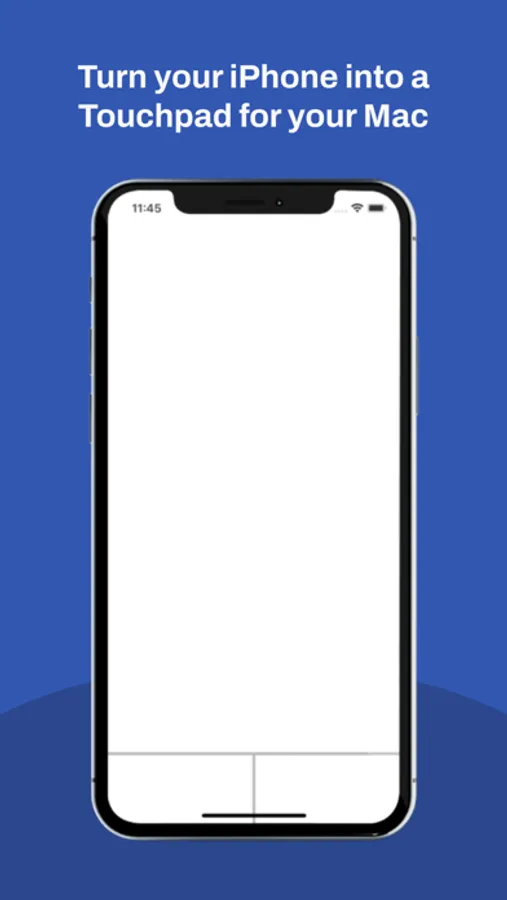
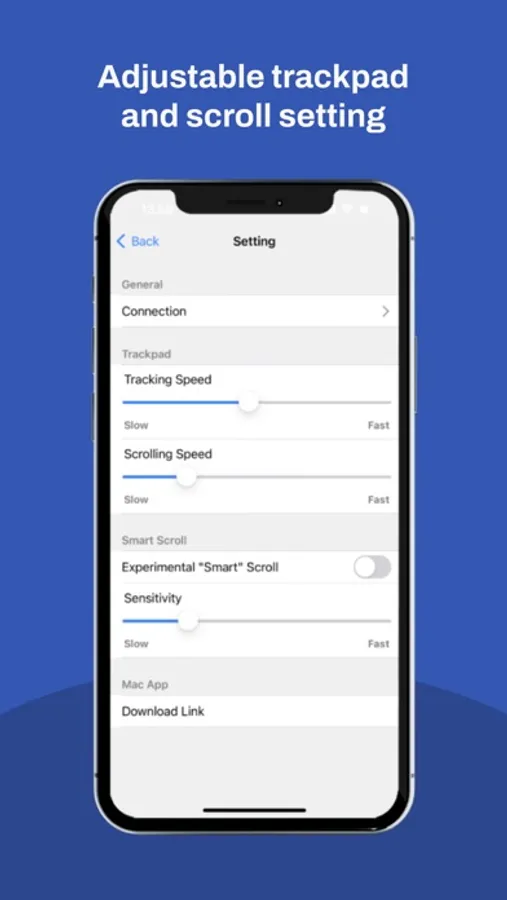
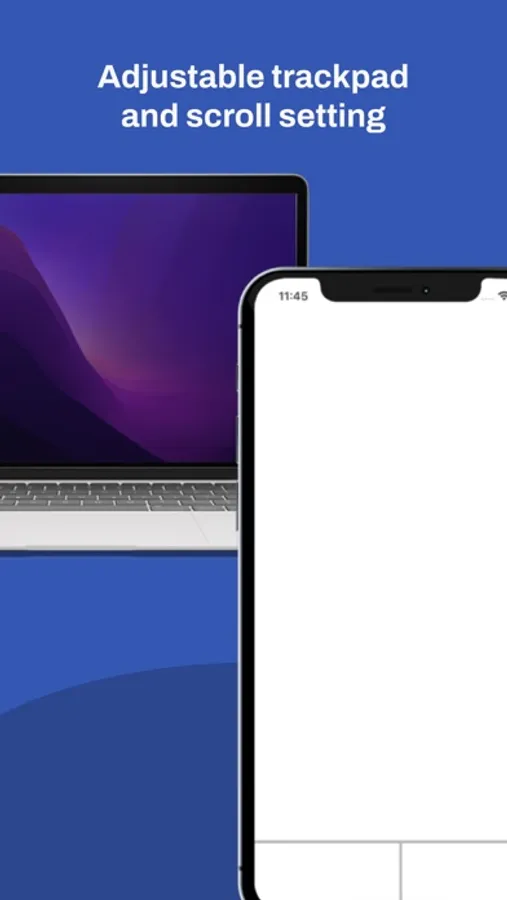
What is WiPad? WiPad is Wireless Touchpad, you can control your mac wirelessly with your phone acting as an actual Mac Touchpad. Using the latest method to ensure the smoothness and working core functionality while controlling your Mac. Moving your phone up/down to scroll up or scroll down feature was added to give users a new way to control scrolling on Mac.
Available Gesture:
- One finger tap to primary click
- Two fingers tap to secondary click
- Three fingers swipe up to open mission control
- Two fingers swipe up/down to scroll up/down
- Double rapid tap to open apps
- Double rapid click to select word
- Triple rapid click to select sentences
- Hold one finger to select text
- Move phone down/up to scroll up/down
How to get started?
1. Download WiPadMac apps for mac
2. Install it on Mac then run the App
3. Connect your phone to the same Wi-Fi as your Mac
4. Open WiPad in your mobile devices then connect it to your Mac
Available Gesture:
- One finger tap to primary click
- Two fingers tap to secondary click
- Three fingers swipe up to open mission control
- Two fingers swipe up/down to scroll up/down
- Double rapid tap to open apps
- Double rapid click to select word
- Triple rapid click to select sentences
- Hold one finger to select text
- Move phone down/up to scroll up/down
How to get started?
1. Download WiPadMac apps for mac
2. Install it on Mac then run the App
3. Connect your phone to the same Wi-Fi as your Mac
4. Open WiPad in your mobile devices then connect it to your Mac