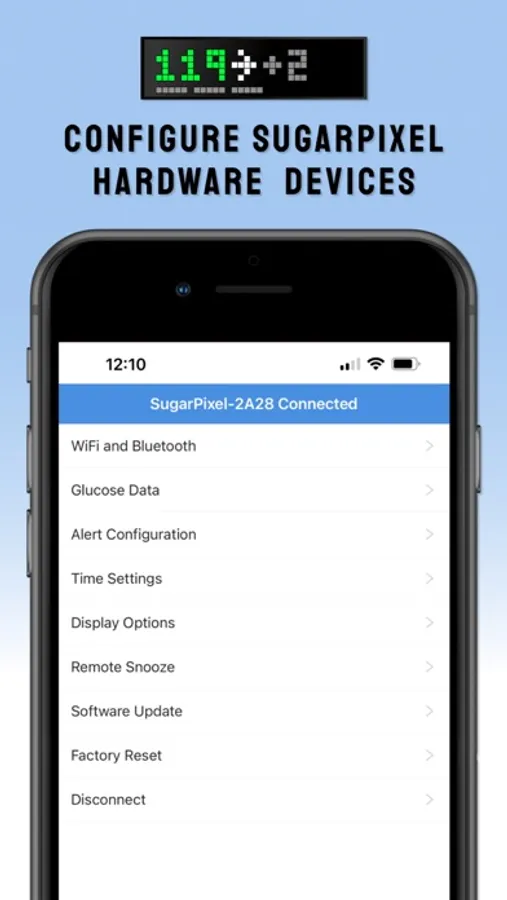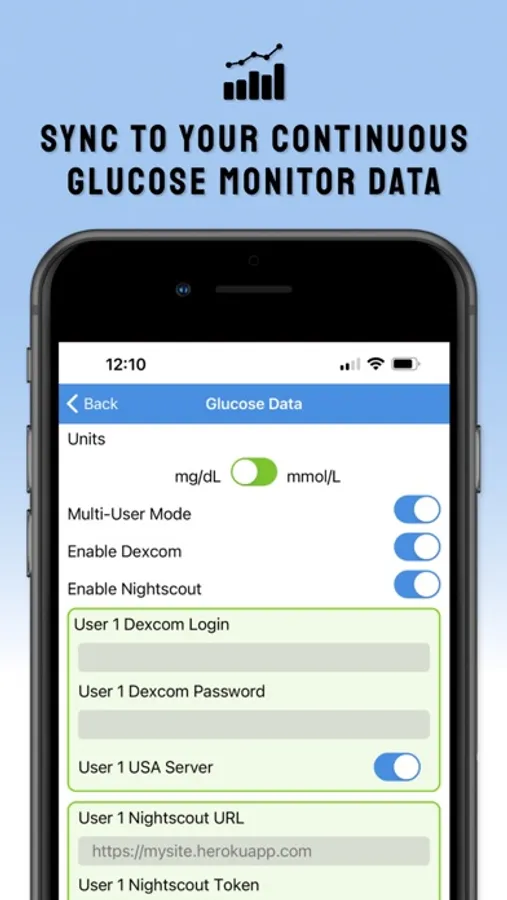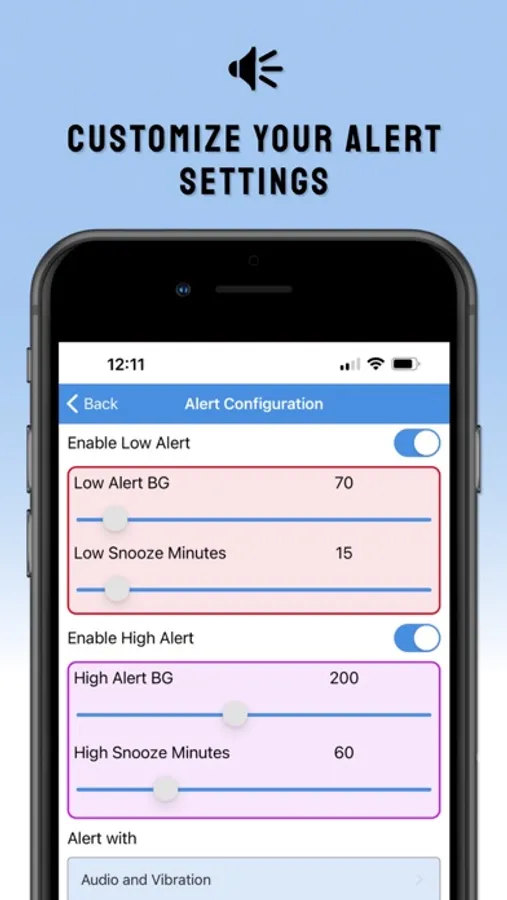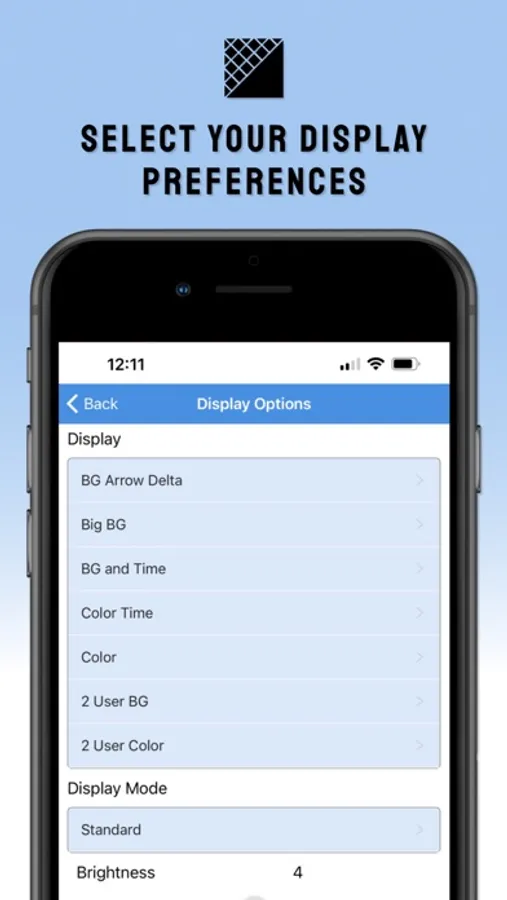
With this app, you can configure your SugarPixel blood glucose pixel clock, manage multiple devices, and customize alert settings. Includes firmware updates, data source integration, and display customization options.
AppRecs review analysis
AppRecs rating 4.0. Trustworthiness 84 out of 100. Review manipulation risk 20 out of 100. Based on a review sample analyzed.
★★★★☆
4.0
AppRecs Rating
Ratings breakdown
5 star
84%
4 star
4%
3 star
2%
2 star
2%
1 star
8%
What to know
✓
Low review manipulation risk
20% review manipulation risk
✓
Credible reviews
84% trustworthiness score from analyzed reviews
✓
High user satisfaction
84% of sampled ratings are 5 stars
About SugarPixel Hub
Use SugarPixel Hub to configure your SugarPixel dedicated blood glucose pixel clock for BG readings and alerts (sold separately).
- Configure multiple SugarPixels from the same app
- Add blood glucose data sources for Dexcom, Libre, Nightscout, or Gluroo to follow up to two continuous glucose monitors.
- Customize your alert levels with audio, vibration, and visual alerts.
- Select your preferred display from the available options
- Update your SugarPixel firmware over the air
Dosing decisions should not be made based on the SugarPixel hardware. The user should follow instructions on the continuous glucose monitor system. SugarPixel is not intended to replace self-monitoring practices as advised by a physician.
- Configure multiple SugarPixels from the same app
- Add blood glucose data sources for Dexcom, Libre, Nightscout, or Gluroo to follow up to two continuous glucose monitors.
- Customize your alert levels with audio, vibration, and visual alerts.
- Select your preferred display from the available options
- Update your SugarPixel firmware over the air
Dosing decisions should not be made based on the SugarPixel hardware. The user should follow instructions on the continuous glucose monitor system. SugarPixel is not intended to replace self-monitoring practices as advised by a physician.