MindThread
正兵 吴
5.0 ★
store rating
Free
AppRecs review analysis
AppRecs rating 4.5. Trustworthiness 58 out of 100. Review manipulation risk 29 out of 100. Based on a review sample analyzed.
★★★★☆
4.5
AppRecs Rating
Ratings breakdown
5 star
100%
4 star
0%
3 star
0%
2 star
0%
1 star
0%
What to know
✓
High user satisfaction
100% of sampled ratings are 5 stars
About MindThread
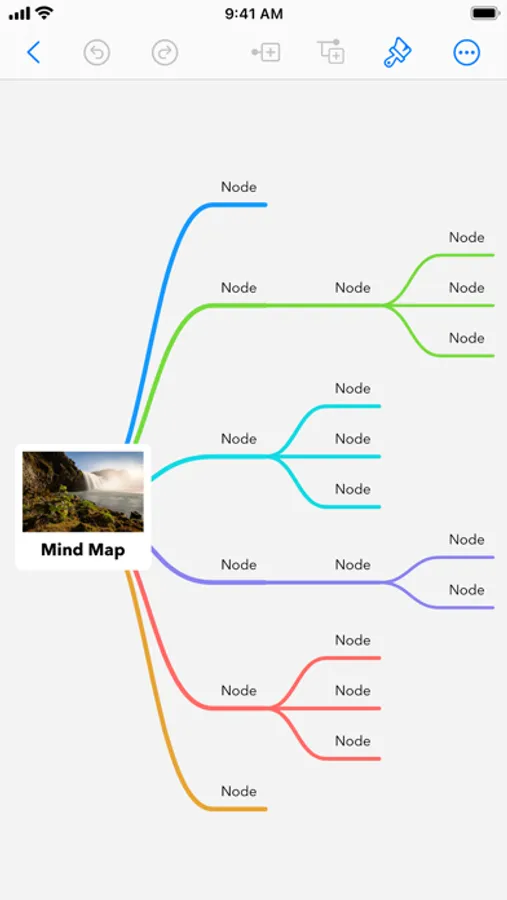
MindThread is an easy-to-use app for organizing ideas and capturing thoughts.
FEATURES:
Mind Map Editing
• Quickly add nodes(branches) and connections to visualize your ideas.
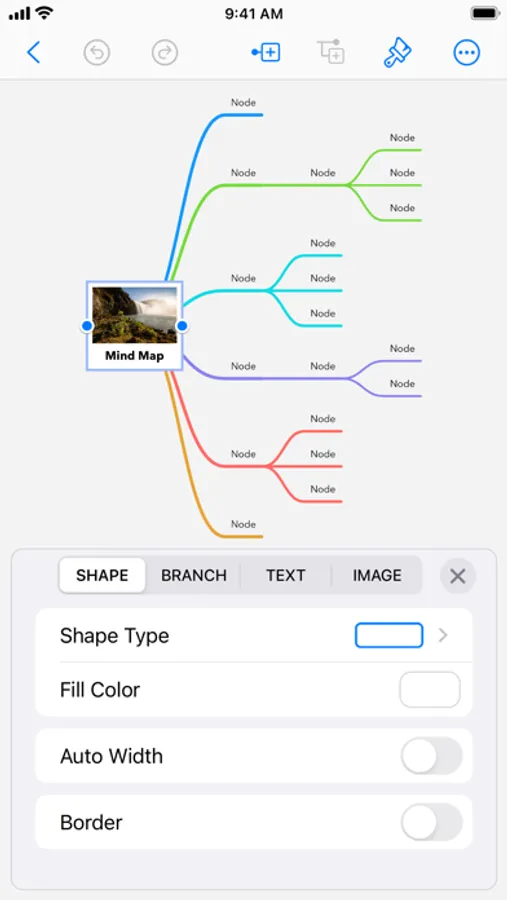
• Use the intuitive inspector to set rich styles of mind map elements
• Supports both automatic layout and manual layout.
• Fold/Unfold nodes to organize ideas more clearly.
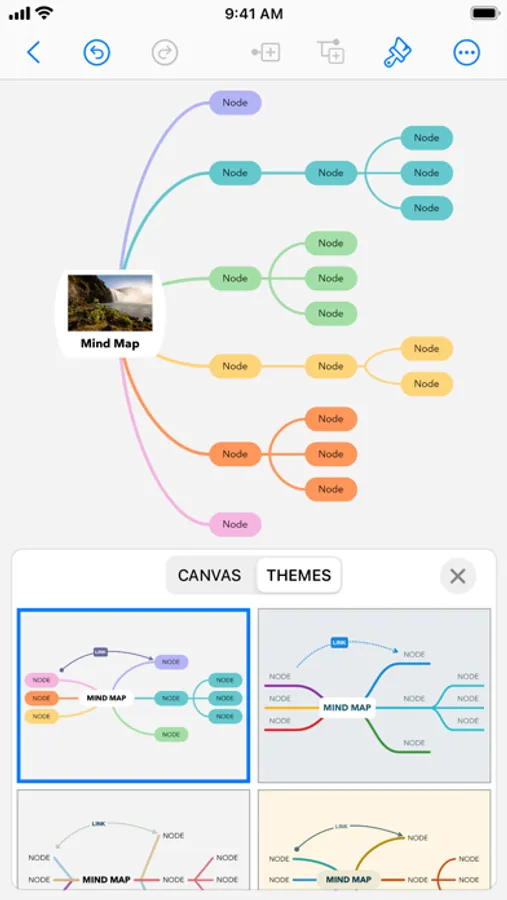
• Beautiful built-in themes, each with a variety of color schemes.
• Live preview of all changes, with appropriate canvas animations.
iCloud
• Turn on iCloud so your documents are automatically available on your Mac, iPad and iPhone.
• MindThread automatically saves your documents as you make changes.
Sharing
• Easily share your document via AirDrop, Mail, Messages or other actions.
• Export your document to PDF, image, OPML and Markdown files.
• Print wirelessly with AirPrint.
SUPPORT:
If you have any feedback or questions, we’d love to hear from you!
You can reach us by email at mt-support@bithulu.com
FEATURES:
Mind Map Editing
• Quickly add nodes(branches) and connections to visualize your ideas.
• Use the intuitive inspector to set rich styles of mind map elements
• Supports both automatic layout and manual layout.
• Fold/Unfold nodes to organize ideas more clearly.
• Beautiful built-in themes, each with a variety of color schemes.
• Live preview of all changes, with appropriate canvas animations.
iCloud
• Turn on iCloud so your documents are automatically available on your Mac, iPad and iPhone.
• MindThread automatically saves your documents as you make changes.
Sharing
• Easily share your document via AirDrop, Mail, Messages or other actions.
• Export your document to PDF, image, OPML and Markdown files.
• Print wirelessly with AirPrint.
SUPPORT:
If you have any feedback or questions, we’d love to hear from you!
You can reach us by email at mt-support@bithulu.com