About LinksWellDSP
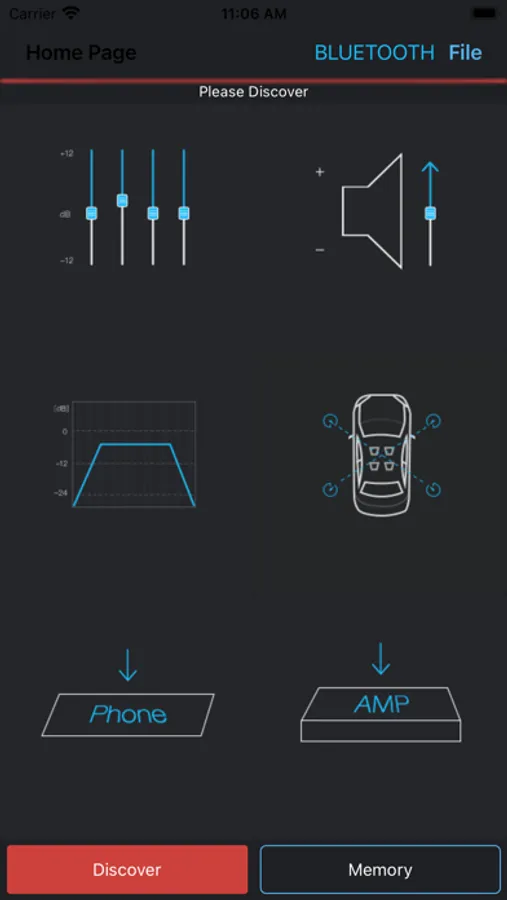
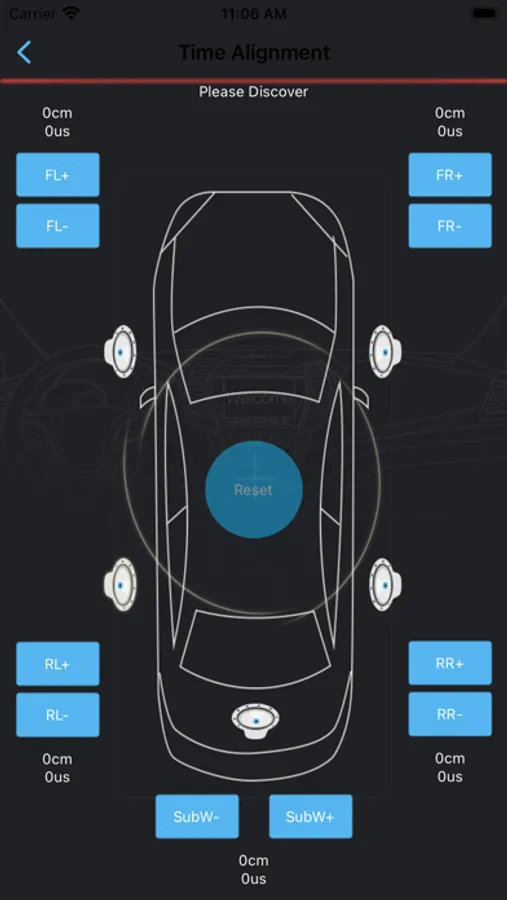
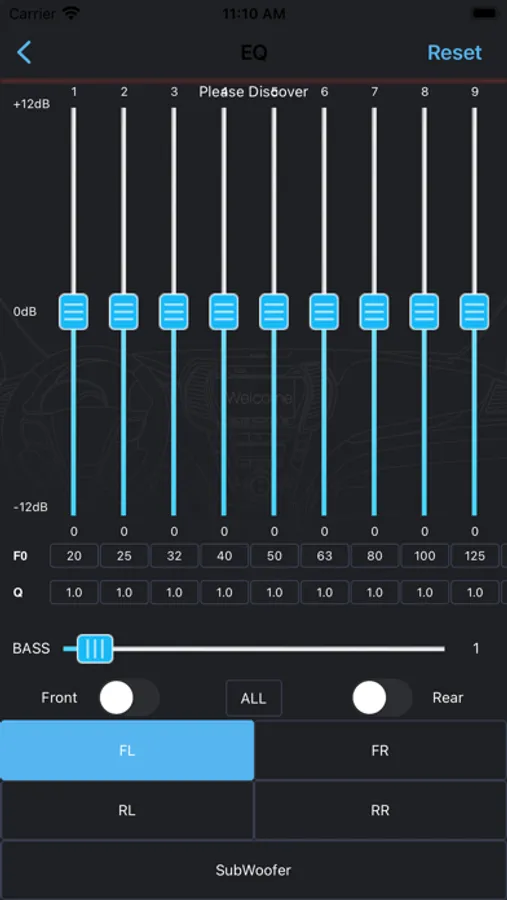
After connecting App to Car Amplifier with Integrated DSP, EQ, BASS, TIME ALIGNMENT, PHASE, MUTE, FILTER , SAVE SOUND SETTING TO PHONE, SAVE SOUND SETTING TO AMPLIFIER, LOAD SOUND SETTING FROM PHONE, RCA OUTPUT etc could be controlled through this App.
How to use:
1.Install App and turn on power of car
2. Turn on Bluetooth on your iPhone
3,Open App and wait for around 5 seconds, then click “Connect” icon in left corner of bottom. Amplifier will be connected to App automatically.
4.DIY you preferred sound and then click “Save to AMP” icon to save. Or click “ Save to Phone” to save.
Note:
1.Do not exit app during saving and do not turn off power supply, program may be shut down caused by this.
How to use:
1.Install App and turn on power of car
2. Turn on Bluetooth on your iPhone
3,Open App and wait for around 5 seconds, then click “Connect” icon in left corner of bottom. Amplifier will be connected to App automatically.
4.DIY you preferred sound and then click “Save to AMP” icon to save. Or click “ Save to Phone” to save.
Note:
1.Do not exit app during saving and do not turn off power supply, program may be shut down caused by this.